YouTube End Screen Resizer
The last 5 to 20 seconds of your video are prime real estate for end screens. YouTube lets you add subscribe buttons, video recommendations, playlist links, and external links during this window. End screen elements overlay your video, so you need to design your video outro to accommodate them. Plan your end screen layout at 1280x720 pixels to ensure clickable elements are positioned correctly and your background complements rather than competes with the overlays.
1280
width (px)
720
height (px)
16:9
aspect ratio
Need other dimensions? Browse all Youtube sizes or use the free image resizer for any platform.
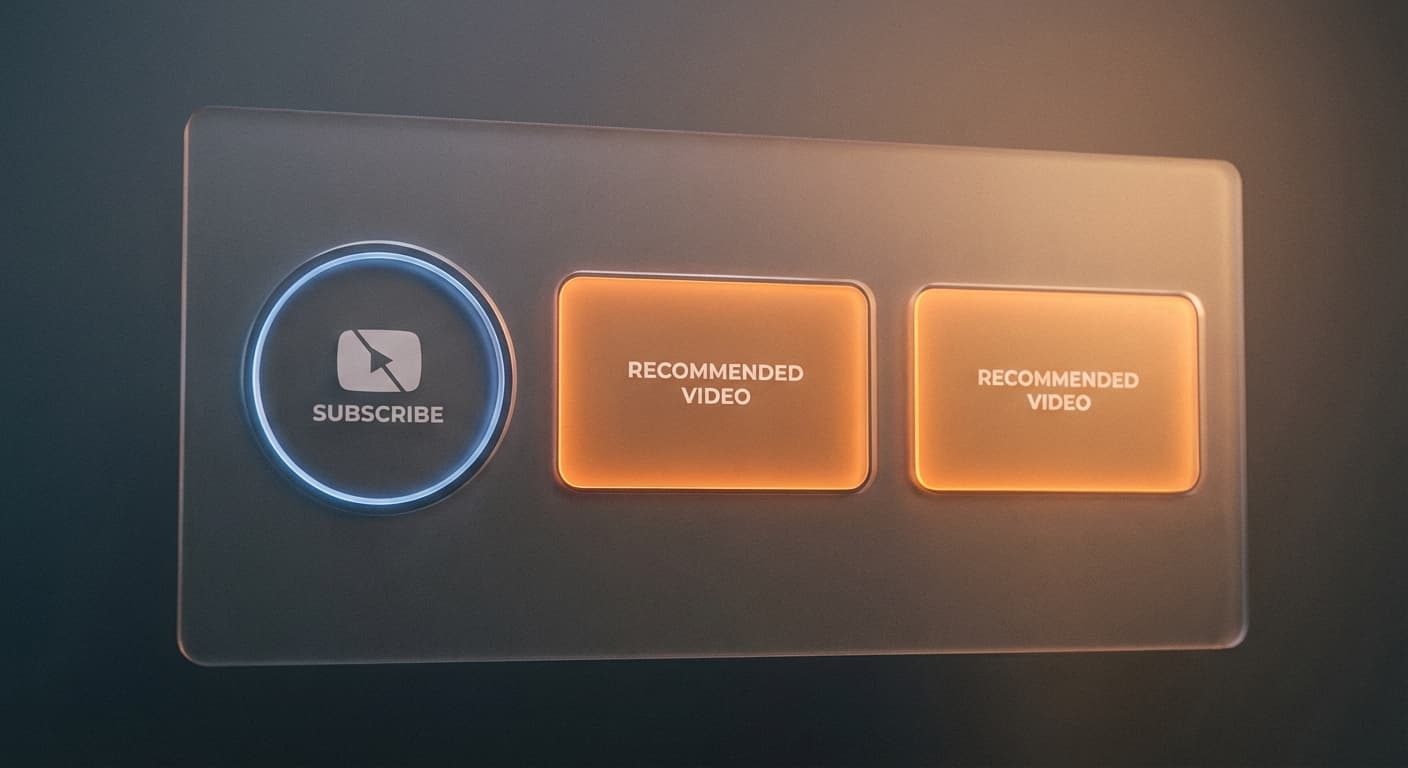
Strategic Element Placement
YouTube offers four end screen element types: video or playlist, subscribe button, channel, and link. Position these where they are easy to tap on mobile without overlapping each other or critical video content. The 1280x720 template lets you plan exact placement. Most successful end screens use a clean background with subscribe button on one side and a video recommendation on the other.
Design Your Outro Segment
The best end screens work with a dedicated outro segment. Create a 15 to 20 second clip at 1280x720 with your branding, background music, and designated spaces for end screen elements. This creates a professional, consistent look across all your videos. Viewers learn to expect your outro and engage with the calls to action because the layout is familiar.
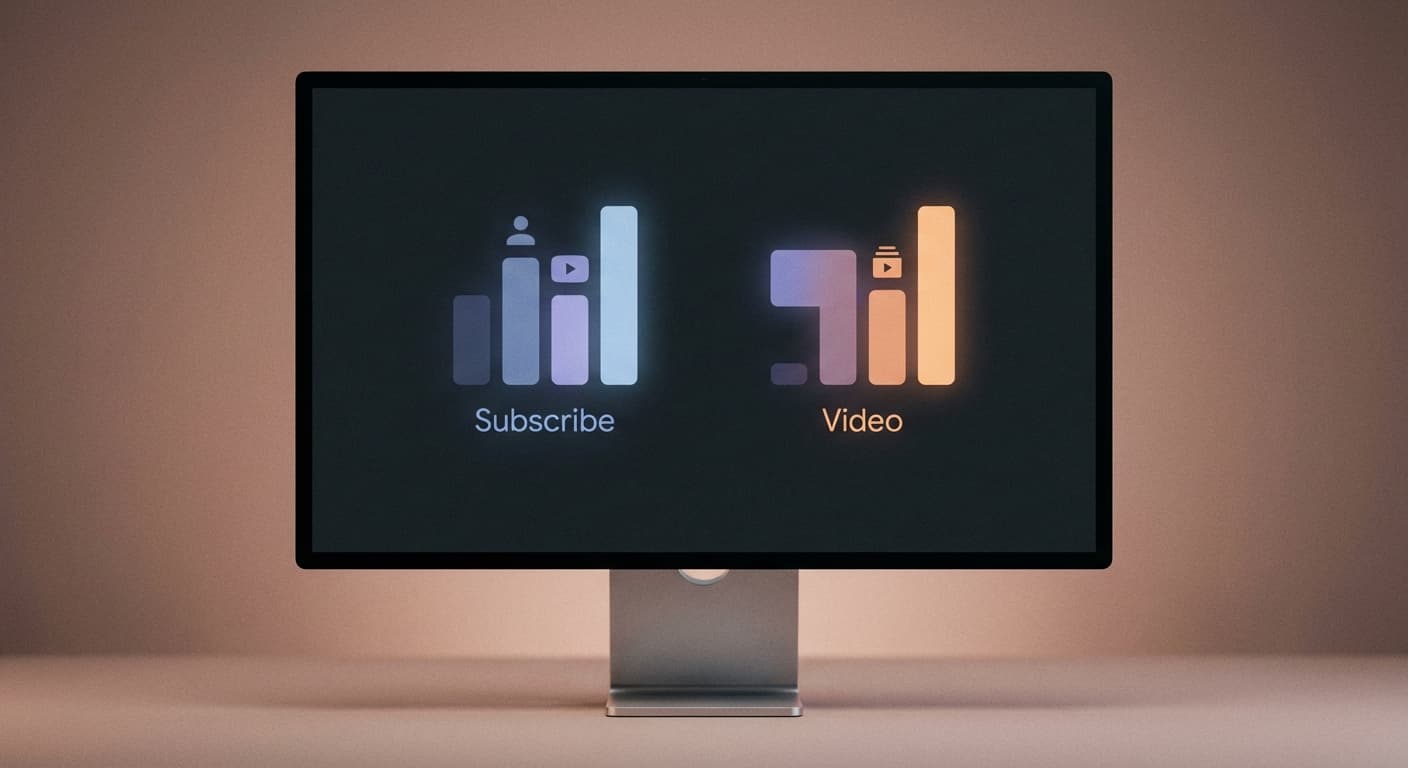
Track End Screen Performance
YouTube Studio reports performance for end screen elements. Compare layouts and element combinations to see what works for your audience; a correctly sized background supports a clear layout but does not guarantee additional clicks.
How to create a YouTube End Screen template?
- 1
Step 1: Design your end screen template
Create a 1280 x 720 pixel background with your branding and designated spaces for end screen elements. Leave clear areas for video recommendations and subscribe buttons.
- 2
Step 2: Upload and resize your image
Upload your end screen template and ensure it matches the 1280 x 720 resolution. This matches the standard YouTube video dimensions.
- 3
Step 3: Add to your video outro
Use your end screen template as the final 15 to 20 seconds of your video, then add interactive end screen elements in YouTube Studio after upload.
YouTube end screens display at 1280 x 720 pixels, matching standard HD video resolution. Design your outro template at this size to ensure end screen elements align correctly with your background design.
All Youtube Image Sizes
Choose another available Youtube canvas and review its source notes
File tools
Convert the resized image
Need a different file format or transparent background? Choose a focused converter, then check the preview and encoded size before downloading.
Put Your YouTube End Screen Image Into a PDF
Put one image on each page, arrange the order, and create the PDF in your browser.
Free tools
Explore Free Creative Tools
Everything you need to make your photos stand out with our free photo editing tools

AI Photo Editor
Edit photos by describing what you want. Remove backgrounds, resize, enhance, add text, and more. Just type your edit in plain English.

Face Swap
Create an AI face-swap image from uploaded photos. Results vary with lighting, pose, source quality, and the faces in each image.

Photo Inverter
Invert image colors online for free. Create a negative photo, adjust intensity, or target selected colors privately in your browser with no signup.

Image Size Converter
Free online image size converter. Resize a photo to exact pixel dimensions (width x height) in JPG, PNG, or WebP. Need a target file size in KB or a format change? We point you to the right tool. No signup.
Weighing up the options? Best photo editing apps for Instagram compares Instasize with Canva, Picsart, VSCO, Lightroom, and Snapseed using each vendor's own published terms.