iPhone Wallpaper Resizer
Apple does not publish one required wallpaper size, and the display resolution differs per iPhone model. 1320x2868 matches the current 6.9-inch Pro Max class (iPhone 16 Pro Max onward), and the same roughly 9:19.5 crop downsizes cleanly to 6.7-inch and smaller models.
Sizes, to scale
iPhone wallpaper working size
iPhone wallpaper working size: 1320x2868 px, roughly a 9:19.5 portrait canvas (6.9-inch iPhone Pro Max resolution)
iPhone display resolutions vary by model: 1320x2868 is the 6.9-inch Pro Max resolution, while 6.7-inch models such as the Plus and older Pro Max use 1290x2796. Check your device in Apple's iPhone comparison specs and use its exact resolution when you know it; otherwise this canvas keeps the same tall ratio and downsizes without changing the crop.
1320
width (px)
2868
height (px)
~9:19.5
aspect ratio
Need other dimensions? Browse all Wallpaper sizes or use the free image resizer for any platform.
Sources
We check platform-specific dimensions against source documentation when available.
- Apple - Compare iPhone models - Display resolution is listed per iPhone model, so wallpaper dimensions depend on the device rather than a single published size.
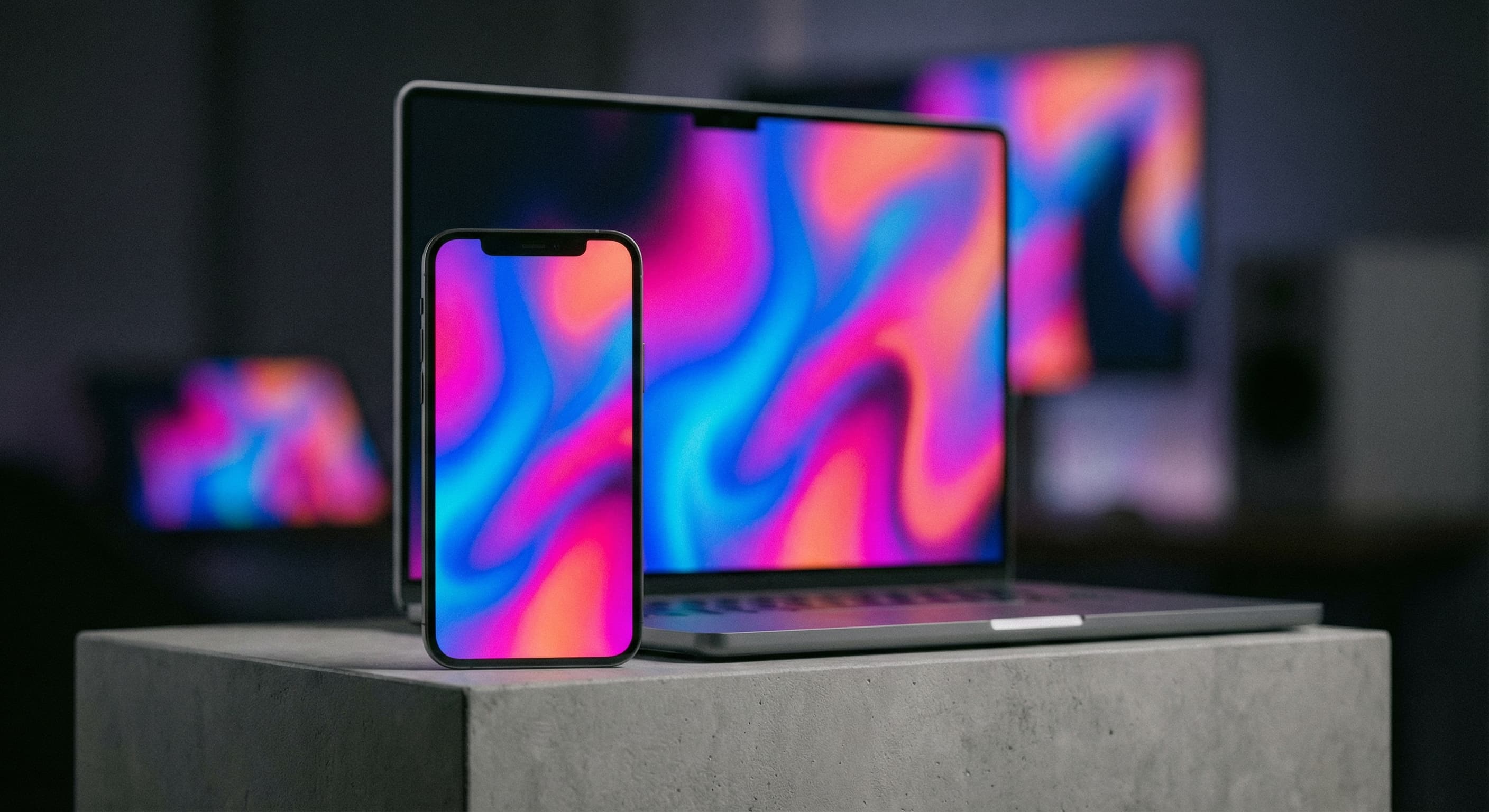
Why a tall portrait canvas?
Phone screens are far taller than they are wide, so a landscape photo has to lose most of its width to fill one. Cropping to the wallpaper ratio yourself keeps the decision in your hands instead of leaving it to the automatic crop. Because iPhone resolutions differ per model, matching the ratio matters more than matching an exact pixel count. A 1320x2868 export downsizes to smaller iPhones, including 6.7-inch 1290x2796 models, without changing the composition.
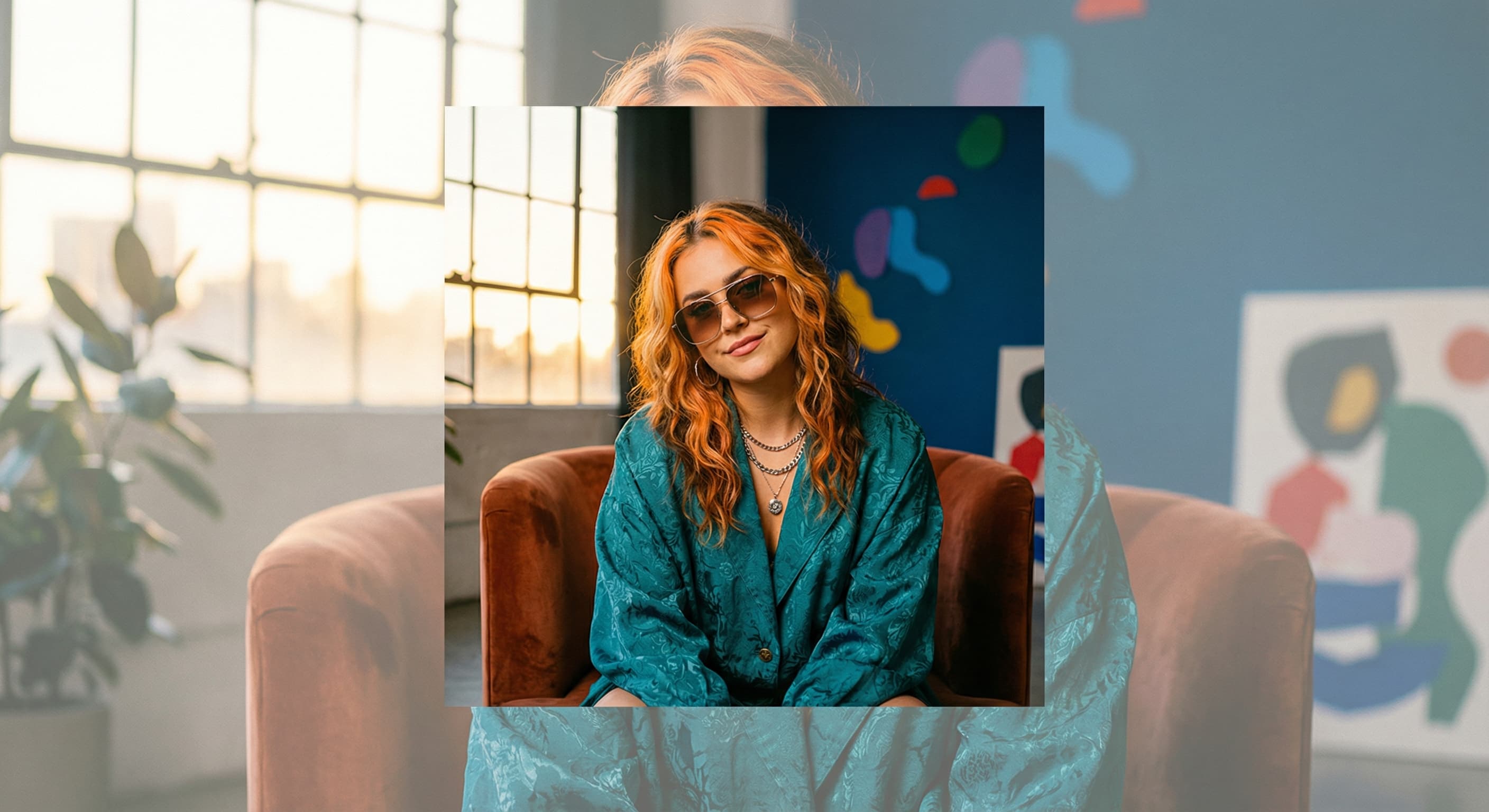
Keep the subject clear of the interface
The lock screen places a clock near the top and widgets below it, while the home screen fills the lower half with app icons. Position the important part of the photo in the middle band so it stays visible in both places. Busy or high-contrast areas behind app labels make text hard to read. A calmer region at the bottom of the frame usually looks better on the home screen.
How to resize a photo for an iPhone wallpaper?
- 1
Step 1: Start from a high-resolution photo
Enlarging a small image cannot restore detail, so use the largest original you have before cropping to the wallpaper canvas.
- 2
Step 2: Apply the 1320x2868 preset
Upload the photo and apply the iPhone wallpaper canvas so the crop matches the tall portrait shape of the screen.
- 3
Step 3: Check the composition
Keep the subject in the middle band, away from the lock-screen clock at the top and the app row at the bottom.
- 4
Step 4: Set it on the device
Download the image, open Settings > Wallpaper on the iPhone, and review how it looks on both the lock and home screens.
There is no single published iPhone wallpaper size because display resolution differs per model. 1320x2868 pixels matches the current 6.9-inch Pro Max class, and because the same roughly 9:19.5 ratio is shared by 6.7-inch (1290x2796) and smaller iPhones, the export downsizes cleanly to those models.
All Wallpaper Image Sizes
Choose another available Wallpaper canvas and review its source notes
File tools
Convert the resized image
Need a different file format or transparent background? Choose a focused converter, then check the preview and encoded size before downloading.
Put Your iPhone Wallpaper Image Into a PDF
Put one image on each page, arrange the order, and create the PDF in your browser.
Free tools
Explore Free Creative Tools
Everything you need to make your photos stand out with our free photo editing tools

AI Photo Editor
Edit photos by describing what you want. Remove backgrounds, resize, enhance, add text, and more. Just type your edit in plain English.

Face Swap
Create an AI face-swap image from uploaded photos. Results vary with lighting, pose, source quality, and the faces in each image.

Photo Inverter
Invert image colors online for free. Create a negative photo, adjust intensity, or target selected colors privately in your browser with no signup.

Image Size Converter
Free online image size converter. Resize a photo to exact pixel dimensions (width x height) in JPG, PNG, or WebP. Need a target file size in KB or a format change? We point you to the right tool. No signup.
Weighing up the options? Best photo editing apps for Instagram compares Instasize with Canva, Picsart, VSCO, Lightroom, and Snapseed using each vendor's own published terms.