Twitch Player Banner Resizer
The player banner shows when you're offline. Twitch displays it at 1920×1080 pixels. This is your chance to tell visitors when you're back or what to expect.
Sizes, to scale
+3 more sizes below
1920
width (px)
1080
height (px)
16:9
aspect ratio
Need other dimensions? Browse all Twitch sizes or use the free image resizer for any platform.
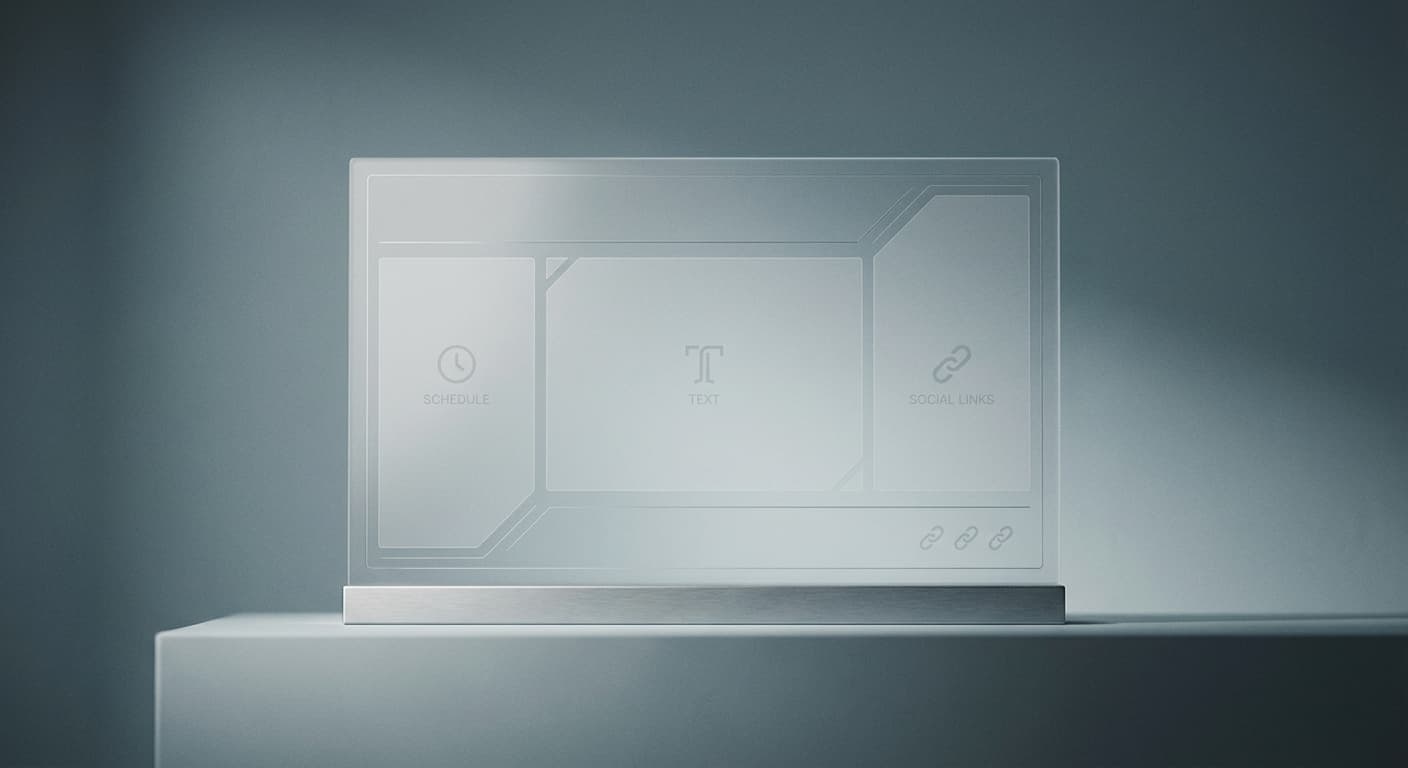
Why 1920×1080 Pixels?
Standard HD resolution. At 1920×1080, your banner fills the player perfectly on most screens. Smaller images look pixelated. This size works whether viewers watch in fullscreen or windowed.
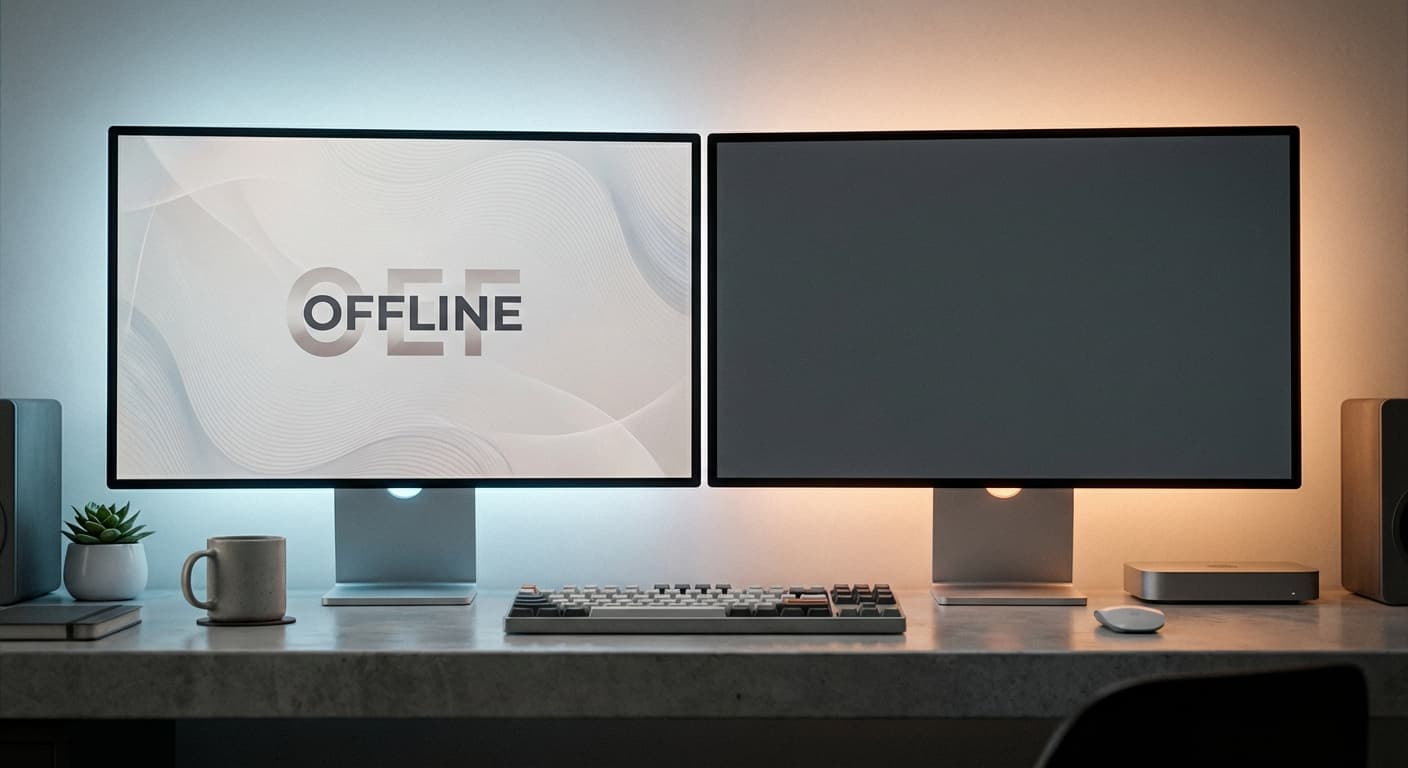
Convert Visitors to Followers
Someone finds your channel but you're offline. Your banner tells them you're worth following. Include your streaming schedule, social handles, or a call to action. Don't waste this real estate.
Create Your Player Banner
Upload your image. We resize to exactly 1920×1080 pixels. Include text about when you stream or what content you make. Keep file size under 10MB. Download and upload in your Twitch settings.
How to resize image for Twitch Player Banner?
- 1
Step 1: Choose your image
From your library on your device, choose the image you would like to use as a Twitch Player Banner.
- 2
Step 2: Upload and resize your image
Upload your image and, within a few seconds, our tool will automatically resize your image to the Twitch player banner dimensions.
- 3
Step 3: Save Twitch Player Banner
Once ready, click the Download button to save your Twitch Player Banner to your device.
What is the recommended player banner size for Twitch?
The recommended player banner size for Twitch is 1920 x 1080 pixels. This size ensures that your player banner is clear and visible on all devices.
How do I change my player banner size on Twitch?
Twitch's offline (video-player) banner has no crop or reposition tool — it displays exactly as uploaded, so have a correctly sized image (around 1920x1080px) ready before uploading it in your Creator Dashboard settings.
How can I make my Twitch player banner more effective?
To make your Twitch player banner more effective, use high-quality images and graphics that are relevant to your brand and content. Additionally, include elements that can help viewers quickly identify your channel. Using a distinctive logo or an engaging image can also be an effective way to create a memorable impression.
All Twitch Image Sizes
Choose another available Twitch canvas and review its source notes
File tools
Convert the resized image
Need a different file format or transparent background? Choose a focused converter, then check the preview and encoded size before downloading.
Put Your Twitch Player Banner Image Into a PDF
Put one image on each page, arrange the order, and create the PDF in your browser.
Free tools
Explore Free Creative Tools
Everything you need to make your photos stand out with our free photo editing tools
AI Photo Editor
Edit photos by describing what you want. Remove backgrounds, resize, enhance, add text, and more. Just type your edit in plain English.
Face Swap
Create an AI face-swap image from uploaded photos. Results vary with lighting, pose, source quality, and the faces in each image.

Photo Inverter
Invert image colors online for free. Create a negative photo, adjust intensity, or target selected colors privately in your browser with no signup.
Image Size Converter
Free online image size converter. Resize a photo to exact pixel dimensions (width x height) in JPG, PNG, or WebP. Need a target file size in KB or a format change? We point you to the right tool. No signup.
Weighing up the options? Best photo editing apps for Instagram compares Instasize with Canva, Picsart, VSCO, Lightroom, and Snapseed using each vendor's own published terms.