Threads Post Image Resizer
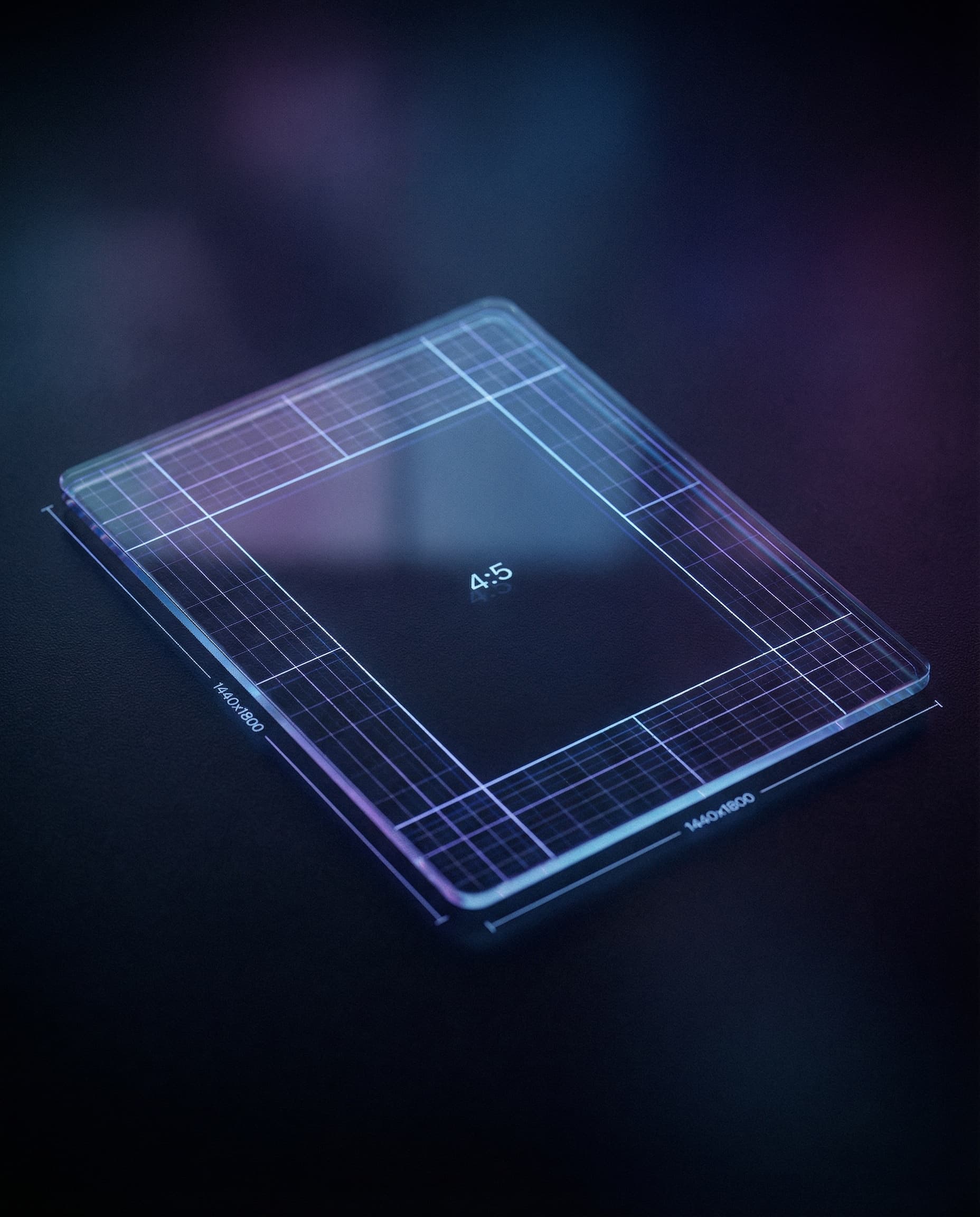
Meta does not publish one required Threads post-image size. This tool uses 1440×1800 as a high-resolution 4:5 working canvas; square and other source ratios can also be attached.
Threads post image working canvas
Threads post image working canvas: 1440×1800 px, 4:5 portrait planning crop
Meta does not state a mandatory Threads image dimension. Preview the attachment because presentation can vary, including on federated servers.
1440
width (px)
1800
height (px)
4:5
aspect ratio
Need other dimensions? Browse all Threads sizes or use the free image resizer for any platform.
Sources
We check platform-specific dimensions against source documentation when available.
- Instagram Help Center — Start a new thread on Threads - Official media-attachment steps and note about presentation on other servers.
- Instagram Help Center — Edit alternative text on Threads - Official instructions for adding alt text to attached media.
Why Use a 1440×1800 Working Canvas?
1440×1800 is a high-resolution 4:5 canvas that gives you room to plan a portrait crop. Meta does not identify it as a required Threads dimension, so review the actual attachment.
Compose for the Attachment Preview
Keep text and important subjects away from the outer edges, inspect the attachment before publishing, and add descriptive alt text for people using screen readers.
Resize Your Threads Post Images
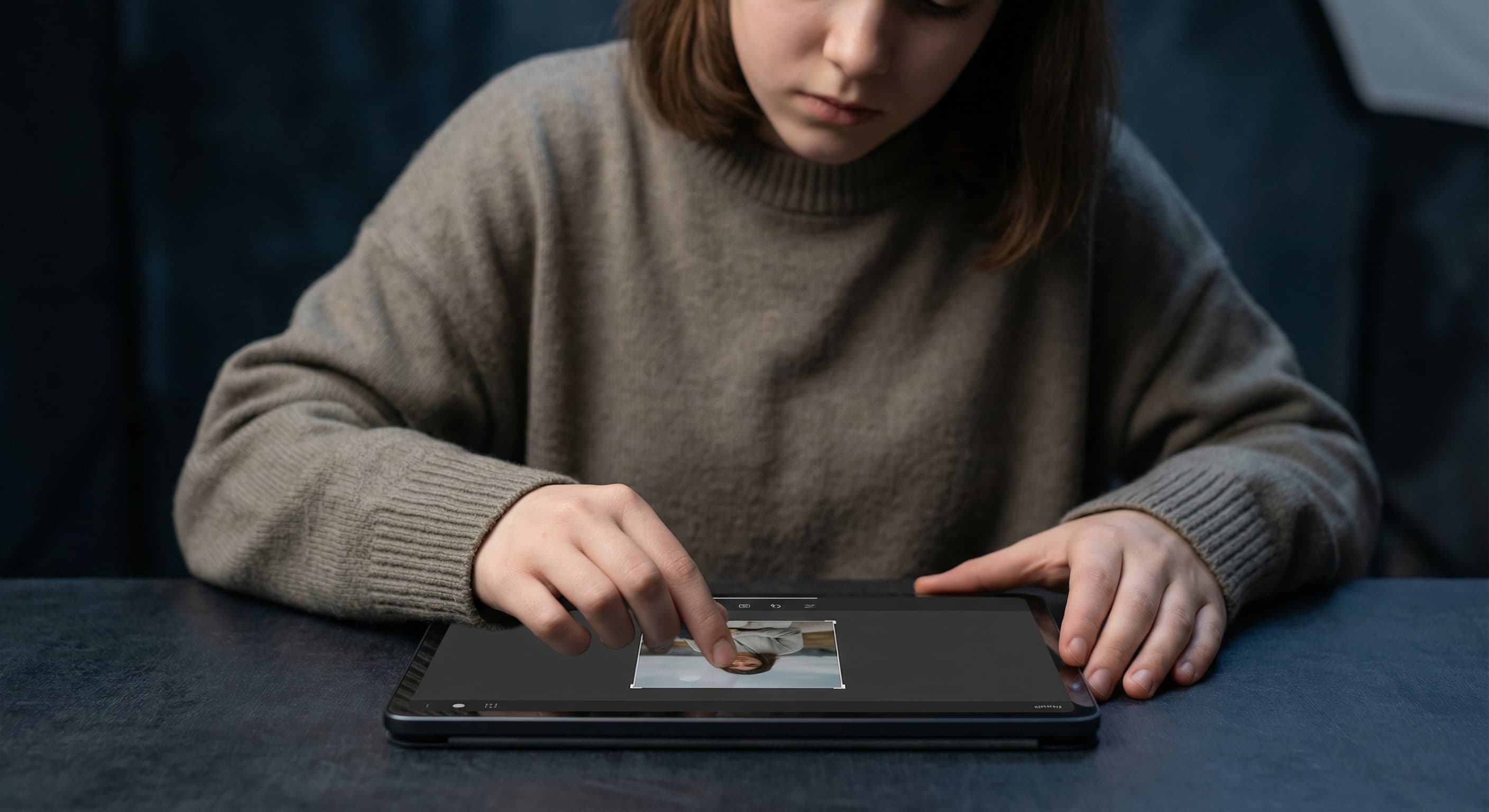
Upload your image and resize it to 1440×1800 pixels for portrait format or 1440×1440 for square. Download and attach to your Threads post.
How to resize image for Threads Post?
- 1
Step 1: Select your image
Choose an image that adds value to your post. On Threads, images should complement your text, not replace it.
- 2
Step 2: Upload and resize
Upload your image and apply the 1440×1800 portrait working preset, or return to the resizer for another ratio.
- 3
Step 3: Optimize composition
Position key elements where they won't be obscured by UI elements or text overlays.
- 4
Step 4: Post to Threads
Create a new thread and attach your resized image along with your text.
Meta does not publish one mandatory Threads post-image dimension. This tool uses 1440×1800 as a high-resolution 4:5 working canvas, not an official requirement.
All Threads Image Sizes
Choose another available Threads canvas and review its source notes
File tools
Convert the resized image
Need a different file format or transparent background? Choose a focused converter, then check the preview and encoded size before downloading.
Put Your Threads Post Image Image Into a PDF
Put one image on each page, arrange the order, and create the PDF in your browser.
Free tools
Explore Free Creative Tools
Everything you need to make your photos stand out with our free photo editing tools

AI Photo Editor
Edit photos by describing what you want. Remove backgrounds, resize, enhance, add text, and more. Just type your edit in plain English.

Face Swap
Create an AI face-swap image from uploaded photos. Results vary with lighting, pose, source quality, and the faces in each image.

Photo Inverter
Invert image colors online for free. Create a negative photo, adjust intensity, or target selected colors privately in your browser with no signup.

Image Size Converter
Free online image size converter. Resize a photo to exact pixel dimensions (width x height) in JPG, PNG, or WebP. Need a target file size in KB or a format change? We point you to the right tool. No signup.
Weighing up the options? Best photo editing apps for Instagram compares Instasize with Canva, Picsart, VSCO, Lightroom, and Snapseed using each vendor's own published terms.