Google Business Logo Resizer
Google Business Profile logos display best at 720×720 pixels. This square format appears in search results, Maps, and your business profile.
720
width (px)
720
height (px)
1:1
aspect ratio
Need other dimensions? Browse all Google Business sizes or use the free image resizer for any platform.
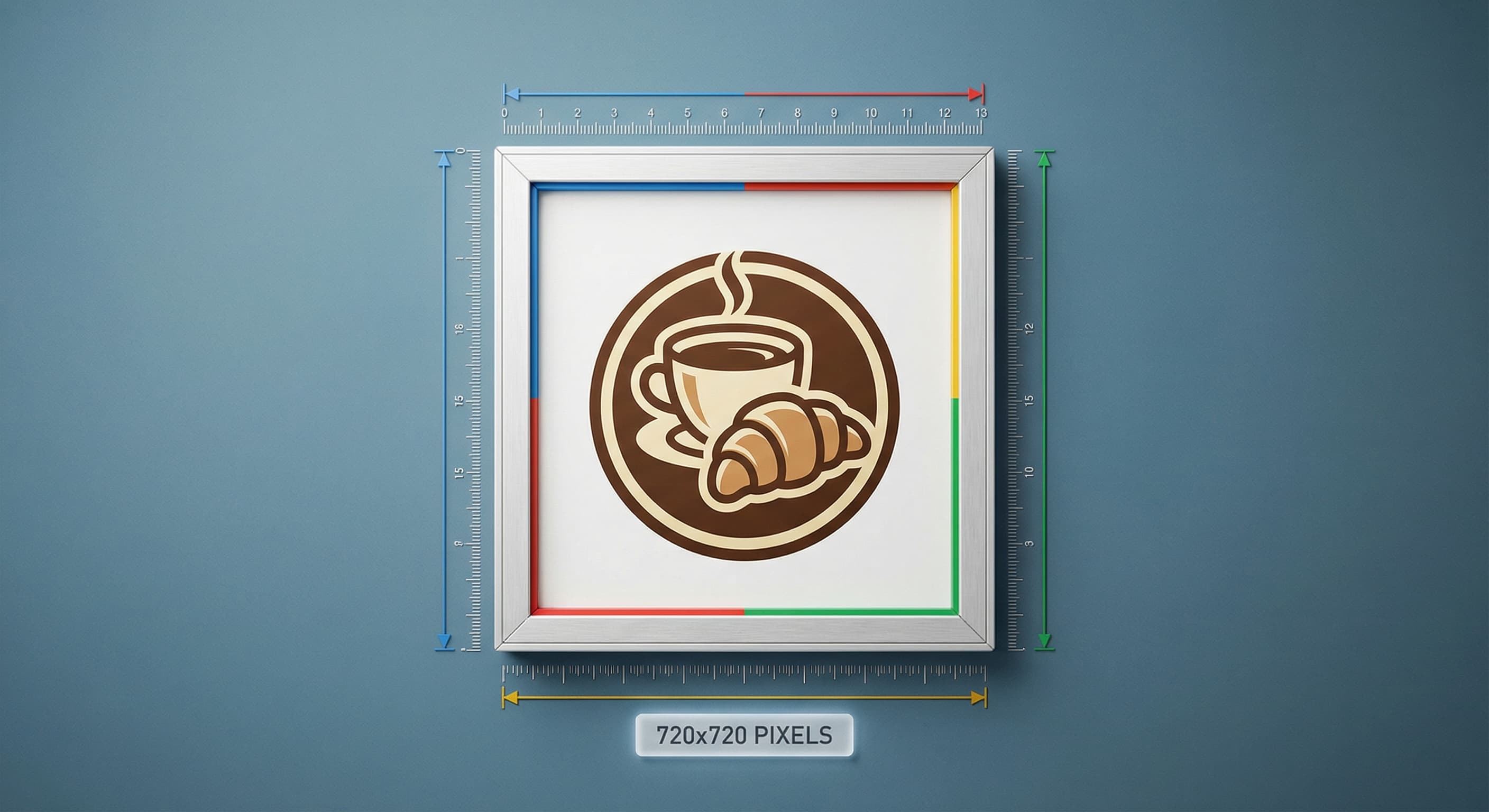
Why 720×720 Pixels?
Google displays your logo at various sizes across its platforms. 720×720 pixels provides enough resolution for the largest displays while keeping file sizes manageable. Square format ensures consistent display everywhere.

Stand Out in Search Results
Your logo appears next to your business name in local search results. A crisp, professional logo builds instant credibility. Competitors with blurry logos look less trustworthy—even if they offer the same services.
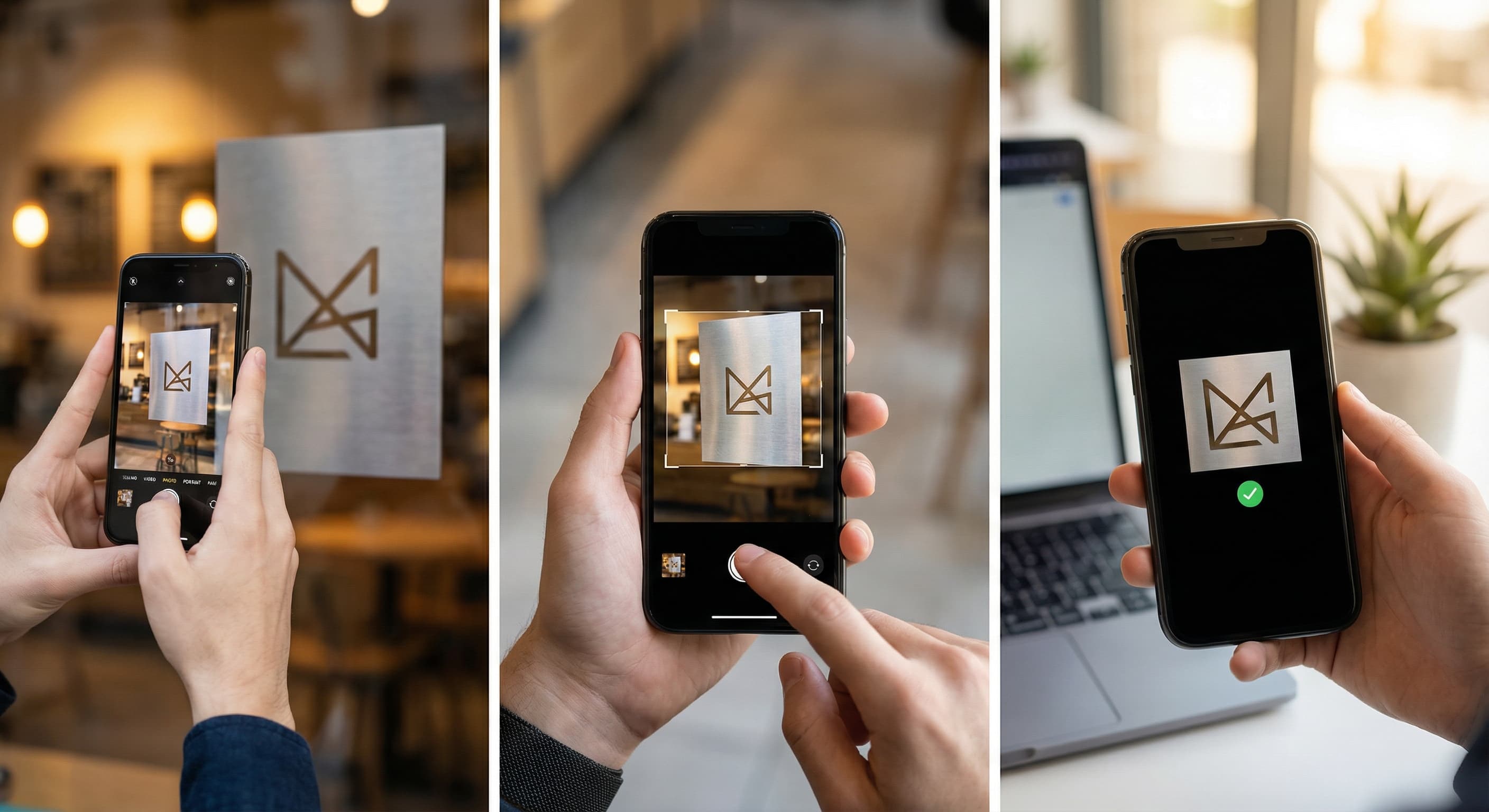
Resize Your Business Logo
Upload your logo and resize it to exactly 720×720 pixels. Ensure the logo is centered with adequate padding. Download and upload to your Google Business Profile.
How to resize image for Google Business Logo?
- 1
Step 1: Prepare your logo
Use a high-resolution version of your logo. PNG format with transparent background works best.
- 2
Step 2: Upload and resize
Upload your logo and resize it to 720×720 pixels. Center the logo with padding around edges.
- 3
Step 3: Check visibility
Ensure your logo is recognizable at small sizes. Simplify if needed—it displays tiny in some contexts.
- 4
Step 4: Upload to Google Business
Go to your Google Business Profile, select Photos, and upload your resized logo.
The recommended Google Business Profile logo size is 720×720 pixels in square format. This ensures your logo displays clearly across Search, Maps, and your business profile.
All Google Business Image Sizes
Choose another available Google Business canvas and review its source notes
File tools
Convert the resized image
Need a different file format or transparent background? Choose a focused converter, then check the preview and encoded size before downloading.
Put Your Google Business Logo Image Into a PDF
Put one image on each page, arrange the order, and create the PDF in your browser.
Free tools
Explore Free Creative Tools
Everything you need to make your photos stand out with our free photo editing tools

AI Photo Editor
Edit photos by describing what you want. Remove backgrounds, resize, enhance, add text, and more. Just type your edit in plain English.

Face Swap
Create an AI face-swap image from uploaded photos. Results vary with lighting, pose, source quality, and the faces in each image.

Photo Inverter
Invert image colors online for free. Create a negative photo, adjust intensity, or target selected colors privately in your browser with no signup.

Image Size Converter
Free online image size converter. Resize a photo to exact pixel dimensions (width x height) in JPG, PNG, or WebP. Need a target file size in KB or a format change? We point you to the right tool. No signup.
Weighing up the options? Best photo editing apps for Instagram compares Instasize with Canva, Picsart, VSCO, Lightroom, and Snapseed using each vendor's own published terms.