
Image Compressor

Compress up to 20 JPG, PNG, or WebP images to a target file size or quality level, then compare each result before downloading.

Send Without the Bounce

Send Without the Bounce→

That "attachment too large" error hits different when you've written the perfect email. Compress your pics to slip under any email limit while keeping them looking crisp. Your photos actually send this time, and they still look great on the other end. Want to skip the attachment entirely? Turn the photo into a link instead.

Generate an image link →
Forms That Accept Your Upload

Forms That Accept Your Upload→

Job applications, visa forms, school portals—they all want your photo under 100KB or some random limit (U.S. visa uploads cap at 240KB, many ID forms want 20–100KB). Instead of screenshotting and praying, pick the KB cap you need and the compressor works down to it. When a form also fixes the pixel dimensions, resize to those first, then compress to the KB limit—crushing quality before you've sized correctly only makes the photo look worse.

Resize the dimensions first →
Your Site, But Faster

Your Site, But Faster→

Heavy images are why your site feels slow. Every extra second of loading means people bounce. Compress your photos and suddenly everything loads instantly. For the web, WebP squeezes roughly 25–34% smaller than JPEG at the same visual quality, so convert to WebP first for the tightest pages—same beautiful pics, your visitors just don't have to wait for them anymore.

Convert to WebP first →
Post Without Platform Crushing

Post Without Platform Crushing

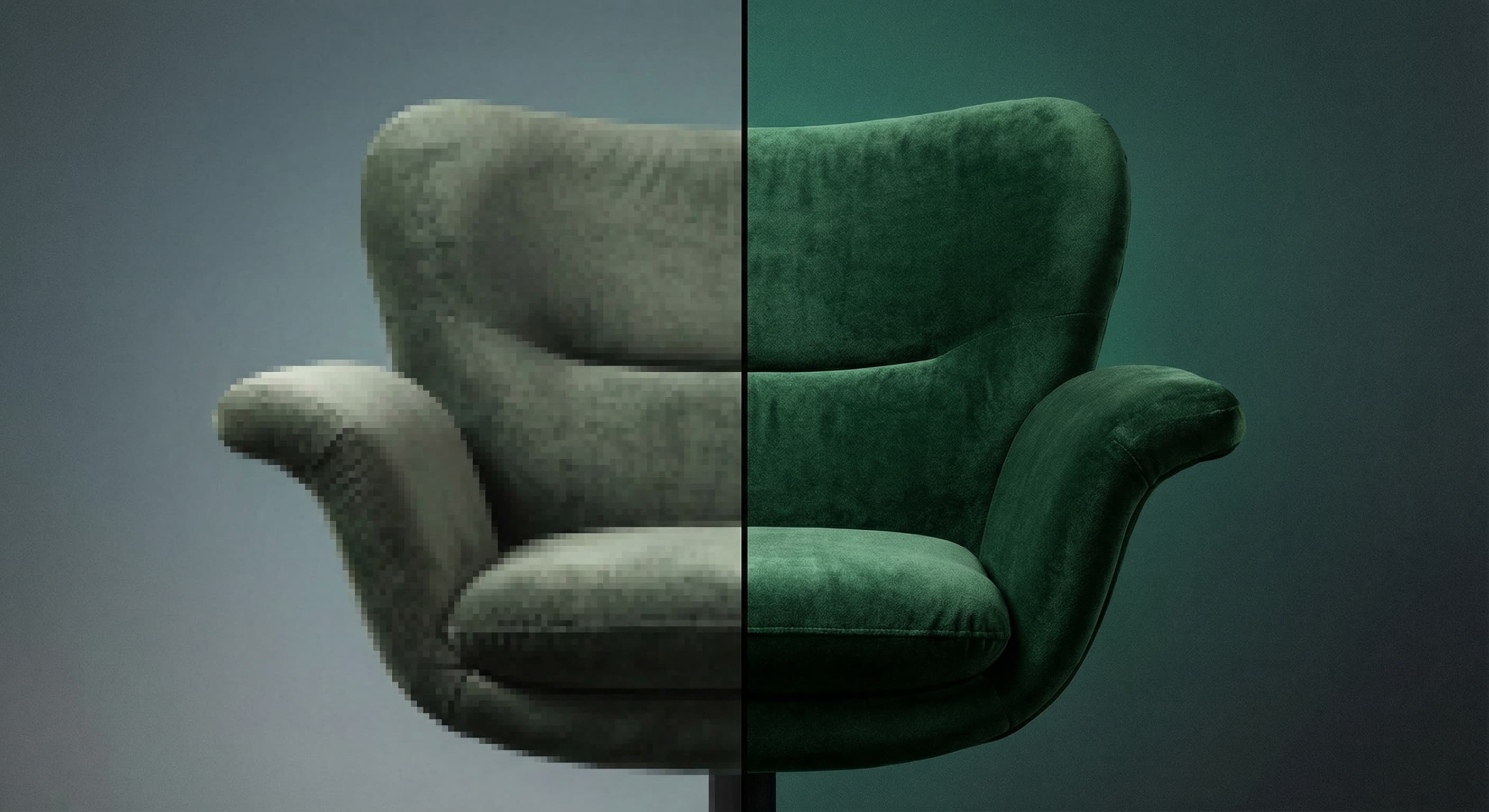
You upload a perfect photo and the app turns it into a pixelated mess. Platforms aggressively compress big files. Beat them by pre-compressing to the sweet spot—you stay in control of how your content actually looks when people see it.

Compression That Actually Works

Pick the KB cap your form needs and the compressor works down to it, right in your browser.

Pick Your Size

Pick Your Size

Choose a common limit from 10KB through 2MB, or type your own KB cap, and the compressor searches for the highest quality that fits. Prefer control? Use the quality slider instead. Target-size mode only reduces pixel dimensions when quality adjustment alone cannot meet the cap, and it never replaces your source with a larger file.
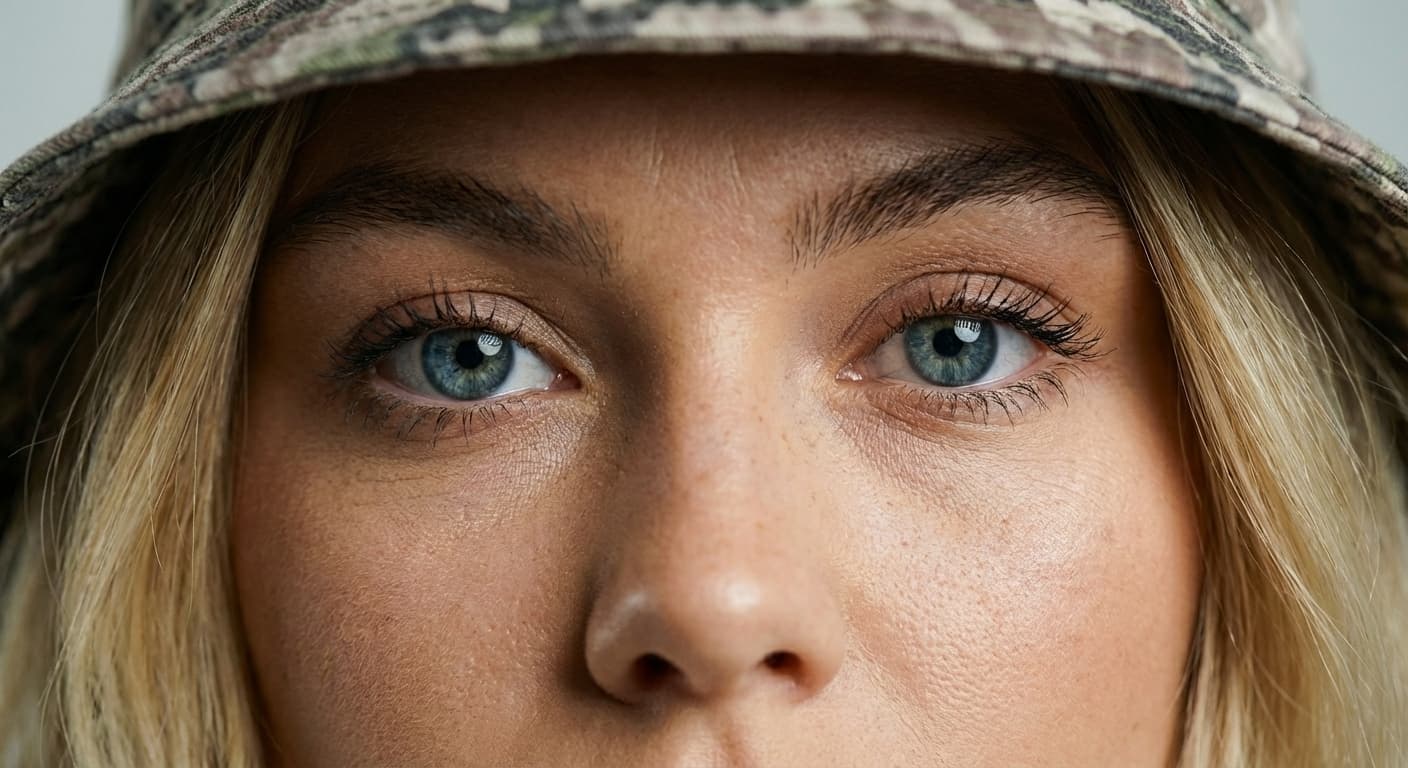
Looks The Same

Looks The Same

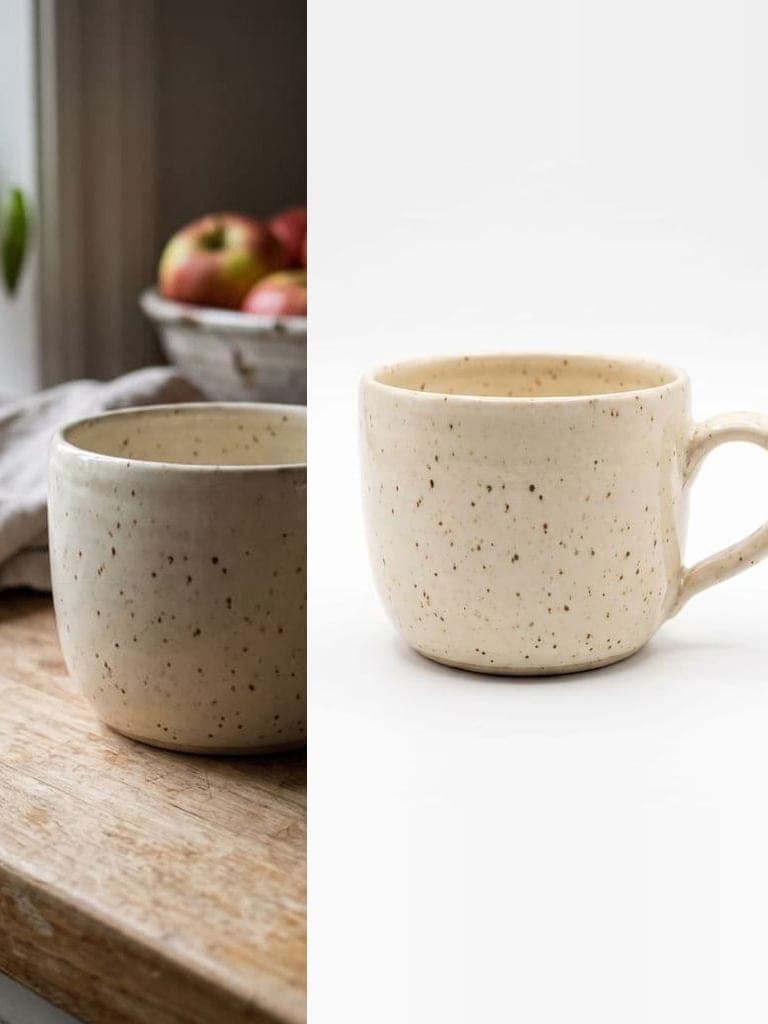
The compressor searches for the highest quality that still fits your target, so you keep as much detail as the size limit allows. Most photos look the same at normal viewing size, and you see the before and after file sizes for every image.

Any Format

Any Format

Upload JPG, PNG, or WebP. Save as JPEG or WebP, or keep the original format. The file extension always matches the format you get. PNG is lossless, so pick JPEG or WebP when you need a smaller file.

How to compress an image?

  1. 1

    Step 1: Upload Your Image

    Drag and drop any image file or click to select from your device. We support JPG, PNG, and WebP formats up to 50MB.

  2. 2

    Step 2: Set Your Target Size

    Pick a common limit from 10KB through 2MB, type a custom KB size, or switch to the quality slider. Choose JPEG, WebP, or keep the original format.

  3. 3

    Step 3: Download

    See the before and after size for every image, then download one or all of them as a ZIP. No watermarks. Compression runs in your browser, so your photos are never uploaded.

Reviews

Loved by Instasize Creators

4.7| 327K App Store ratings

US App Store · checked

One of my go-to apps

Great app for filtering photos and even greater app for sizing pictures for not only posts but story photos as well... love this app I mainly use insta size for all my posts now ;)

B
@beachxbunny

Fast and Straightforward

Resizing photos for social media should be a cinch, but most editing programs are a pain to use. Of the dozen I’ve used, Instasize is the fastest, easiest and most consistent...

S
@Soho Brad

Great Sizes

Perfect app for the exact social media picture sizes. Love it. I use it daily. & I like the premade options they give you for different social medias!

B
@Baby24doll

I love instasize

Its the best app. for sizing photos to fit for Instagram or other forms of social media. You can also edit photos and create collages with multiple photos. It’s had been my friend for several years!

J
@Jay town

Always helpful

Always helpful when needing to resize photos

L
@Leobaby96

Huge fan

I love this app. Makes posting all types of photos. Love how it makes them fit on different formats

N
@Nicola Bella

I’ve been using for years. Can’t work without it.

I use this app everyday to perfectly resize images for all of my social media platforms

T
@The Flywire

LOVE

This app saved the day for me! I’m finally able to resize my photos for IG....effortlessly

T
@Tamrinaann

Great App

We use this App weekly to resize pics for social media posts. Very user friendly, easy to use program when you want to get in and out quickly...

C
@cle957

FAQ

Image Compressor FAQ

Can't find what you're looking for? Contact support

What is an image compressor?

A tool that reduces the file size (KB or MB) of an image. Quality mode keeps the width and height unchanged; target-size mode can also scale the dimensions proportionally when that is necessary to meet a tight cap.

How do I compress an image to 50KB or 100KB?

Upload your image, choose the Under 50KB or Under 100KB preset, and download. The compressor searches for the highest quality that fits before reducing dimensions.

Does compression reduce image quality?

Some quality reduction is unavoidable. But for most uses—email, web, social media—you won't notice the difference. We find the optimal balance.

What's the difference between compressing and resizing?

Quality compression reduces file size by changing encoding quality while keeping the same pixels. Resizing changes width and height. This tool prioritizes quality changes, but target-size mode can resize proportionally when that is the only practical way to meet a tight KB limit.

Which format compresses best?

WebP gives 25-35% smaller files than JPEG at the same quality. If your platform supports WebP, use it. Otherwise, JPEG works great for photos.

Is this image compressor free?

Yes. No hidden fees, no premium features, no watermarks. Compress as many images as you need.

Do I need to create an account?

No. Upload, compress, download. No signup required.

Can I compress multiple images at once?

Yes. Add several images, set one target size or quality, and download them individually or all together as a ZIP.

How do I compress an image to 20KB?

Upload your image, choose the Under 20KB preset, and download the result. 20KB is a tight cap, so a large or detailed source may lose fine detail and pixel dimensions. Use a higher limit whenever the destination allows it.

How do I compress an image to 200KB?

Pick the Under 200KB preset and download. Many photos can fit that ceiling through quality adjustment alone, but the result depends on the source dimensions and detail.

Can it hit an exact KB number?

Final file size depends on image detail, dimensions, and format, so results aim for just under the cap rather than an exact byte count. Enter the maximum the destination allows; if the browser cannot reach it within the processing limits, the result is clearly marked.

My form limits both the dimensions and the file size—what order should I use?

Resize the pixel dimensions first, then compress to the KB limit. Sizing down to the required pixels already removes most of the file weight, so you compress less afterward and keep more quality. Crushing the file before resizing tends to make the final photo look worse. Use the image resizer for dimensions, then come back here for the KB target.

Are my images uploaded to a server?

No. Compression runs in your browser, so your photos stay on your device. If the result would be larger than the file you uploaded, you get your original back with a note instead.

What image formats can I upload?

JPG, PNG, and WebP. JPG is best for photographs and is accepted almost everywhere; PNG keeps transparency but is much larger for photos; WebP is the smallest at comparable quality, which helps when the KB cap is tight and the destination accepts it.

Instasize pricing: free editing and paid AI plans

Resize, crop, add text and work with layers for free. Paid plans include an AI usage allowance, background removal and access to image and video models. First-time subscribers can start with a free trial.

Free

Essential tools for casual creators.

$0

Free forever

  • Resize, crop, text and layers
  • Batch resize & convert, 200 photos at a time
  • HD export
  • No AI features: AI edits are part of Pro

Pro

Popular

Essential AI tools for creators

Billed monthly

  • More AI usage
  • Batch background removal, 200 photos at a time
  • 2 generations at a time
  • AI Chat Editing
  • All AI image models
  • All AI video models

Ultimate

Advanced features for professionals

$59/mo

Billed monthly

Annual option: $499 billed yearly.

Free trial for first-time members, then $59/month. Cancel anytime.

  • More AI usage
  • Batch background removal, 200 photos at a time
  • 4 generations at a time
  • AI Chat Editing
  • All AI image models
  • All AI video models

Max

Maximum power and speed

$259/mo

Billed monthly

Annual option: $2199 billed yearly.

Free trial for first-time members, then $259/month. Cancel anytime.

  • More AI usage
  • Batch background removal, 200 photos at a time
  • 8 generations at a time
  • AI Chat Editing
  • All AI image models
  • All AI video models

AI Image Generator for Every Creative Need

Generate from text, expand photos, remove backgrounds, and upscale to 4K

AI Photo Editor
AI Editor
Prompt

"Change the background to a sunset beach"

AI Photo Editor

Face Swap
Face AI
Prompt

"Swap my face into this photo"

Face Swap

Photo Inverter
AI Tool
Prompt

"Transform this image"

Photo Inverter

Image Resizer
Resizer
Prompt

"Resize to Instagram story dimensions"

Image Resizer

Image Size Converter
AI Tool
Prompt

"Transform this image"

Image Size Converter

Image Dimensions Checker
AI Tool
Prompt

"Transform this image"

Image Dimensions Checker

Pixel to Print Size Calculator
AI Tool
Prompt

"Transform this image"

Pixel to Print Size Calculator

Crop Image Online
AI Tool
Prompt

"Transform this image"

Crop Image Online

Video Cropper
AI Tool
Prompt

"Transform this image"

Video Cropper

AI Image Expander
Flux 1.1 Pro
Prompt

"Expand this image to 16:9 aspect ratio"

AI Image Expander

Photo Filters
Filter AI
Prompt

"Apply a vintage film aesthetic"

Photo Filters

Background Remover
Nano Banana
Prompt

"Remove background and save as PNG"

Background Remover