How to Fix a Blurry Photo: What Can Be Saved and How
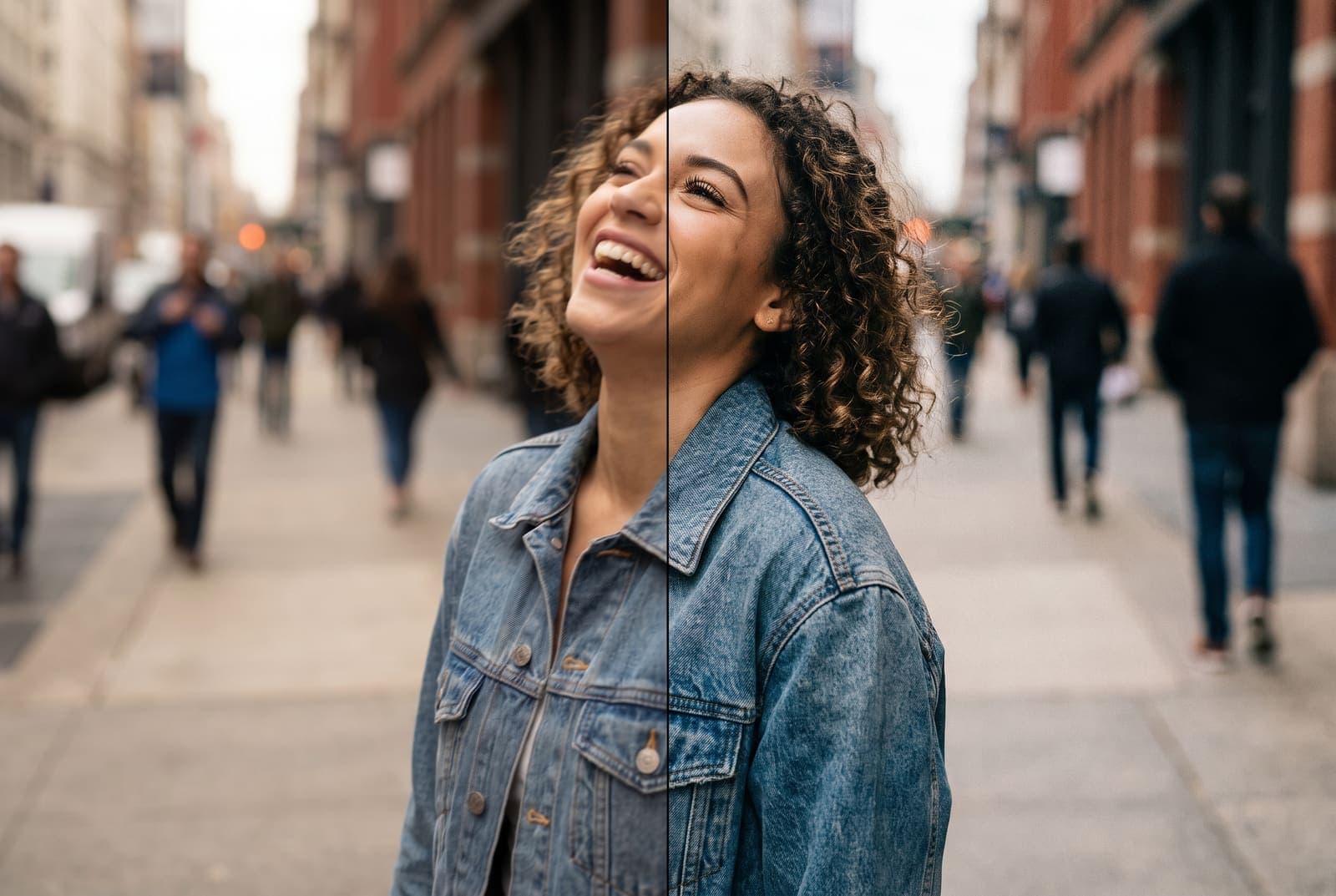
Table of Contents
A blurry photo is rarely just "blurry". Some are soft because the camera focused on the wrong thing. Some are streaky because you or the subject moved. Some are mushy because it was dark and the phone dragged the shutter. Each type behaves differently when you try to fix it, and knowing which you have saves a lot of time.
This guide shows how to diagnose the blur, repair what can be repaired and prevent the rest.
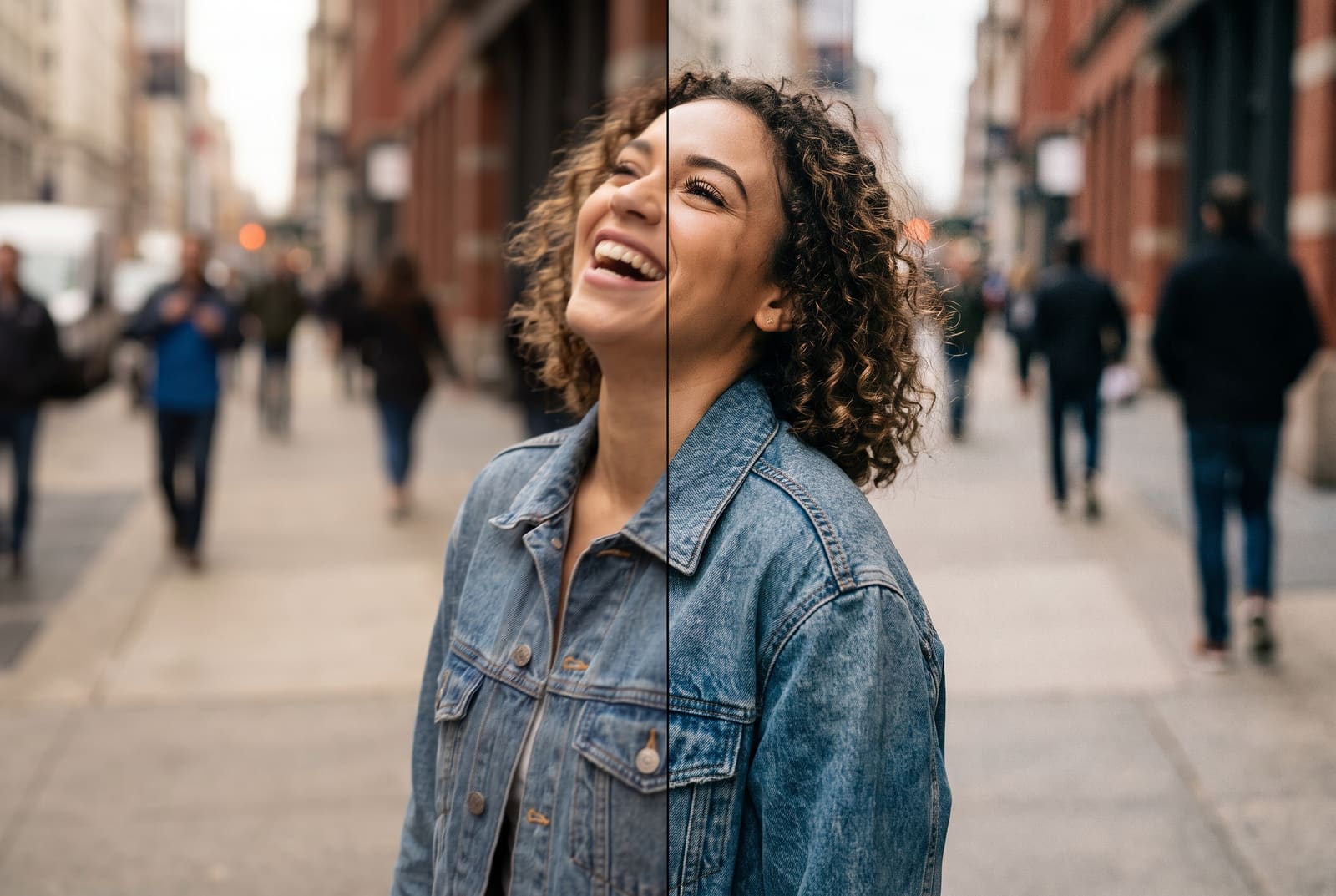
Fix your blurry photo, free in your browser
Try it freeStep 1: Identify the kind of blur
| Type | What it looks like | Recoverable? |
|---|---|---|
| Missed focus | The background is sharp, the subject is soft | Partly, if only slightly soft |
| Motion blur (subject) | Streaks on a moving hand, pet or wheel | Partly, mild streaks only |
| Camera shake | Everything has the same direction of smear | Partly, mild only |
| Low-light softness | Noisy, mushy, smeared detail | Some, with noise reduction |
| Low resolution | Blocky when zoomed, not streaky | Yes, with an upscaler |
If you see square blocks instead of smears, the photo is not blurry in the focus sense. It is pixelated. Read how to fix a pixelated image instead.
Step 2: Fix mild blur with an unblur tool
Mild blur means you can still make out eyelashes, text or fur, but they look soft.
- Open the unblur tool and upload your photo.
- Start with the adjustable sharpening. Increase it until edges look crisp, then back off if you see halos or crunchy texture.
- Use AI enhance when sharpening is not enough. It rebuilds detail on softer shots.
- Compare against the original at 100 percent zoom.
- Download and keep the original.
Sharpening is free and instant. AI enhancement needs a free account.
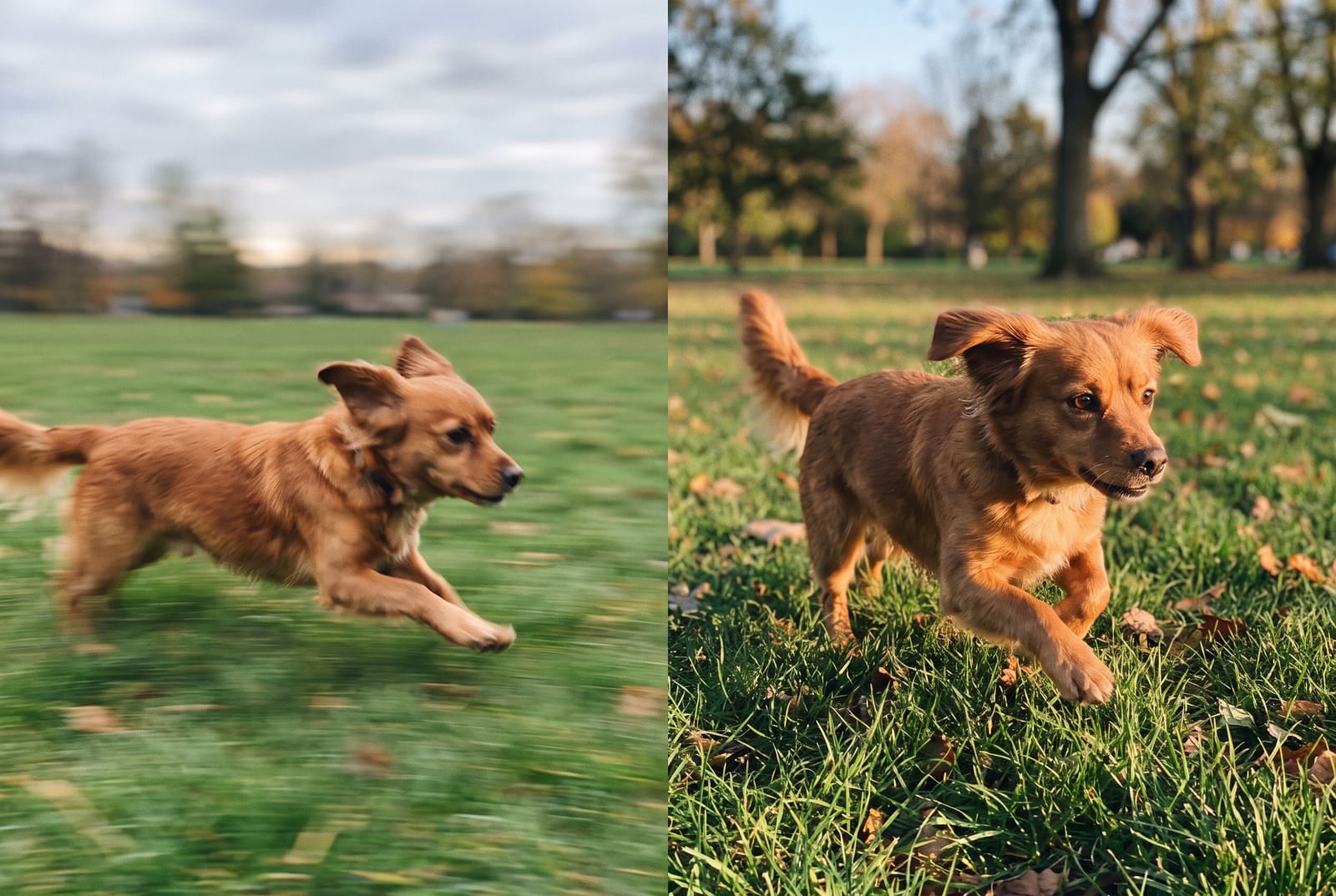
Step 3: Fix slightly missed focus
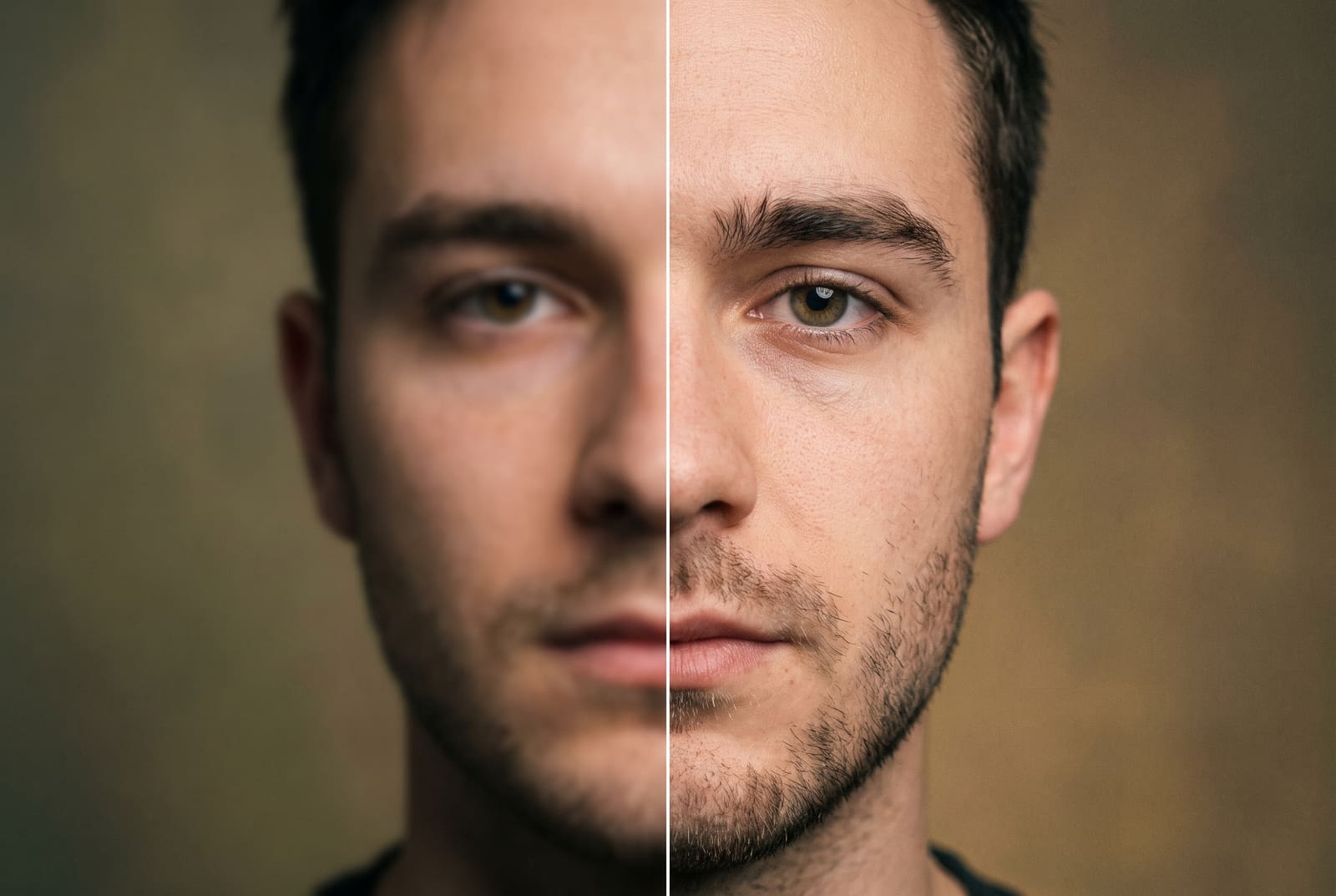
If the focus landed just behind the face, the eyes will look soft while the ears or hair are sharper. Focus the repair on the eyes: sharpen locally, or use AI enhancement, which tends to restore eyes and hair first. Avoid sharpening skin heavily, because it brings out pores and blemishes.
Step 4: Handle low-light blur
Photos taken at night are blurry for two reasons at once: the shutter stayed open longer, and noise filled in the gaps. The right order is:
- Brighten gently.
- Reduce noise lightly.
- Sharpen or run AI enhancement.
Sharpening before reducing noise makes the grain sharper too. If the photo is a lit stage or a dark room, aim for a believable improvement, not a clean one. Heavy cleanup makes faces look like wax.

When to stop and retake
Some photos are not worth saving:
- Strong motion blur on a face. No tool can recreate an eye that was never recorded sharply.
- A completely out-of-focus subject. Generated detail will look like someone else.
- A tiny, dark, grainy photo. It will always look like a tiny, dark, grainy photo.
If you can, ask for the original file or retake the shot. An honest, slightly soft photo often beats an over-processed one.
Prevent blur before you shoot
- Wipe the lens. Pocket lint and fingerprints soften every shot.
- Tap to focus on the face or product, then check the screen before pressing the shutter.
- Brace your arms. Elbows against your body or a wall give a steadier phone.
- Use burst mode for movement, then pick the sharpest frame.
- Add light. More light means a faster shutter and less blur. Face a window, or turn on a lamp.
- Avoid pinch zoom. It crops the photo. Step closer instead.
- Use the timer when the phone is on a stand, so tapping the shutter does not shake it.
Export it well
After you fix a blurry photo, save it as a PNG or a high-quality JPG so you do not add compression artifacts, then fit it for where it is going. Social apps compress photos, so avoiding Instagram compression helps your fixed photo stay sharp. If the repaired photo is still small, enlarge it with the AI image upscaler, and for broader quality tips see how to enhance photo quality.
A quick test: is this photo worth fixing?
Before you spend time on a repair, zoom to 100 percent and check three spots: the eyes (or the product label), the edge of the subject against the background and any text. If at least one of them still has a recognizable edge, even a soft one, the photo is a good candidate. If all three are smooth smears with no edge at all, the detail was never captured, and the honest options are to retake it, find another frame from the same burst or use the photo small, where softness is less visible.
It also helps to judge the photo at the size it will be seen. A slightly soft photo that appears as a 400 pixel thumbnail in a feed is usually fine. The same photo printed at 8 by 10 inches is not.
Frequently asked questions
Can a blurry photo really be fixed?
Mild blur from small focus misses or slight motion can be improved a lot. Heavy motion blur or a completely missed focus on the subject can only be partly recovered, because the detail was never captured.
How do I fix blurry photos on iPhone?
Open the photo in a browser-based unblur tool or an editing app, apply sharpening or AI enhancement and compare with the original. To avoid blur, clean the lens, tap to focus and hold still.
What is the difference between sharpening and AI unblur?
Sharpening boosts edge contrast and suits mildly soft photos. AI enhancement rebuilds detail and suits softer or smaller photos, but can invent textures, so check it closely.
Why are my phone photos blurry?
The usual causes are a dirty lens, camera shake in low light, motion in the scene, a missed focus point and digital zoom. Fixing the habit is easier than fixing the photo.
How do I fix a blurry photo of a moving pet or child?
Sharpen lightly or use AI enhancement to recover some detail. Next time, use burst mode in bright light so one frame freezes the motion.