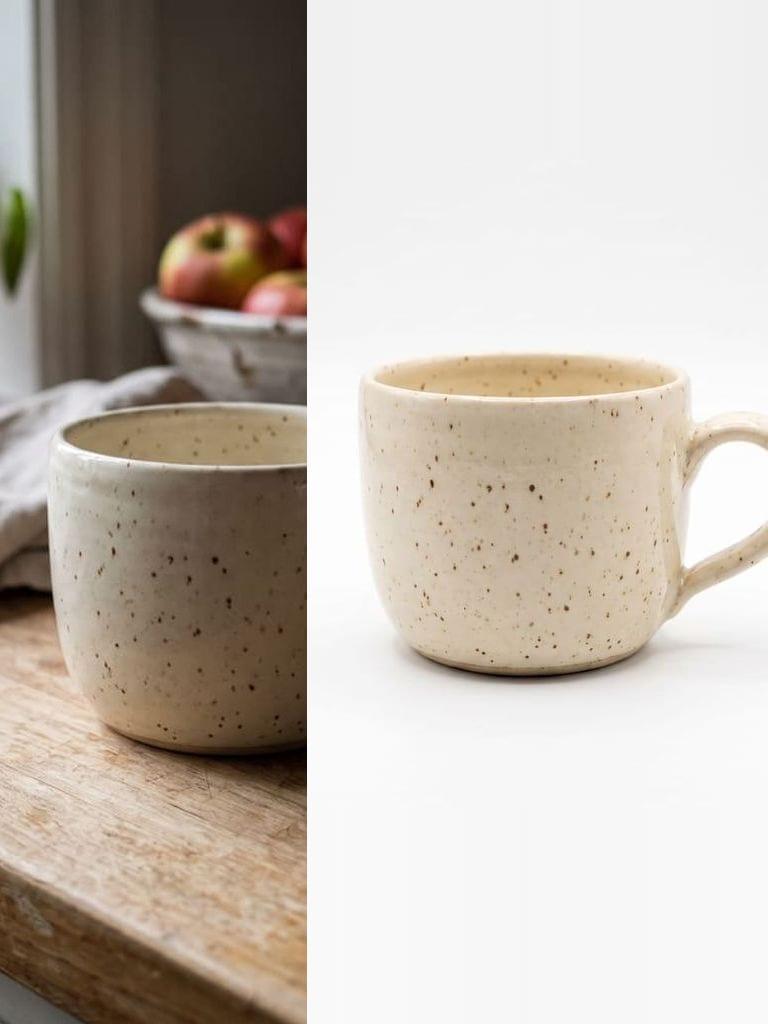
Social Media Image Resizer
Resize one photo for every social channel without memorizing pixel dimensions. Pick a social preset or enter custom dimensions and download crisp, watermark-free exports.
One Resizer for Every Social Platform
Stop guessing dimensions across channels
Every network expects different aspect ratios and pixel sizes for feeds, banners, thumbnails, and profile photos. Pick ready-made presets for Instagram, TikTok, YouTube, LinkedIn, Facebook, X, Pinterest, and more.
Crop to fill or pad to keep the full shot
Keep focal points centered when converting a landscape hero image into a vertical Story, or add clean borders so logos and text are never clipped by platform crops.
Fast Exports Built for Creators and Teams
Free browser workflow with no signup
Resize JPG, PNG, and WebP assets straight in your browser without waiting on uploads or paying for a full design suite.
Need to resize a whole campaign at once?
When you have a folder of social graphics to export to one size, switch to the Bulk Image Resizer to process up to 20 images locally in a single batch.
How to resize an image for social media?
- 1
Step 1: Upload your image
Choose any JPG, PNG, or WebP file from your device.
- 2
Step 2: Select a platform preset or custom size
Pick the social channel and placement you are posting to, or type exact width and height in pixels.
- 3
Step 3: Check crop and framing
Confirm headlines, faces, and logos stay inside the visible area.
- 4
Step 4: Download your resized image
Save the finished file with no watermark, ready to publish across your channels.
One of my go-to apps
Great app for filtering photos and even greater app for sizing pictures for not only posts but story photos as well... love this app I mainly use insta size for all my posts now ;)
Fast and Straightforward
Resizing photos for social media should be a cinch, but most editing programs are a pain to use. Of the dozen I’ve used, Instasize is the fastest, easiest and most consistent...
Great Sizes
Perfect app for the exact social media picture sizes. Love it. I use it daily. & I like the premade options they give you for different social medias!
I love instasize
Its the best app. for sizing photos to fit for Instagram or other forms of social media. You can also edit photos and create collages with multiple photos. It’s had been my friend for several years!
Always helpful
Always helpful when needing to resize photos
Huge fan
I love this app. Makes posting all types of photos. Love how it makes them fit on different formats
I’ve been using for years. Can’t work without it.
I use this app everyday to perfectly resize images for all of my social media platforms
LOVE
This app saved the day for me! I’m finally able to resize my photos for IG....effortlessly
Great App
We use this App weekly to resize pics for social media posts. Very user friendly, easy to use program when you want to get in and out quickly...
Which social media platforms are supported?
You can resize for Instagram, TikTok, YouTube, Facebook, X (Twitter), LinkedIn, Pinterest, Discord, Twitch, WhatsApp, Snapchat, and any custom pixel dimension.
Will resizing make my social media photo blurry?
Sizing down from a higher-resolution photo keeps images sharp and often reduces platform re-compression artifacts. Enlarging a very small image cannot add new detail; use the AI Image Upscaler when starting from a tiny source.
Can I resize images for social media without creating an account?
Yes. The browser resizer is free to use without signing in and adds no watermark to downloads.
Where can I check the latest pixel dimensions for each network?
Visit our Social Media Image Sizes reference at instasize.com/tools/social-media-image-sizes for up-to-date dimensions linked directly to one-click resize presets.
Instasize pricing: free editing and paid AI plans
Resize, crop, add text and work with layers for free. Paid plans include an AI usage allowance, background removal and access to image and video models. First-time subscribers can start with a free trial.
Free
Essential tools for casual creators.
Free forever
- Resize, crop, text and layers
- Batch resize & convert, 200 photos at a time
- HD export
- No AI features: AI edits are part of Pro
Pro
PopularEssential AI tools for creators
Billed monthly
Annual option: $299.99 billed yearly.
- More AI usage
- Batch background removal, 200 photos at a time
- 2 generations at a time
- AI Chat Editing
- All AI image models
- All AI video models
Ultimate
Advanced features for professionals
Billed monthly
Annual option: $499 billed yearly.
- More AI usage
- Batch background removal, 200 photos at a time
- 4 generations at a time
- AI Chat Editing
- All AI image models
- All AI video models
Max
Maximum power and speed
Billed monthly
Annual option: $2199 billed yearly.
- More AI usage
- Batch background removal, 200 photos at a time
- 8 generations at a time
- AI Chat Editing
- All AI image models
- All AI video models
AI Image Generator for Every Creative Need
Generate from text, expand photos, remove backgrounds, and upscale to 4K