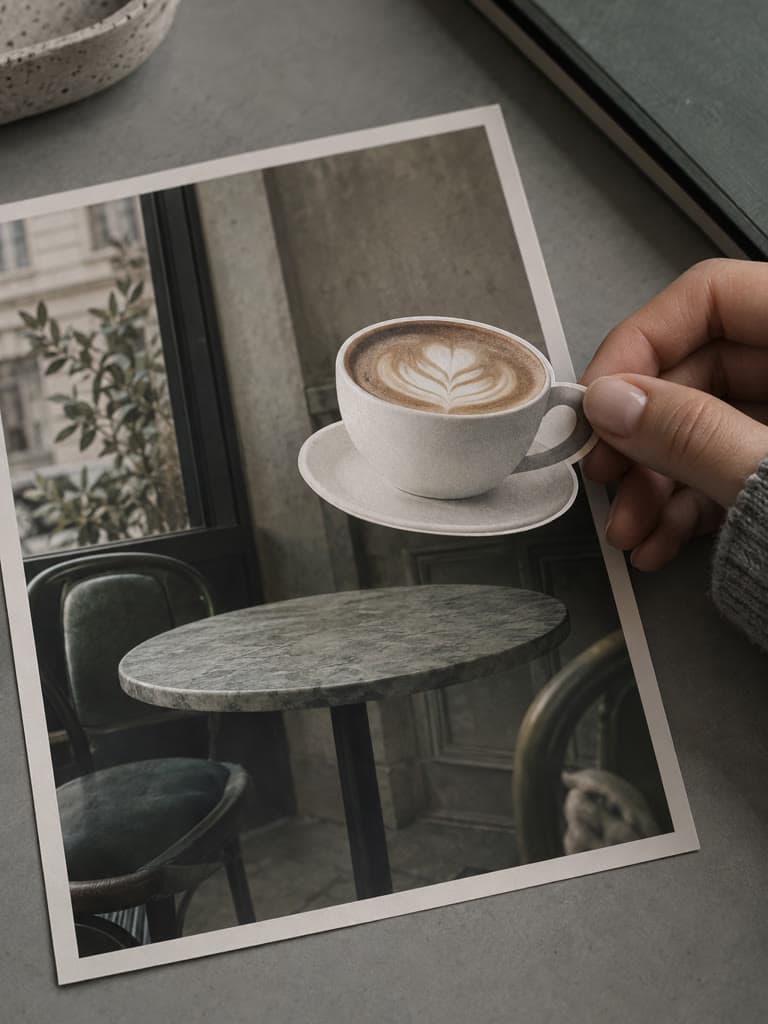
AI-Powered Generation
The AI analyzes colors, textures, and patterns in your photo, then generates new content that matches. It understands context like skies, backgrounds, and surfaces to create realistic extensions.
Upload a photo and AI expands its frame to the aspect ratio you choose (square, portrait, widescreen and more) by generating matching content. Pick where your photo sits and describe what to add, or leave it blank. Review the result for artifacts before downloading.
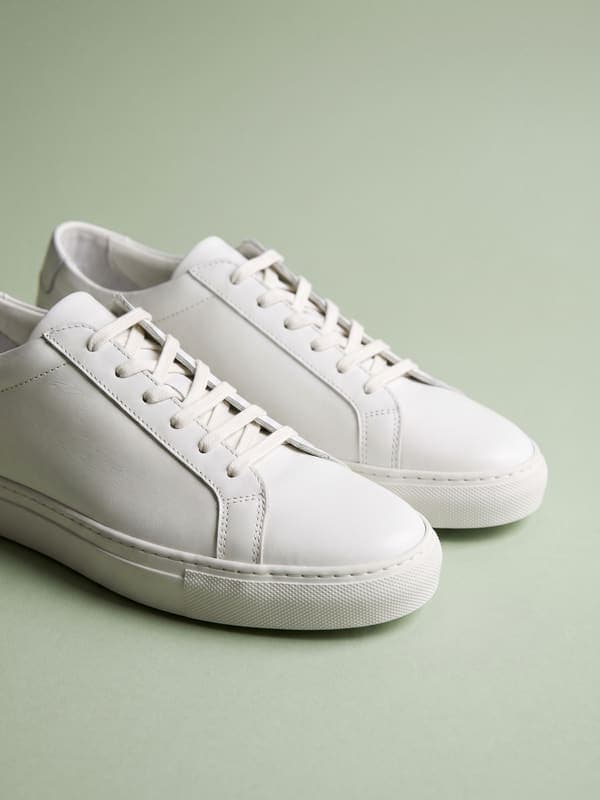
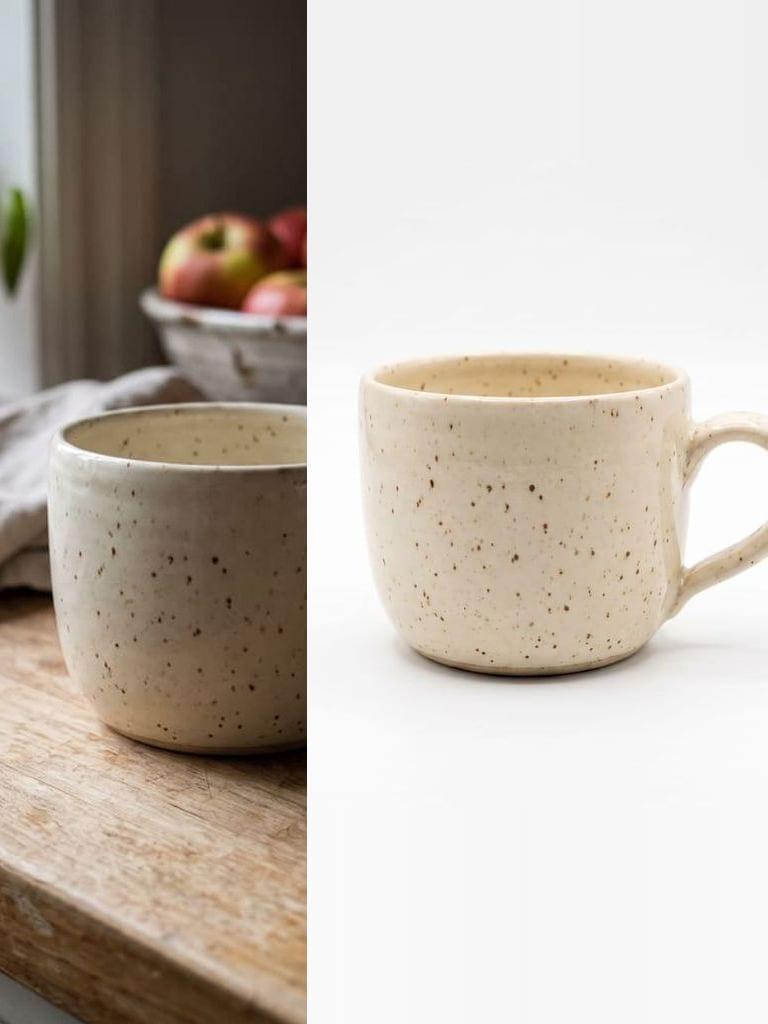
Start with a tight product shot. The scene continues around it, so the product stays exactly as shot.

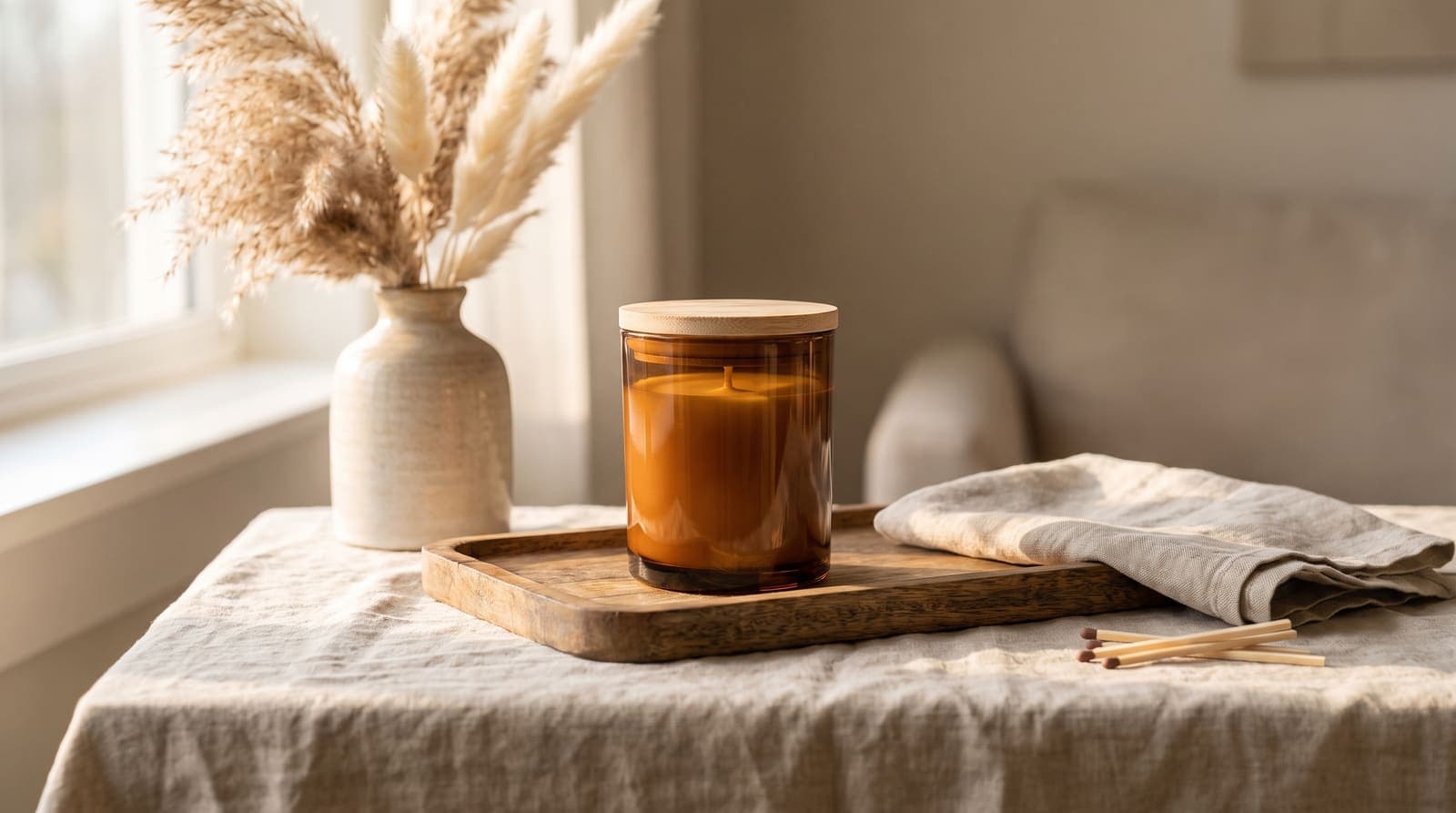
Sourced comparisons built from each vendor's own published pricing and feature terms, with the source links on the page.
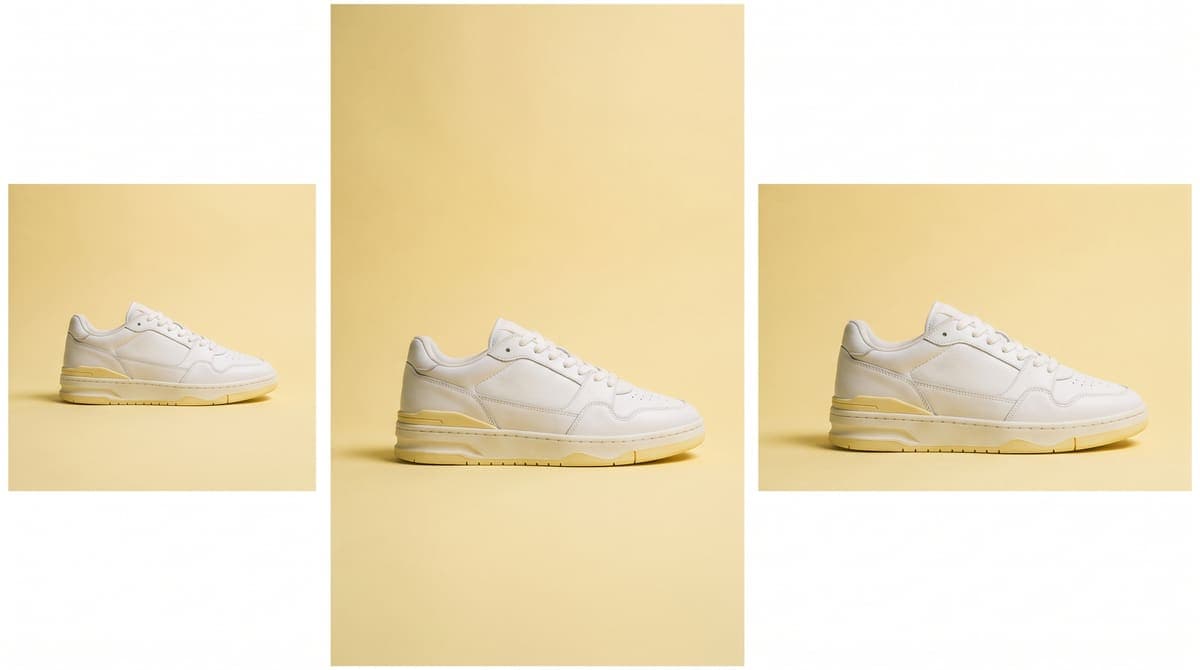
Shot a photo in portrait but need it for a landscape post? Expand your image to fit Instagram, TikTok, YouTube thumbnails, or any platform without cropping out important parts.
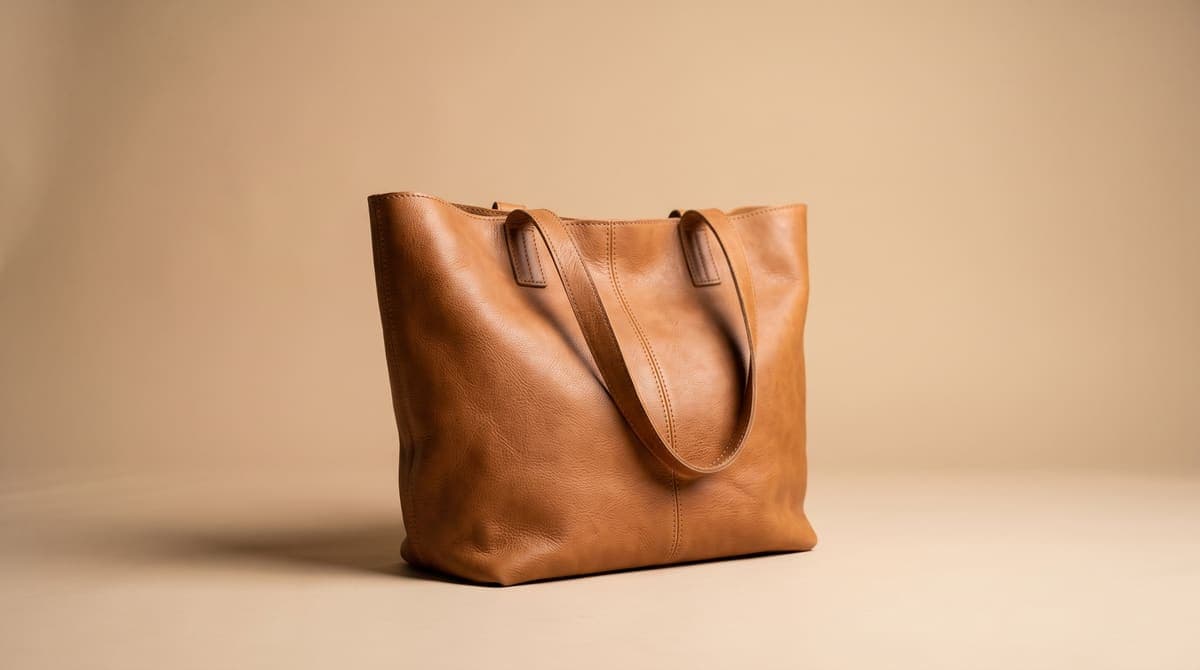
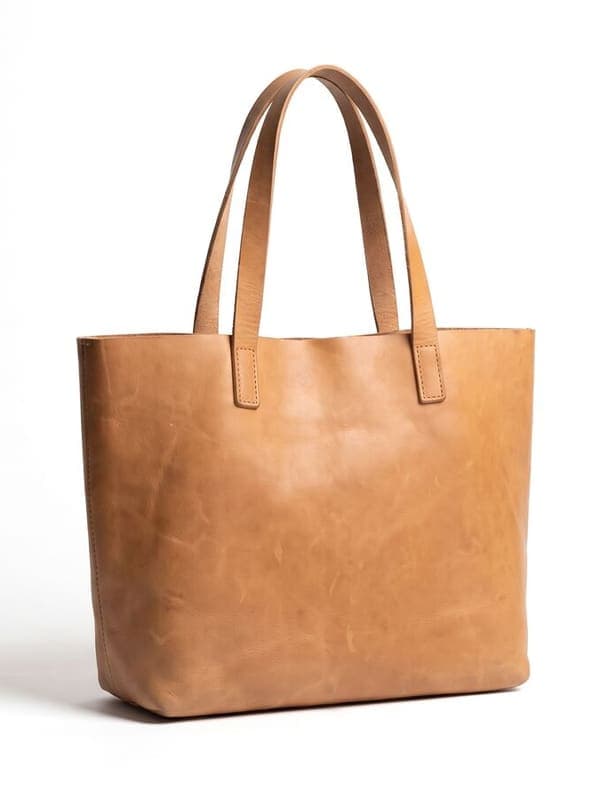
Show your full product with breathing room around it. Expand product shots to create clean, professional images that work across your website and marketplace listings.
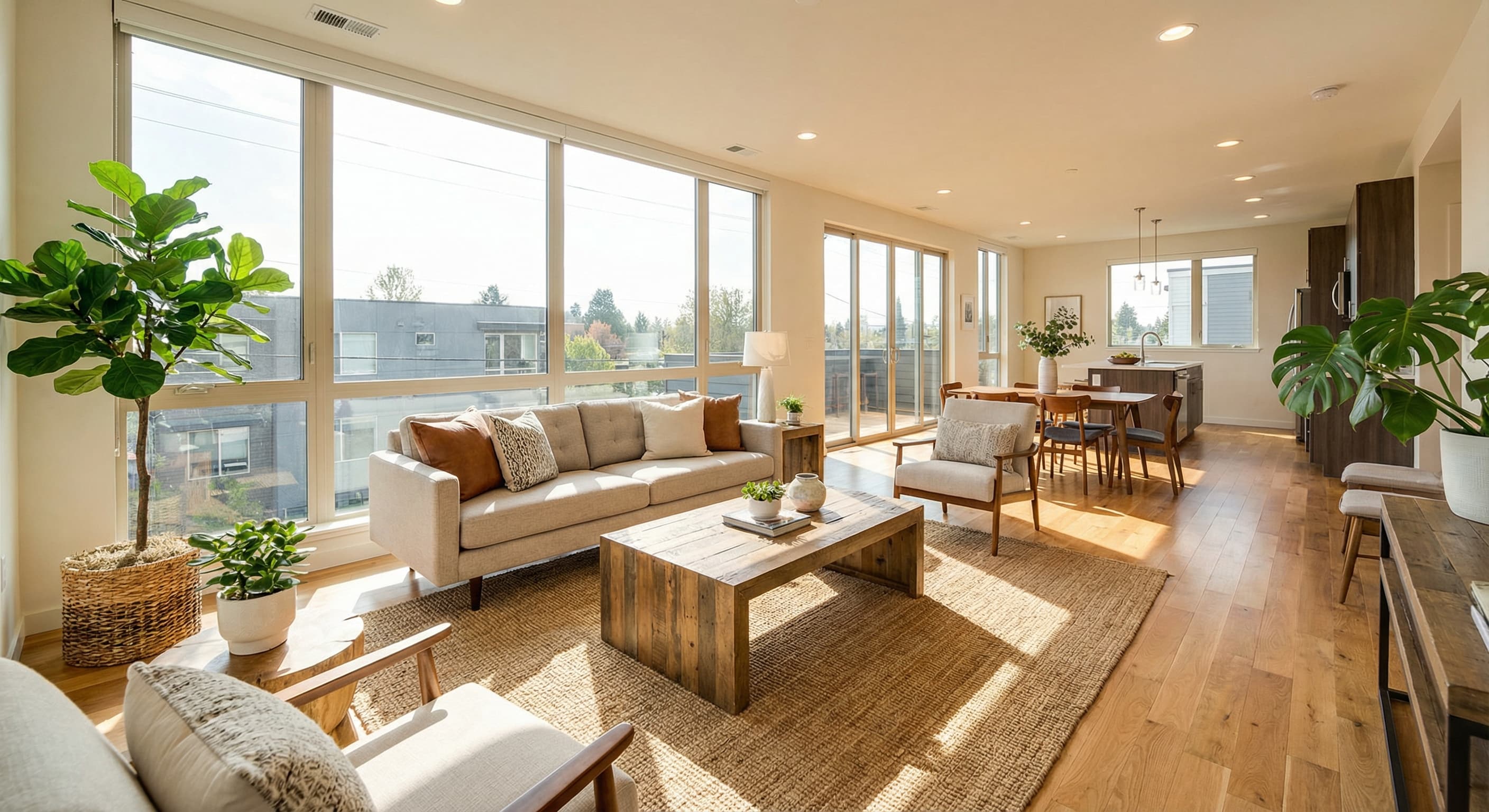
Make rooms look more spacious by expanding the frame. Perfect for property listings where you need to show more of the space without retaking photos.
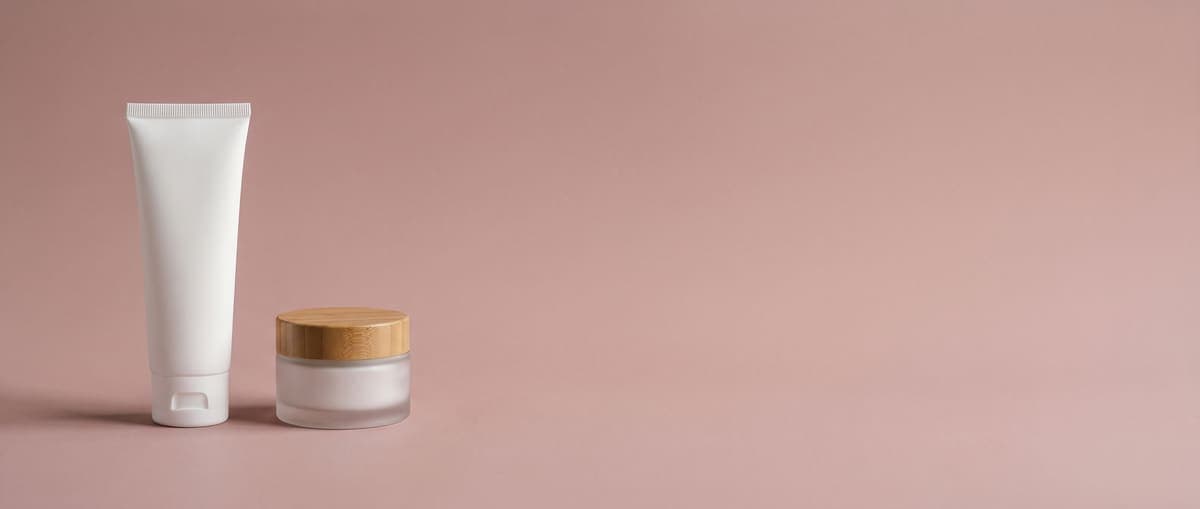
Turn any photo into the exact dimensions your design requires. Expand images to fit banners, presentations, or print materials without distortion.
Open a focused AI Image Expander workflow for your industry.
Boost customer Confidence with AI Image Expand. Show your customers your entire products, literally. A complete view can increase trust and encourage purchases. Convert visitors into customers with extended images.
Learn more →Expand a source image when an ad placement needs a different aspect ratio. Review generated areas closely and test the creative in each placement before publishing.
Learn more →Create beautiful, immersive images that showcase the true potential of each property. These enhanced photos make a great first impression and keep buyers engaged, leading to more inquiries and viewings. Using Uncrop helps you capture buyer interest, differentiate your listings from the competition, and attract high-quality leads.
Learn more →Advanced AI that understands your image and extends it naturally
The AI analyzes colors, textures, and patterns in your photo, then generates new content that matches. It understands context like skies, backgrounds, and surfaces to create realistic extensions.
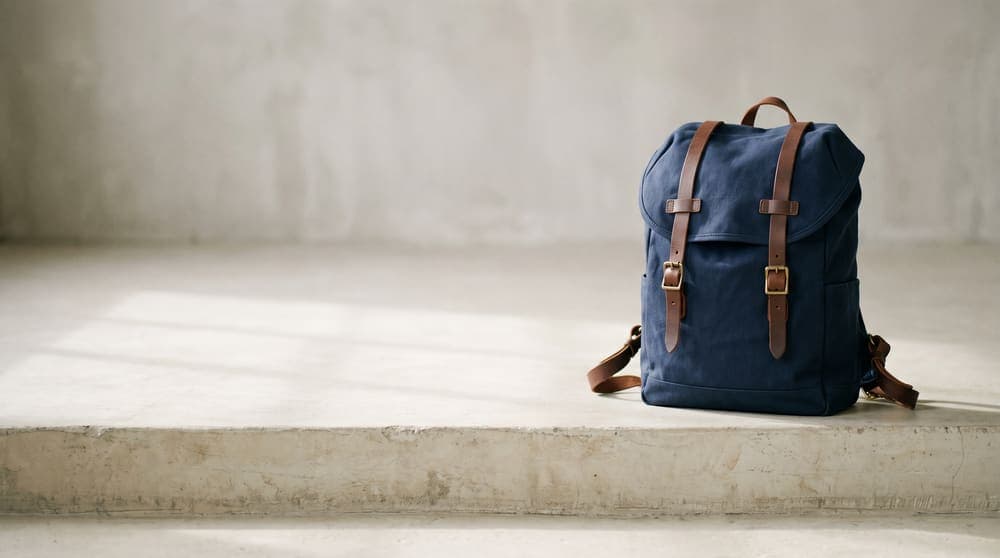
New pixels blend with your original image at the pixel level. The transition is invisible, making it impossible to tell where the original ends and the expansion begins.
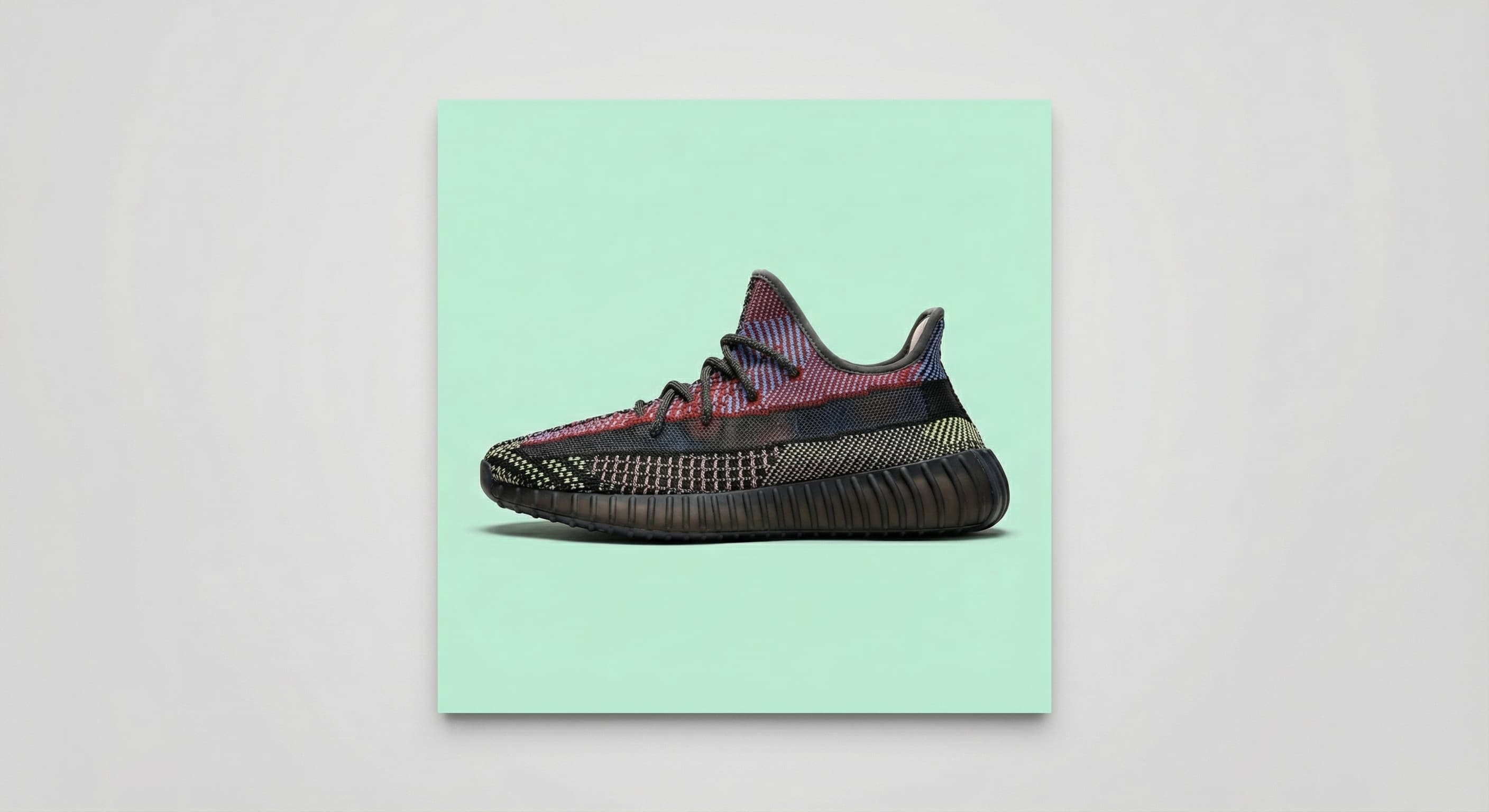
Choose from preset sizes for social media platforms or enter custom dimensions. Expand in any direction: top, bottom, left, right, or all sides at once.
Every web and social media platform has its unique requirements. Our AI Image Expand expands and uncrops to ensure your photos meet these specifications, perfectly tailored for wherever they’ll be showcased. From Instagram to Shopify, uncrop your images so they will look like they were made just for that space.
Whether it’s for a blog, an online store, or a social media post, our AI Image Expand adapts your photos for optimal display across all digital landscapes. Expand and uncrop so your photo fits, no matter the destination.
Within seconds, Our AI Image Expand delivers instant, pixel perfect expanded images, made to fit every web or social platform.
Eliminate the need for unsightly white borders that can take focus away from your images. Our AI Image Expand ensures that every pixel fills to fit the frame perfectly.
Watch as newly added pixels blend flawlessly with your original image, making it impossible to tell where the original image ends and the expanded pixels begin.
Want to choose between multiple expanded images before picking one? Use our Batch AI Image Expand to generate multiple expanded images so you can find the perfect one you need.
No more cutting off important parts of your photo. Our AI Image Expand makes it easy to bring back the full image. Perfect for when you've accidentally cropped out someone or something important.
Whether you need to adjust your photo for social media or a personal album, our tool adapts your image to fit perfectly. Say goodbye to awkwardly cropped or stretched images. Our tool makes every photo just right.
By analyzing your image, our AI Image Expand expands your photos in a way that respects the original scene and composition.
Drag and drop your photo or select it from your device. The AI Image Expand tool accepts JPG, PNG, and WebP formats up to 10MB. Your image loads instantly in the editor.
Select a preset aspect ratio like 16:9 for YouTube or 9:16 for Stories, or enter custom dimensions. Use the handles to control which direction to expand: top, bottom, left, right, or all sides.
Click expand and the AI generates new pixels that match your image. Preview the result, then download in your preferred format. The expanded image maintains the original quality.
Great app for filtering photos and even greater app for sizing pictures for not only posts but story photos as well... love this app I mainly use insta size for all my posts now ;)
Resizing photos for social media should be a cinch, but most editing programs are a pain to use. Of the dozen I’ve used, Instasize is the fastest, easiest and most consistent...
Perfect app for the exact social media picture sizes. Love it. I use it daily. & I like the premade options they give you for different social medias!
Its the best app. for sizing photos to fit for Instagram or other forms of social media. You can also edit photos and create collages with multiple photos. It’s had been my friend for several years!
Always helpful when needing to resize photos
I love this app. Makes posting all types of photos. Love how it makes them fit on different formats
I use this app everyday to perfectly resize images for all of my social media platforms
This app saved the day for me! I’m finally able to resize my photos for IG....effortlessly
We use this App weekly to resize pics for social media posts. Very user friendly, easy to use program when you want to get in and out quickly...
AI image expand is a tool that extends your photos beyond their original borders. Instead of cropping or adding white bars, it uses artificial intelligence to generate new pixels that match your image. The AI analyzes colors, textures, and patterns to create realistic extensions that blend seamlessly with the original.
The AI studies your entire image to understand context. It recognizes elements like sky, grass, walls, or patterns and generates matching content. The new pixels are created at the same resolution as your original, and the blending happens at the pixel level so there are no visible seams or distortion.
Yes. You have full control over which sides to expand. Need more sky at the top? Expand upward only. Want to center your subject? Expand left and right equally. The tool lets you adjust each side independently or expand all sides at once.
AI Image Expand accepts JPG, PNG, and WebP uploads. You can download your expanded image in any of these formats. PNG is best when you need transparency, while JPG works well for photos where file size matters.
Most images expand in 5 to 15 seconds depending on the size and how much new content needs to be generated. Larger expansions require more processing time, but the AI is optimized for speed without sacrificing quality.
The goal is seamless expansion. For simple backgrounds like sky, water, or solid colors, the results are nearly perfect. Complex scenes with detailed patterns or objects may occasionally need minor adjustments, but most expansions are indistinguishable from the original photo.
Yes. Images you expand are yours to use however you need. Product photos, marketing materials, social media content, client work. There are no watermarks or usage restrictions on your expanded images.
AI Image Expand works on iOS, Android, and desktop browsers. The interface adapts to your screen size, so you can expand images from your phone just as easily as from a computer.
Short definitions of the image terms behind this tool, with how to handle each one.
Resize, crop, add text and work with layers for free. Paid plans include an AI usage allowance, background removal and access to image and video models. First-time subscribers can start with a free trial.
Essential tools for casual creators.
Free forever
Essential AI tools for creators
Billed monthly
Annual option: $299.99 billed yearly.
Advanced features for professionals
Billed monthly
Annual option: $499 billed yearly.
Maximum power and speed
Billed monthly
Annual option: $2199 billed yearly.
Generate from text, expand photos, remove backgrounds, and upscale to 4K