TikTok Profile Photo Resizer
TikTok profile photos appear everywhere: your profile page, comments, duets, search results, and notifications. Each location displays your photo at a different size, sometimes smaller than a fingertip. TikTok's minimum is 200x200 pixels, but starting from a larger square source keeps it sharp on high-density phone screens.
TikTok profile photo size
TikTok profile photo size: 200×200 px minimum, 1:1 aspect ratio, circular crop.
200×200 is TikTok's floor, not its ideal. This tool still outputs a 200×200 crop to match how TikTok displays it, but feeding it a 400px+ square source (JPG or PNG) instead of an image right at the minimum gives that 200×200 crop noticeably more detail to work with, so it looks sharper on modern phone screens.
200
width (px)
200
height (px)
1:1
aspect ratio
Need other dimensions? Browse all Tiktok sizes or use the free image resizer for any platform.
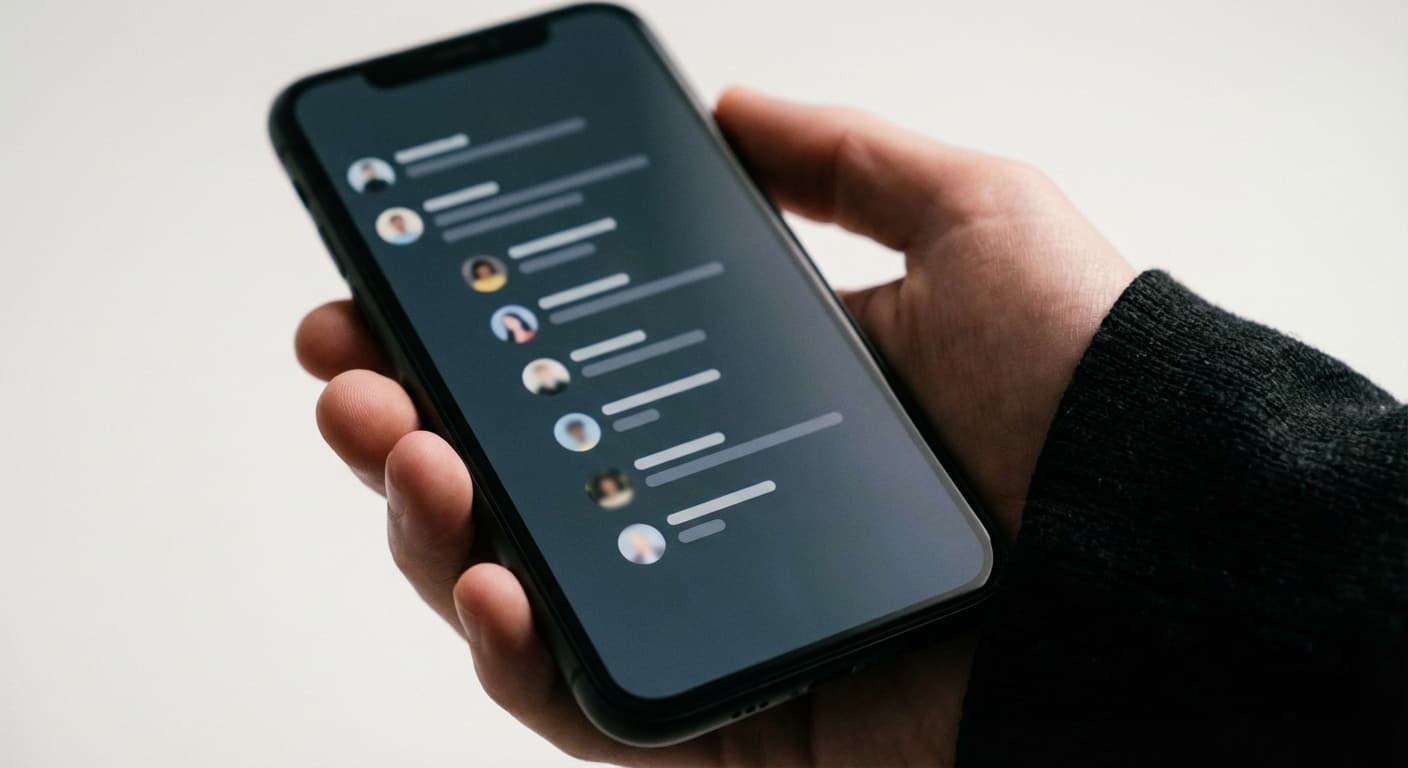
Visible in Every Comment
Every comment you leave on TikTok displays your profile photo as a tiny circle next to your username. Active commenters get their profile photo seen thousands of times daily. A clean, well-cropped square keeps it sharp even at these small display sizes. Blurry profile photos make your comments look less credible.
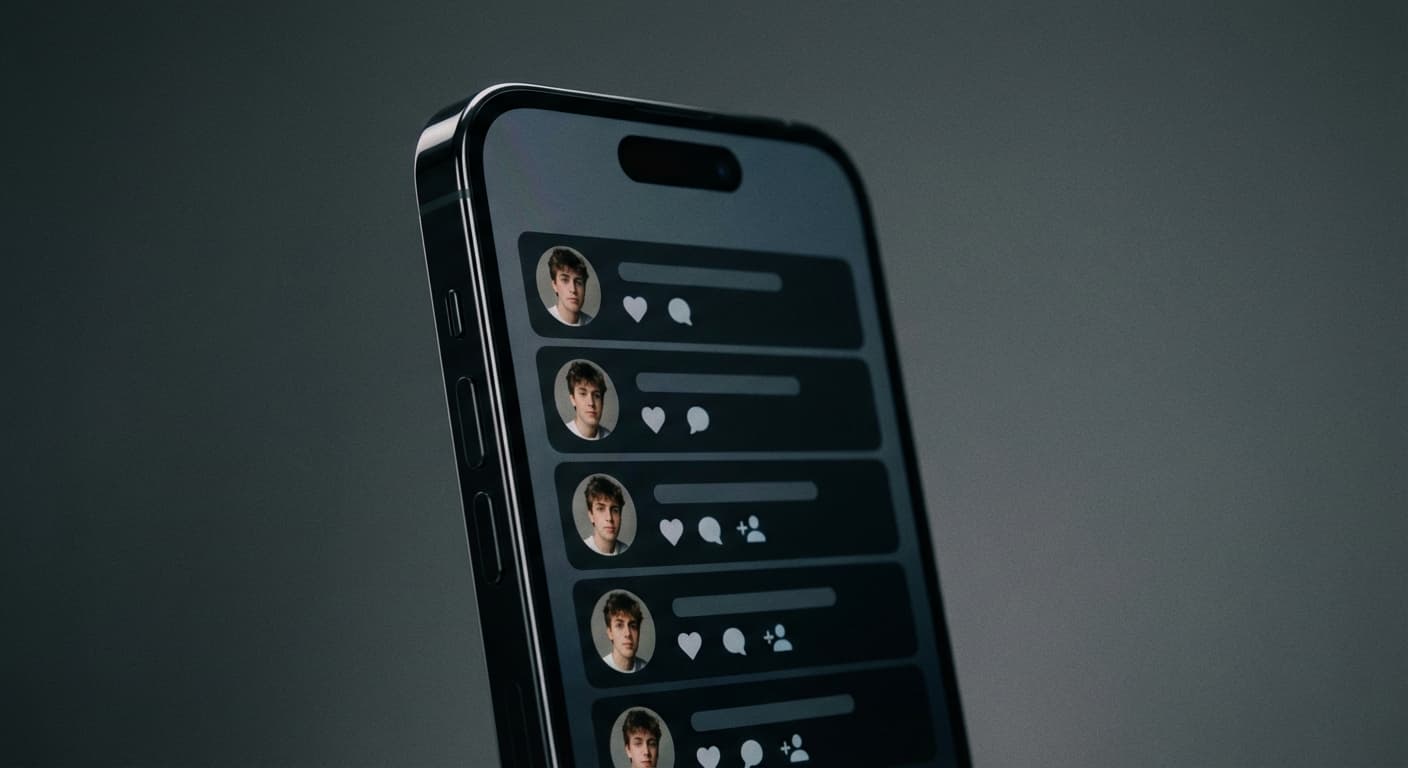
Build Profile Recognition
Viewers scrolling through TikTok recognize creators by profile photos before reading names. A distinctive, sharp, well-centered image builds familiarity. When your profile photo is consistent and recognizable, viewers associate it with your content. Pixelated or blurry photos get forgotten immediately.
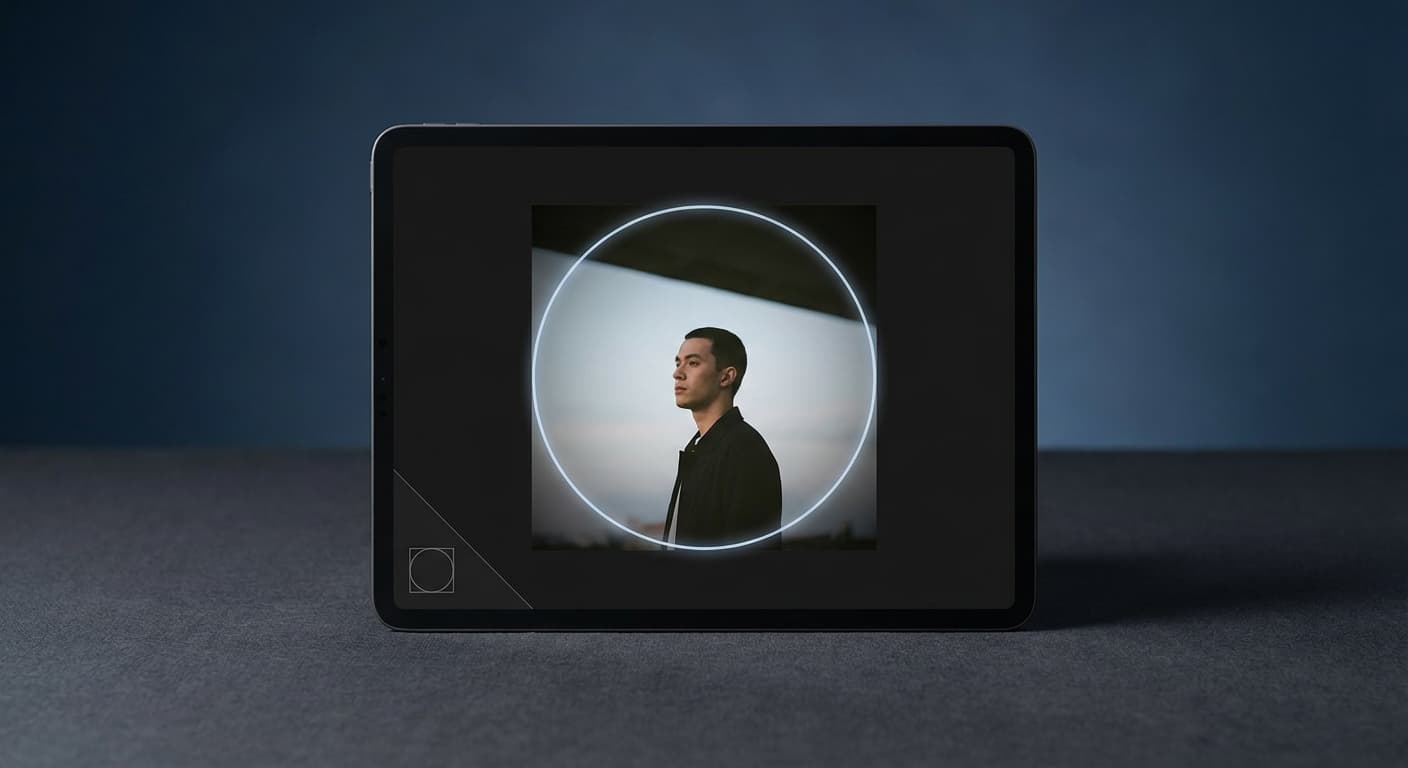
Design for Circle Crop
TikTok crops your square upload into a circle. The corners of your image get cut off completely. Center your face or logo in the frame and leave breathing room around the edges. What looks perfect as a square often loses important details when cropped to a circle. Preview the circular crop before uploading.
How to resize to TikTok Profile Photo size?
- 1
Step 1: Step 1: Choose the right image
Select an image that accurately represents your content and is visually appealing. High-quality images are crucial for attracting followers.
- 2
Step 2: Step 2: Resize the image
Using the Instasize TikTok Profile Photo Size Tool, crop your profile photo to 200 x 200 pixels, TikTok's minimum. Start from a larger square source if you have one — the crop looks sharper with more detail to work with.
- 3
Step 3: Step 3: Save in the appropriate format
Save your resized image in an appropriate format, such as JPEG or PNG. This ensures compatibility with various devices and browsers, as well as optimal loading times.
200 x 200 pixels is TikTok's minimum, not its ideal — the app displays your photo at that size but re-samples down from whatever you upload. Start from a 400px+ square source for a sharper result on high-density screens.
All Tiktok Image Sizes
Choose the recommended Tiktok dimensions for your content
Free tools
Explore Free Creative Tools
Everything you need to make your photos stand out with our free photo editing tools

AI Photo Editor
Edit photos by describing what you want. Remove backgrounds, resize, enhance, add text, and more. Just type your edit in plain English.
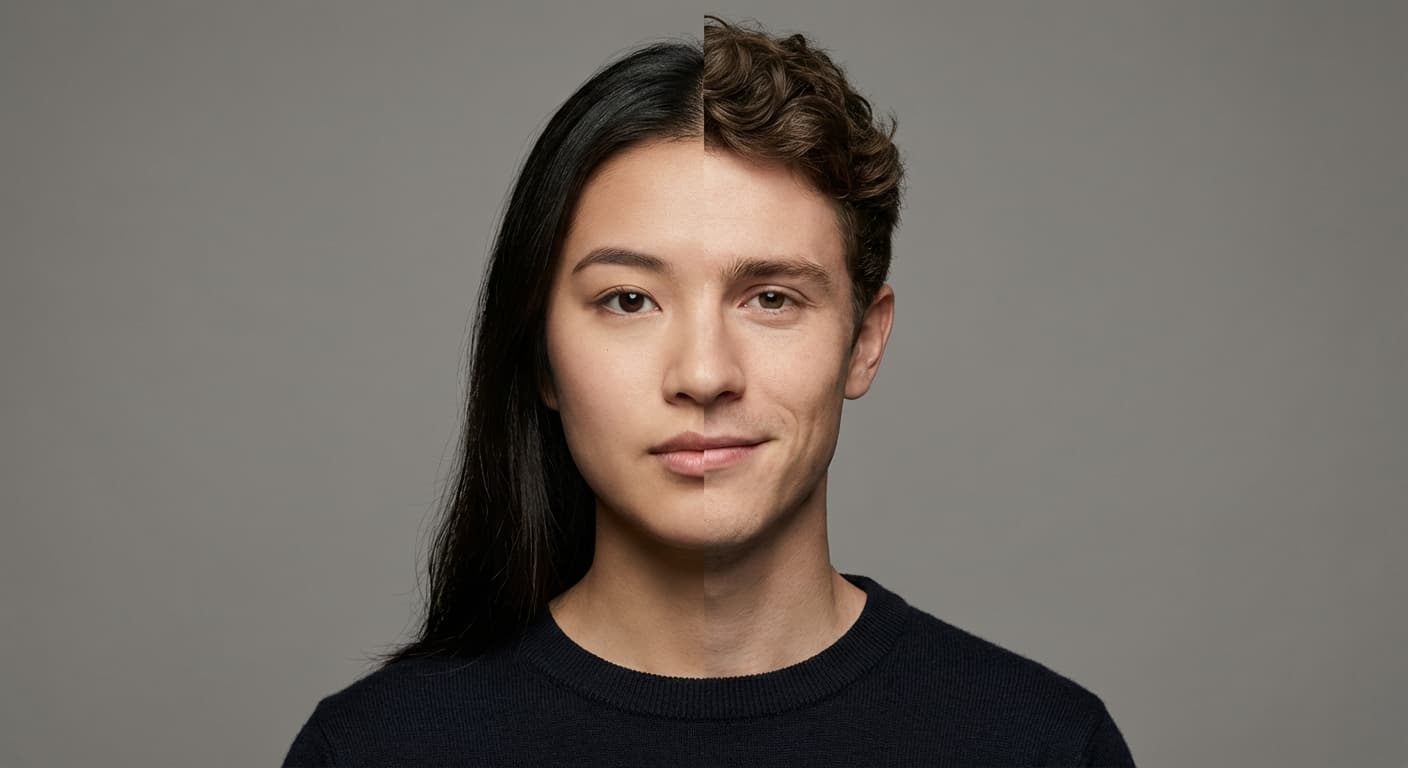
Face Swap
Create an AI face-swap image from uploaded photos. Results vary with lighting, pose, source quality, and the faces in each image.
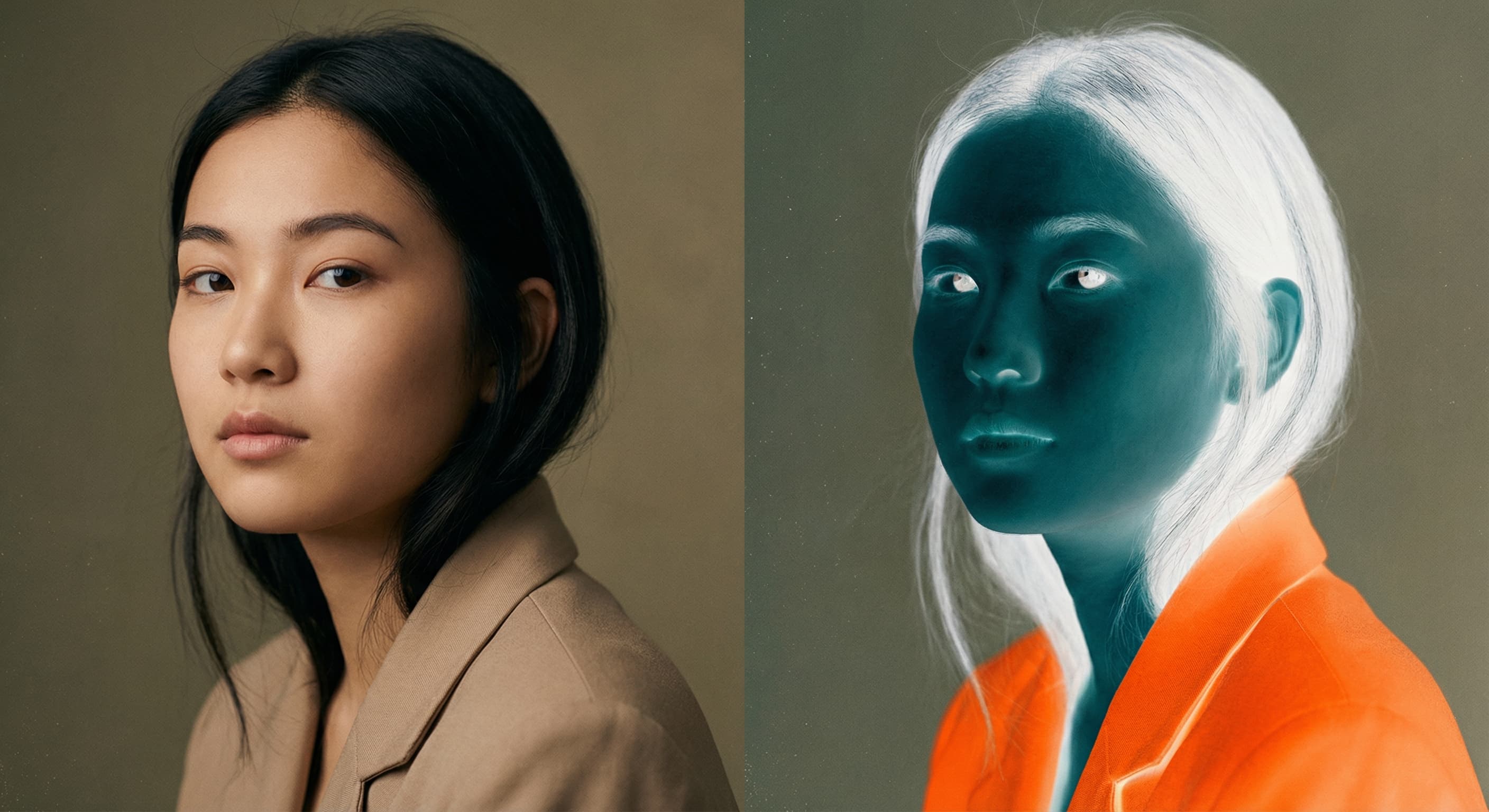
Photo Inverter
Invert photo colors online with four presets, intensity controls, and selective color options. Sign in to use it — AI edits draw from your daily AI credits.
Image Size Converter
Free online image size converter. Resize a photo to exact pixel dimensions (width x height) in JPG, PNG, or WebP. Need a target file size in KB or a format change? We point you to the right tool. No signup.