Instagram Highlight Cover Resizer
Story Highlights let you save your best Stories permanently on your profile. Each Highlight needs a cover image that displays as a small circle under your bio. Create custom covers at 1080x1920 pixels with your design centered. The circular crop cuts off the edges, so keep important elements in the middle third of the image.
1080
width (px)
1920
height (px)
9:16
aspect ratio
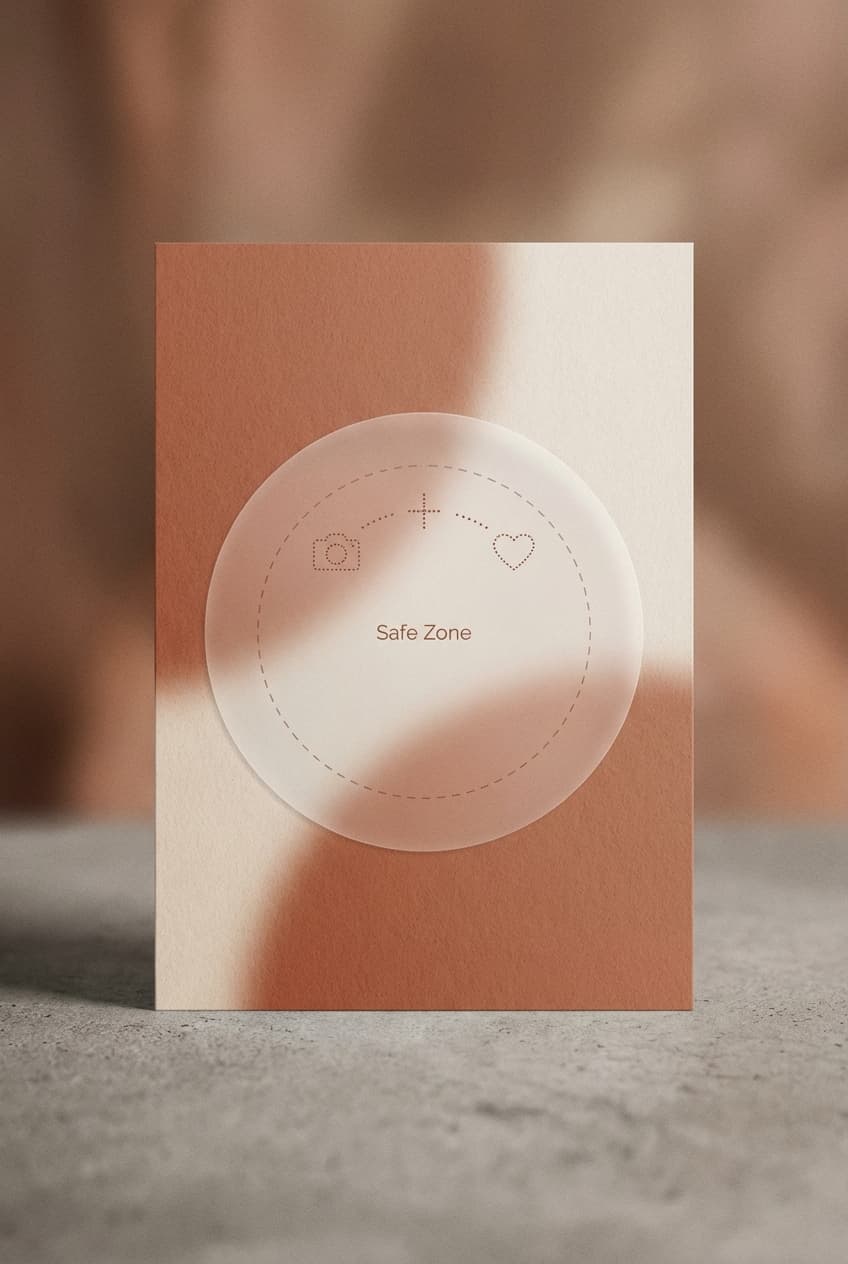
Design for the Circle Crop
Highlight covers display as small circles on your profile, roughly 56x56 pixels on mobile. Instagram crops a circle from the center of your 1080x1920 image. Keep icons, text, and important elements in the center 600x600 pixel area. Anything outside that zone gets cut off when displayed on your profile.
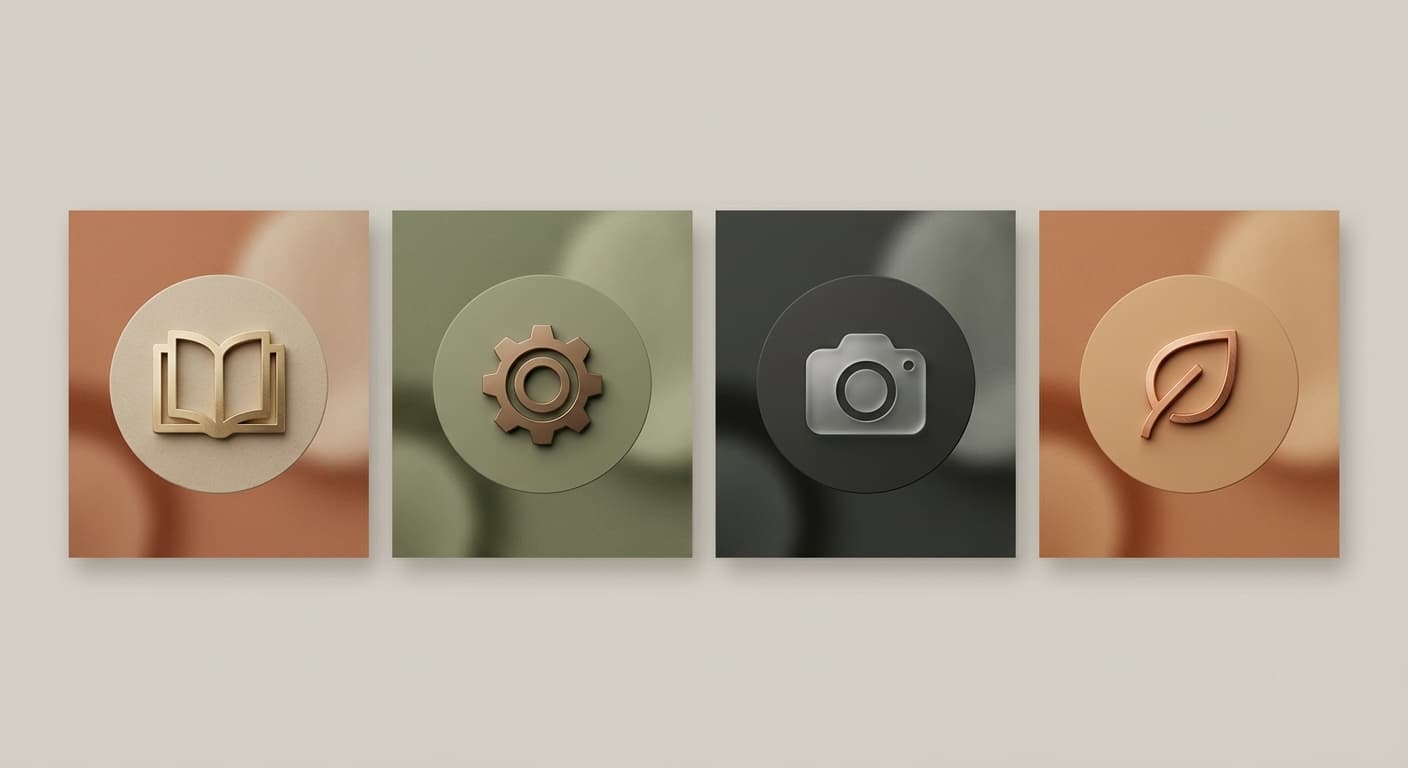
Create Consistent Branding
Matching Highlight covers make your profile look professional and intentional. Use the same background color, icon style, or design template across all your Highlights. Consistent covers help visitors quickly identify content categories like Products, Reviews, FAQ, or Behind the Scenes.
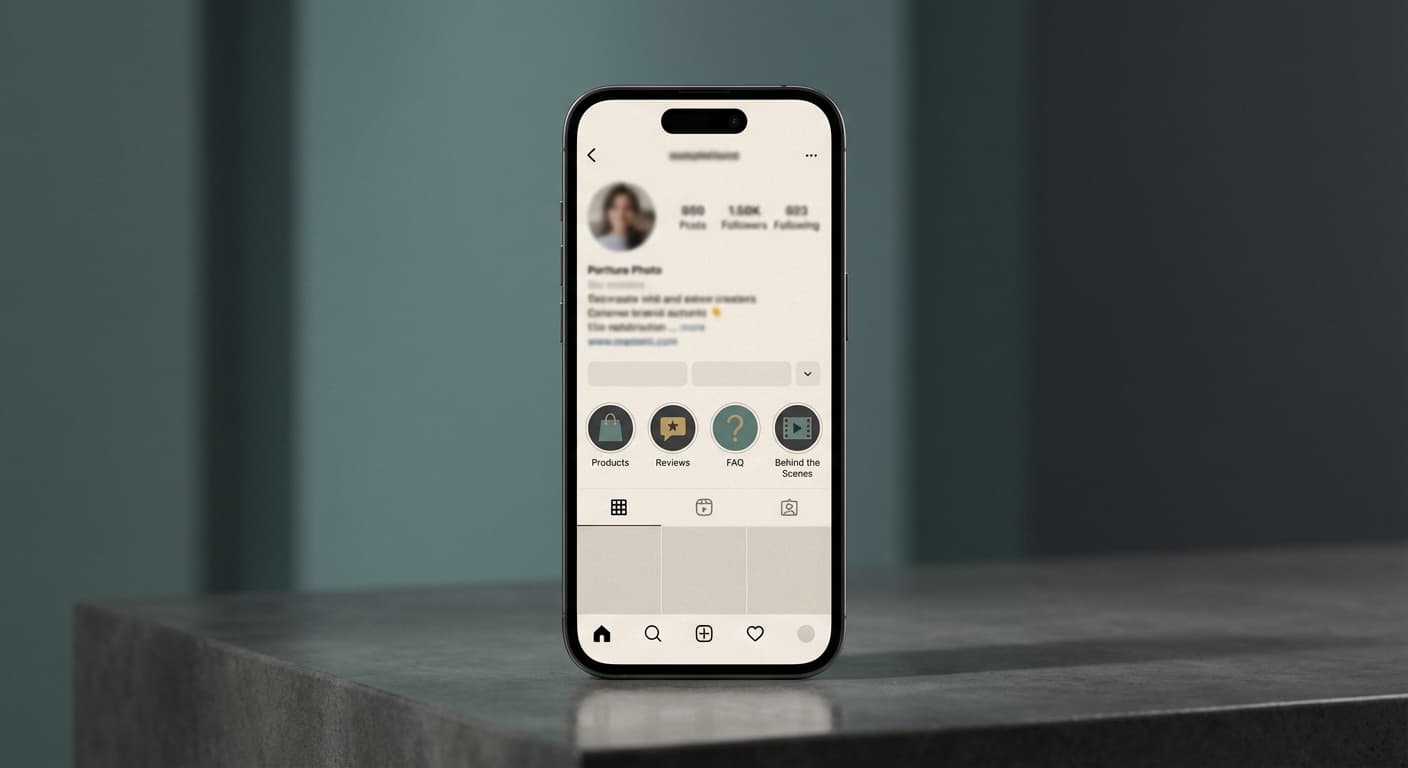
Organize Your Best Content
Highlight covers are navigation for your profile. Use clear, simple icons or words that tell visitors exactly what each category contains. Limit yourself to 5-7 Highlights so your profile doesn't look cluttered. The most important Highlights should come first since they appear leftmost on your profile.
How do I create custom Instagram Highlight covers?
- 1
Step 1: Design your cover
Create a 1080x1920 pixel image with your icon or design centered. Keep important elements in the middle 600x600 pixel area to avoid cropping.
- 2
Step 2: Add to your Stories
Post your cover image as a Story, then immediately add it to the relevant Highlight. You can delete the Story after if you prefer.
- 3
Step 3: Set as Highlight cover
Open your Highlight, tap Edit Highlight, then Edit Cover. Select your custom cover image and adjust positioning if needed.
Instagram Highlight Cover FAQ
Can't find what you're looking for? Contact support
Highlight covers use the standard Story format of 1080x1920 pixels with a 9:16 aspect ratio. However, they display as small circles, so center your design in the middle of the image.
All Instagram Image Sizes
Choose the perfect Instagram dimensions for your content
Explore Free Creative Tools
Everything you need to make your photos stand out with our free photo editing tools