Instagram Carousel Resizer
Carousel posts get higher engagement than single images because users swipe through multiple slides. Each interaction signals interest to the algorithm. All slides must use the same dimensions, either 1080x1080 square or 1080x1350 portrait. Mix dimensions and Instagram forces everything to match the first slide, cropping the rest unpredictably.
1080
width (px)
1080
height (px)
1:1
aspect ratio
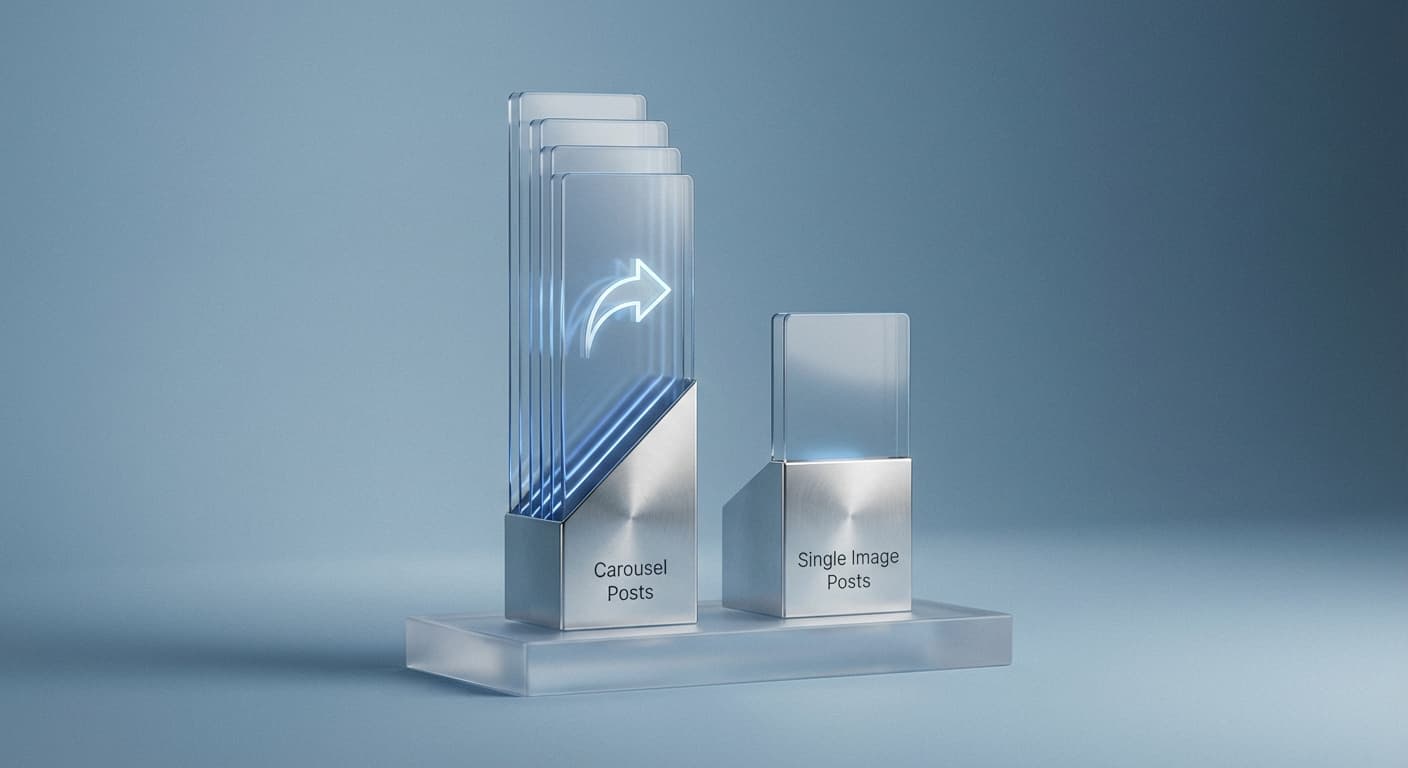
Carousels Outperform Single Images
Data shows carousel posts consistently get higher engagement than single images. Every swipe counts as interaction, signaling to Instagram that your content is worth showing to more people. The more slides users view, the better your post performs. Use all 10 slides when you have the content to fill them.
Keep Dimensions Consistent
Your first slide determines the aspect ratio for the entire carousel. Upload a square image first and all following slides get cropped to square. Upload portrait first and everything becomes portrait. Plan your carousel dimensions before you start. Mixing aspect ratios creates awkward crops and ruins the visual flow.
Tell Stories Across Slides
Carousels excel at tutorials, before-and-afters, product showcases, and educational content. Each slide builds on the last, keeping viewers engaged through the entire sequence. End with a call to action on your final slide. The swipe-through format naturally leads users toward taking action.
How do I create an Instagram carousel post?
- 1
Step 1: Prepare your images
Resize all your images to the same dimensions. Use 1080x1080 for square or 1080x1350 for portrait format. All slides must match.
- 2
Step 2: Upload multiple images
In the Instagram app, tap the layers icon to select multiple images. Choose up to 10 photos or videos for your carousel.
- 3
Step 3: Arrange and post
Drag slides to reorder them. Add filters and captions, then post. The first slide shows in your grid and feed.
Instagram Carousel FAQ
Can't find what you're looking for? Contact support
Instagram carousels support up to 10 images or videos per post. You can mix photos and videos in the same carousel.
All Instagram Image Sizes
Choose the perfect Instagram dimensions for your content
Explore Free Creative Tools
Everything you need to make your photos stand out with our free photo editing tools