YouTube Shorts Thumbnail Resizer
YouTube Shorts appear in the dedicated Shorts shelf on the homepage and in the Shorts tab on your channel. The thumbnail is generated from your video by default, but custom covers can dramatically improve engagement. At 1080x1920 pixels in 9:16 aspect ratio, your cover matches the full screen vertical format of Shorts playback. A compelling cover image stops the scroll and gets viewers to tap.
1080
width (px)
1920
height (px)
9:16
aspect ratio
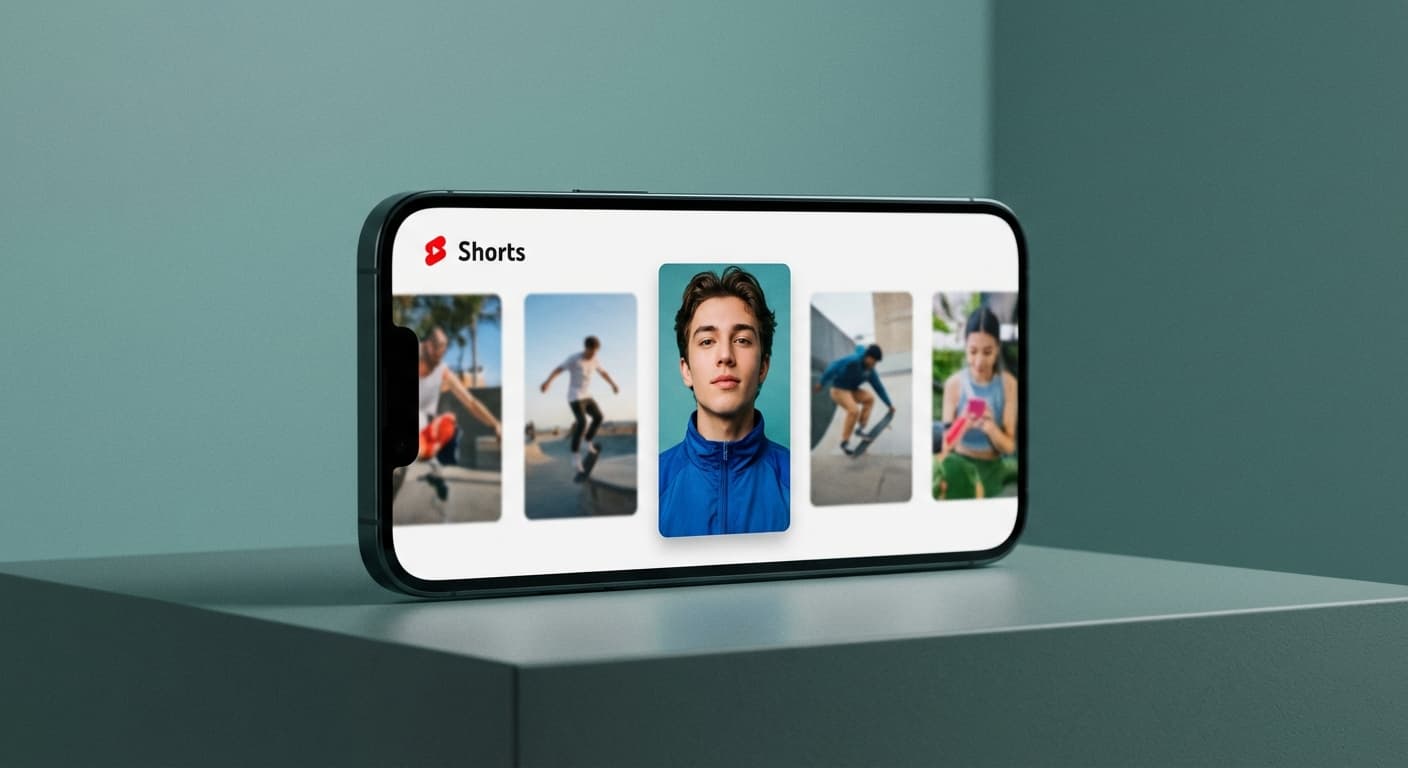
Stand Out in the Shorts Shelf
The Shorts shelf on YouTube's homepage displays a horizontal row of vertical thumbnails. Each cover competes with dozens of others for viewer attention. At 1080x1920 pixels, your image stays sharp at any display size. Low resolution covers look blurry next to properly sized competition. Text and faces need to be clearly visible even when the thumbnail displays at small sizes in the browsing interface.
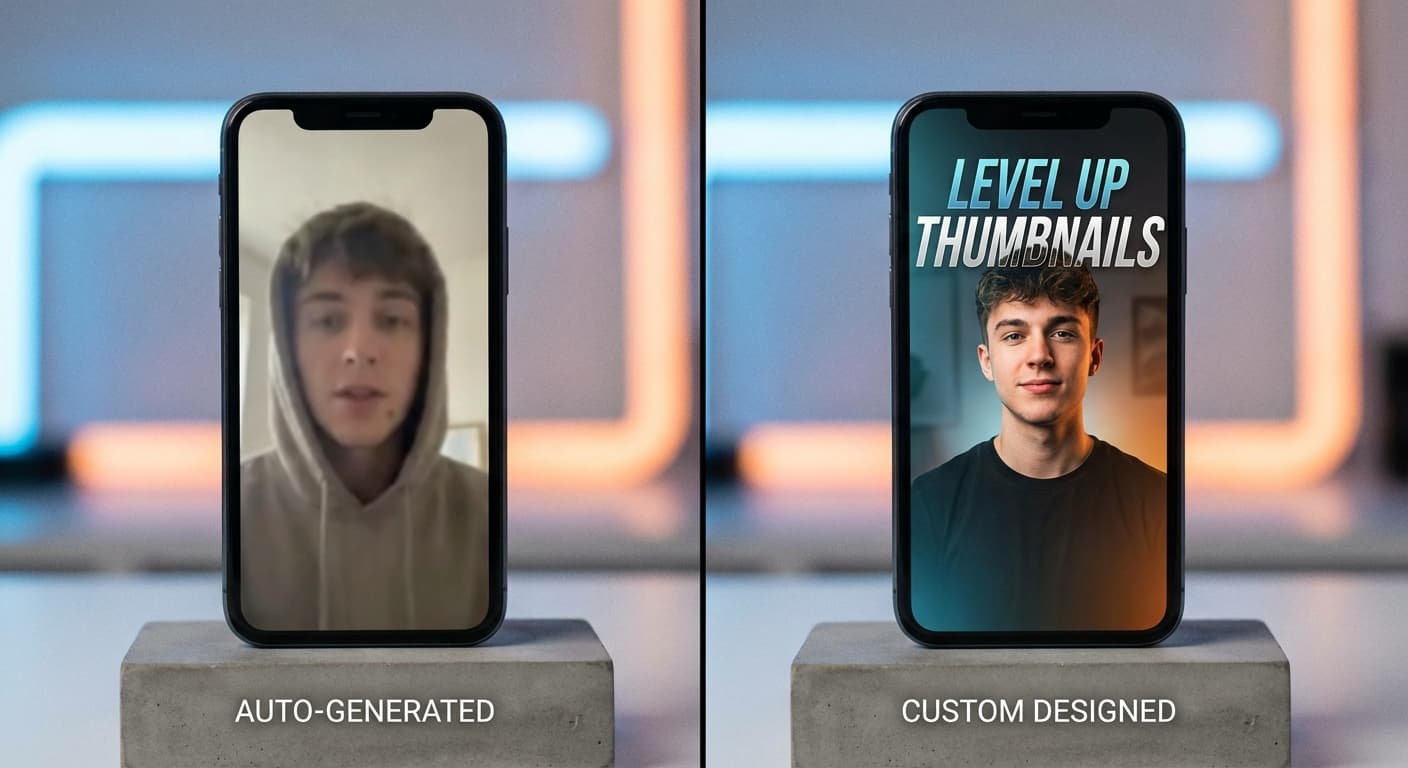
Custom vs Auto Generated
YouTube automatically selects a frame from your Short as the cover. This default rarely captures the most engaging moment. Creating a custom 1080x1920 cover lets you choose the perfect frame, add text overlays, or design something completely custom. Creators who switch from auto generated to custom covers typically see higher tap rates because they control the visual hook.
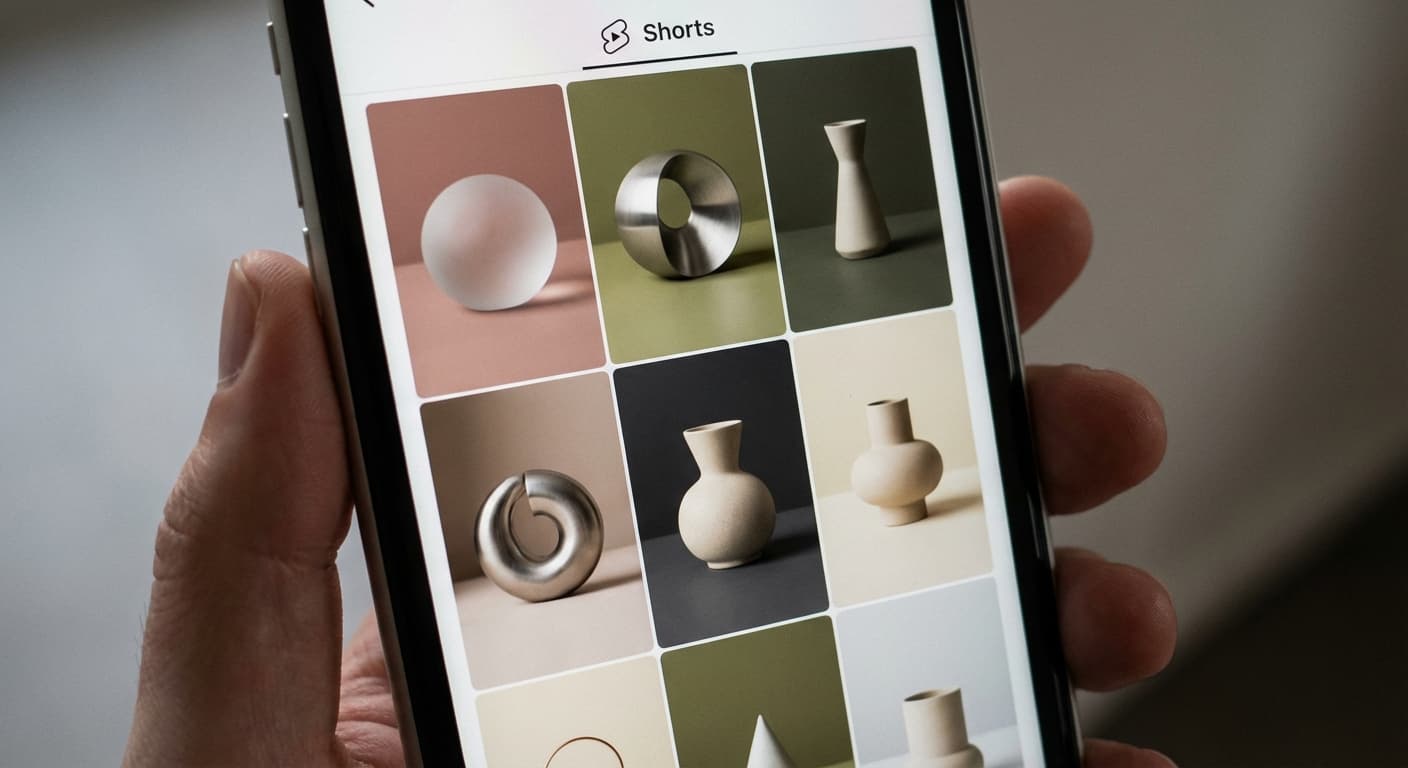
Channel Profile Appearance
Your Shorts tab displays all your short form content in a grid of vertical thumbnails. Consistent, properly sized covers at 1080x1920 pixels create a cohesive look that builds brand recognition. Viewers browsing your channel see professional covers and expect professional content. Inconsistent or low quality covers signal that the creator does not pay attention to details.
How to resize image for YouTube Shorts Thumbnail?
- 1
Step 1: Choose your image
Select a frame from your Short or upload a custom designed cover. Choose an image that creates curiosity and encourages viewers to tap.
- 2
Step 2: Upload and resize your image
Upload your image and resize it to 1080 x 1920 pixels. This vertical 9:16 aspect ratio matches the Shorts player format.
- 3
Step 3: Save YouTube Shorts Thumbnail
Once ready, click the Download button to save your Shorts thumbnail. Upload it when publishing your Short or add it to existing content.
YouTube Shorts Thumbnail FAQ
Can't find what you're looking for? Contact support
The recommended YouTube Shorts thumbnail size is 1080 x 1920 pixels with a 9:16 aspect ratio. This matches the vertical format of Shorts and ensures your cover displays at full quality on all devices.
All Youtube Image Sizes
Choose the perfect Youtube dimensions for your content
Explore Free Creative Tools
Everything you need to make your photos stand out with our free photo editing tools