Twitch Profile Photo Resizer
Your profile photo is your channel identity. Twitch displays it at 800×800 pixels. Viewers see it in chat, search results, and recommendations. Make it memorable.
800
width (px)
800
height (px)
1:1
aspect ratio
Need other dimensions? Browse all Twitch sizes or use the free image resizer for any platform.
Why 800×800 Pixels?
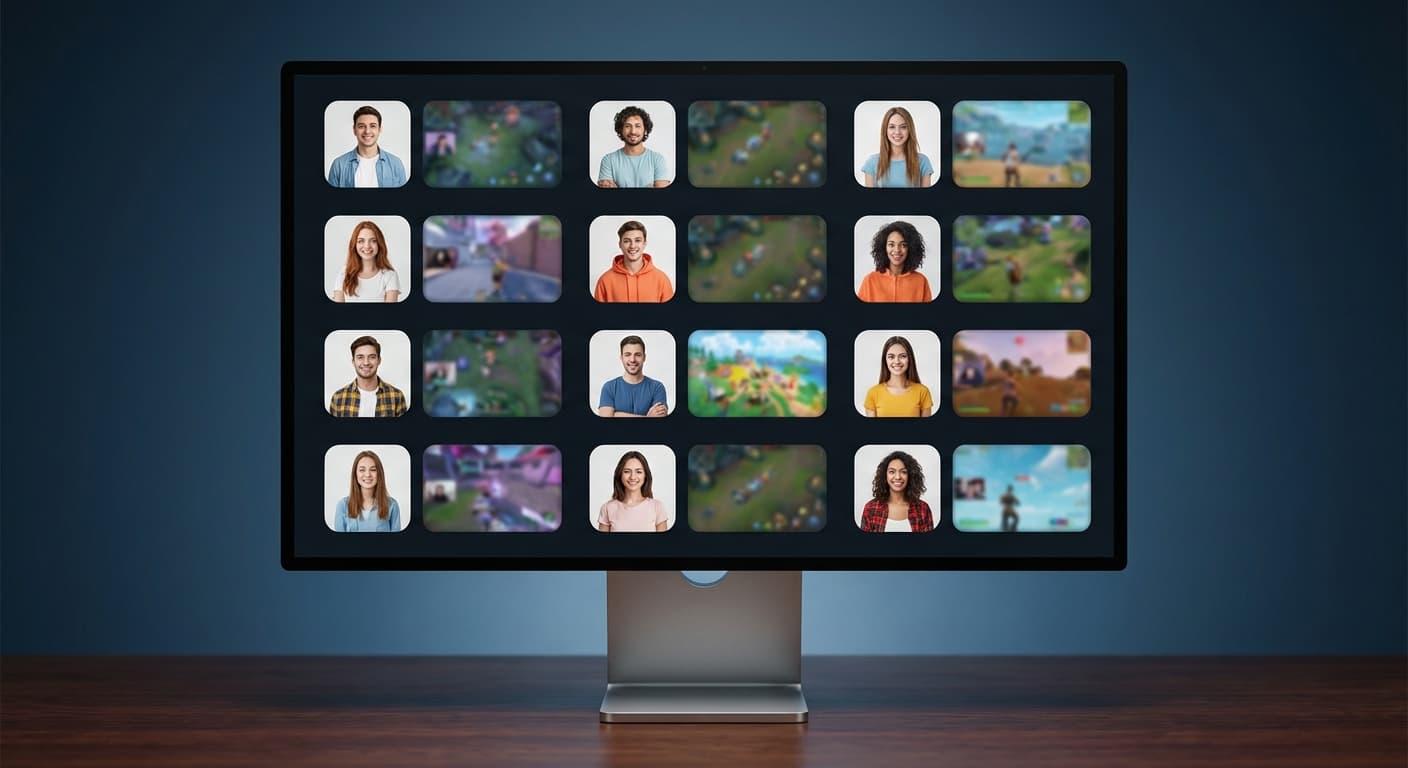
Twitch scales your profile photo for different contexts—tiny in chat, medium in search, larger on your channel page. At 800×800, you have enough resolution for all sizes without file size issues.
Build Your Brand
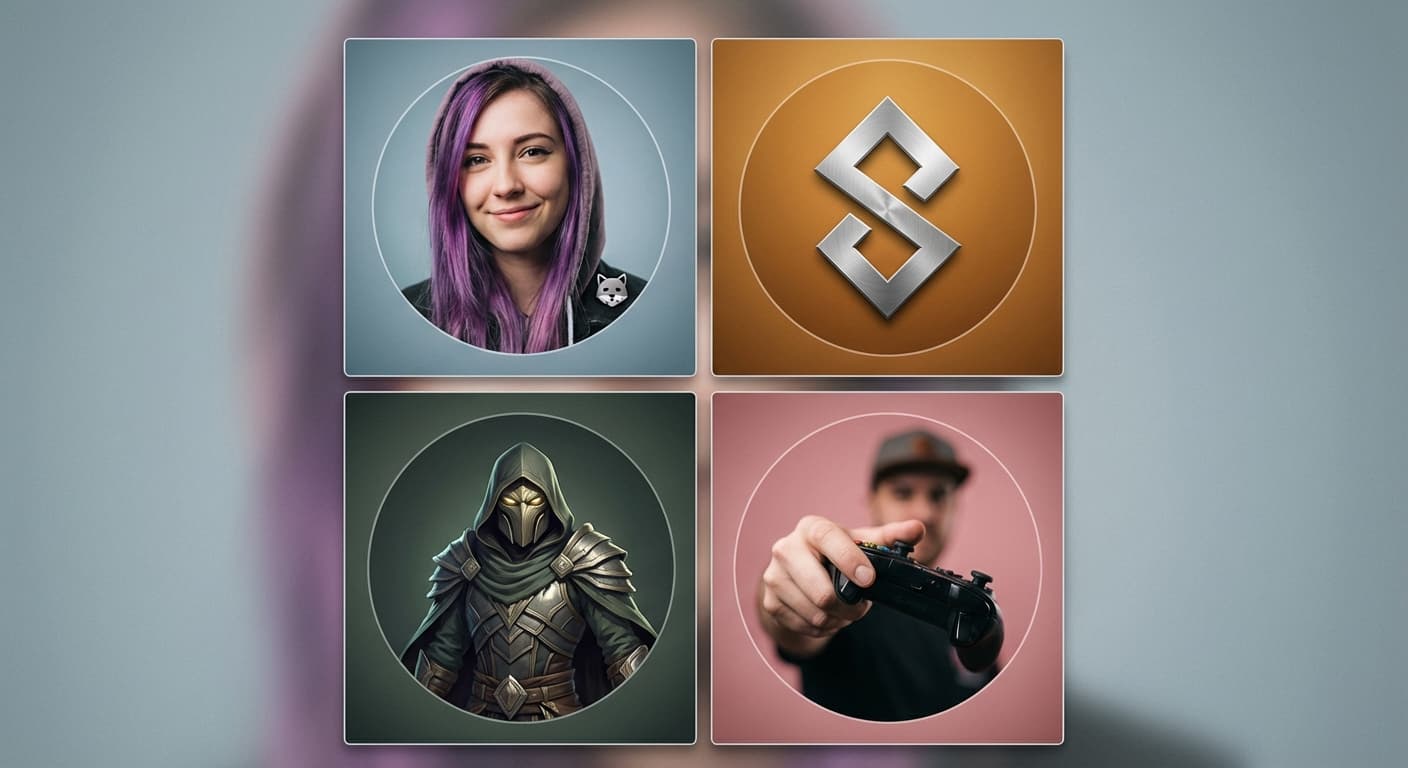
Your profile photo is your brand on Twitch. Whether it's your face, a logo, or a character, make it distinctive. Viewers scrolling through categories should recognize your channel instantly.
Upload Your Profile Photo
Upload your image. We resize to exactly 800×800 pixels. Keep the main content centered—Twitch may crop edges in some views. Download and upload to your Twitch channel settings.
How to resize image for Twitch Profile Photo?
- 1
Step 1: Choose your image
From your library on your device, choose the image you would like to use as a Twitch Profile Photo.
- 2
Step 2: Upload and resize your image
Upload your image and, within a few seconds, our tool will automatically resize your image to Twitch profile photo dimensions.
- 3
Step 3: Save Twitch Profile Photo
Once ready, click the Download button to save your Twitch Profile Photo to your device.
The recommended profile photo size for Twitch is 800 x 800 pixels. This size ensures that your profile photo is clear and visible on all devices.
All Twitch Image Sizes
Choose the recommended Twitch dimensions for your content
Free tools
Explore Free Creative Tools
Everything you need to make your photos stand out with our free photo editing tools

AI Photo Editor
Edit photos by describing what you want. Remove backgrounds, resize, enhance, add text, and more. Just type your edit in plain English.

Face Swap
Create an AI face-swap image from uploaded photos. Results vary with lighting, pose, source quality, and the faces in each image.

Photo Inverter
Invert photo colors online with four presets, intensity controls, and selective color options. Sign in to use it — AI edits draw from your daily AI credits.
Image Size Converter
Free online image size converter. Resize a photo to exact pixel dimensions (width x height) in JPG, PNG, or WebP. Need a target file size in KB or a format change? We point you to the right tool. No signup.