Twitch Emote Resizer
Emotes are your channel's personality in chat. Twitch requires 112×112 pixels for the largest size. Blurry or pixelated emotes look unprofessional and won't get used.
Twitch emote size
Twitch emote size: Upload one 112×112 px transparent PNG; Twitch auto-generates the 56×56 and 28×28 versions.
In auto-resize mode a single 112×112 px PNG is enough — Twitch creates the smaller sizes for you. Switch to manual mode to upload 112×112, 56×56, and 28×28 px yourself. Design at 112×112 px and keep the artwork bold — 28×28 px is what most viewers see in chat.
112
width (px)
112
height (px)
1:1
aspect ratio
Need other dimensions? Browse all Twitch sizes or use the free image resizer for any platform.
Sources
We check platform-specific dimensions against source documentation when available.
- Twitch Help - Emote Guidelines - Auto-resize mode accepts a single square PNG of at least 112×112 px and generates the 56×56 and 28×28 sizes automatically; manual mode lets you upload each size (112×112, 56×56, 28×28 px). Files must be PNG under 1 MB.
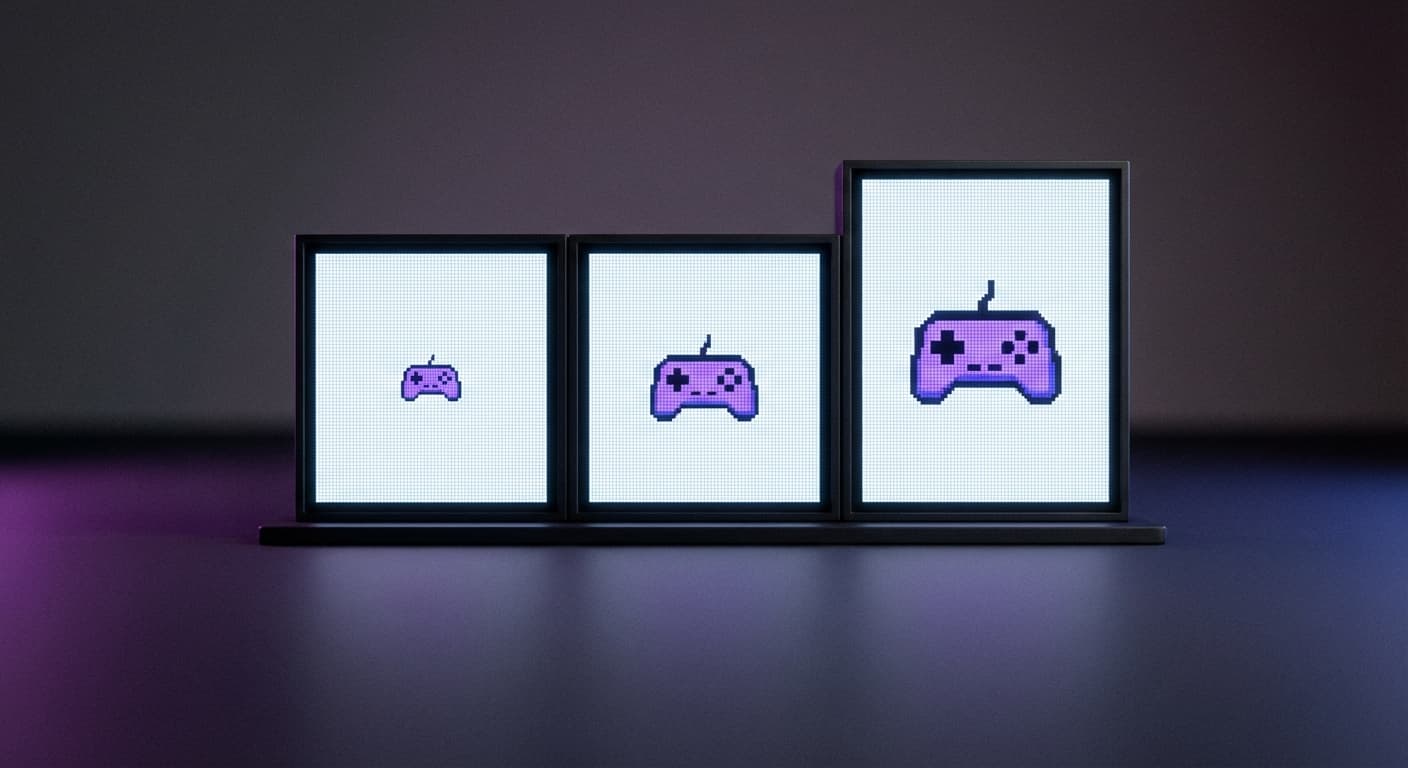
Why 112×112 Pixels?
Twitch displays emotes at three sizes—28×28, 56×56, and 112×112. Upload at 112×112 and the platform generates the smaller versions. This ensures your emote stays crisp at every display size.
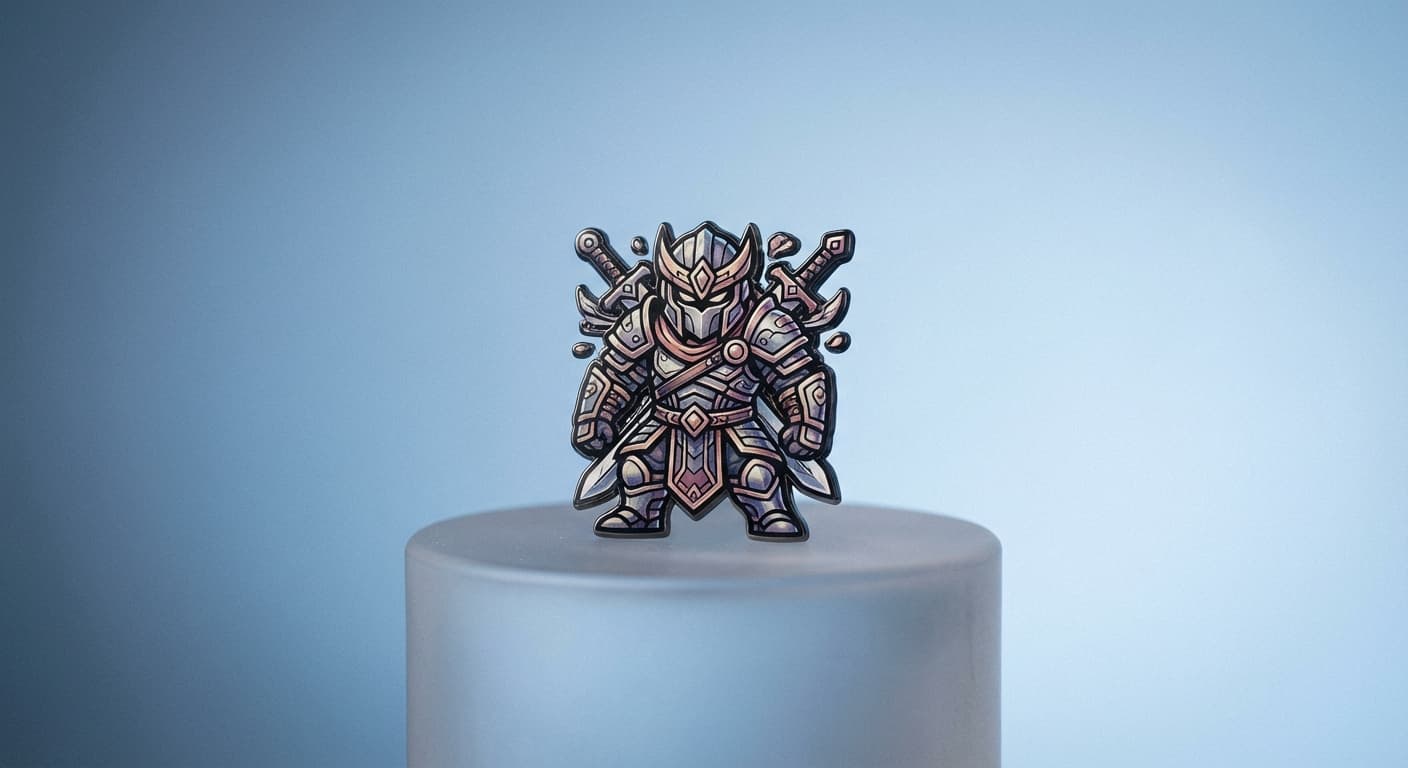
Emotes Build Community
Custom emotes are how your viewers express themselves in chat. Good emotes get spammed across Twitch. Bad emotes get ignored. Make yours bold, simple, and recognizable at tiny sizes.
Create Your Emote
Upload your emote design. We resize to exactly 112×112 pixels. Use PNG with transparency for best results. Keep designs simple—complex details disappear at 28×28. Download and upload to your Twitch dashboard.
How to resize image for Twitch Emote?
- 1
Step 1: Choose your image
From your library on your device, choose the image you would like to use as a Twitch Emote.
- 2
Step 2: Upload and resize your image
Upload your image and, within a few seconds, our tool will automatically resize your image to Twitch emote dimensions.
- 3
Step 3: Save Twitch Emote
Once ready, click the Download button to save your Twitch Emote to your device.
You only need one 112×112 px transparent PNG — Twitch's auto-resize mode generates the 56×56 and 28×28 versions for you. If you want per-size control, switch to manual mode and upload all three sizes yourself. Design at 112×112 pixels and keep the artwork bold, since 28×28 is what viewers see most often in chat.
All Twitch Image Sizes
Choose the recommended Twitch dimensions for your content
Free tools
Explore Free Creative Tools
Everything you need to make your photos stand out with our free photo editing tools
AI Photo Editor
Edit photos by describing what you want. Remove backgrounds, resize, enhance, add text, and more. Just type your edit in plain English.

Face Swap
Create an AI face-swap image from uploaded photos. Results vary with lighting, pose, source quality, and the faces in each image.
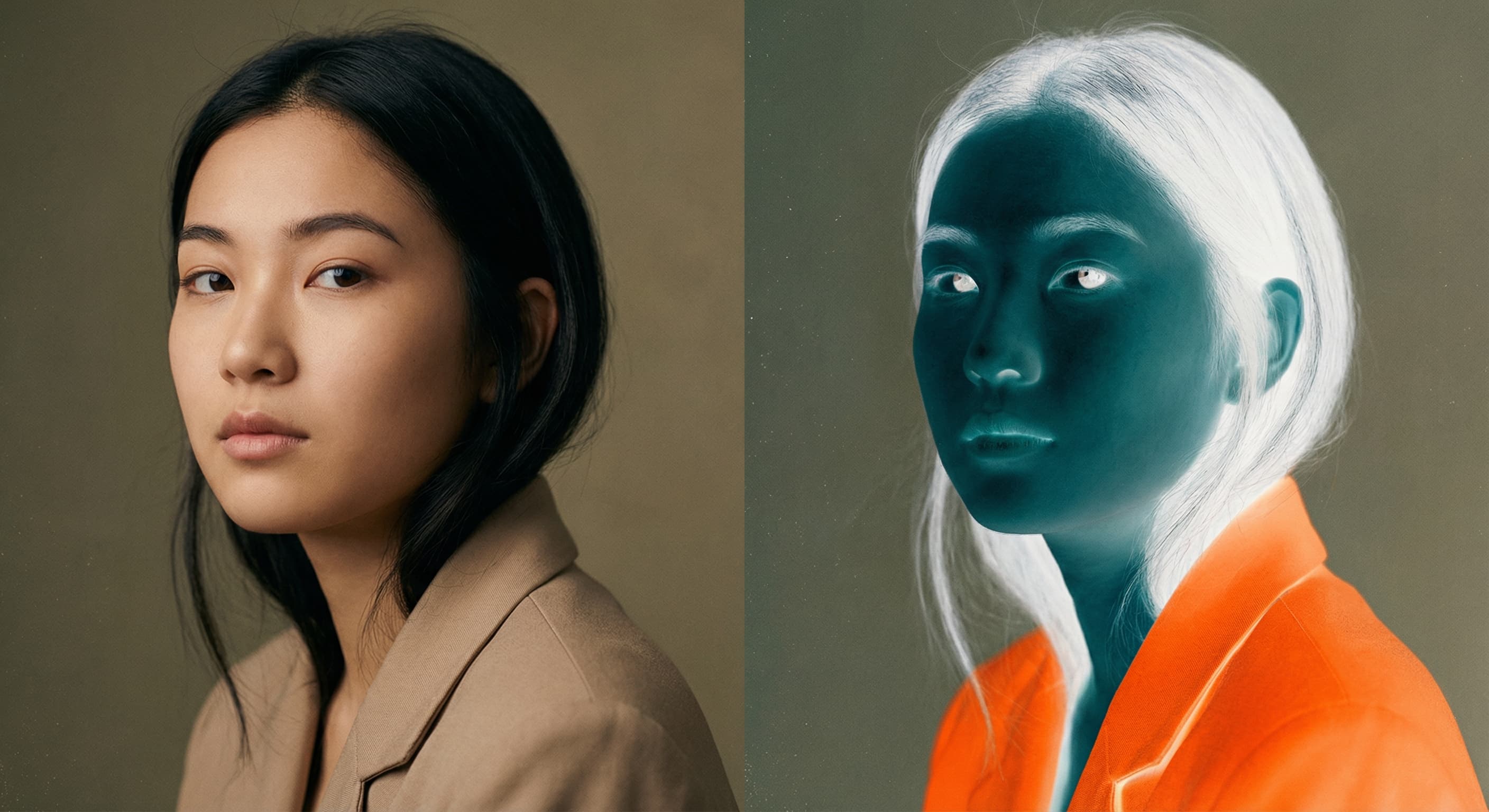
Photo Inverter
Invert photo colors online with four presets, intensity controls, and selective color options. Sign in to use it — AI edits draw from your daily AI credits.

Image Size Converter
Free online image size converter. Resize a photo to exact pixel dimensions (width x height) in JPG, PNG, or WebP. Need a target file size in KB or a format change? We point you to the right tool. No signup.