Resize WhatsApp Profile Photo
WhatsApp profile photos display best at 500×500 pixels. WhatsApp crops this to a circle, so keep important content centered.
Recommended Size
500 × 500
pixels

Why 500×500 Pixels?
WhatsApp compresses larger images and stretches smaller ones. 500×500 pixels is the optimal balance—detailed enough for the larger contact view, efficiently sized for mobile data. The circular crop means centering your face is essential.
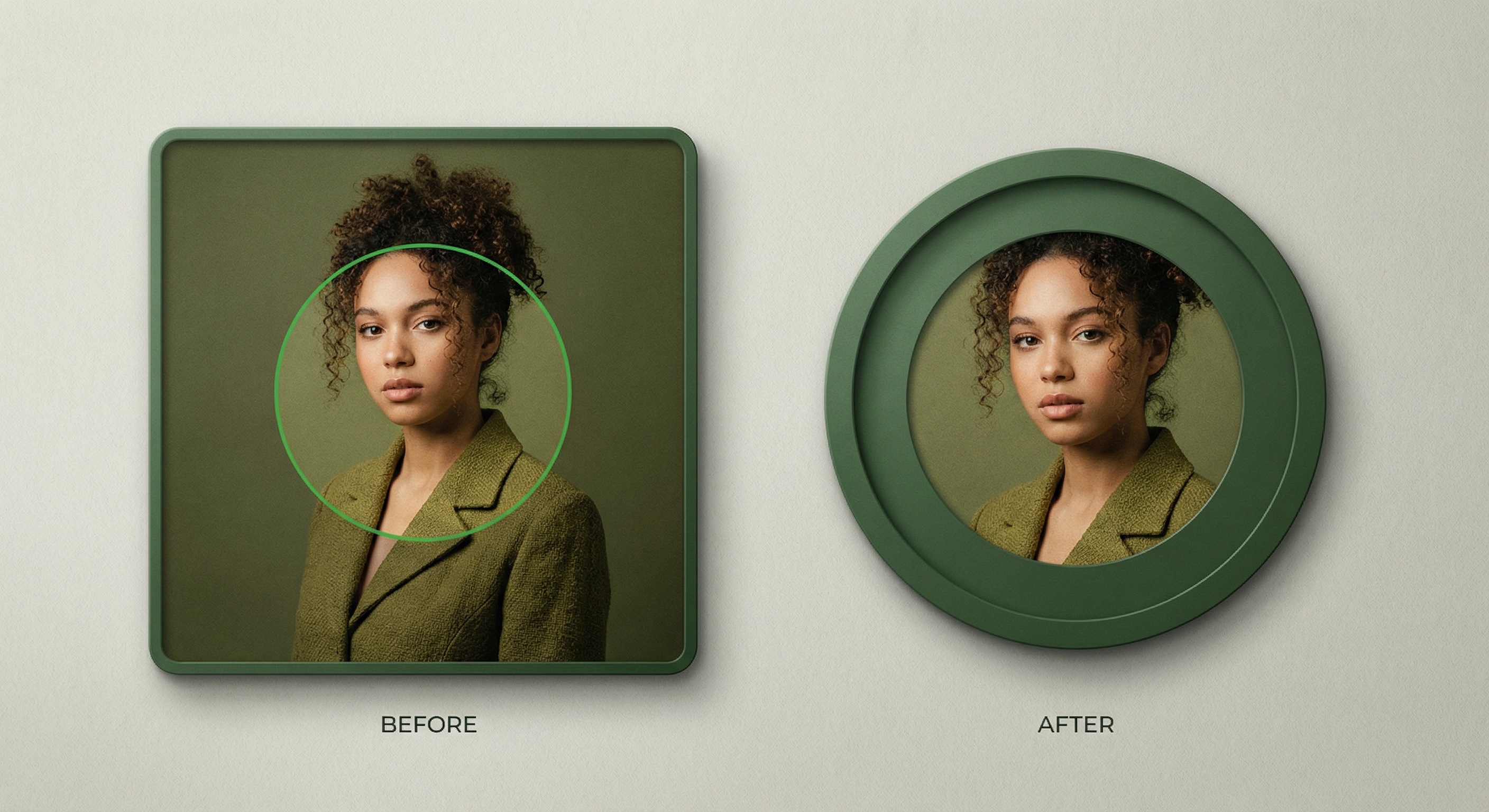
Design for Circular Crop
WhatsApp always displays profile photos as circles. Anything in the corners disappears. Center your face or logo in the middle of the square, leaving margin around the edges. Test your image in a circular frame before uploading.

Resize Your WhatsApp Profile Photo
Upload your photo and resize it to 500×500 pixels. Preview the circular crop to ensure nothing important gets cut off. Download and set as your WhatsApp profile picture.
How to resize image for WhatsApp Profile Photo?
- 1
Step 1: Select your photo
Choose a photo where your face is clearly visible and centered. Remember the corners will be cropped to a circle.
- 2
Step 2: Upload and resize
Upload your photo and resize it to 500×500 pixels for optimal WhatsApp display.
- 3
Step 3: Check circular crop
Preview how your photo looks as a circle. Adjust positioning if needed.
- 4
Step 4: Set as profile photo
Open WhatsApp Settings > tap your profile photo > select your resized image.
WhatsApp Profile Photo FAQ
Can't find what you're looking for? Contact support
The recommended WhatsApp profile photo size is 500×500 pixels. WhatsApp crops this to a circle, so keep your face or important content centered.
More Whatsapp Sizes
Here are more Whatsapp asset sizes with their own dimensions.