Threads Profile Photo Resizer
Threads profile photos display best at 320×320 pixels minimum, but 640×640 pixels is recommended for sharp display on high-resolution screens. The circular crop means centering is essential.
640
width (px)
640
height (px)
1:1
aspect ratio
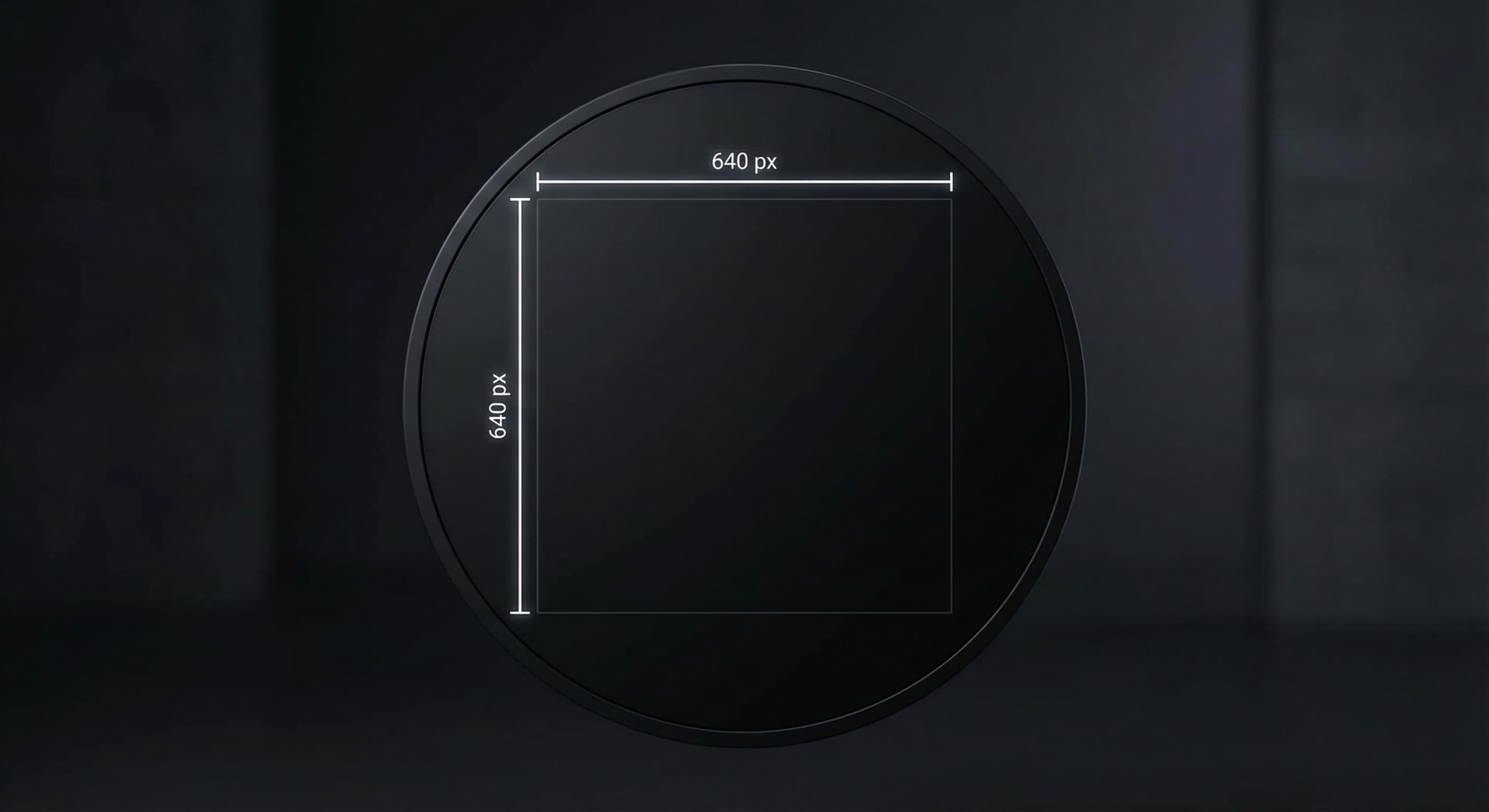
Why 640×640 Pixels?
Threads displays profile photos at various sizes across the app. 640×640 pixels ensures sharp display on high-density phone screens. Since Threads syncs with Instagram, this size works perfectly for both platforms.
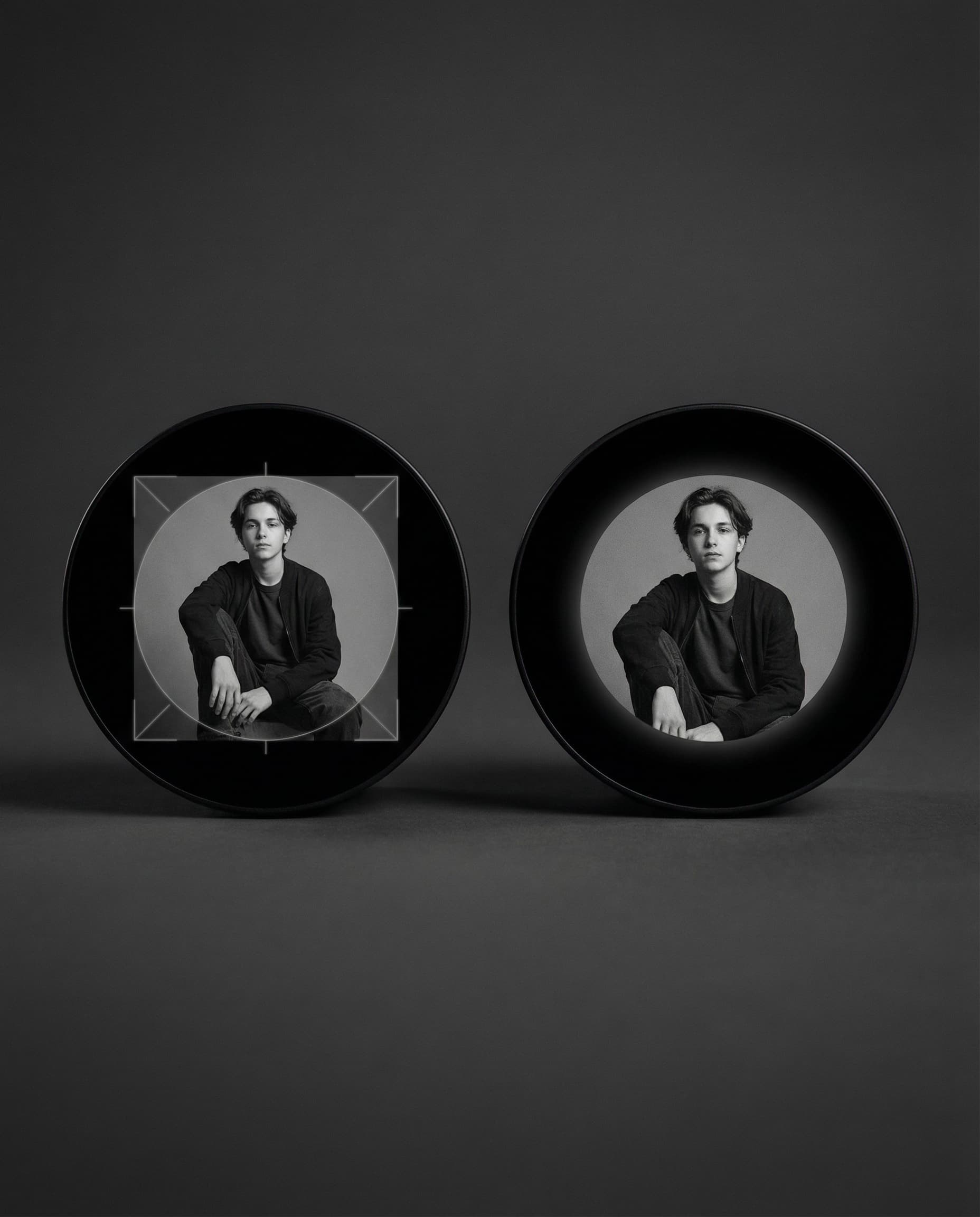
Design for the Circle
Like Instagram, Threads crops profile photos to circles. Keep important content centered and away from corners. Your profile photo is your identity in every thread—make sure it's recognizable at small sizes.
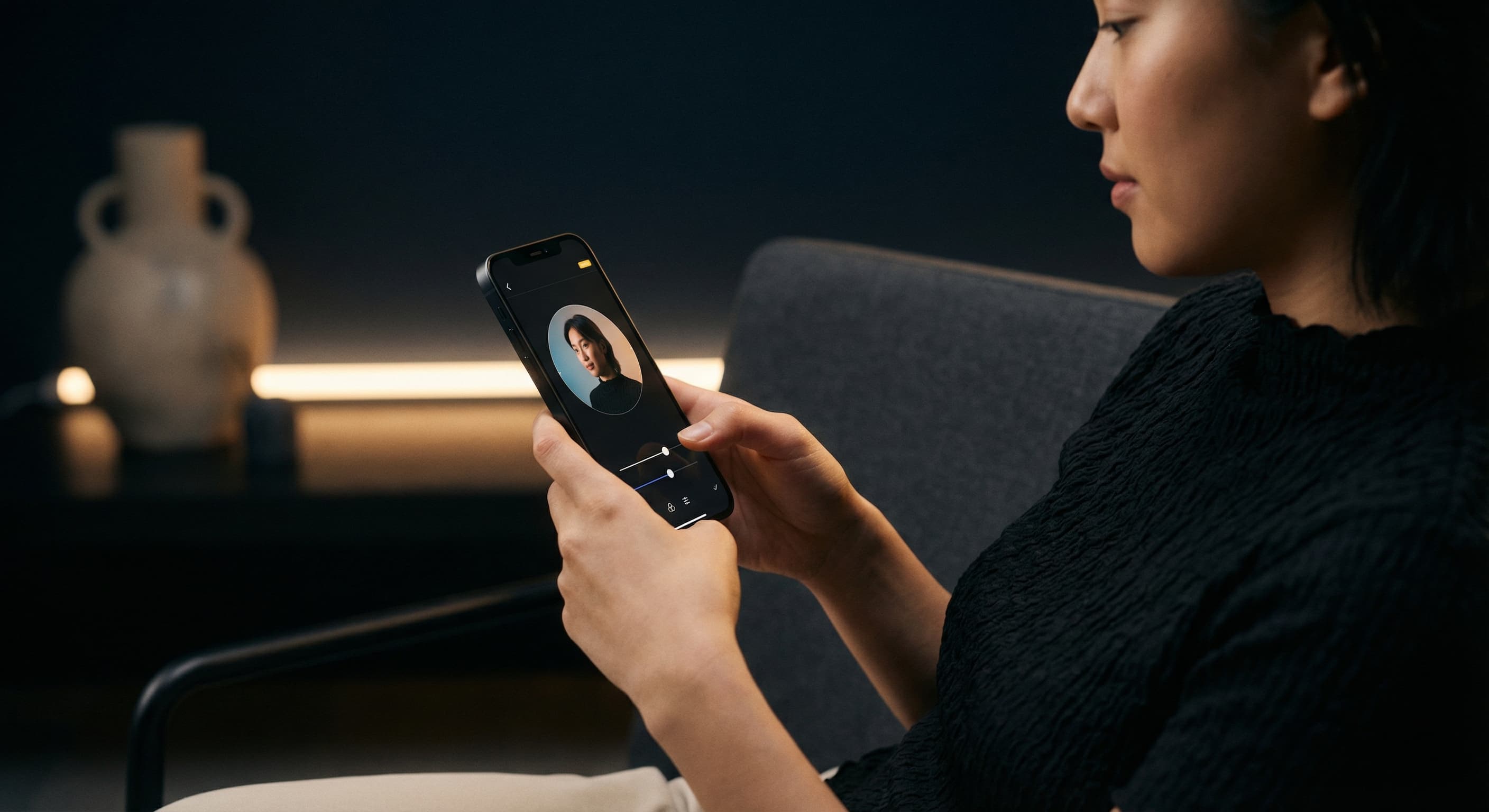
Resize Your Threads Profile Photo
Upload your photo and resize it to 640×640 pixels. Check the circular crop preview. Download and upload to Threads or update via your connected Instagram account.
How to resize image for Threads Profile Photo?
- 1
Step 1: Choose your photo
Select a photo that represents you well. It should be recognizable even at small sizes in the feed.
- 2
Step 2: Upload and resize
Upload your photo and resize it to 640×640 pixels for optimal Threads display.
- 3
Step 3: Center for circular crop
Position your face or logo in the center. Preview the circular crop to ensure nothing important is cut.
- 4
Step 4: Update your profile
Open Threads, go to your profile, and update your profile photo.
Threads Profile Photo FAQ
Can't find what you're looking for? Contact support
The recommended Threads profile photo size is 640×640 pixels. This ensures sharp display across all areas of the app on high-resolution devices.
All Threads Image Sizes
Choose the perfect Threads dimensions for your content
Explore Free Creative Tools
Everything you need to make your photos stand out with our free photo editing tools