Resize Threads Post Image
Threads post images display best at 1440×1800 pixels (4:5 portrait ratio) for maximum feed presence, or 1440×1440 pixels for square format.
Recommended Size
1440 × 1800
pixels
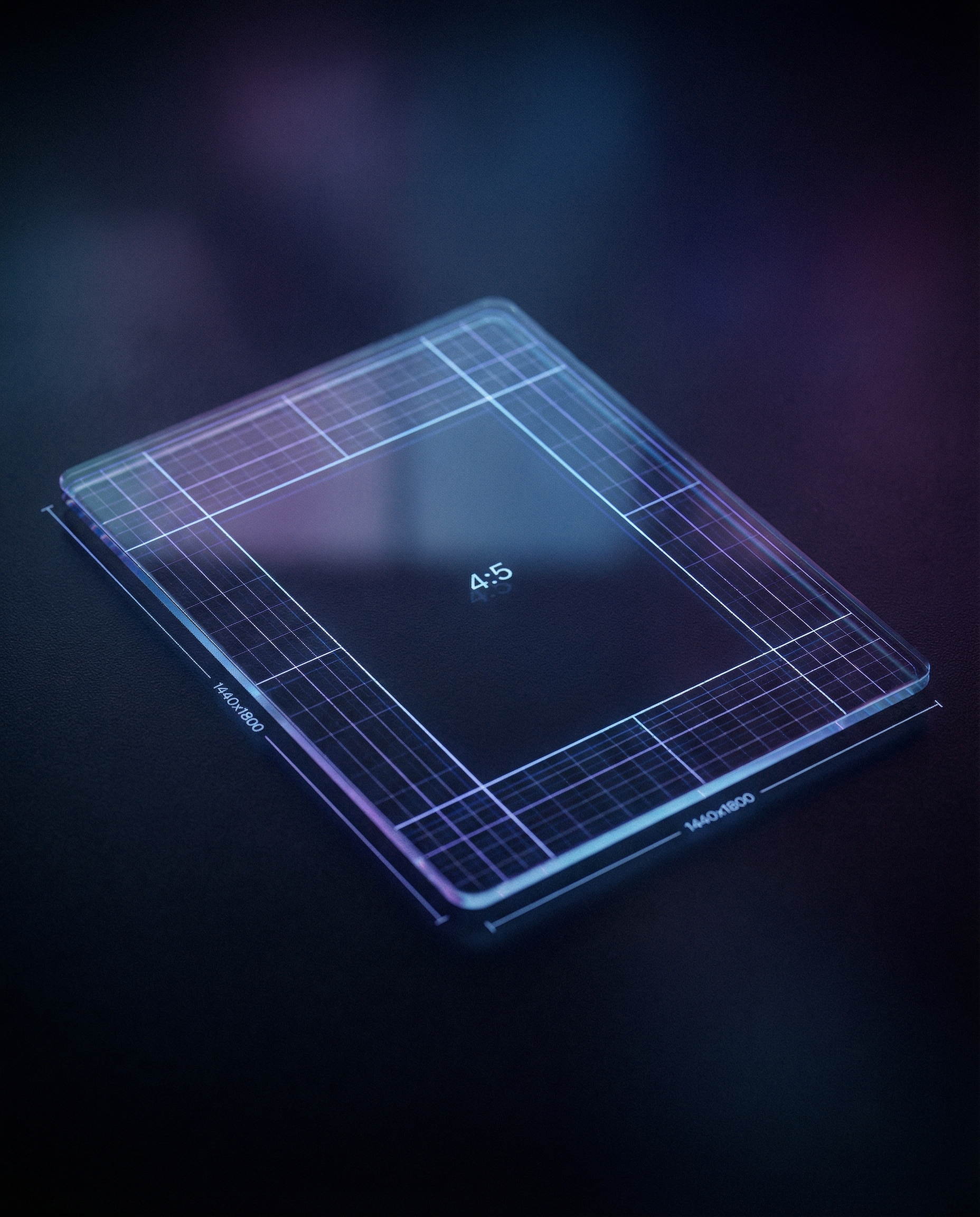
Why 1440×1800 Pixels?
The 4:5 portrait ratio maximizes your post's presence in the feed. At 1440×1800 pixels, your image displays crisp on all devices. This matches Instagram's recommended dimensions, making cross-posting seamless.
Stand Out in a Text Feed
Threads is primarily text-based, so images naturally draw attention. A well-composed, properly sized image stops the scroll. Use this visual advantage to complement your written content.
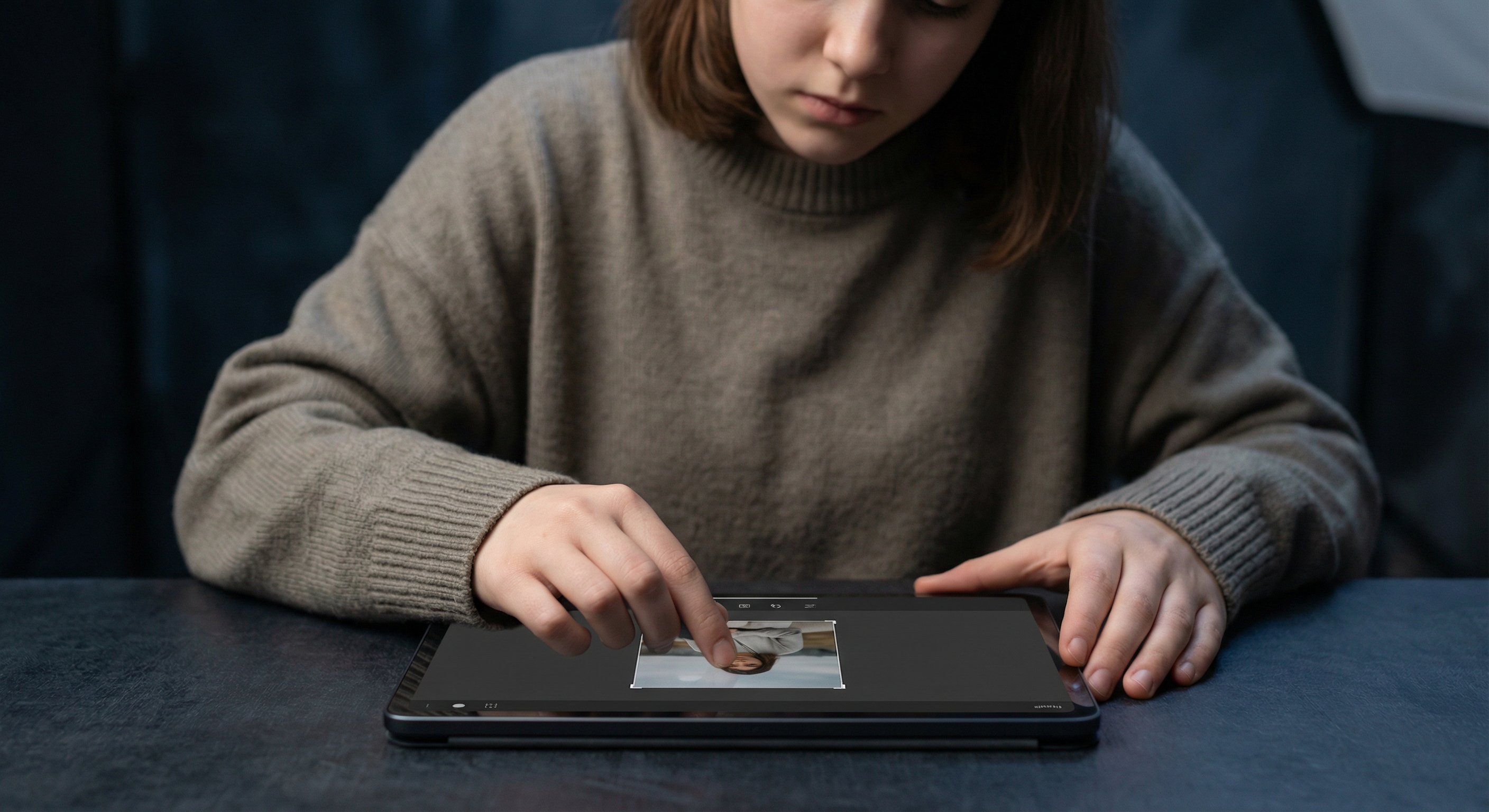
Resize Your Threads Post Images
Upload your image and resize it to 1440×1800 pixels for portrait format or 1440×1440 for square. Download and attach to your Threads post.
How to resize image for Threads Post?
- 1
Step 1: Select your image
Choose an image that adds value to your post. On Threads, images should complement your text, not replace it.
- 2
Step 2: Upload and resize
Upload your image and resize to 1440×1800 pixels (portrait) or 1440×1440 (square).
- 3
Step 3: Optimize composition
Position key elements where they won't be obscured by UI elements or text overlays.
- 4
Step 4: Post to Threads
Create a new thread and attach your resized image along with your text.
Threads Post Image FAQ
Can't find what you're looking for? Contact support
Threads post images work best at 1440×1800 pixels (4:5 portrait) for maximum feed presence, or 1440×1440 pixels for square format.
More Threads Sizes
Here are more Threads asset sizes with their own dimensions.