Google Business Post Image Resizer
Google Business post images display best at 1200×900 pixels (4:3 ratio). This format works well for promotions, updates, and event announcements.
1200
width (px)
900
height (px)
4:3
aspect ratio
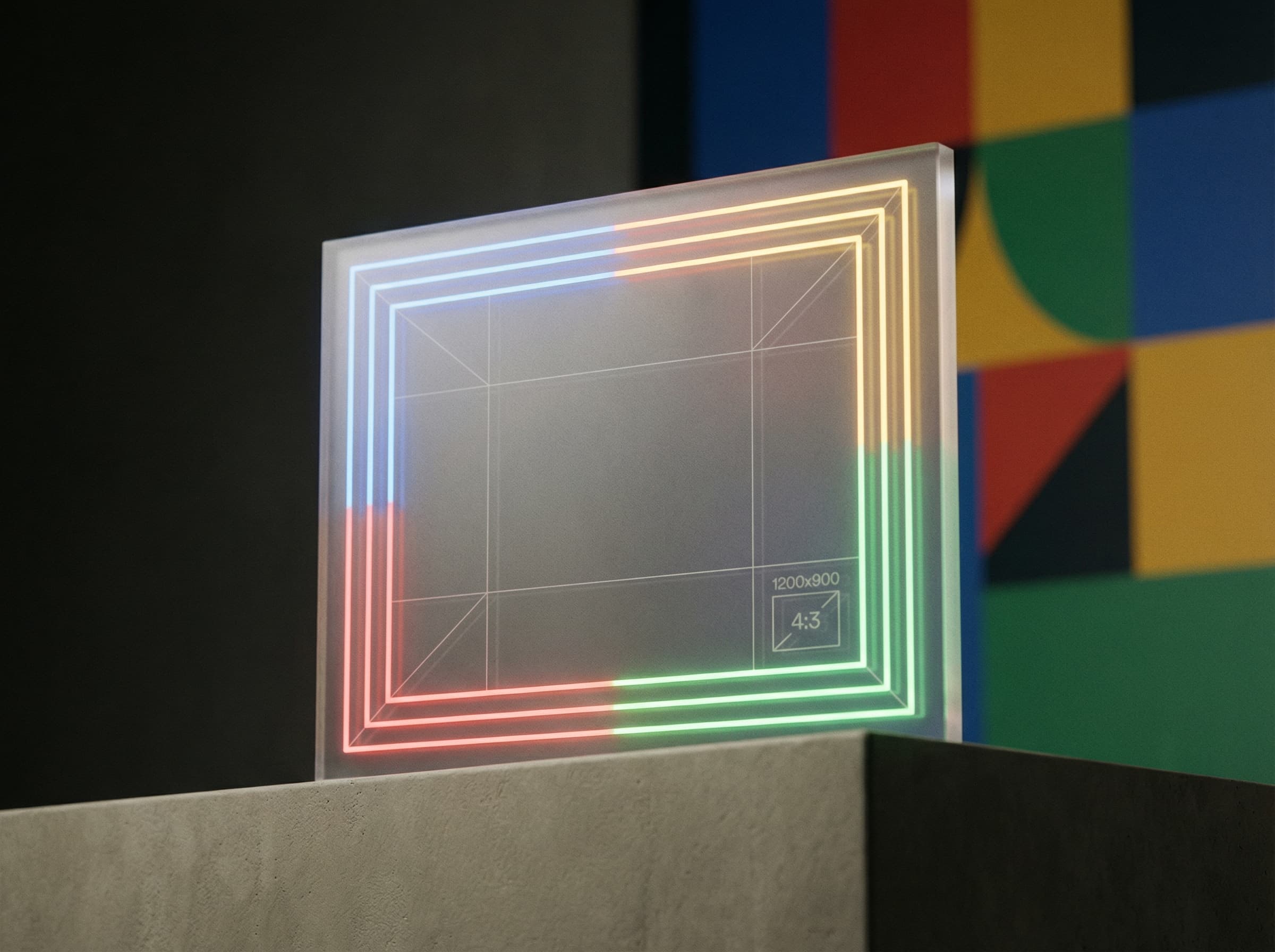
Why 1200×900 Pixels?
Google displays post images in a 4:3 aspect ratio. At 1200×900 pixels, your images look crisp and professional. This size loads quickly while maintaining visual quality in search results.

Drive Customer Action
Posts with images get significantly more engagement than text-only updates. Use eye-catching photos for promotions, new products, or events. A well-designed post image can drive calls, website visits, and foot traffic.

Resize Your Post Images
Upload your promotional image and resize it to 1200×900 pixels. Add text overlays if needed, but keep them readable. Download and attach to your Google Business post.
How to resize image for Google Business Post?
- 1
Step 1: Create or select your image
Choose a photo or create a graphic for your promotion, update, or event announcement.
- 2
Step 2: Upload and resize
Upload your image and resize it to 1200×900 pixels (4:3 aspect ratio).
- 3
Step 3: Optimize for visibility
Ensure any text is large enough to read on mobile. Keep the design clean and eye-catching.
- 4
Step 4: Create your post
Go to Google Business Profile, create a new post, and attach your resized image.
Google Business Post Image FAQ
Can't find what you're looking for? Contact support
The recommended Google Business post image size is 1200×900 pixels with a 4:3 aspect ratio. This ensures your images display well in search results and on your profile.
All Google-business Image Sizes
Choose the perfect Google-business dimensions for your content
Explore Free Creative Tools
Everything you need to make your photos stand out with our free photo editing tools