Google Business Logo Resizer
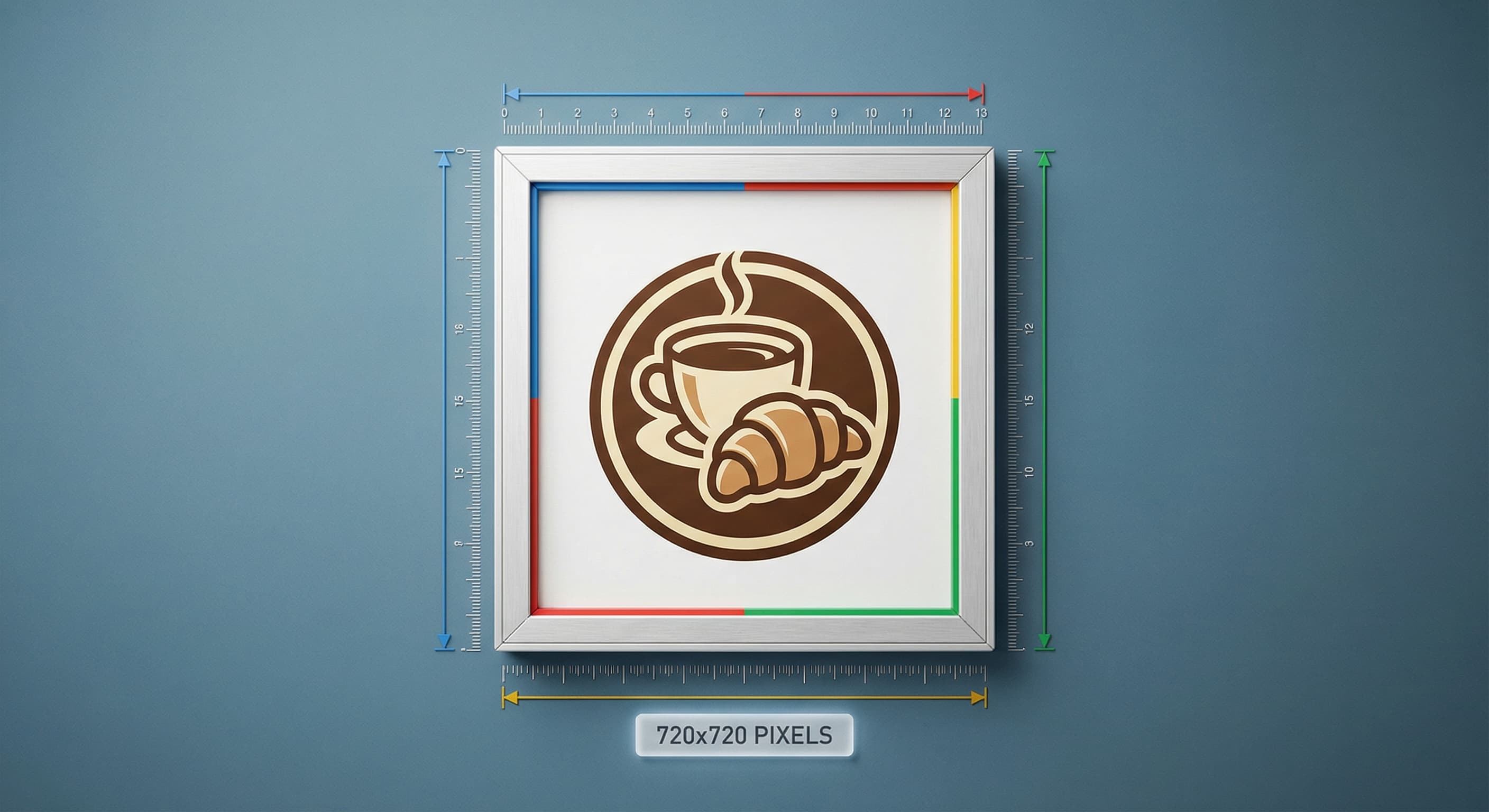
Google Business Profile logos display best at 720×720 pixels. This square format appears in search results, Maps, and your business profile.
720
width (px)
720
height (px)
1:1
aspect ratio
Why 720×720 Pixels?
Google displays your logo at various sizes across its platforms. 720×720 pixels provides enough resolution for the largest displays while keeping file sizes manageable. Square format ensures consistent display everywhere.

Stand Out in Search Results
Your logo appears next to your business name in local search results. A crisp, professional logo builds instant credibility. Competitors with blurry logos look less trustworthy—even if they offer the same services.
Resize Your Business Logo
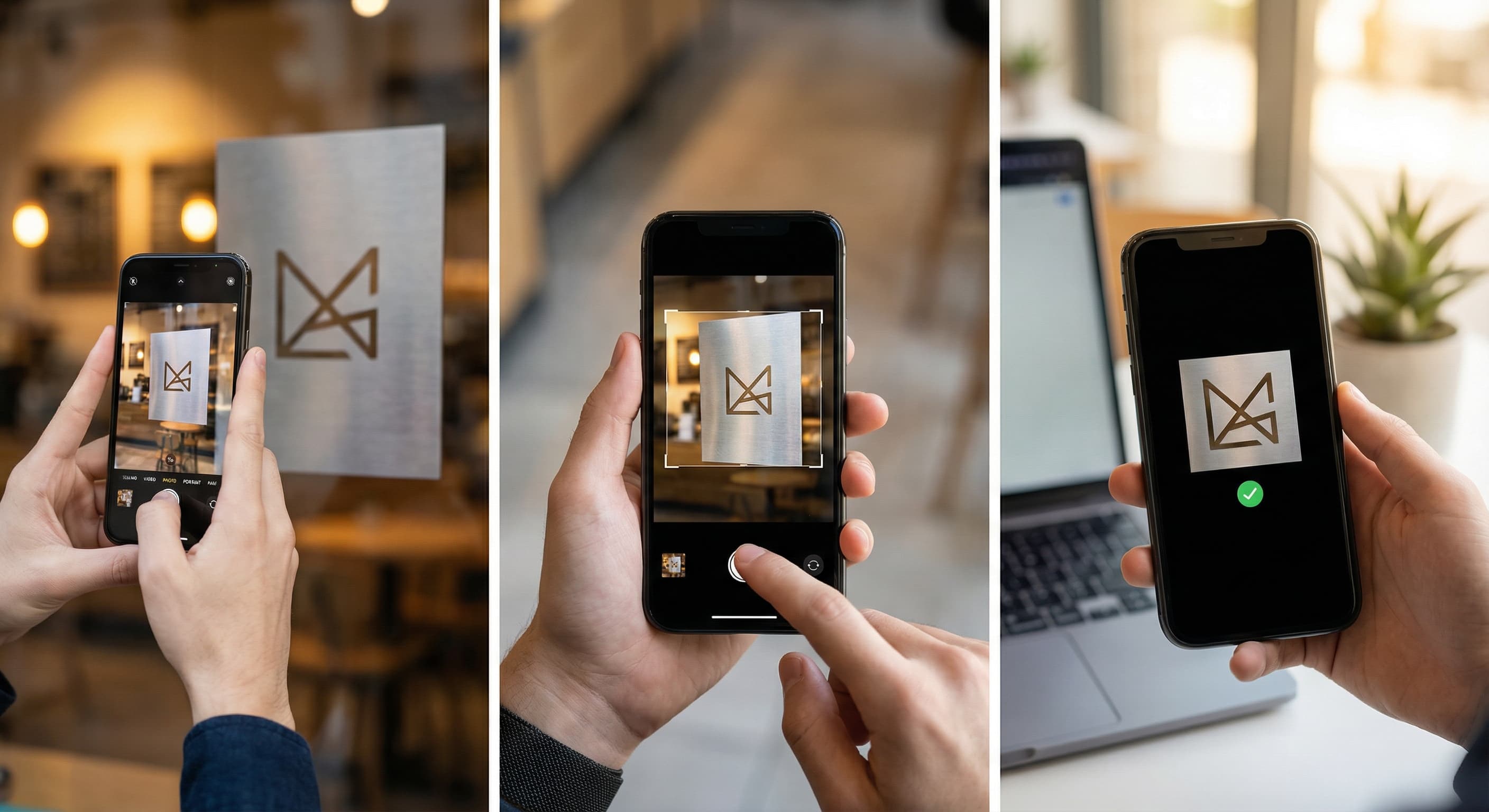
Upload your logo and resize it to exactly 720×720 pixels. Ensure the logo is centered with adequate padding. Download and upload to your Google Business Profile.
How to resize image for Google Business Logo?
- 1
Step 1: Prepare your logo
Use a high-resolution version of your logo. PNG format with transparent background works best.
- 2
Step 2: Upload and resize
Upload your logo and resize it to 720×720 pixels. Center the logo with padding around edges.
- 3
Step 3: Check visibility
Ensure your logo is recognizable at small sizes. Simplify if needed—it displays tiny in some contexts.
- 4
Step 4: Upload to Google Business
Go to your Google Business Profile, select Photos, and upload your resized logo.
Google Business Logo FAQ
Can't find what you're looking for? Contact support
The recommended Google Business Profile logo size is 720×720 pixels in square format. This ensures your logo displays clearly across Search, Maps, and your business profile.
All Google-business Image Sizes
Choose the perfect Google-business dimensions for your content
Explore Free Creative Tools
Everything you need to make your photos stand out with our free photo editing tools