Resize Google Business Cover Photo
Google Business cover photos display best at 1080×608 pixels (16:9 ratio). This wide format appears prominently at the top of your business profile.
Recommended Size
1080 × 608
pixels
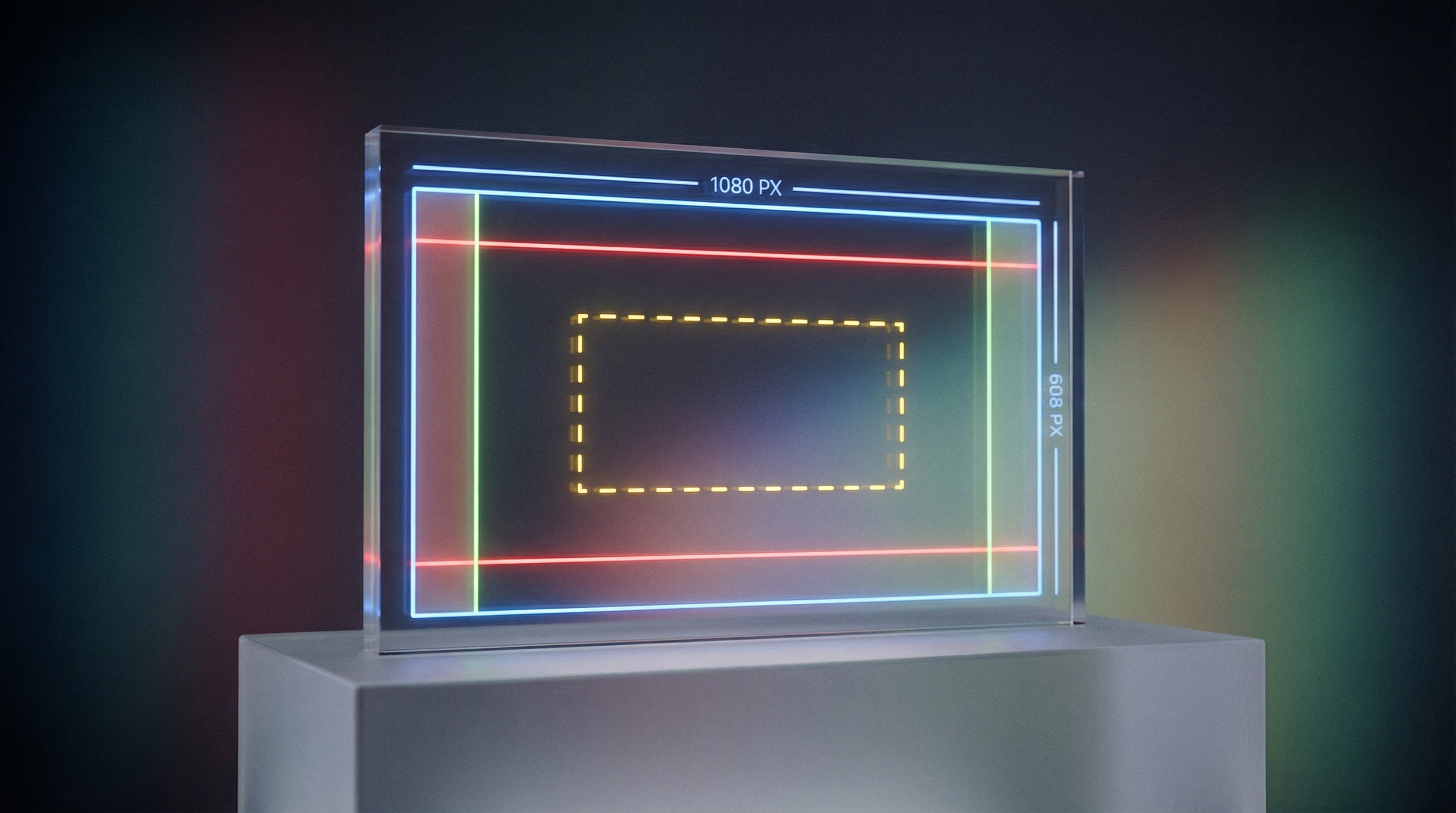
Why 1080×608 Pixels?
Google displays cover photos in a 16:9 aspect ratio. At 1080×608 pixels, your image fills the header area without cropping on most devices. This size balances quality with fast loading times.

Showcase Your Business
Use your cover photo to show your storefront, team, products, or services in action. This is prime real estate—customers see it first when viewing your profile. Make it count with a high-quality, inviting image.
Resize Your Cover Photo
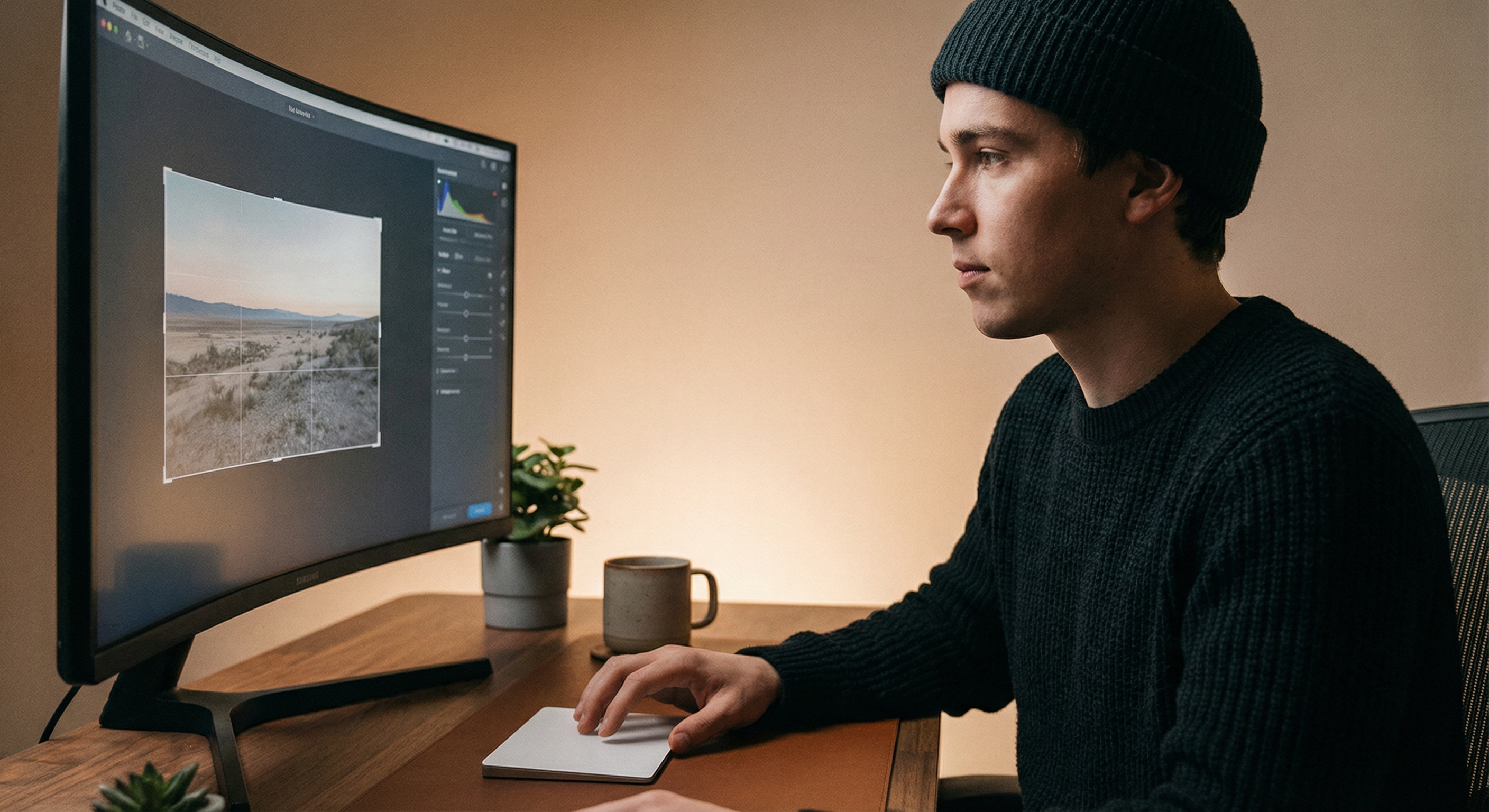
Upload your best business photo and resize it to 1080×608 pixels. Position key elements in the center—edges may be cropped on some devices. Download and set as your cover photo.
How to resize image for Google Business Cover Photo?
- 1
Step 1: Choose a showcase photo
Select an image that represents your business well—storefront, team, products, or services in action.
- 2
Step 2: Upload and resize
Upload your photo and resize it to 1080×608 pixels (16:9 aspect ratio).
- 3
Step 3: Center important content
Keep key elements centered. The edges may be cropped differently on mobile vs desktop.
- 4
Step 4: Upload to Google Business
Go to your Google Business Profile, select Photos, and set as your cover photo.
Google Business Cover Photo FAQ
Can't find what you're looking for? Contact support
The recommended Google Business cover photo size is 1080×608 pixels with a 16:9 aspect ratio. This ensures your image displays well across desktop and mobile.
More Google-business Sizes
Here are more Google-business asset sizes with their own dimensions.