Facebook Profile Photo Resizer
Your profile photo appears next to every post, comment, and message. Use a 170×170 working canvas so Facebook's own compression has nothing to soften. Wrong size means pixelation everywhere you show up.
Facebook profile photo size
Facebook profile photo size: 170×170 px working canvas, 1:1 aspect ratio.
Facebook's own current guidance is to upload at least 320×320 px (minimum 180×180 px); it displays the result at 176×176 px on desktop and 196×196 px on mobile, cropped to a circle. This tool's canvas is 170×170 px, so starting from a source larger than that gives the crop more detail to work with — Facebook still scales the final image to fit its own display sizes above.
170
width (px)
170
height (px)
1:1
aspect ratio
Need other dimensions? Browse all Facebook sizes or use the free image resizer for any platform.
Sources
We check platform-specific dimensions against source documentation when available.
- Facebook Help Center - Page profile picture and cover photo dimensions - Facebook recommends uploading a 320×320 px profile picture (minimum 180×180 px); it displays at 176×176 px on desktop and 196×196 px on mobile, cropped to a circle.
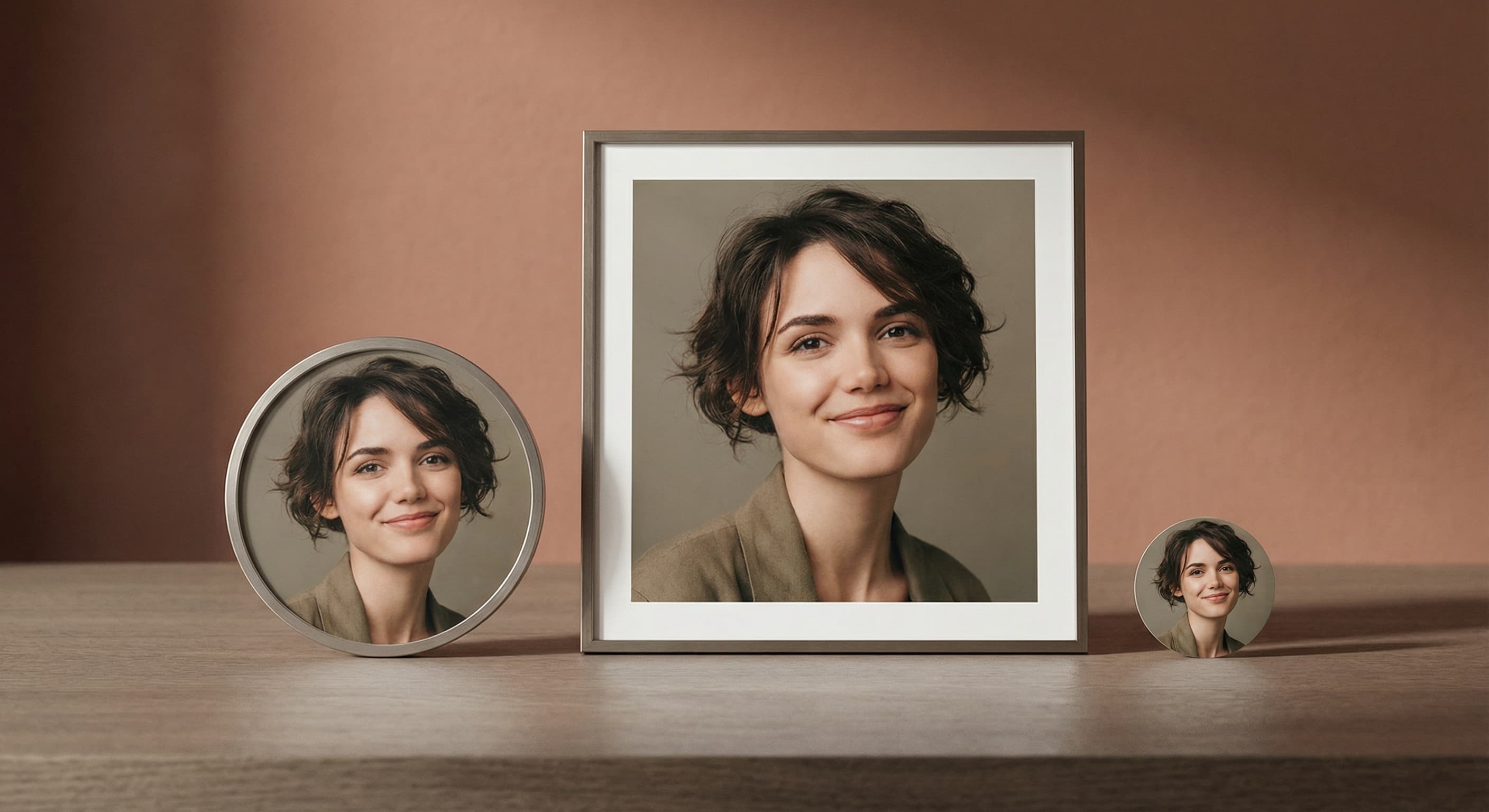
Why a Square Crop?
Facebook stores your profile photo as a square and displays it at 176×176 px on desktop and 196×196 px on mobile, cropped to a circle. At these dimensions, your image stays sharp across desktop and mobile. Smaller uploads get upscaled and look fuzzy.
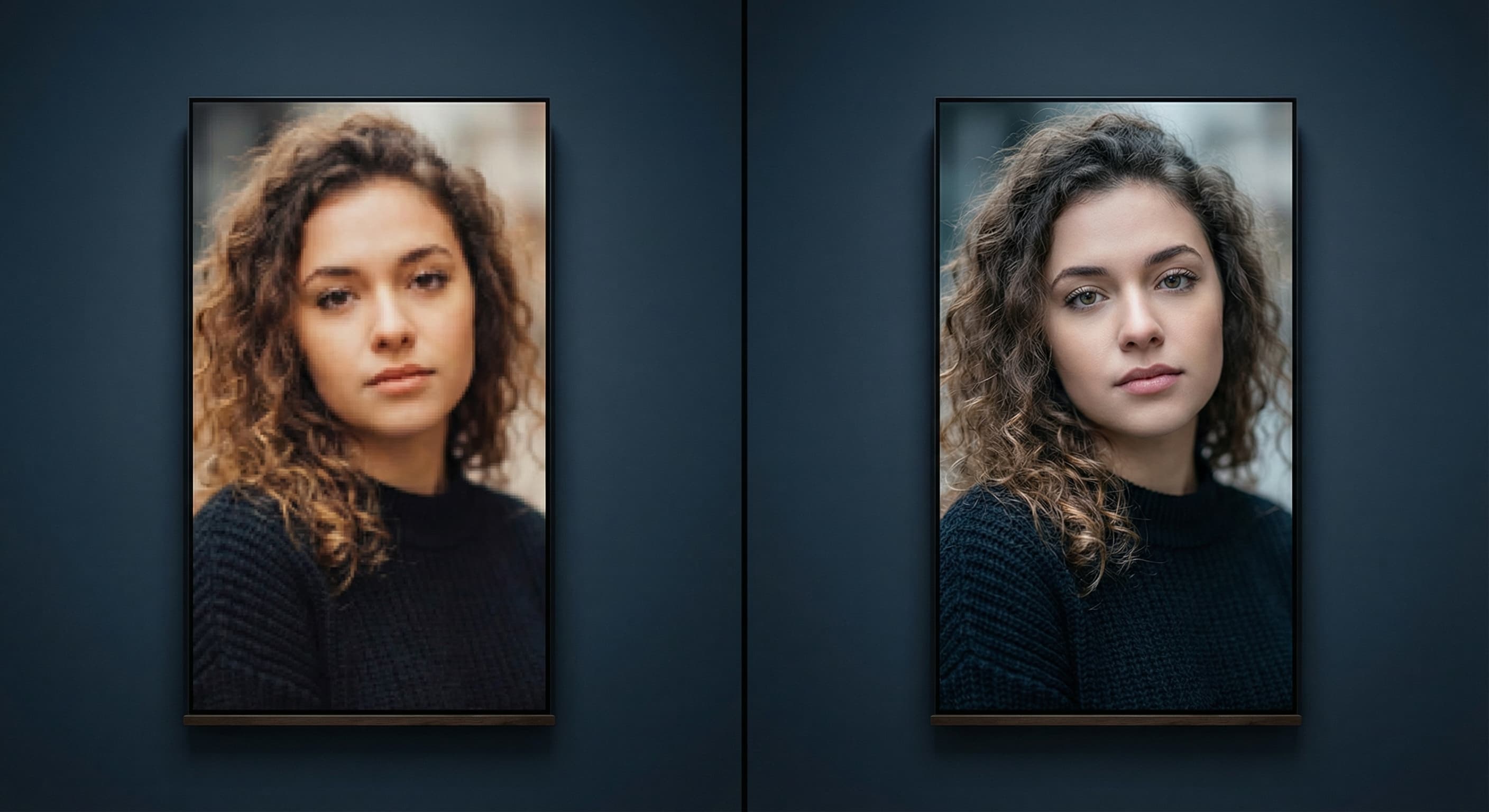
Recognition Builds Trust
People scroll fast and recognize faces before reading names. A clear, sharp profile photo builds familiarity. A blurry image makes you look like a spam account.
Get the Perfect Profile Photo
Upload any image. We crop and resize it to exactly 170×170 pixels. Works with photos, logos, or any square image. Download and upload directly to Facebook.
How to resize image for Facebook Profile Photo?
- 1
Step 1: Choose your image
From your library on your device, choose the image you would like to use as a Facebook Profile Photo.
- 2
Step 2: Upload and resize your image
Upload your image and, within a few seconds, our tool will automatically resize your image to Facebook profile photo dimensions.
- 3
Step 3: Save Facebook Profile Photo
Once ready, click the Download button to save your Facebook Profile Photo to your device.
This tool crops to a 170 x 170 px canvas; starting from a larger square source gives that crop more detail to work with. Facebook's own guidance is to upload at least 320 x 320 px (minimum 180 x 180 px); it displays the result at 176 x 176 px on desktop and 196 x 196 px on mobile, cropped to a circle.
All Facebook Image Sizes
Choose the recommended Facebook dimensions for your content
Free tools
Explore Free Creative Tools
Everything you need to make your photos stand out with our free photo editing tools

AI Photo Editor
Edit photos by describing what you want. Remove backgrounds, resize, enhance, add text, and more. Just type your edit in plain English.
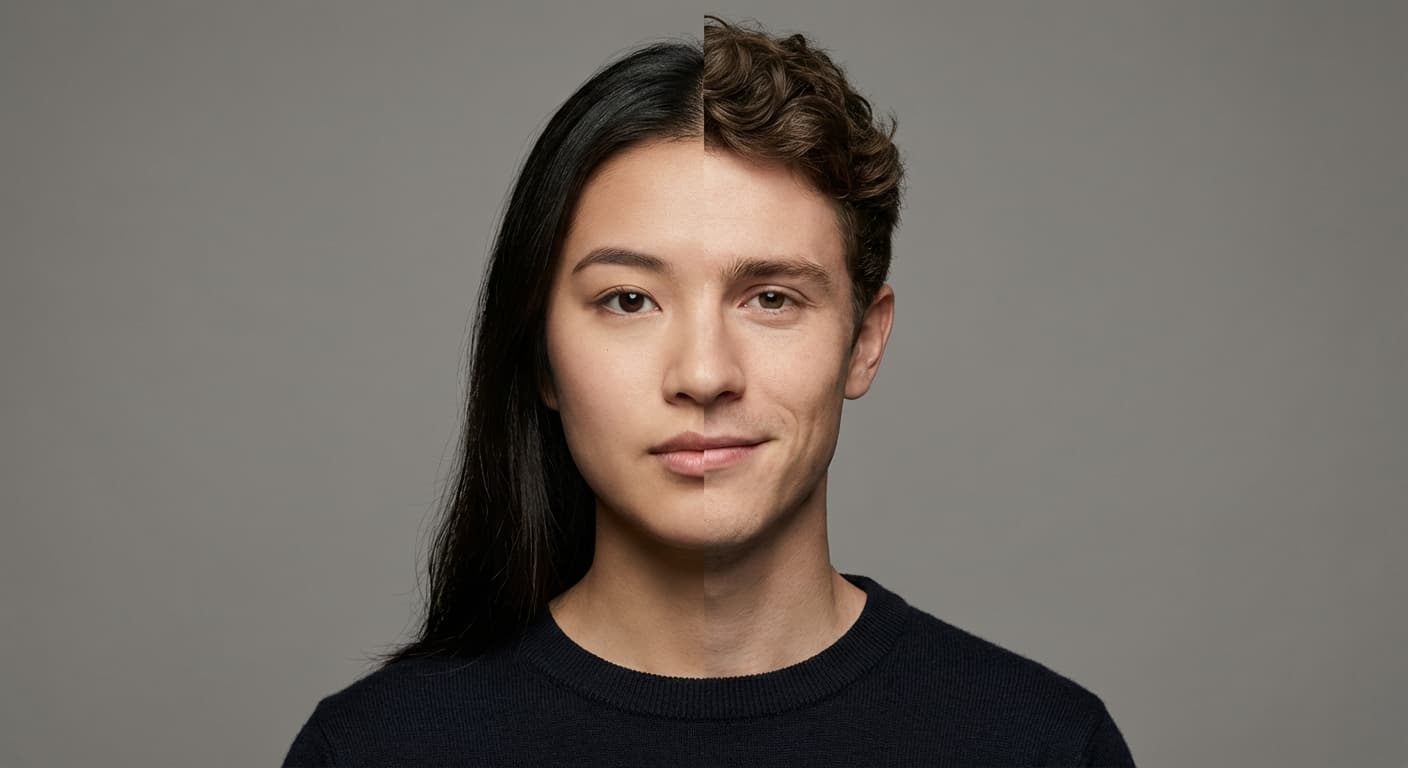
Face Swap
Create an AI face-swap image from uploaded photos. Results vary with lighting, pose, source quality, and the faces in each image.
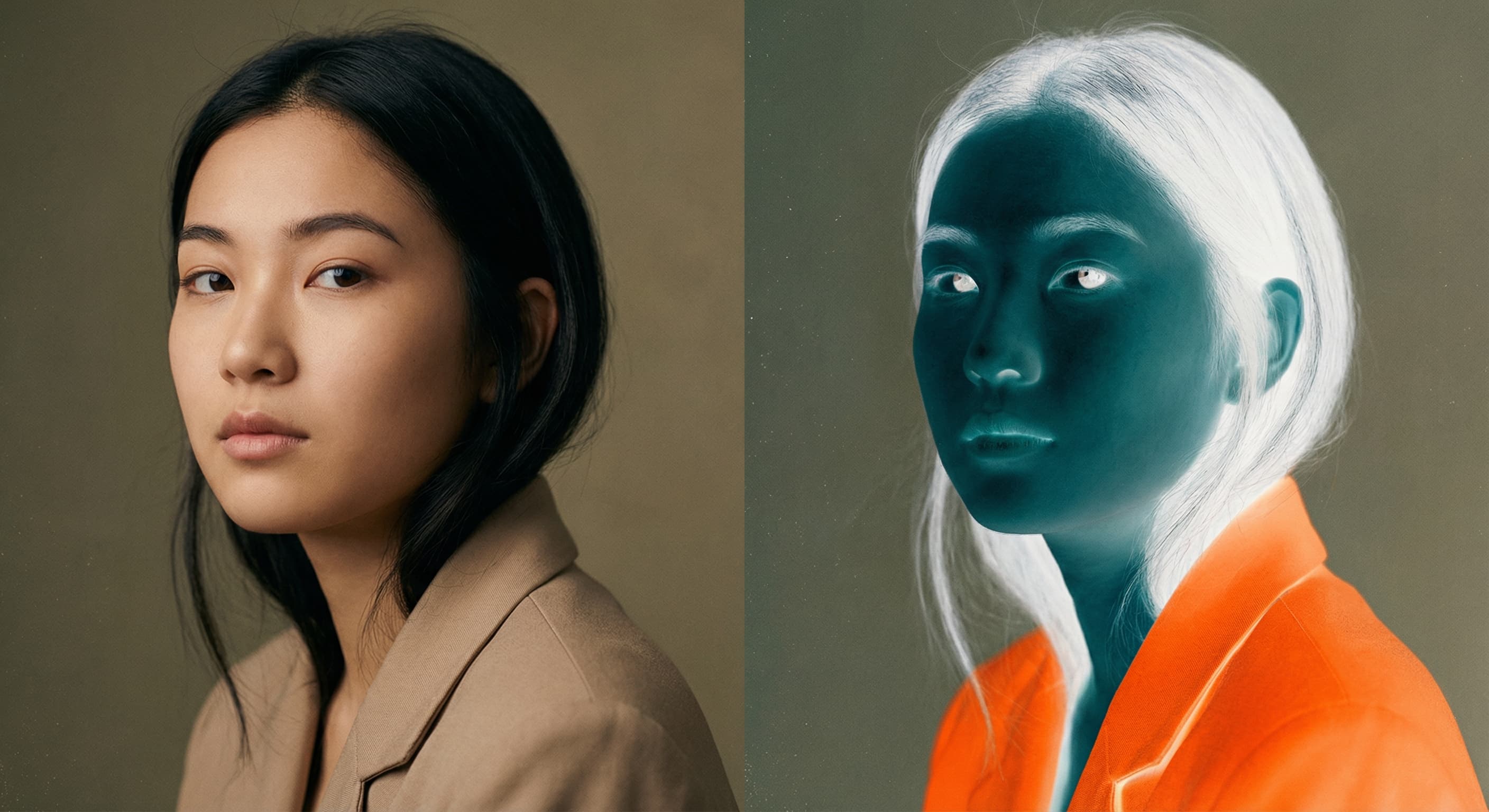
Photo Inverter
Invert photo colors online with four presets, intensity controls, and selective color options. Sign in to use it — AI edits draw from your daily AI credits.
Image Size Converter
Free online image size converter. Resize a photo to exact pixel dimensions (width x height) in JPG, PNG, or WebP. Need a target file size in KB or a format change? We point you to the right tool. No signup.