Discord Server Banner Resizer
Wrong size? Your banner gets cropped or stretched. Discord recommends 960×540 pixels in a 16:9 aspect ratio. Get it right the first time.
Discord banner size
Discord banner size: 960×540 px, 16:9 aspect ratio, max ~10 MB (JPG, PNG, or GIF).
This is the Discord server banner (the wide image at the top of a server). It is different from the legacy 680×240 px profile/user banner shown on a personal profile — for a server banner use 960×540 px.
960
width (px)
540
height (px)
16:9
aspect ratio
Need other dimensions? Browse all Discord sizes or use the free image resizer for any platform.
Sources
We check platform-specific dimensions against source documentation when available.
- Discord Support - Server Banners - Discord recommends 960 x 540 pixels with a 16:9 aspect ratio for server banners.
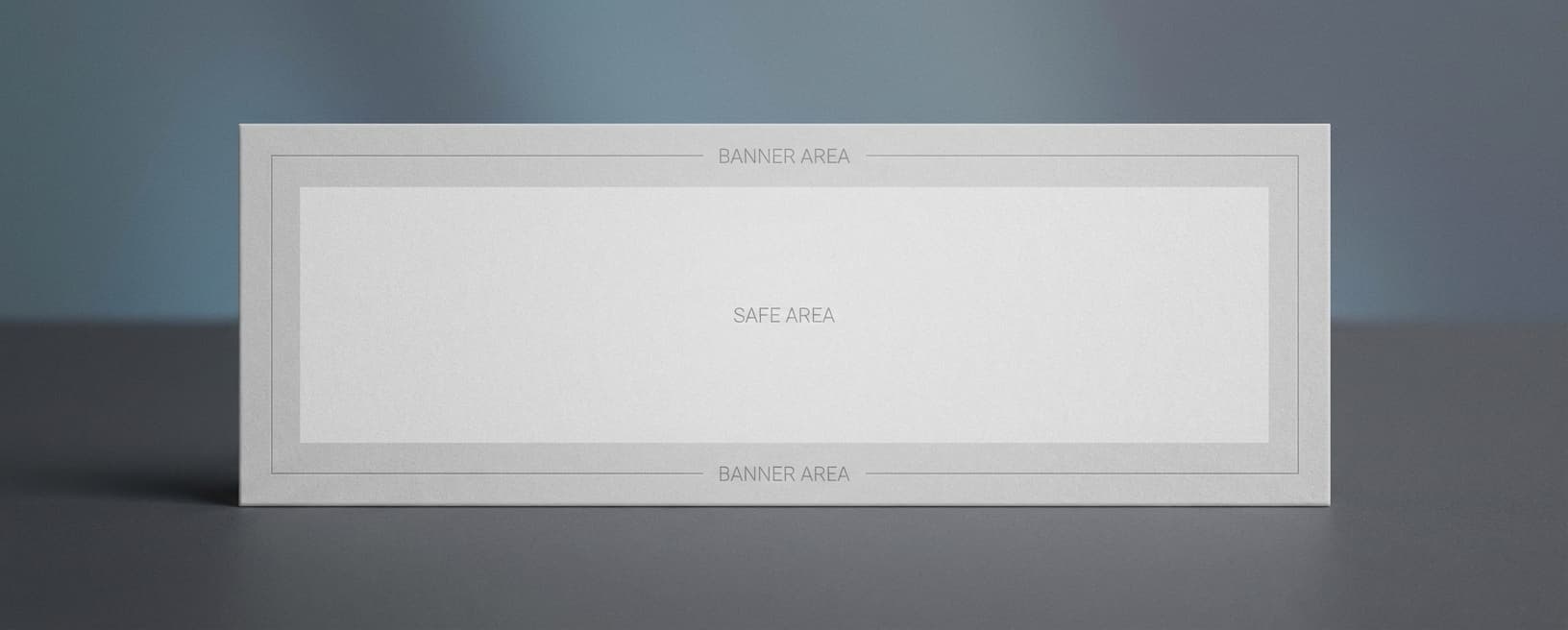
Why 960×540 Pixels?
Discord recommends 960×540 pixels for server banners because it keeps the image sharp while matching the 16:9 banner crop. A 1920×1080 source also works because Discord can resize it cleanly.
First Impressions Count
Your banner is the first thing people see when they join your server. A pixelated or stretched image says 'I threw this together in 5 minutes.' A crisp, properly-sized banner says 'This community is worth joining.'
Resize in Seconds
Upload any image. We resize it to 960×540 pixels for a Discord server banner. No cropping tools to figure out, no math, no trial and error uploading to Discord. Just the recommended size, ready to use.
How to resize to Discord Banner size?
- 1
Step 1: Step 1: Choose the right image
Select an image that accurately represents your server and is visually appealing. High-quality images are crucial for attracting users.
- 2
Step 2: Step 2: Resize the image
Using the Discord Banner Size Tool, resize your banner image to the recommended size of 960 x 540 pixels. This 16:9 size keeps server banners sharp and avoids awkward cropping.
- 3
Step 3: Step 3: Save in the appropriate format
Save your resized image in an appropriate format such as JPEG or PNG. This ensures compatibility with various devices and browsers, and optimal loading times.
The Discord server banner size is 960 x 540 pixels with a 16:9 aspect ratio (max ~10 MB). Discord also accepts larger 16:9 images such as 1920 x 1080 and resizes them. Note this is different from the legacy 680 x 240 pixel profile/user banner — for a server banner use 960 x 540 pixels.
All Discord Image Sizes
Choose the recommended Discord dimensions for your content
Free tools
Explore Free Creative Tools
Everything you need to make your photos stand out with our free photo editing tools

AI Photo Editor
Edit photos by describing what you want. Remove backgrounds, resize, enhance, add text, and more. Just type your edit in plain English.

Face Swap
Create an AI face-swap image from uploaded photos. Results vary with lighting, pose, source quality, and the faces in each image.

Photo Inverter
Invert photo colors online with four presets, intensity controls, and selective color options. Sign in to use it — AI edits draw from your daily AI credits.
Image Size Converter
Free online image size converter. Resize a photo to exact pixel dimensions (width x height) in JPG, PNG, or WebP. Need a target file size in KB or a format change? We point you to the right tool. No signup.