Zoom Virtual Background Resizer
Zoom virtual backgrounds work best at 1920×1080 pixels (16:9 ratio). This matches most webcam resolutions and fills the frame without distortion.
1920
width (px)
1080
height (px)
16:9
aspect ratio
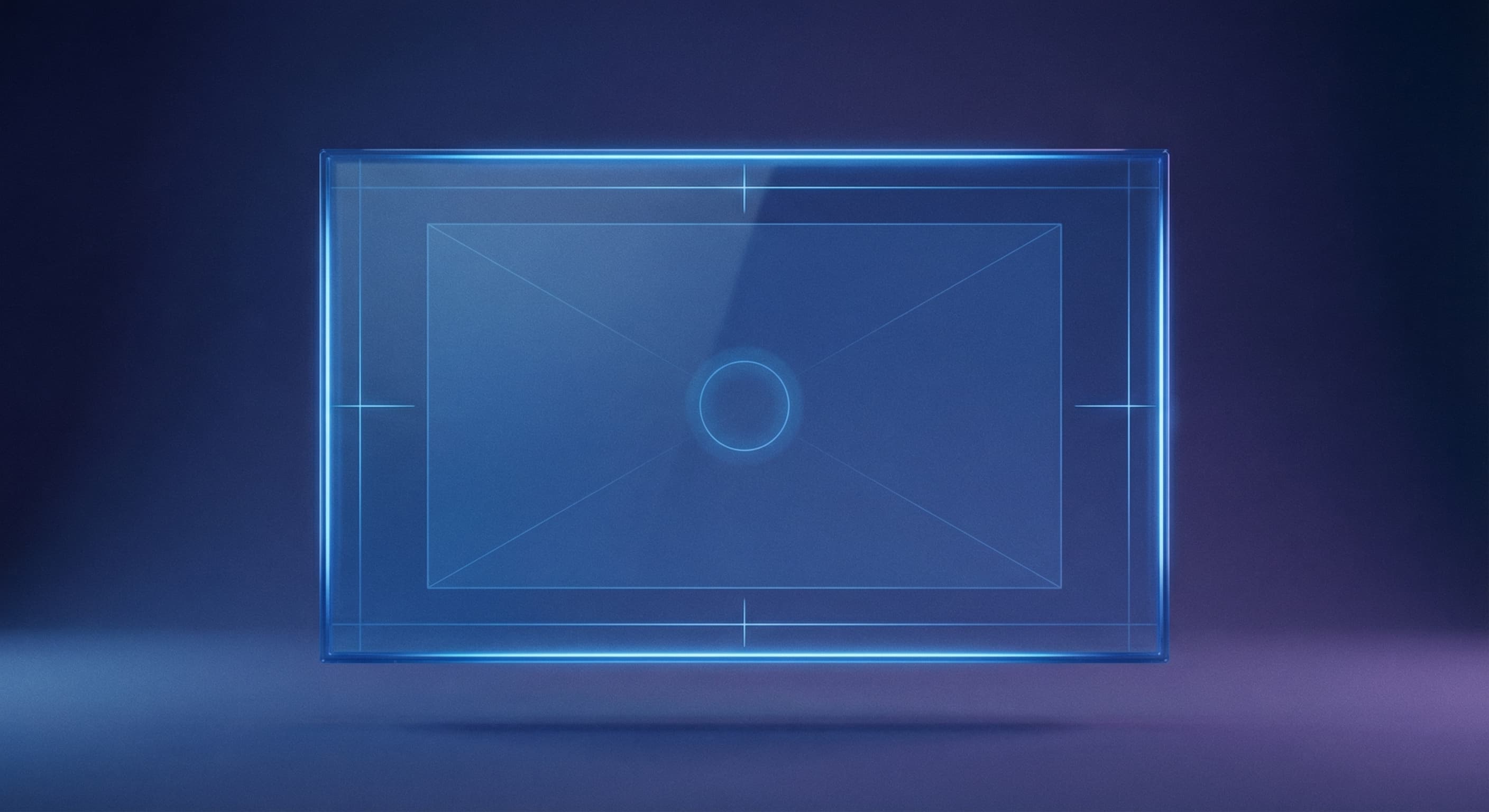
Why 1920×1080 Pixels?
Most webcams record in 1080p (1920×1080). Matching your virtual background to this resolution means Zoom doesn't have to scale the image, resulting in sharper backgrounds with better edge detection around your silhouette.
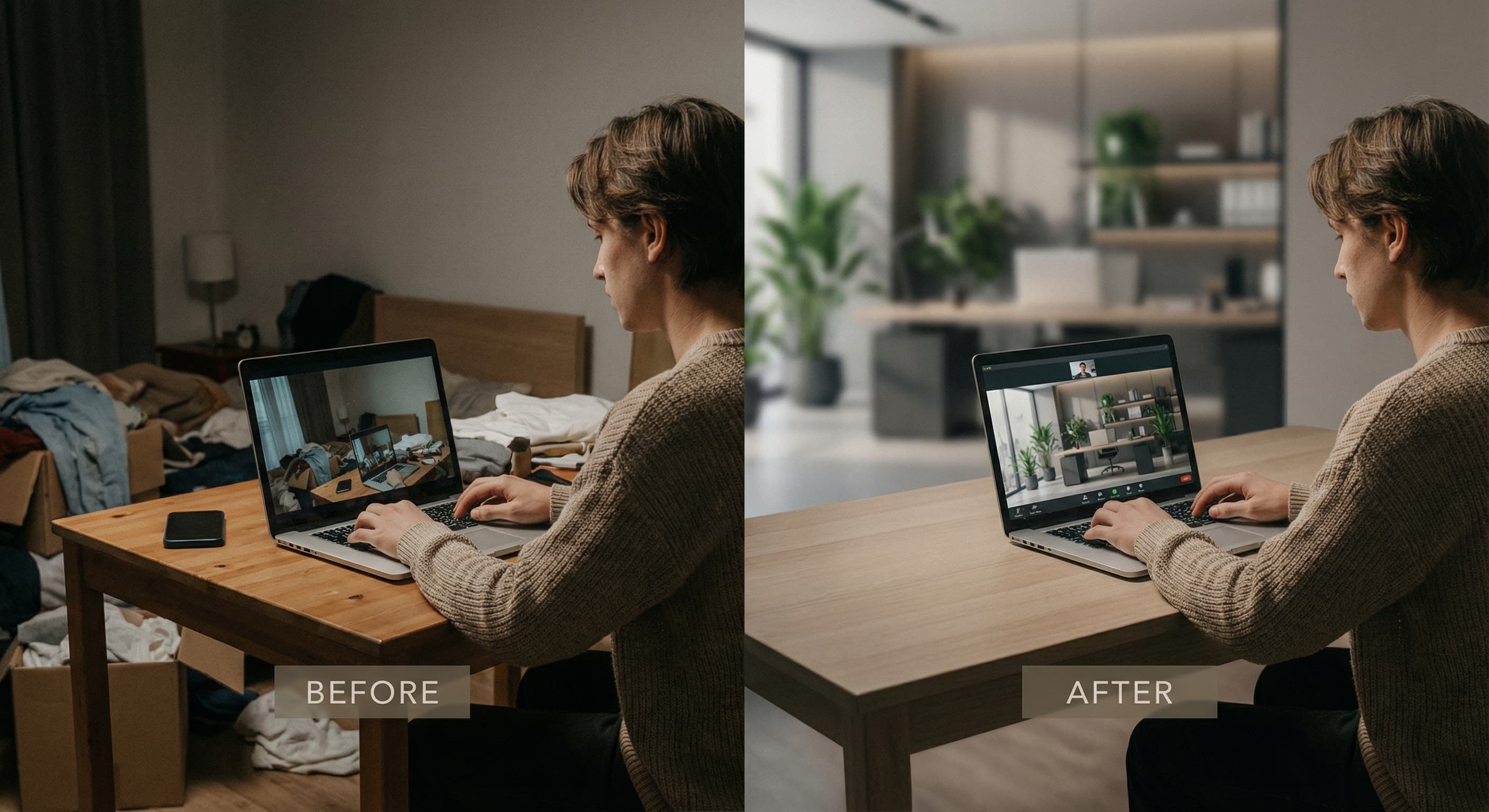
Look Professional Anywhere
A well-designed virtual background lets you take calls from anywhere without revealing your location. Office backgrounds, branded backdrops, or clean minimal designs all work well when properly sized.
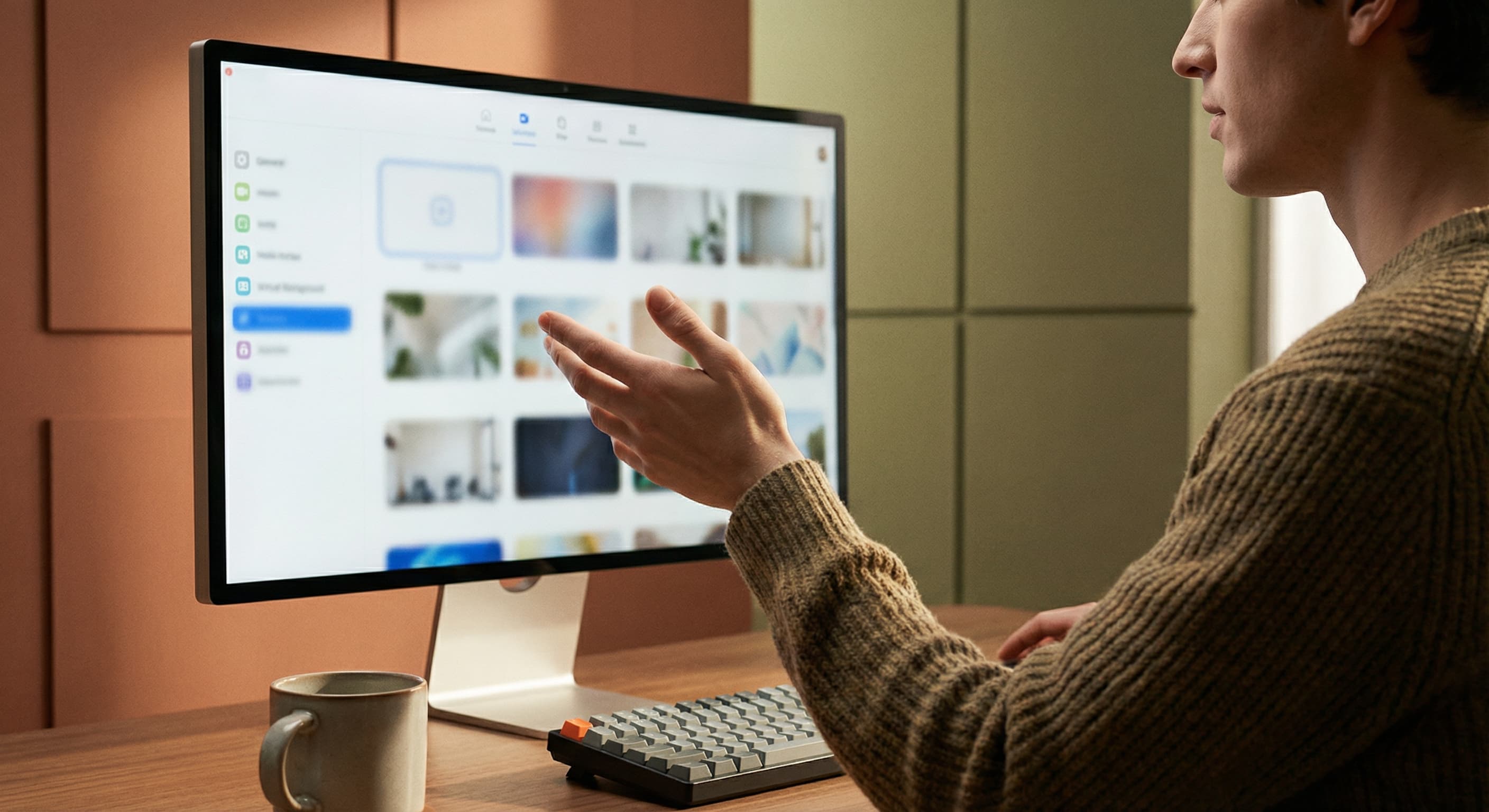
Resize Your Virtual Background
Upload your background image and resize it to 1920×1080 pixels. Preview how it will look. Download and add to your Zoom virtual background library.
How to resize image for Zoom Virtual Background?
- 1
Step 1: Choose your background image
Select an image that looks professional—office space, clean room, or branded backdrop. Avoid busy patterns.
- 2
Step 2: Upload and resize
Upload your image and resize it to 1920×1080 pixels for optimal display.
- 3
Step 3: Check the composition
Make sure important elements are centered. Your silhouette will appear in the middle of the frame.
- 4
Step 4: Add to Zoom
Go to Zoom Settings > Background & Effects and click the + button to add your new background.
Zoom Virtual Background FAQ
Can't find what you're looking for? Contact support
The ideal Zoom virtual background size is 1920×1080 pixels with a 16:9 aspect ratio. This matches standard webcam resolution for the best quality.
All Zoom Image Sizes
Choose the perfect Zoom dimensions for your content
Explore Free Creative Tools
Everything you need to make your photos stand out with our free photo editing tools