Zoom Profile Photo Resizer
Zoom profile photos display best at 400×400 pixels. This square format appears in the participants panel and replaces your video when your camera is off.
400
width (px)
400
height (px)
1:1
aspect ratio

Why 400×400 Pixels?
Zoom displays profile photos at various sizes depending on context. 400×400 pixels is the sweet spot—large enough for clarity when your video is off, optimized for the smaller participant thumbnails. Square format ensures consistent display everywhere.

First Impressions in Video Calls
Your profile photo is often the first thing colleagues and clients see—in meeting invites, waiting rooms, and when you join. A professional, well-sized photo establishes credibility before the meeting even starts.
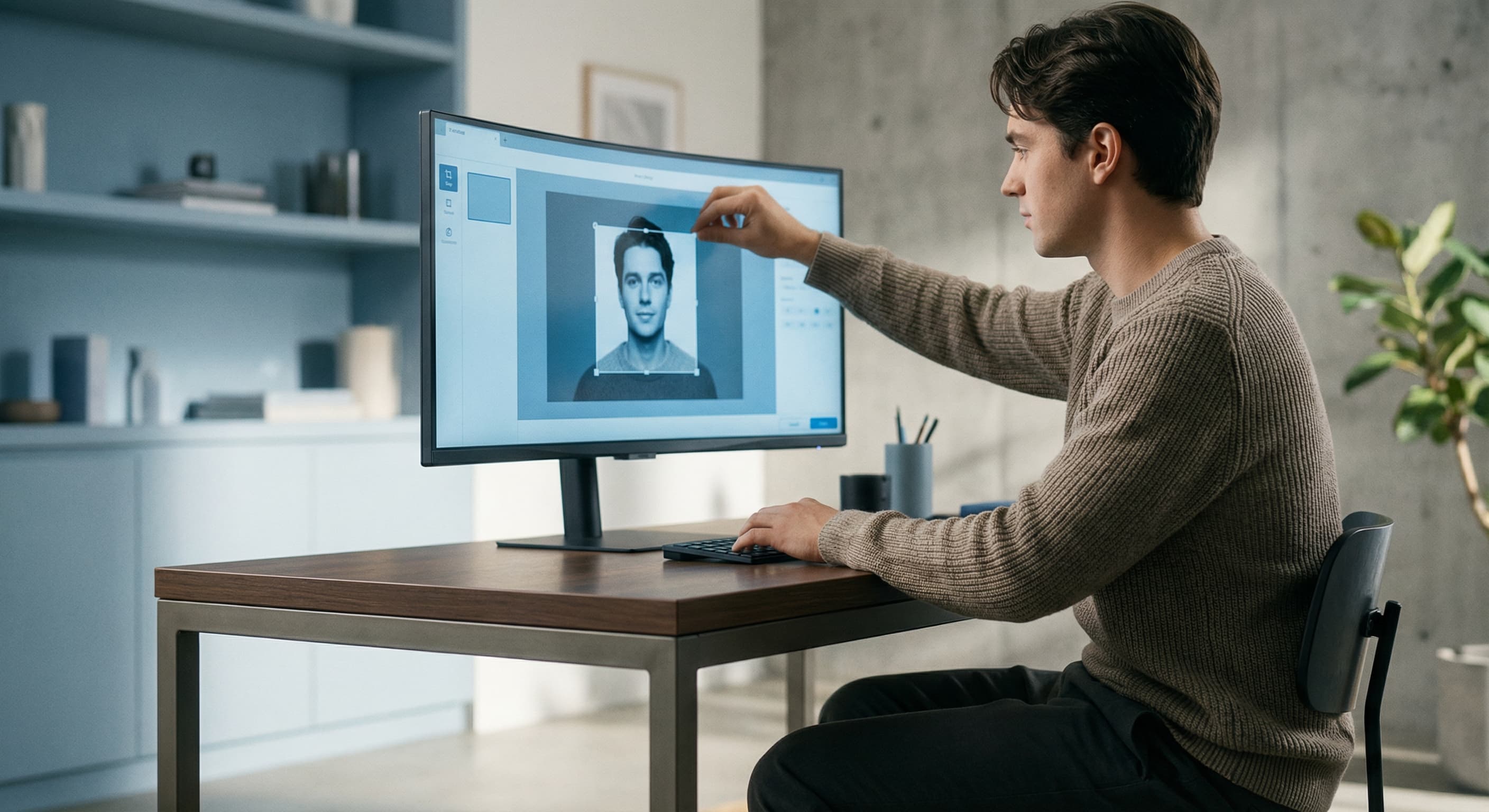
Resize Your Zoom Profile Photo
Upload your professional headshot and resize it to exactly 400×400 pixels. Center your face in the frame. Download and upload to your Zoom settings for instant improvement.
How to resize image for Zoom Profile Photo?
- 1
Step 1: Choose a professional headshot
Select a photo with good lighting where your face is clearly visible. Business casual or professional attire works best.
- 2
Step 2: Upload and resize
Upload your photo and our tool resizes it to 400×400 pixels—the optimal Zoom profile size.
- 3
Step 3: Center your face
Position your face in the center of the frame with some space around your head.
- 4
Step 4: Upload to Zoom
Go to Zoom Settings > Profile and upload your resized photo.
Zoom Profile Photo FAQ
Can't find what you're looking for? Contact support
The recommended Zoom profile photo size is 400×400 pixels. This square format displays well in all areas of Zoom—participants panel, waiting room, and when your camera is off.
All Zoom Image Sizes
Choose the perfect Zoom dimensions for your content
Explore Free Creative Tools
Everything you need to make your photos stand out with our free photo editing tools