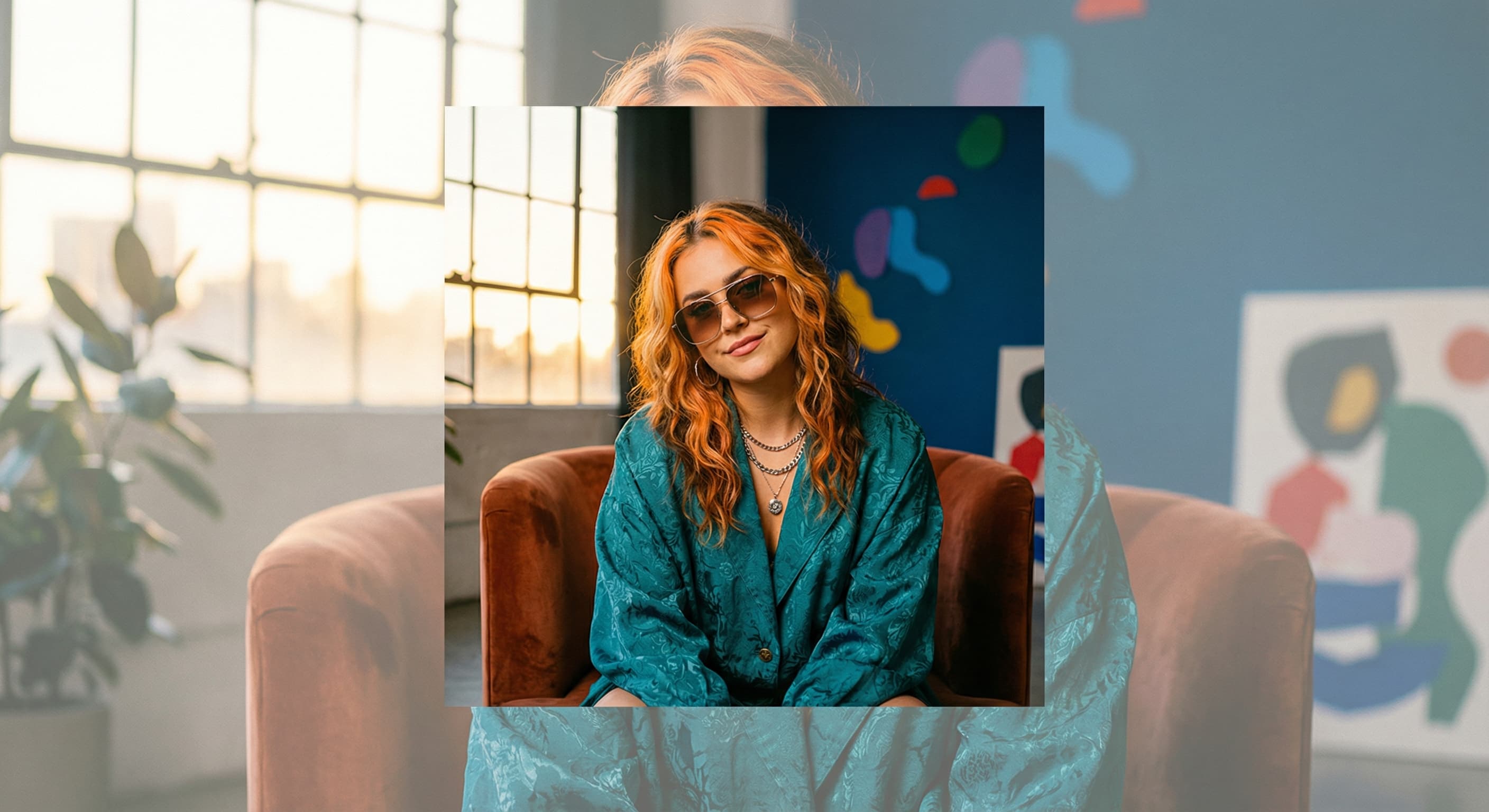
Yelp Profile Photo Resizer
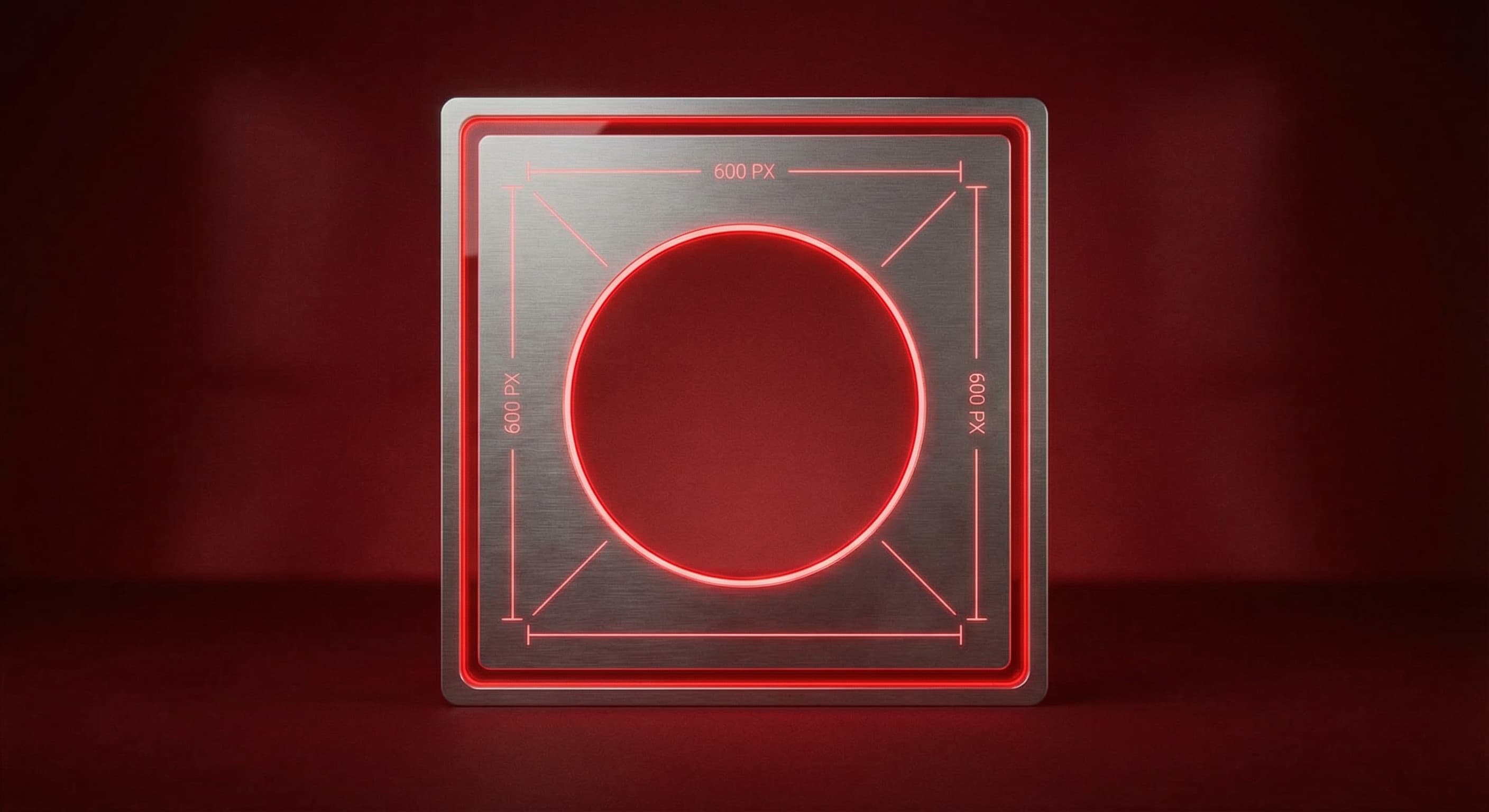
Yelp profile photos display best at 600×600 pixels. This square format appears next to your responses to reviews and in your business owner profile.
600
width (px)
600
height (px)
1:1
aspect ratio
Why 600×600 Pixels?
Yelp displays profile photos at various sizes—in review responses, on your profile, and in search results. 600×600 pixels ensures sharp display in all contexts without excessive file size.

Build Trust with Reviewers
When you respond to reviews, customers see your photo. A professional, approachable image shows there's a real person behind the business. This personal touch can turn negative reviews into positive outcomes.
Resize Your Profile Photo
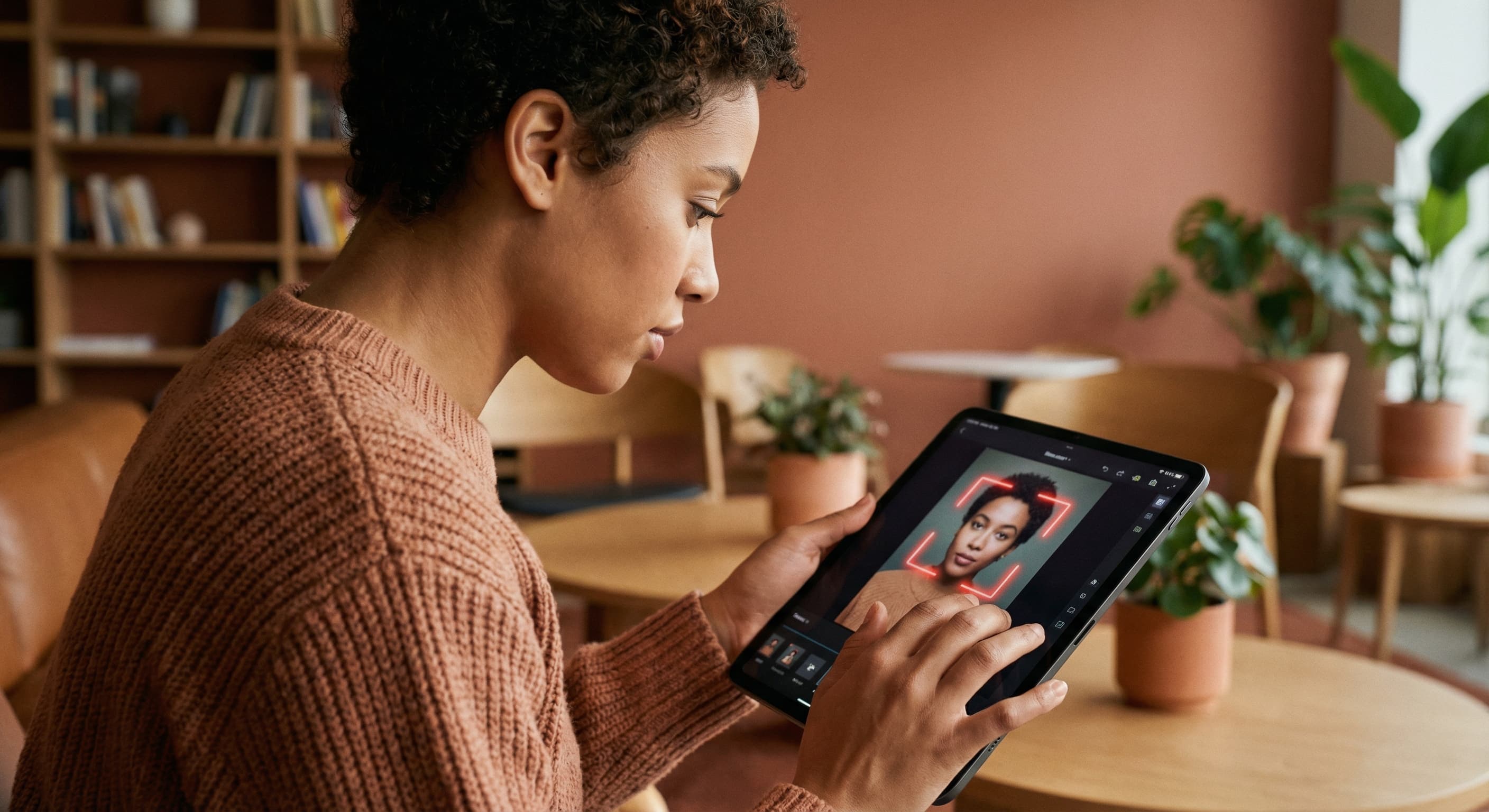
Upload a professional headshot or logo and resize it to 600×600 pixels. Center your face or logo in the frame. Download and set as your Yelp business owner profile photo.
How to resize image for Yelp Profile Photo?
- 1
Step 1: Choose your photo
Select a professional headshot or your business logo. Headshots work better for building personal connections.
- 2
Step 2: Upload and resize
Upload your image and resize it to 600×600 pixels in square format.
- 3
Step 3: Center the subject
Position your face or logo in the center of the frame with some padding around the edges.
- 4
Step 4: Update your profile
Log into Yelp for Business and update your profile photo in account settings.
Yelp Profile Photo FAQ
Can't find what you're looking for? Contact support
The recommended Yelp profile photo size is 600×600 pixels in square format. This ensures your photo displays clearly in review responses and on your profile.
All Yelp Image Sizes
Choose the perfect Yelp dimensions for your content
Explore Free Creative Tools
Everything you need to make your photos stand out with our free photo editing tools