Yelp Business Photo Resizer
Yelp business photos display best at 1000×1000 pixels for square format, or 1000×667 pixels for landscape (3:2 ratio). Both formats work well in search results and galleries.
1000
width (px)
1000
height (px)
1:1
aspect ratio
Why 1000 Pixels Wide?
Yelp displays photos at various sizes throughout the platform. 1000 pixels wide provides enough resolution for the largest gallery views while keeping file sizes reasonable. Both square (1:1) and landscape (3:2) ratios work well.

Show What Makes You Special
Photos of your best dishes, products, or completed work help customers decide. Businesses with 10+ photos get significantly more engagement than those with few images. Quality matters—well-lit, appetizing photos outperform dark, blurry ones.
Resize Your Business Photos
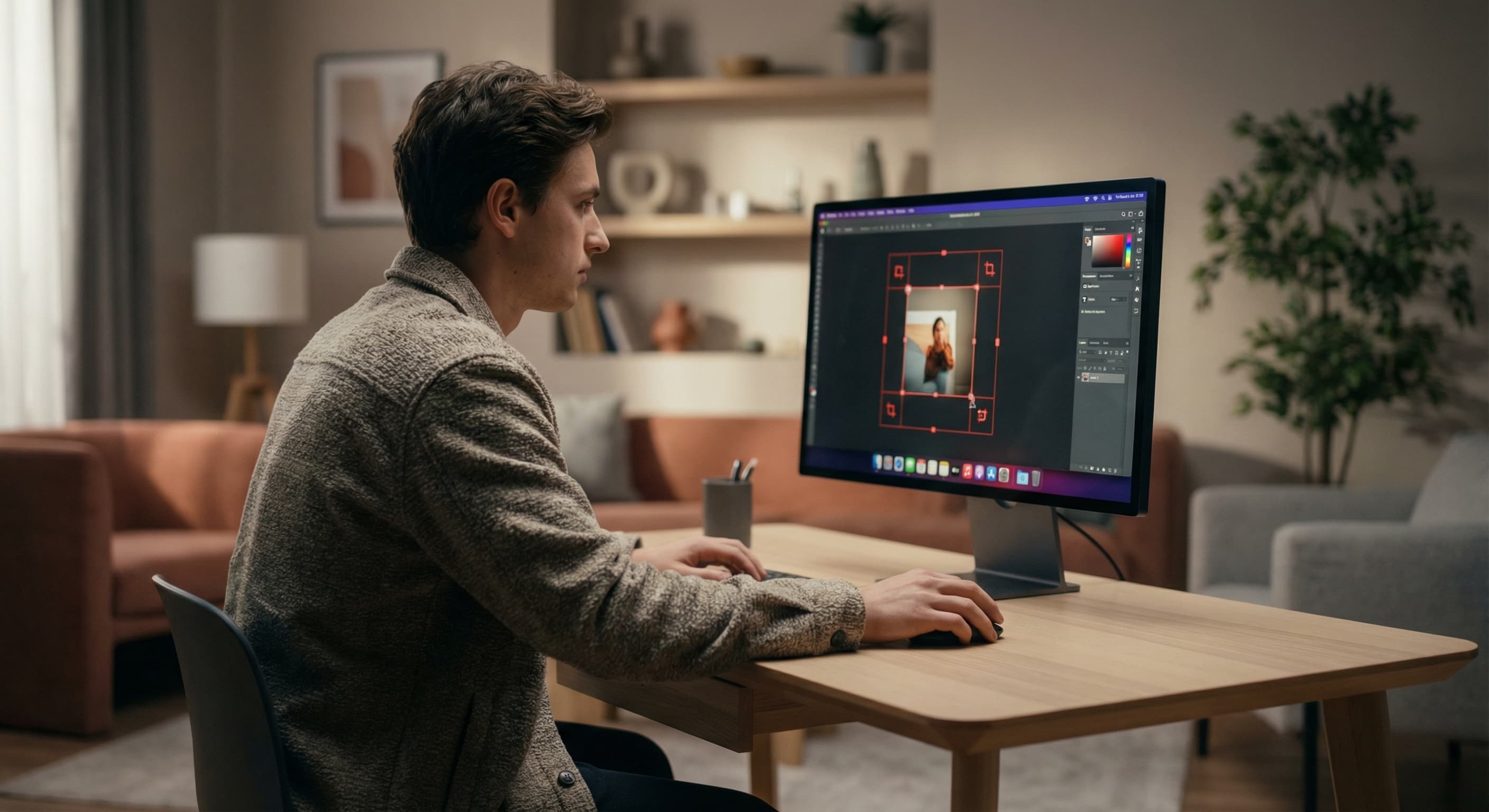
Upload your best business photos and resize them to 1000×1000 pixels (square) or 1000×667 pixels (landscape). Optimize for visual appeal. Download and upload to your Yelp business page.
How to resize image for Yelp Business Photo?
- 1
Step 1: Capture quality photos
Take photos of your products, food, services, interior, or exterior. Good lighting is essential.
- 2
Step 2: Upload and resize
Upload your photo and resize to 1000×1000 pixels (square) or 1000×667 pixels (landscape).
- 3
Step 3: Enhance if needed
Adjust brightness and contrast if the photo is too dark. Ensure colors look accurate and appetizing.
- 4
Step 4: Upload to Yelp
Log into Yelp for Business, go to your business page, and add photos to your gallery.
Yelp Business Photo FAQ
Can't find what you're looking for? Contact support
Yelp business photos work best at 1000×1000 pixels (square) or 1000×667 pixels (landscape 3:2 ratio). Both formats display well in search results and photo galleries.
All Yelp Image Sizes
Choose the perfect Yelp dimensions for your content
Explore Free Creative Tools
Everything you need to make your photos stand out with our free photo editing tools