Tinder Profile Photo Resizer
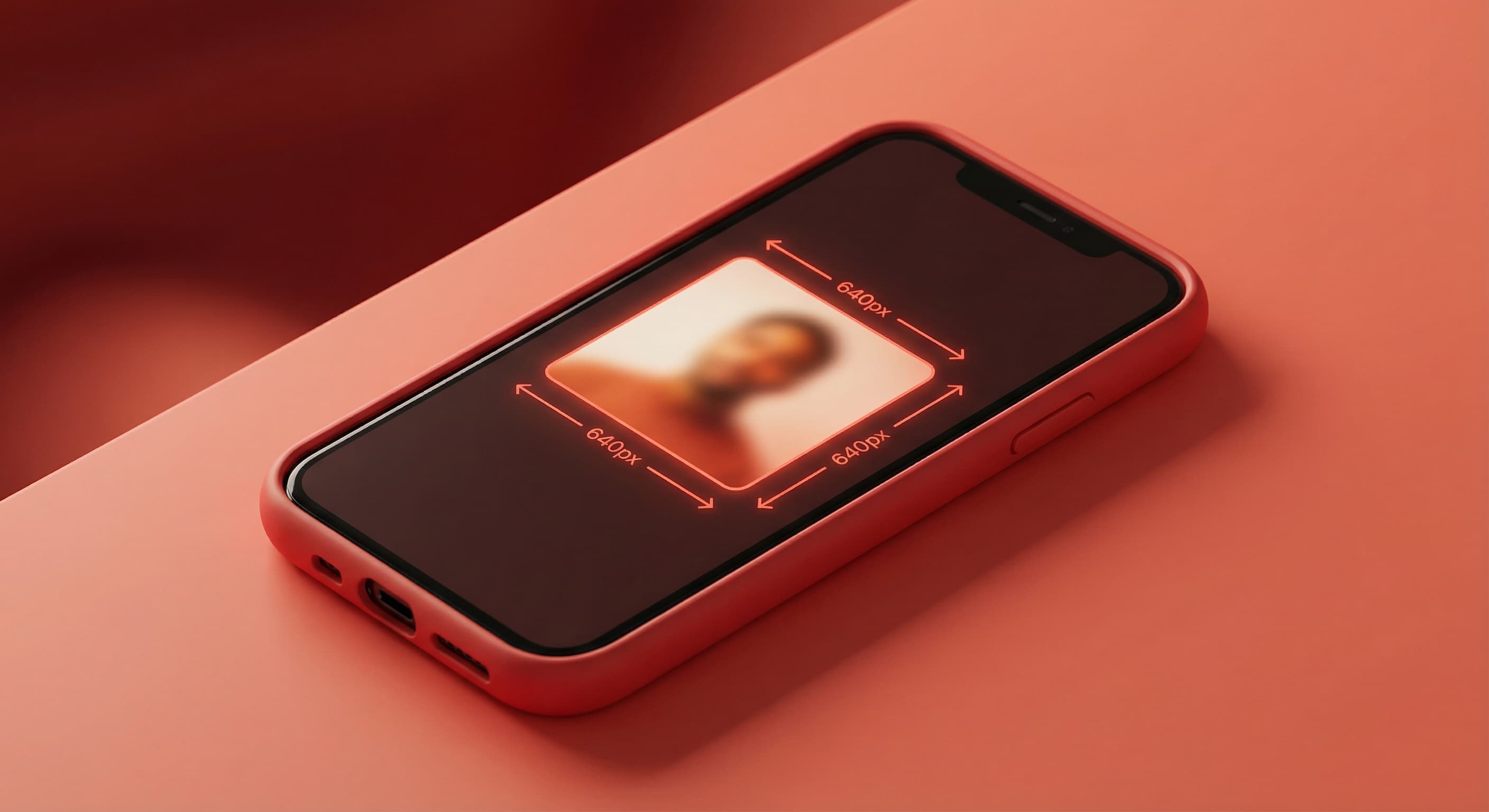
Tinder profile photos display best at 640×640 pixels for the square format, or 640×800 pixels for portrait views. The square format works across all placements in the app.
640
width (px)
640
height (px)
1:1
aspect ratio
Why These Dimensions?
Tinder compresses large images and stretches small ones. 640 pixels is the baseline—anything smaller looks pixelated on modern phone screens. Square format ensures consistent display across all areas of the app.
Quality Matters More Than You Think
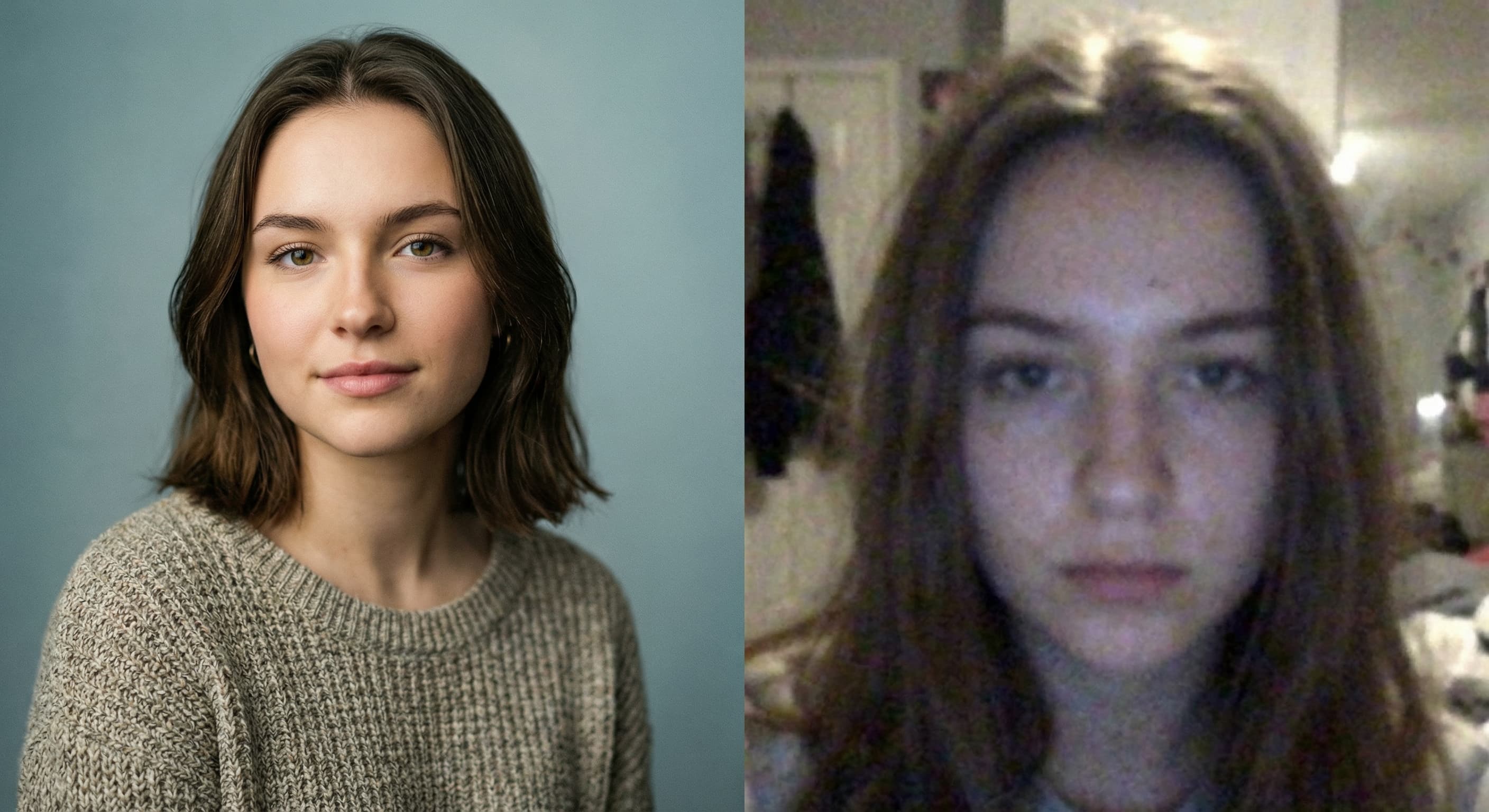
Dating app research shows clear, well-lit photos get significantly more matches. A properly sized, high-quality image signals effort and authenticity. Blurry photos suggest you're hiding something—even if you're not.
Resize Your Tinder Photos
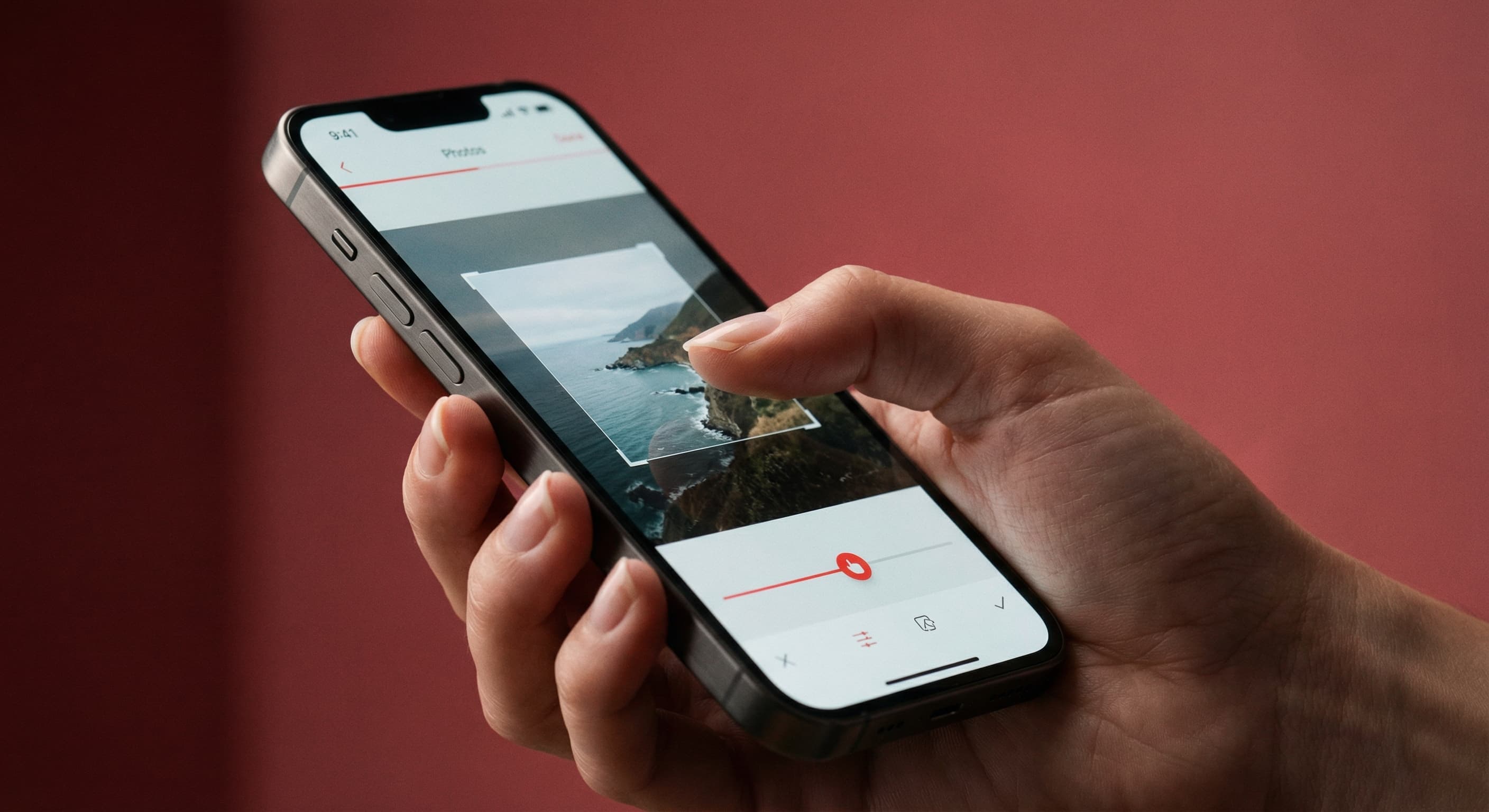
Upload your best photo and we resize it to Tinder's optimal dimensions. Preview how it looks before uploading. Make sure your face is clearly visible and well-positioned.
How to resize image for Tinder Profile Photo?
- 1
Step 1: Select your photo
Choose a recent photo where your face is clearly visible. Avoid group photos for your main profile picture.
- 2
Step 2: Upload and resize
Upload your photo and our tool resizes it to 640×640 pixels—optimized for Tinder display.
- 3
Step 3: Position your image
Adjust the crop to center your face. Leave some space around you for better composition.
- 4
Step 4: Save and upload
Download your resized photo and add it to your Tinder profile. You can add up to 9 photos.
Tinder Profile Photo FAQ
Can't find what you're looking for? Contact support
The recommended Tinder photo size is 640×640 pixels for square format or 640×800 pixels for portrait. These dimensions ensure your photos display clearly without pixelation or awkward cropping.
All Tinder Image Sizes
Choose the perfect Tinder dimensions for your content
Explore Free Creative Tools
Everything you need to make your photos stand out with our free photo editing tools