Pixels Image Resizer
Prepare images using 5 Pixels size presets for posts, stories, profiles, banners, and other supported formats.
All Pixels Image Sizes
Choose the Pixels format you need, then review the crop and quality before posting.
Pixels Size Cheatsheet
Quick reference for all Pixels image dimensions.
| Format | Dimensions |
|---|---|
| 1024 x 576 | 1024 × 576 |
| 400 x 400 | 400 × 400 |
| 1400 x 1400 | 1400 × 1400 |
| 3000 x 3000 | 3000 × 3000 |
| 1500 x 1500 | 1500 × 1500 |
Posting somewhere else? Use the free image resizer to resize images for any platform.
How to resize images for Pixels?
- 1
Step 1: Upload your image
Select the image you want to resize for Pixels. Our tool supports JPG, PNG, WebP, and HEIC formats.
- 2
Step 2: Choose your Pixels format
Select the specific Pixels format you need, whether it is a post, story, reel, profile picture, or another format.
- 3
Step 3: Download and share
Review the crop and image quality, then download the resized image and upload it to Pixels.
Pixels supports multiple image formats: 1024 x 576 (1024x576), 400 x 400 (400x400), 1400 x 1400 (1400x1400), and more. Each format has specific dimensions for optimal display.
Free tools
Explore Free Creative Tools
Everything you need to make your photos stand out with our free photo editing tools

AI Photo Editor
Edit photos by describing what you want. Remove backgrounds, resize, enhance, add text, and more. Just type your edit in plain English.

Face Swap
Create an AI face-swap image from uploaded photos. Results vary with lighting, pose, source quality, and the faces in each image.
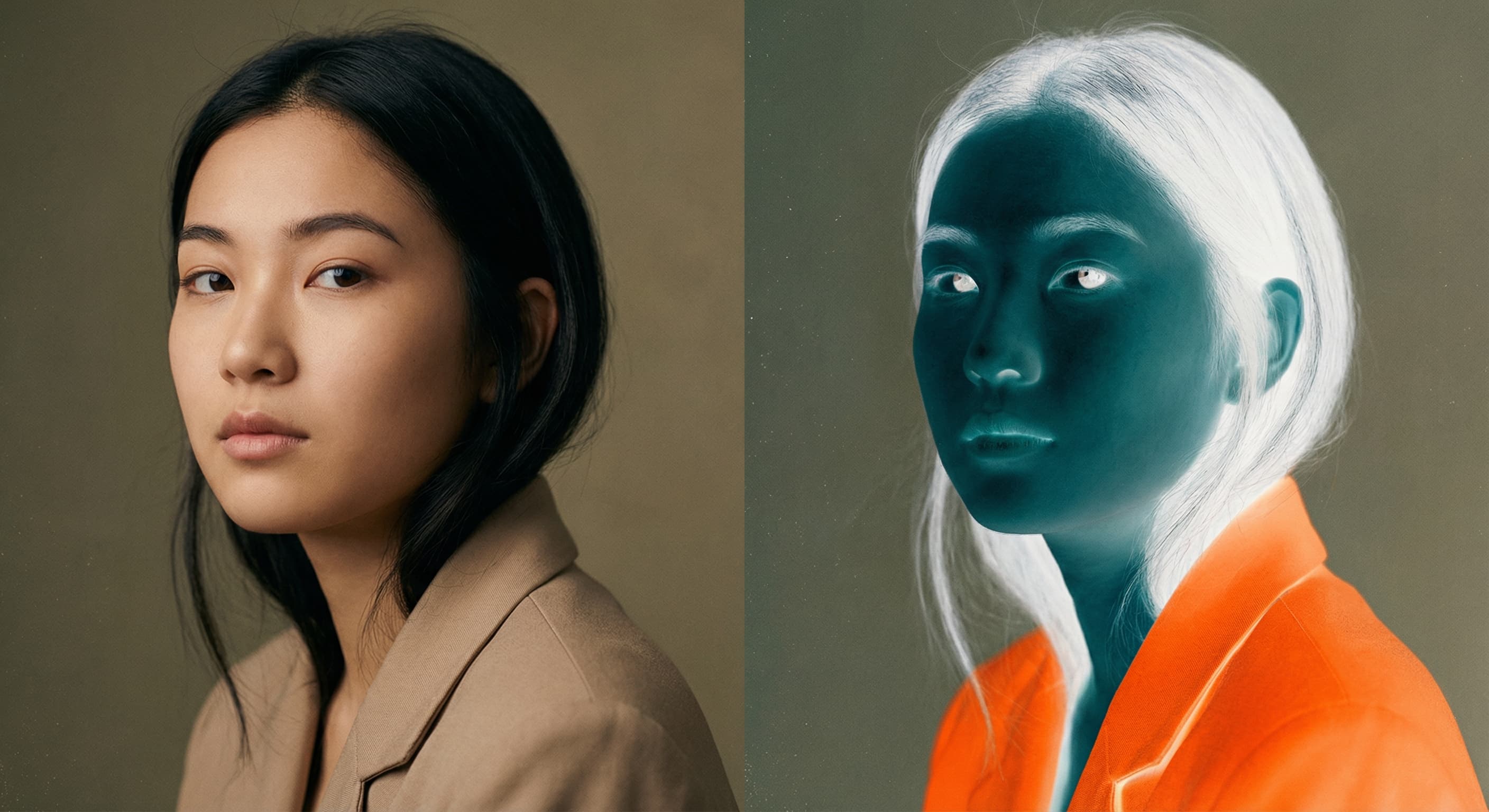
Photo Inverter
Invert photo colors online with four presets, intensity controls, and selective color options. Sign in to use it — AI edits draw from your daily AI credits.

Image Size Converter
Free online image size converter. Resize a photo to exact pixel dimensions (width x height) in JPG, PNG, or WebP. Need a target file size in KB or a format change? We point you to the right tool. No signup.