Instagram Reel Resizer
A vertical 9:16 frame suits the Reels viewing area, but dimensions do not guarantee recommendation. Keep key content clear of interface overlays and preview the Reel before publishing.
Instagram Reel canvas size
Instagram Reel canvas size: 1080×1920 px, 9:16 aspect ratio.
This image-resizer route can prepare cover art or a still image. It does not process video. Instagram recommendation eligibility does not guarantee that a Reel will be recommended. Since January 2025, Instagram's profile grid crops thumbnails to a taller 3:4 tile instead of the old 1:1 square. A 9:16 cover is cropped from the top and bottom either way (never the sides), and the taller 3:4 tile actually keeps more of it — but still center your focal point vertically so it holds up in both crops.
1080
width (px)
1920
height (px)
9:16
aspect ratio
Need other dimensions? Browse all Instagram sizes or use the free image resizer for any platform.
Sources
We check platform-specific dimensions against source documentation when available.
- Meta for Business - Reels creative guidance - Meta recommends vertical 9:16 creative with key elements in the safe zone for Reels ads.
- Social Media Today - Instagram profile grid moves to 3:4 - Reporting on Adam Mosseri's announcement that Instagram's profile grid switched from 1:1 square thumbnails to a taller 3:4 crop, starting January 2025.
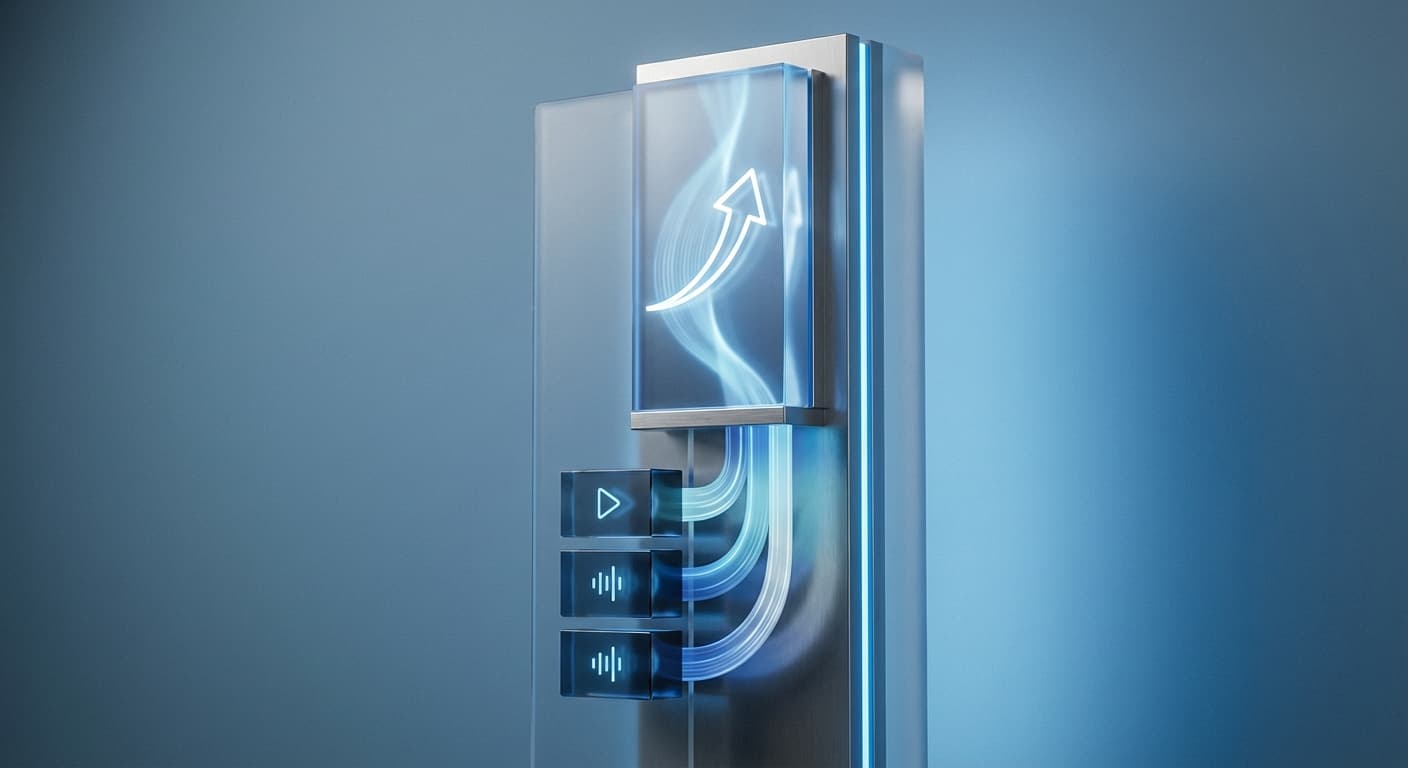
Design for the Viewing Area
A 9:16 frame makes use of the vertical Reels canvas, but no dimension is a shortcut to recommendation. Keep the subject, captions, and logos away from interface controls and use Instagram's preview to check the final placement.
Cover Images Matter Too
A Reel cover can appear in the Reels view and in cropped profile or feed surfaces. Since January 2025, Instagram's profile grid shows a taller 3:4 crop instead of the old 1:1 square — a 9:16 cover actually loses less of its top and bottom there now (it's still cropped from the top/bottom, not the sides). Create a clear 1080x1920 cover or choose a representative frame, then keep its focal point near the center so it holds up across the Reels view, the old crop, and the new one.
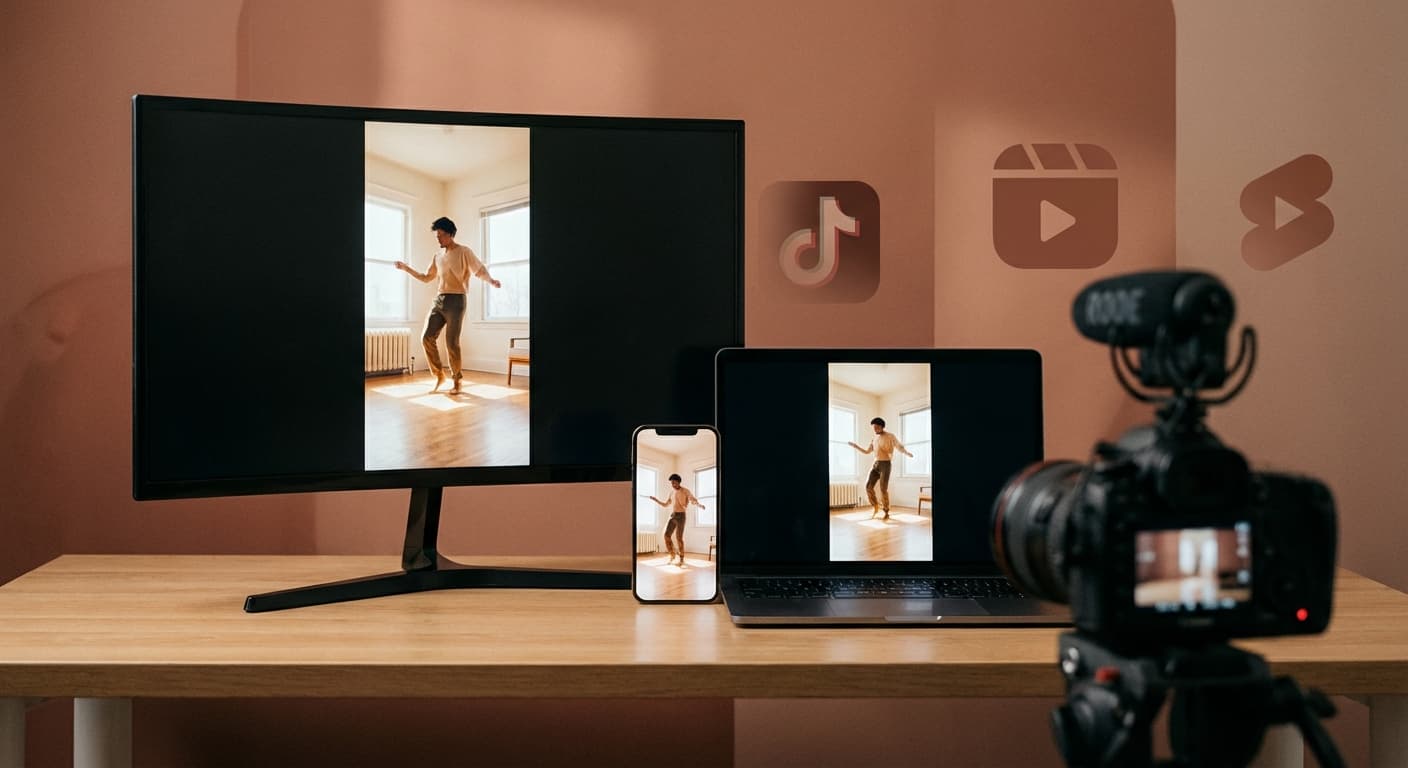
Cross-Post to TikTok and Shorts
A 1080x1920 canvas is a useful starting point for TikTok, YouTube Shorts, and Snapchat Spotlight, but the platforms do not display it identically. Check each platform's overlays and current requirements, and remove interface elements or watermarks that do not belong to the destination.
How do I resize an image for an Instagram Reel cover?
- 1
Step 1: Choose your cover image
Select a still image or cover design. This route accepts image files, not video files.
- 2
Step 2: Resize the image
Use the Instagram Reel image format to prepare a 1080x1920 cover. Adjust the preview so the focal point remains near the center.
- 3
Step 3: Download and preview
Download the cover image, add it while creating the Reel, and check its crop in both the Reel and profile previews.
Instagram Reel uses 1080x1920 pixels. This is the recommended size for optimal quality and display on Instagram.
All Instagram Image Sizes
Choose the recommended Instagram dimensions for your content
Free tools
Explore Free Creative Tools
Everything you need to make your photos stand out with our free photo editing tools
AI Photo Editor
Edit photos by describing what you want. Remove backgrounds, resize, enhance, add text, and more. Just type your edit in plain English.
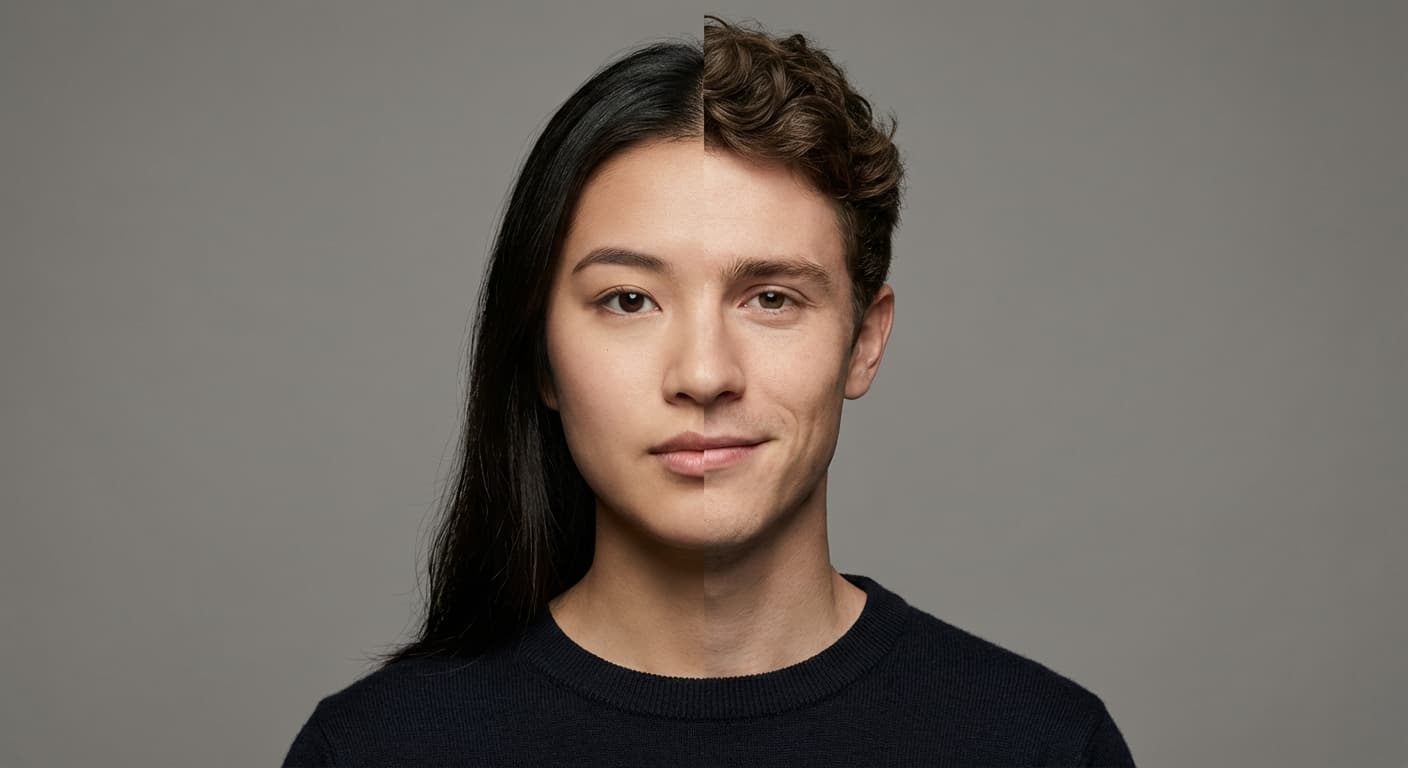
Face Swap
Create an AI face-swap image from uploaded photos. Results vary with lighting, pose, source quality, and the faces in each image.
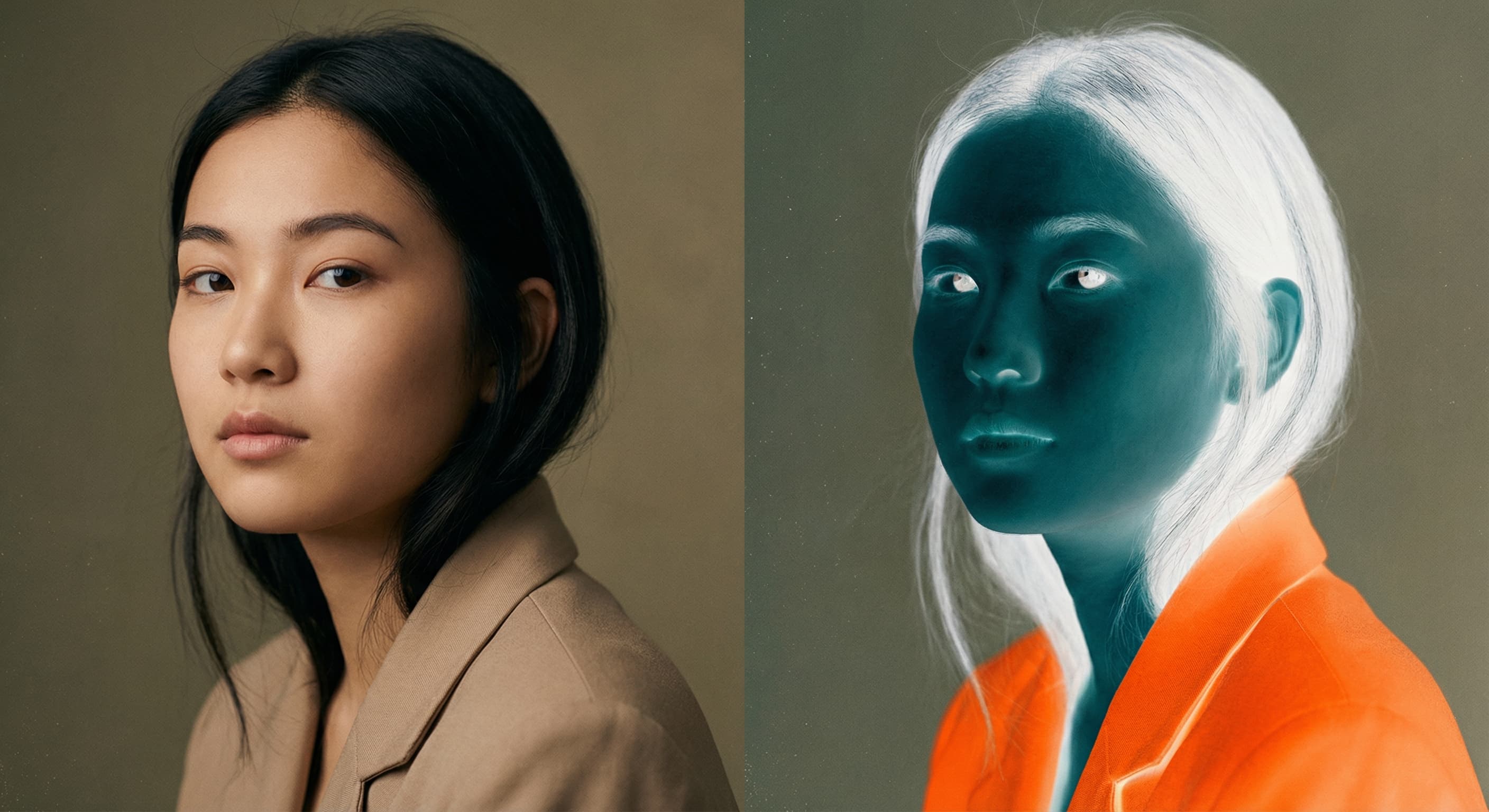
Photo Inverter
Invert photo colors online with four presets, intensity controls, and selective color options. Sign in to use it — AI edits draw from your daily AI credits.
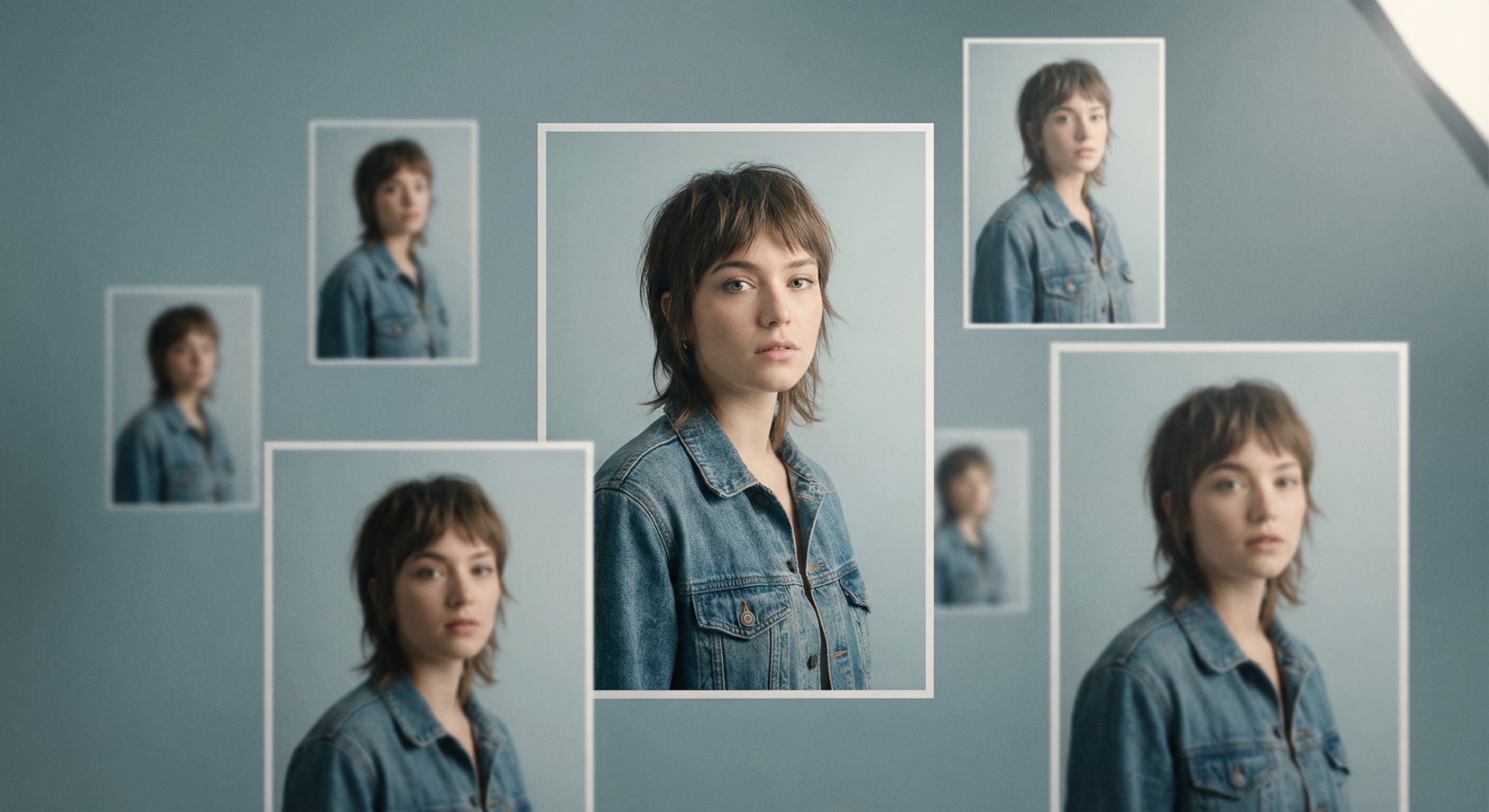
Image Size Converter
Free online image size converter. Resize a photo to exact pixel dimensions (width x height) in JPG, PNG, or WebP. Need a target file size in KB or a format change? We point you to the right tool. No signup.