Instagram Square Post Resizer
A 1080x1080 image is a practical square feed format. Instagram supports 1:1 photos, but the app may still process uploads and can show different crops in surfaces such as the profile grid.
Instagram square post size
Instagram square post size: 1080×1080 px, 1:1 aspect ratio.
Instagram currently preserves feed photos up to 1080 px wide when their aspect ratio is within its supported range. The platform may still process the uploaded file.
1080
width (px)
1080
height (px)
1:1
aspect ratio
Need other dimensions? Browse all Instagram sizes or use the free image resizer for any platform.
Sources
We check platform-specific dimensions against source documentation when available.
- Instagram Help Center - Image resolution of photos - Official guidance for supported feed-photo widths and aspect ratios.
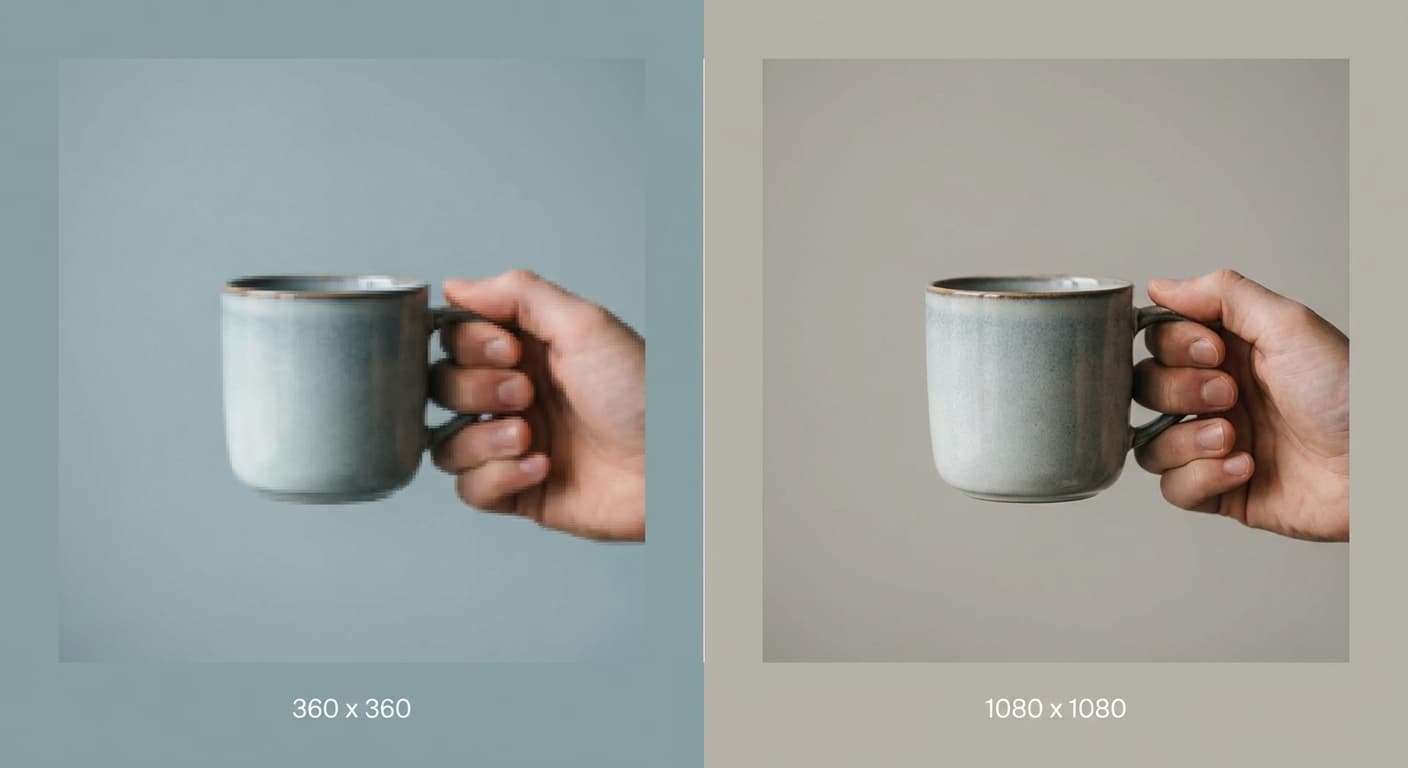
Why 1080x1080 Pixels Matters
Instagram's help guidance says supported feed photos can be preserved up to 1080 pixels wide. A 1080x1080 working file uses that width with a 1:1 crop. Start with a source large enough for the export and inspect the result for detail before posting.
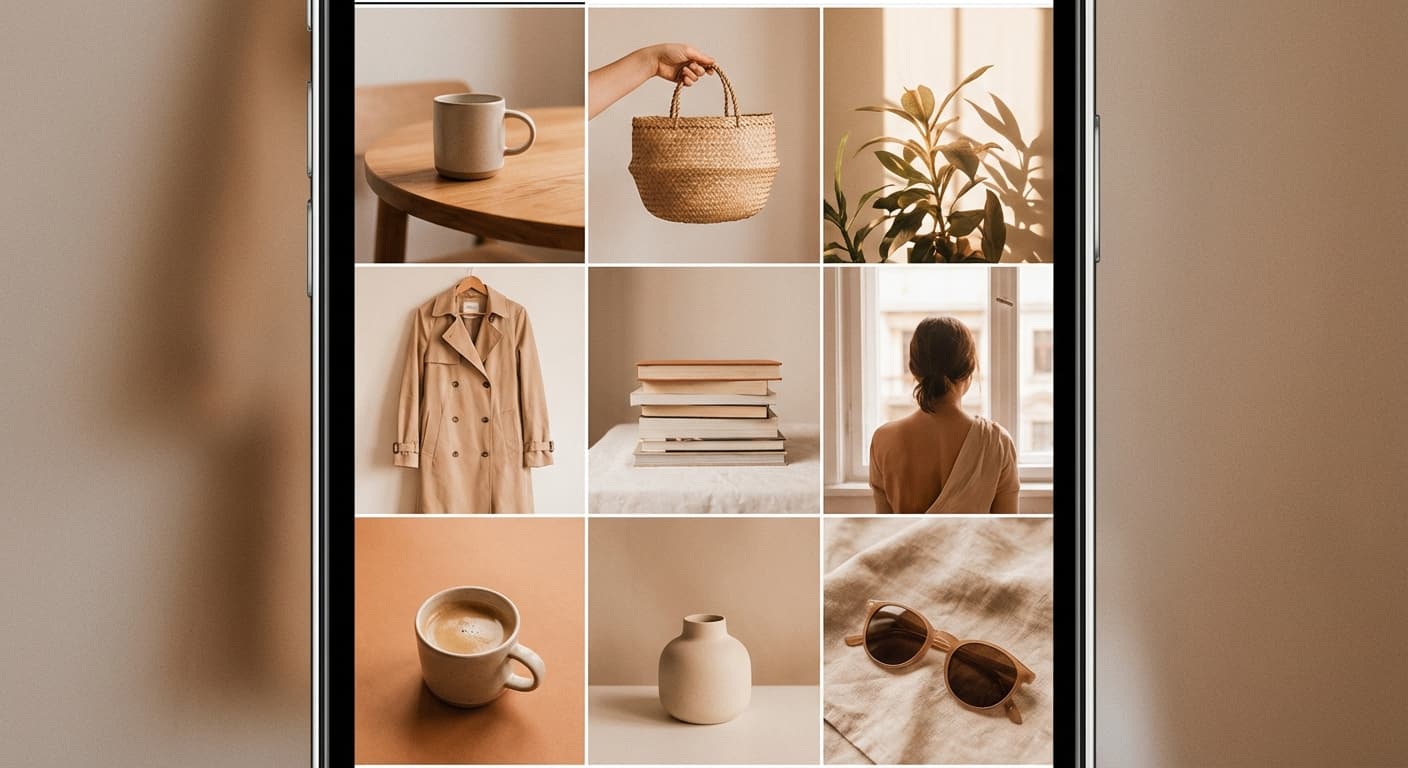
Build a Clean Profile Grid
A consistent square crop can give a profile grid a repeated visual rhythm. Mixing formats is also valid; choose square when it supports the composition rather than treating one grid style as a ranking requirement.
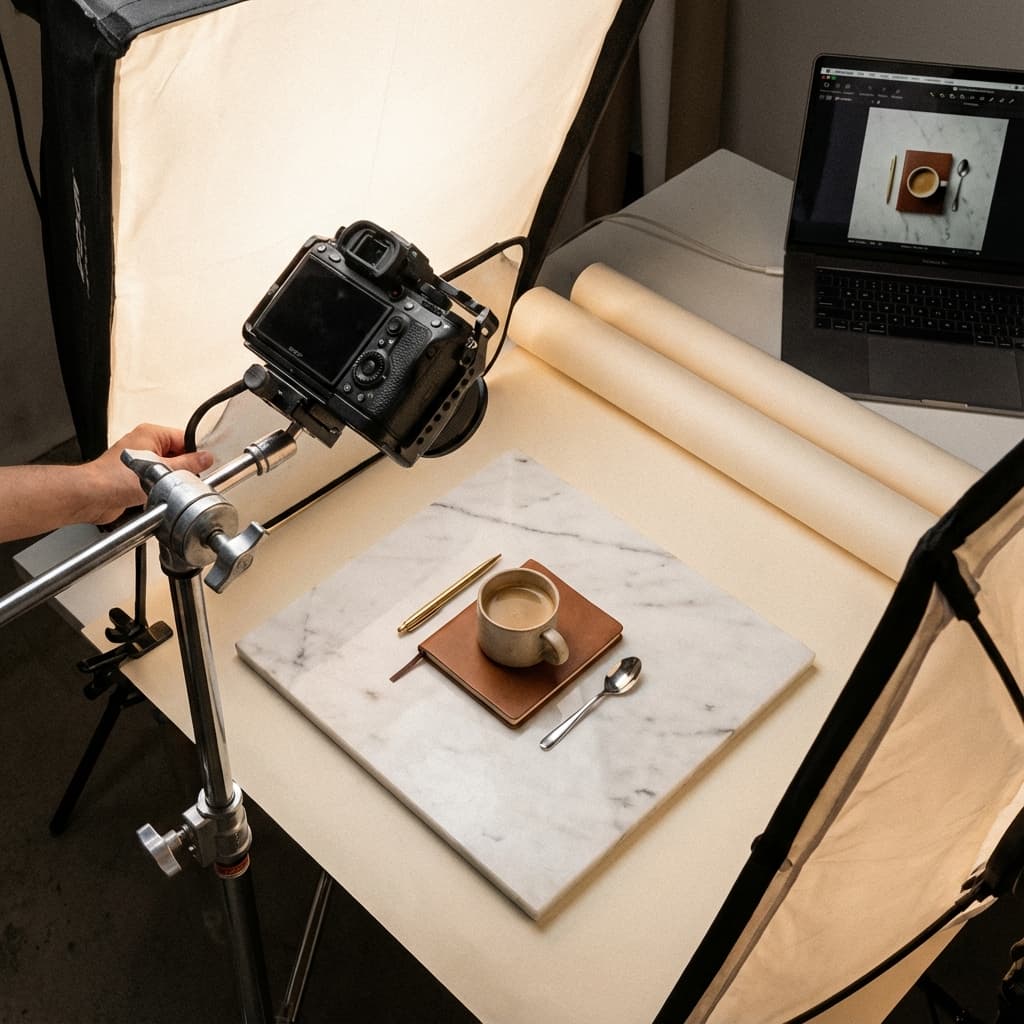
Perfect for Products and Centered Shots
Square format can work well for centered products, flat lays, food, and symmetrical portraits. Use the preview to check edges and negative space; a square export still requires a deliberate crop when the original is rectangular.
How do I make a photo square for Instagram without cropping it?
- 1
Step 1: Step 1: Upload Your Photo
Upload the photo you want to post, no matter its original aspect ratio. The tool reads the exact width and height automatically, so you do not need to crop or resize it yourself first.
- 2
Step 2: Step 2: Select the Square Post Format
Choose the "Square Post" format (1080x1080 pixels) from the Instagram size list. The preview updates to show the square export.
- 3
Step 3: Step 3: Pick Fit to Avoid Cropping
Use the Fit/Fill toggle above the preview. "Fit" scales your whole photo down to fit inside the 1080x1080 canvas and fills the leftover space with a clean white background, so nothing gets cut off. "Fill" instead scales the photo up to cover the entire square, cropping the edges — pick this only if you want a full-bleed look and do not mind losing some of the frame.
- 4
Step 4: Step 4: Download and Post
Download the finished 1080x1080 image and review Instagram's posting preview before sharing. Instagram may still process the uploaded file or display it differently in other surfaces.
The optimal size for an Instagram square post is 1080 pixels by 1080 pixels.
All Instagram Image Sizes
Choose the recommended Instagram dimensions for your content
Free tools
Explore Free Creative Tools
Everything you need to make your photos stand out with our free photo editing tools
AI Photo Editor
Edit photos by describing what you want. Remove backgrounds, resize, enhance, add text, and more. Just type your edit in plain English.
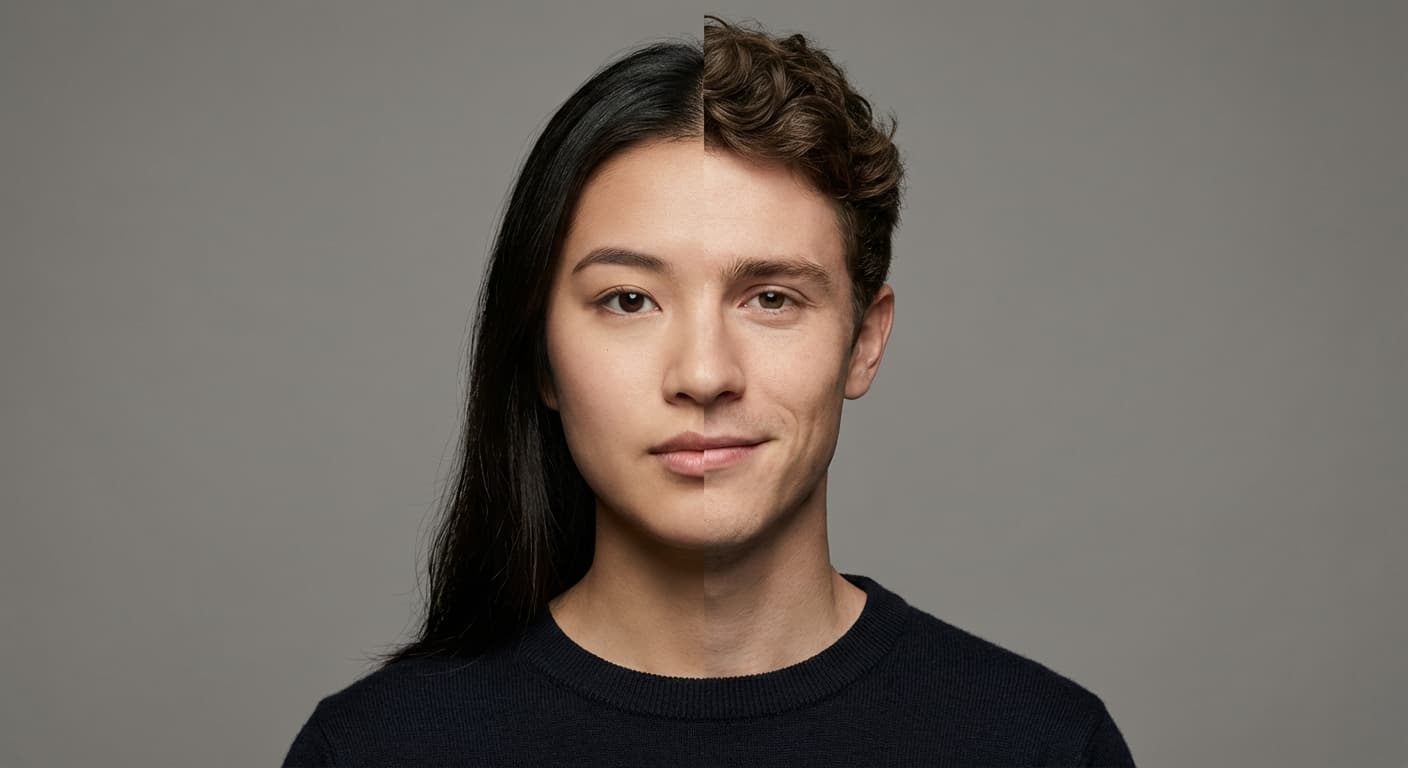
Face Swap
Create an AI face-swap image from uploaded photos. Results vary with lighting, pose, source quality, and the faces in each image.
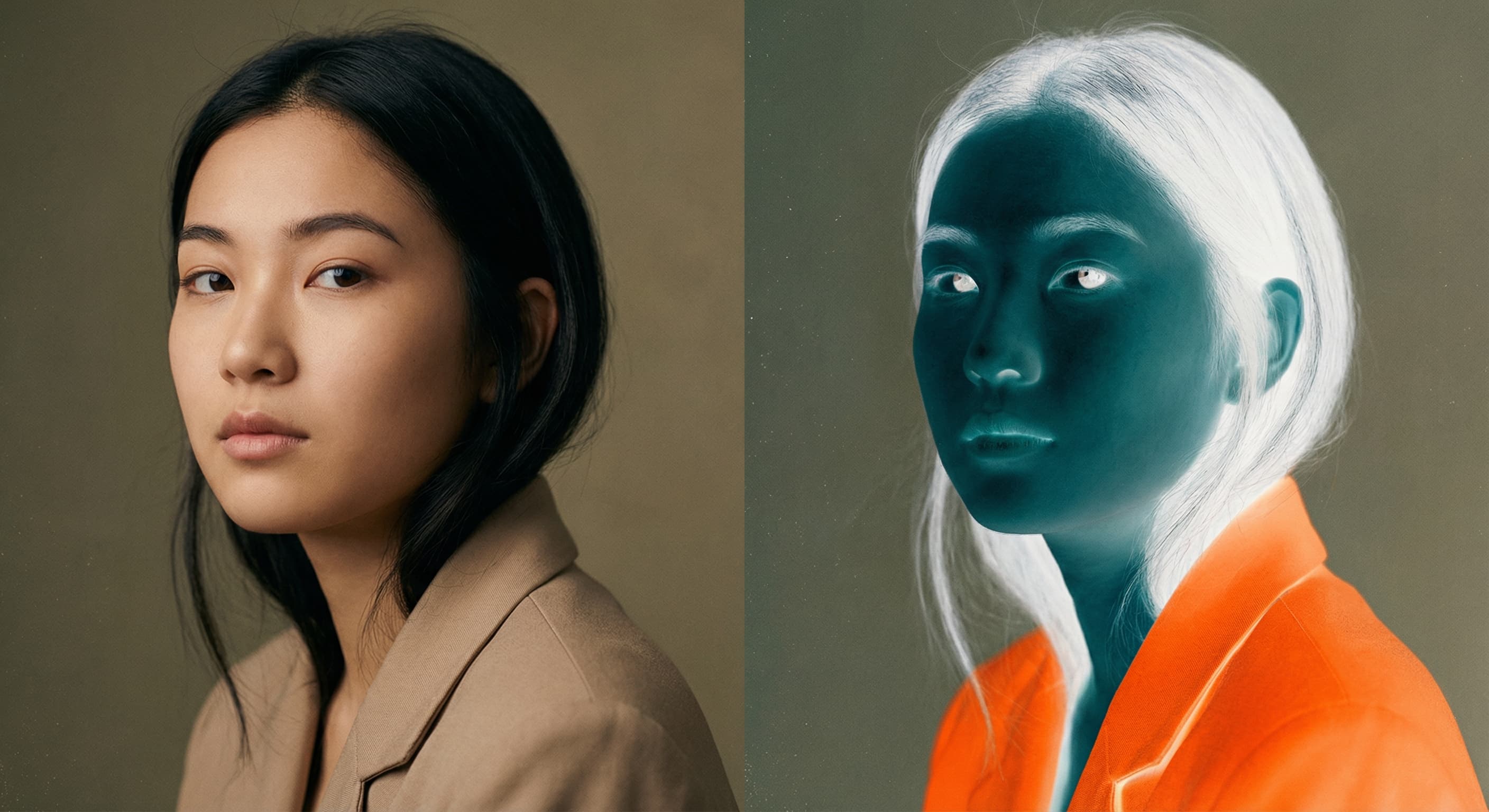
Photo Inverter
Invert photo colors online with four presets, intensity controls, and selective color options. Sign in to use it — AI edits draw from your daily AI credits.
Image Size Converter
Free online image size converter. Resize a photo to exact pixel dimensions (width x height) in JPG, PNG, or WebP. Need a target file size in KB or a format change? We point you to the right tool. No signup.