Hinge Profile Photo Resizer
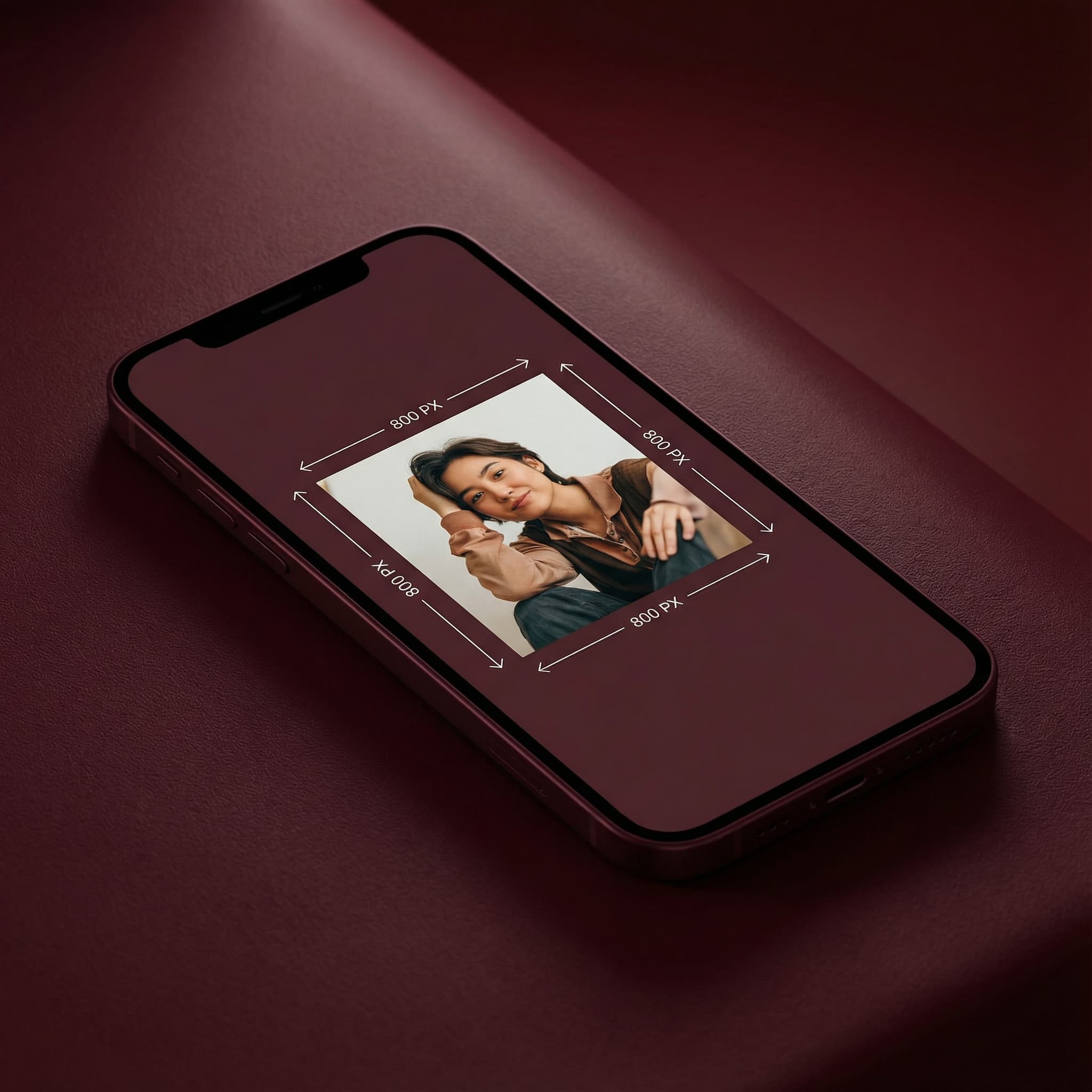
Hinge profile photos display best at 800×800 pixels or in a 4:5 portrait format at 800×1000 pixels. Square photos work well across all views in the app.
800
width (px)
800
height (px)
1:1
aspect ratio
Why 800×800 Pixels?
Hinge displays photos at various sizes throughout the app. 800×800 pixels provides enough resolution for sharp display on high-density mobile screens while keeping file sizes reasonable for fast loading.
Hinge Is Designed for Conversation
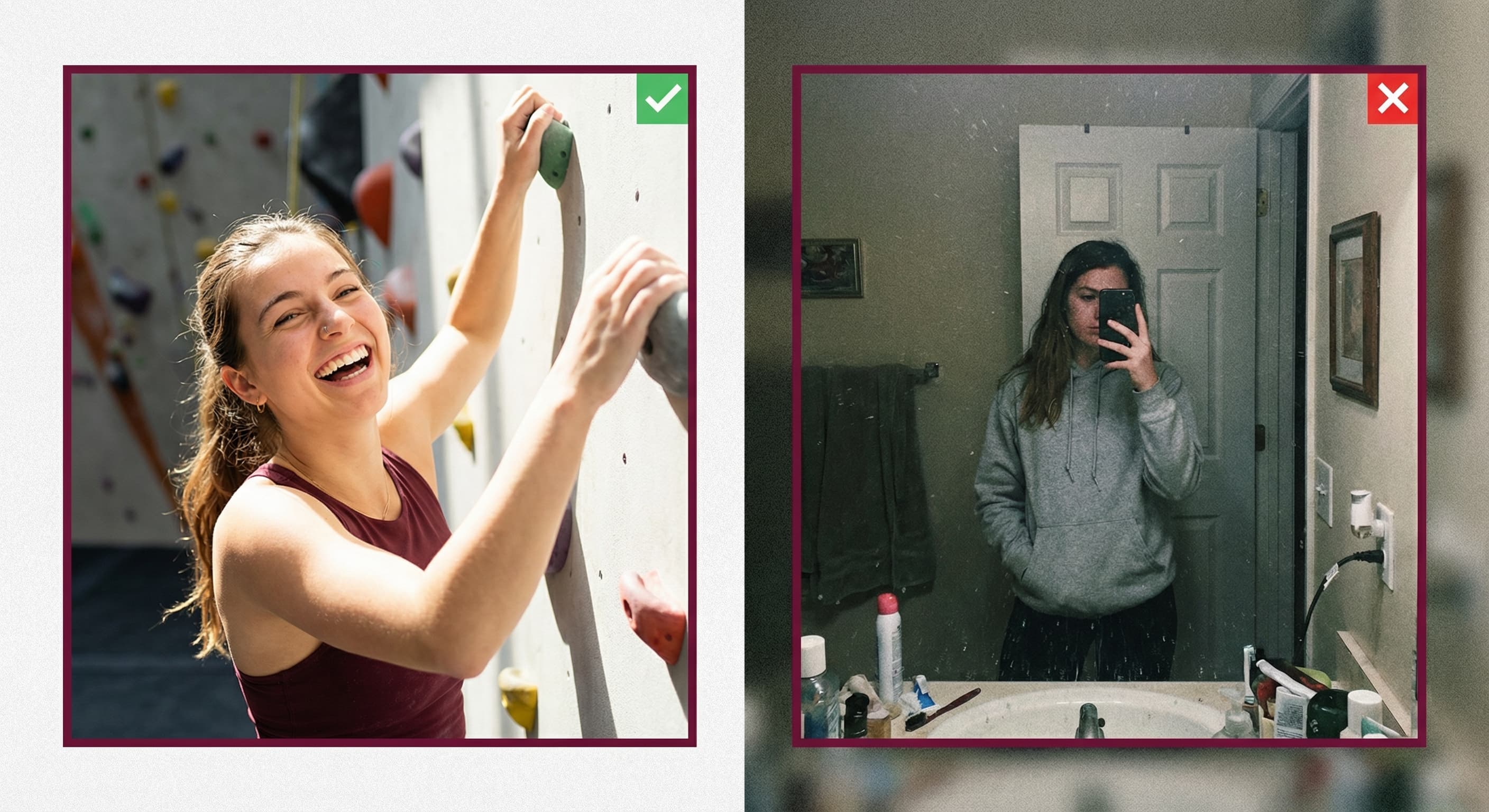
Unlike swipe-heavy apps, Hinge encourages users to engage with specific photos. A clear, interesting photo gives potential matches something to comment on. Quality images lead to better opening messages.
Resize Your Hinge Photos
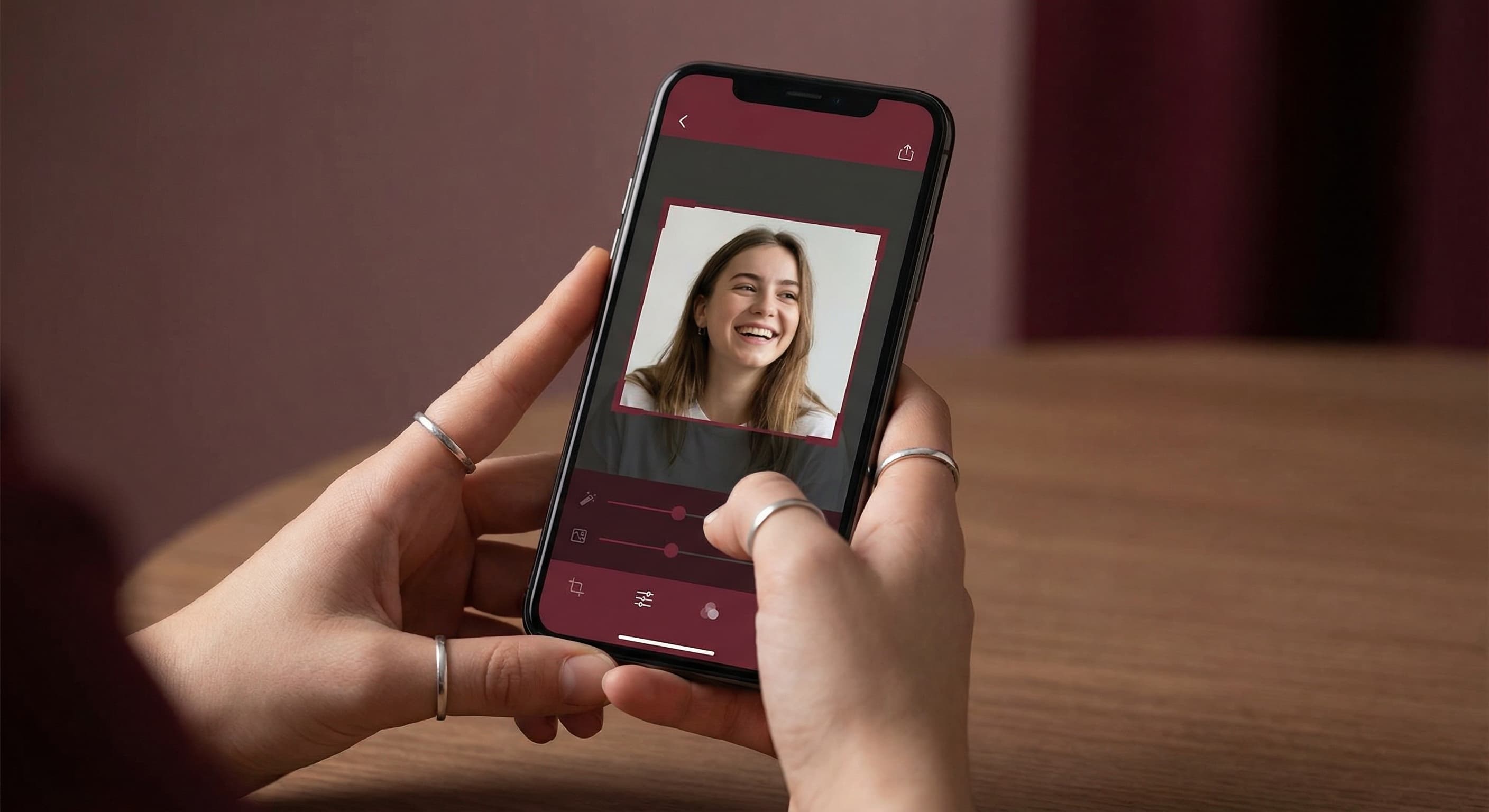
Upload your photo and resize it to Hinge's optimal dimensions. Preview the crop and make adjustments. Download in the perfect format for uploading to your profile.
How to resize image for Hinge Profile Photo?
- 1
Step 1: Pick your photo
Choose a photo that shows your personality and could spark a conversation. Action shots and candid moments work well on Hinge.
- 2
Step 2: Upload and resize
Upload your photo and our tool resizes it to 800×800 pixels—optimized for Hinge display.
- 3
Step 3: Adjust positioning
Center the most important part of your image. Make sure nothing essential gets cropped.
- 4
Step 4: Download and upload
Save your resized photo and add it to your Hinge profile. You can add up to 6 photos.
Hinge Profile Photo FAQ
Can't find what you're looking for? Contact support
Hinge displays photos at various sizes, but uploading at 800×800 pixels ensures sharp display across all views. For portrait-oriented photos, 800×1000 pixels works well.
All Hinge Image Sizes
Choose the perfect Hinge dimensions for your content
Explore Free Creative Tools
Everything you need to make your photos stand out with our free photo editing tools