Facebook Post Resizer
Facebook's feed favors mobile-first vertical images now. Posts display best at 1080×1350 pixels (4:5) or 1080×1080 (square) — not the old 1200×630 link-preview size. Get the size right and your content takes up more screen space.
1080
width (px)
1350
height (px)
4:5
aspect ratio
Need other dimensions? Browse all Facebook sizes or use the free image resizer for any platform.
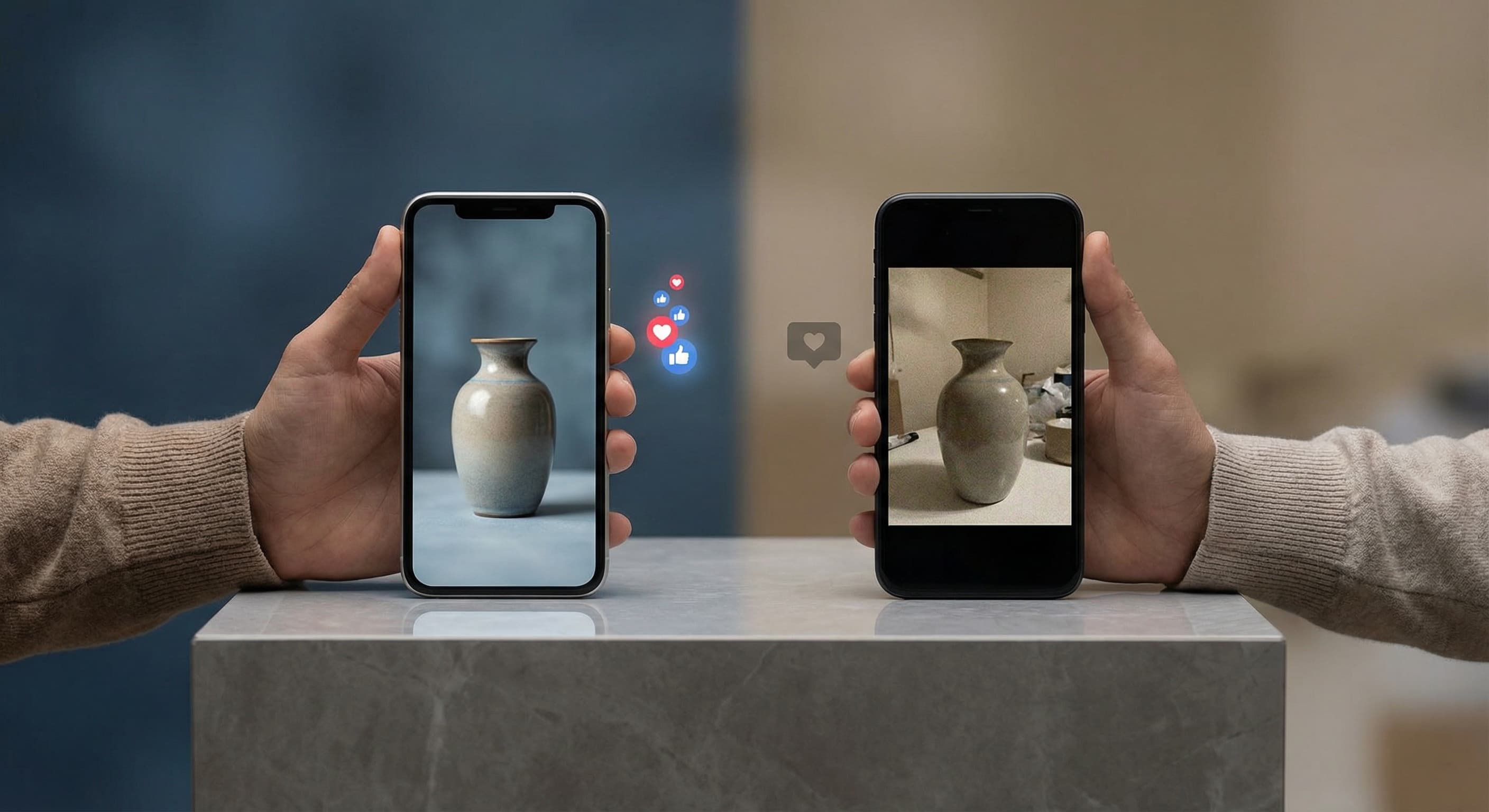
Why 1080×1350 Pixels?
Most people scroll Facebook on their phones, and a taller 4:5 image simply occupies more of that vertical scroll than a square or wide photo — which means more time in front of a viewer before they scroll past. At 1080×1350, your photo displays at full resolution without Facebook stretching or recompressing it.
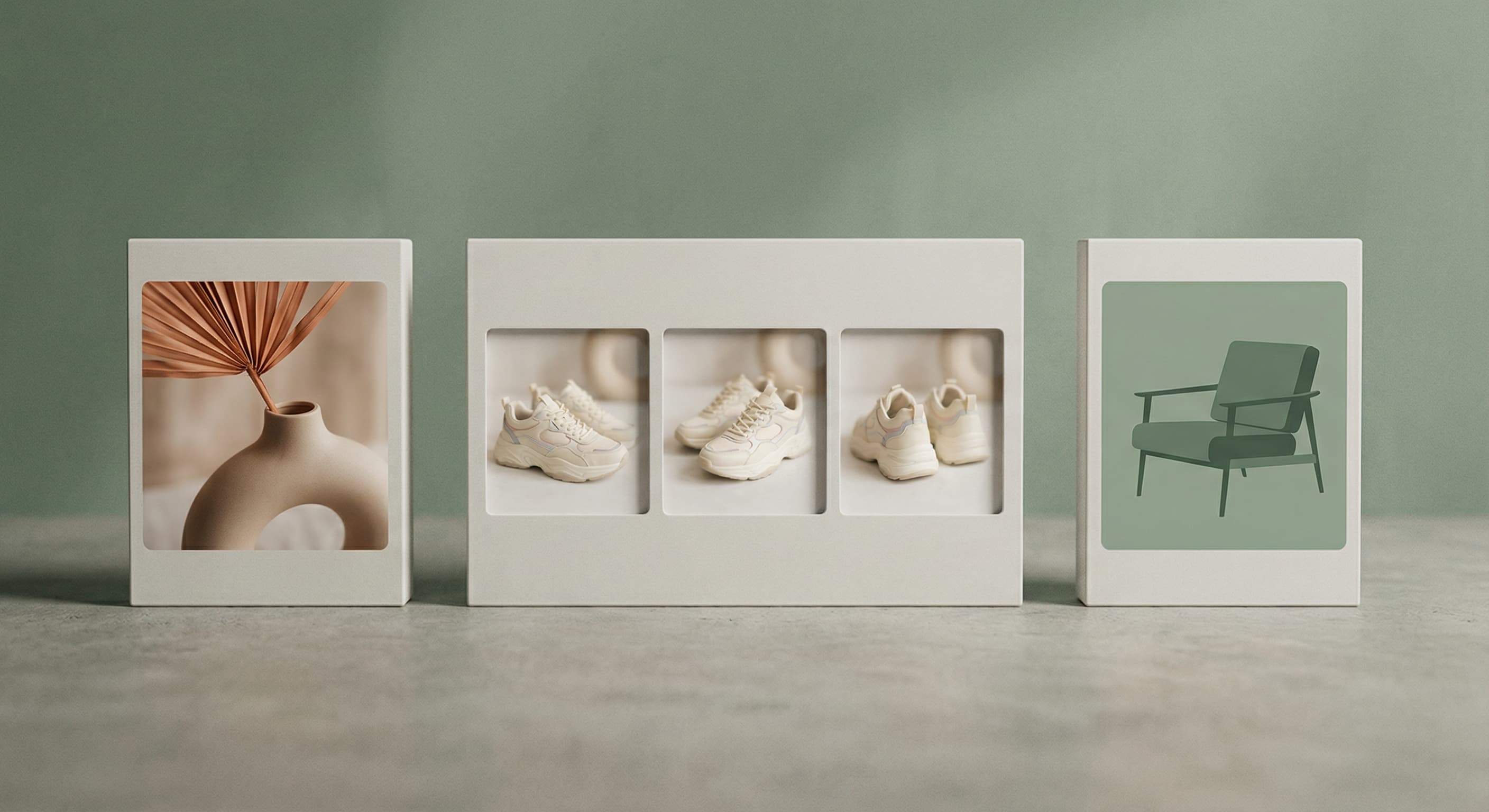
Better Size, Better Engagement
Posts with properly sized images get more clicks and shares. When your photo fills the feed correctly, people actually stop scrolling. Blurry or cropped images look unprofessional and get skipped. The right dimensions make your content look intentional.
Resize Your Post Image
Upload your photo. We resize it to exactly 1080×1350 pixels. Works with any image—photos, graphics, or screenshots. Save as JPG for smaller files or PNG if you need transparency. Download and post directly to Facebook.
How to resize image for Facebook Post Photo?
- 1
Step 1: Choose your image
From your library on your device, choose the image you would like to use as a Facebook Post Photo.
- 2
Step 2: Upload and resize your image
Upload your image and, within a few seconds, our tool will automatically resize your image to Facebook post photo dimensions.
- 3
Step 3: Save Facebook Post Photo
Once ready, click the Download button to save your Facebook Post Photo to your device.
For a regular photo post, 1080 x 1350 pixels (a 4:5 portrait ratio) is the strongest performer since it takes up more room in the mobile feed. A 1080 x 1080 square photo also displays cleanly if you want a uniform-looking profile grid.
All Facebook Image Sizes
Choose the recommended Facebook dimensions for your content
Free tools
Explore Free Creative Tools
Everything you need to make your photos stand out with our free photo editing tools

AI Photo Editor
Edit photos by describing what you want. Remove backgrounds, resize, enhance, add text, and more. Just type your edit in plain English.
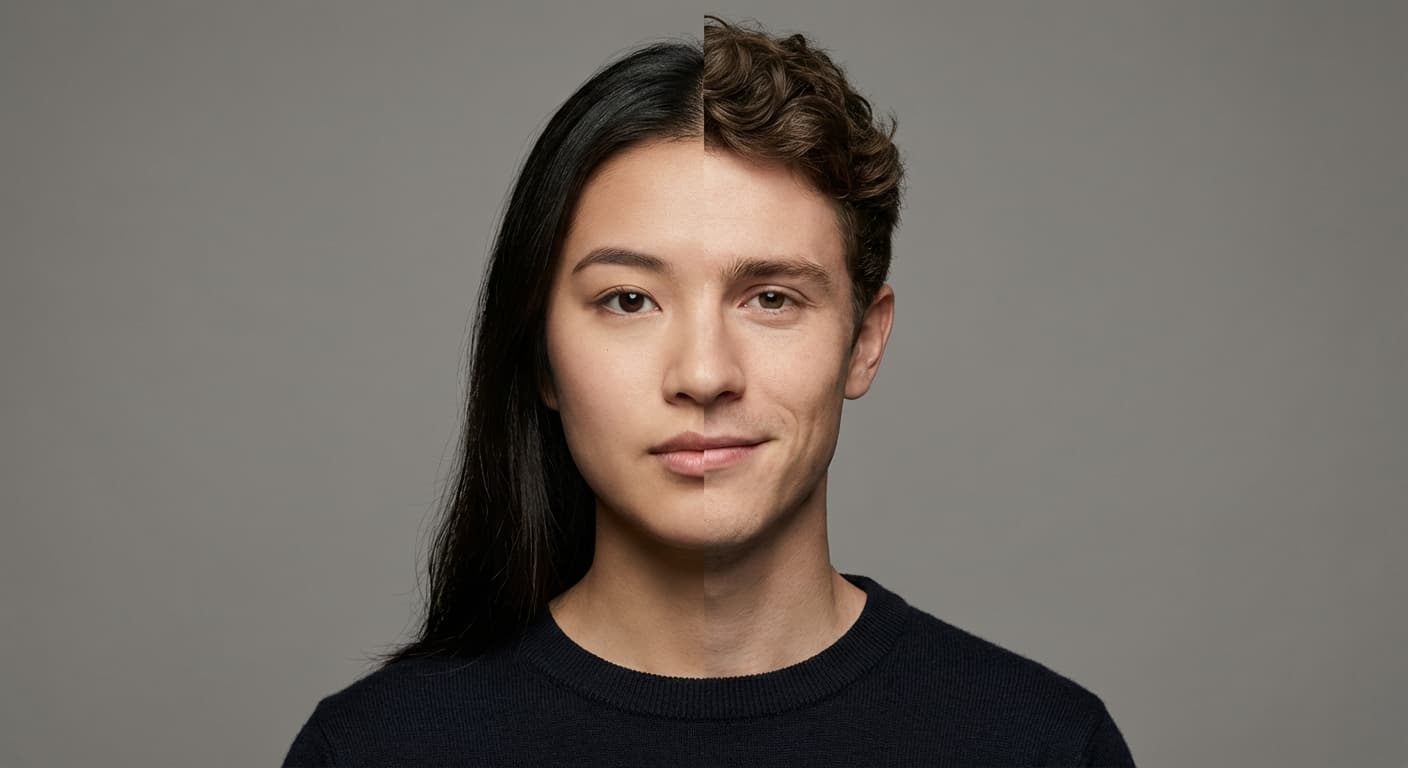
Face Swap
Create an AI face-swap image from uploaded photos. Results vary with lighting, pose, source quality, and the faces in each image.
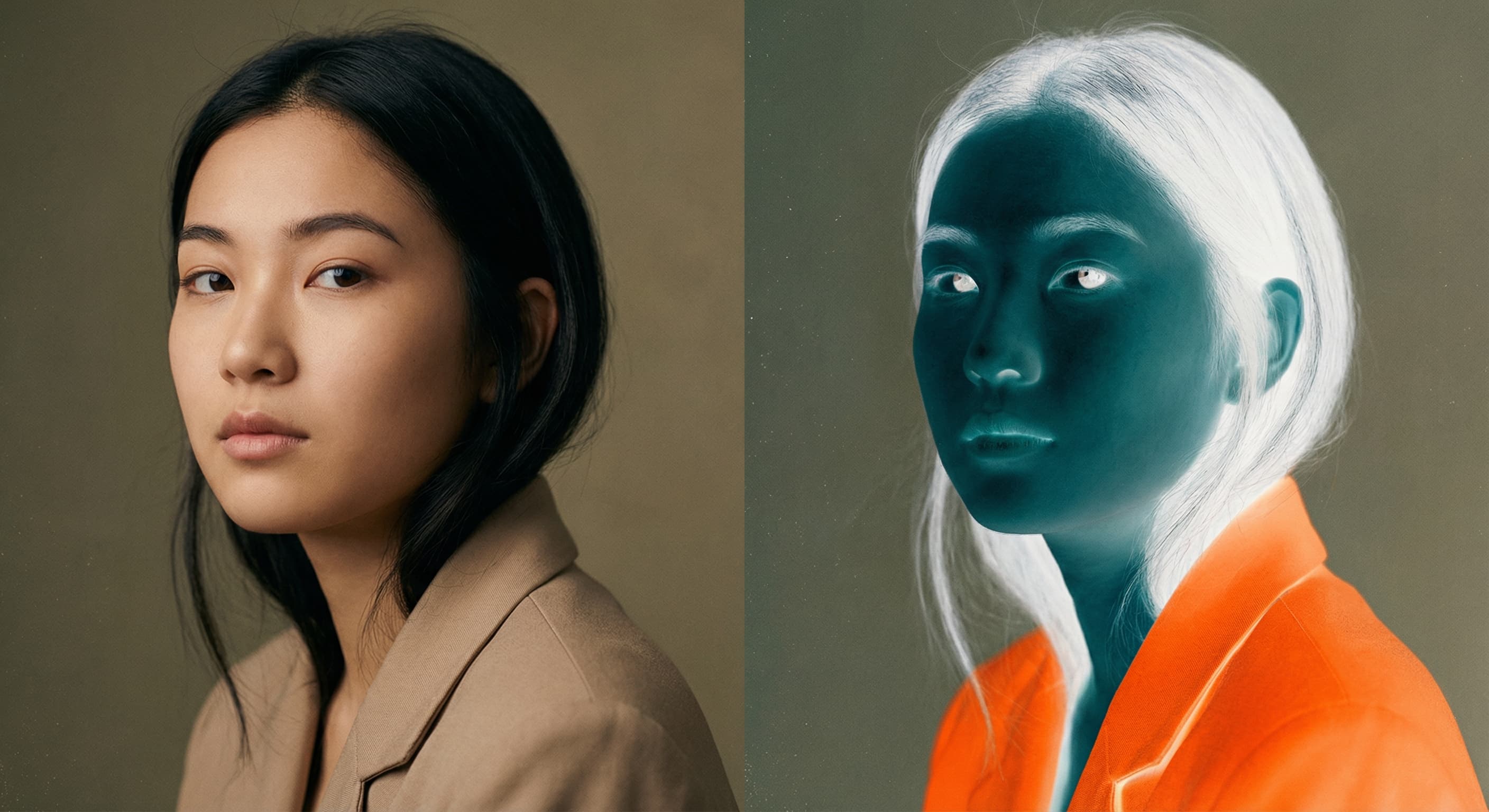
Photo Inverter
Invert photo colors online with four presets, intensity controls, and selective color options. Sign in to use it — AI edits draw from your daily AI credits.
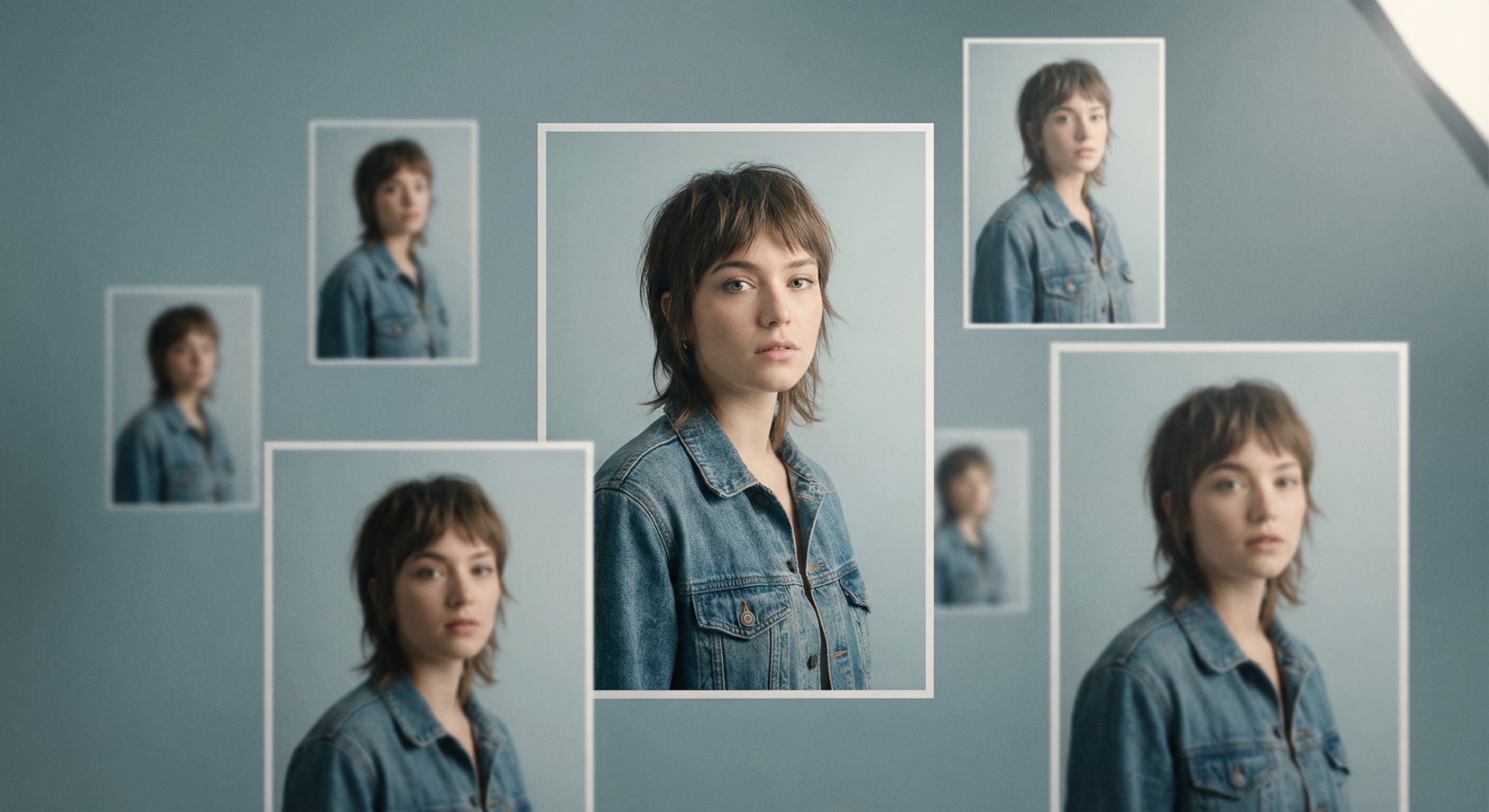
Image Size Converter
Free online image size converter. Resize a photo to exact pixel dimensions (width x height) in JPG, PNG, or WebP. Need a target file size in KB or a format change? We point you to the right tool. No signup.