Facebook Ad Carousel Resizer
Carousel ads need consistent image sizes across all cards. Facebook requires 1080×1080 pixels for each image. Mismatched sizes make your ad look sloppy and unprofessional.
1080
width (px)
1080
height (px)
1:1
aspect ratio
Need other dimensions? Browse all Facebook sizes or use the free image resizer for any platform.
Why 1080×1080 Pixels?
Square format gives you the most visual real estate in the Facebook feed. At 1080×1080, each carousel card displays crisp on both mobile and desktop. Facebook may reject ads with images that are too small or don't meet their quality standards.
Consistent Cards Convert Better
When all your carousel images match in size and style, users swipe through more cards. Inconsistent sizing breaks the visual flow and looks unprofessional. Each card should feel like part of a series—same dimensions, similar composition.
Resize Your Carousel Images
Upload each product photo or graphic. We resize to exactly 1080×1080 pixels. Process all your carousel cards at once for consistent results. Download and upload directly to Facebook Ads Manager.
How to resize image for Facebook Ad Carousel Image?
- 1
Step 1: Choose your image
From your library on your device, choose the image you would like to use as a Facebook Ad Carousel Image.
- 2
Step 2: Upload and resize your image
Upload your image and, within a few seconds, our tool will automatically resize your image to Facebook ad carousel image dimensions.
- 3
Step 3: Save Facebook Ad Carousel Image
Once ready, click the Download button to save your Facebook Ad Carousel Image to your device.
The recommended ad carousel image size for Facebook is 1080 x 1080 pixels. This size ensures that your ad carousel images are clear and visible on all devices.
All Facebook Image Sizes
Choose the recommended Facebook dimensions for your content
Free tools
Explore Free Creative Tools
Everything you need to make your photos stand out with our free photo editing tools

AI Photo Editor
Edit photos by describing what you want. Remove backgrounds, resize, enhance, add text, and more. Just type your edit in plain English.
Face Swap
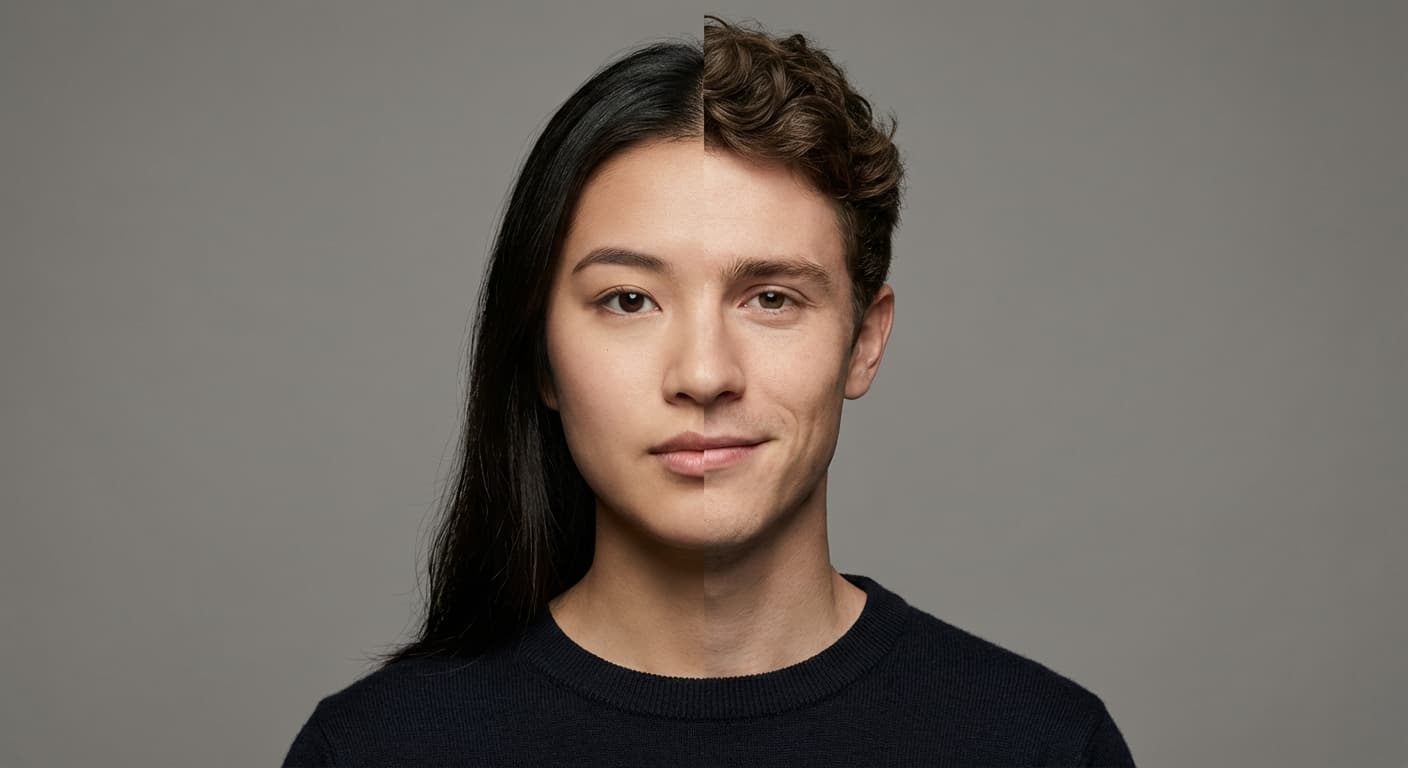
Create an AI face-swap image from uploaded photos. Results vary with lighting, pose, source quality, and the faces in each image.
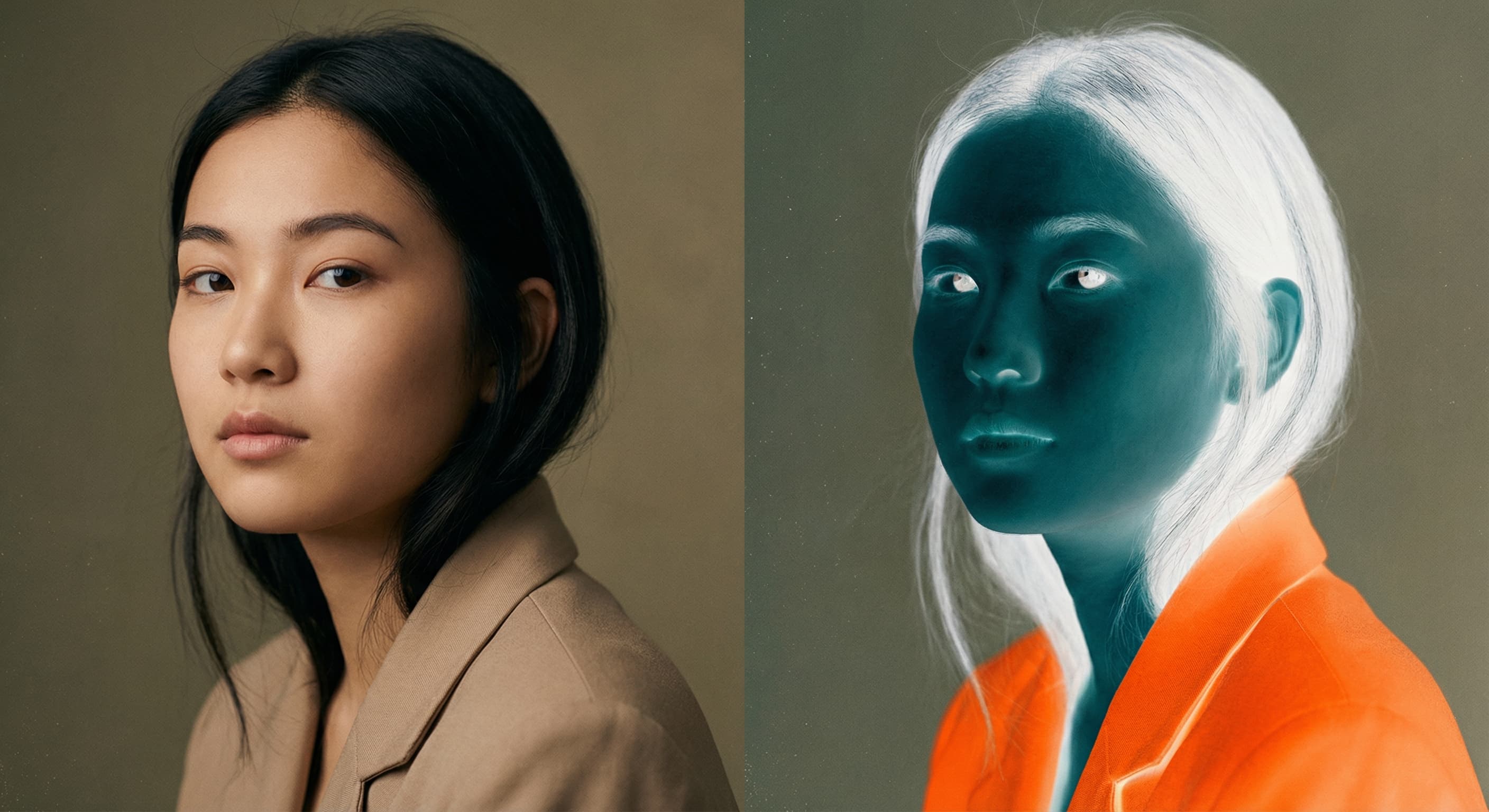
Photo Inverter
Invert photo colors online with four presets, intensity controls, and selective color options. Sign in to use it — AI edits draw from your daily AI credits.
Image Size Converter
Free online image size converter. Resize a photo to exact pixel dimensions (width x height) in JPG, PNG, or WebP. Need a target file size in KB or a format change? We point you to the right tool. No signup.