Studio product photos for Shopify
Connect your store, fix every product photo in bulk, and push the results back. White backgrounds, marketplace sizes and your brand, without leaving your catalog.
Only reads and updates product images. Never touches orders, customers or payments.
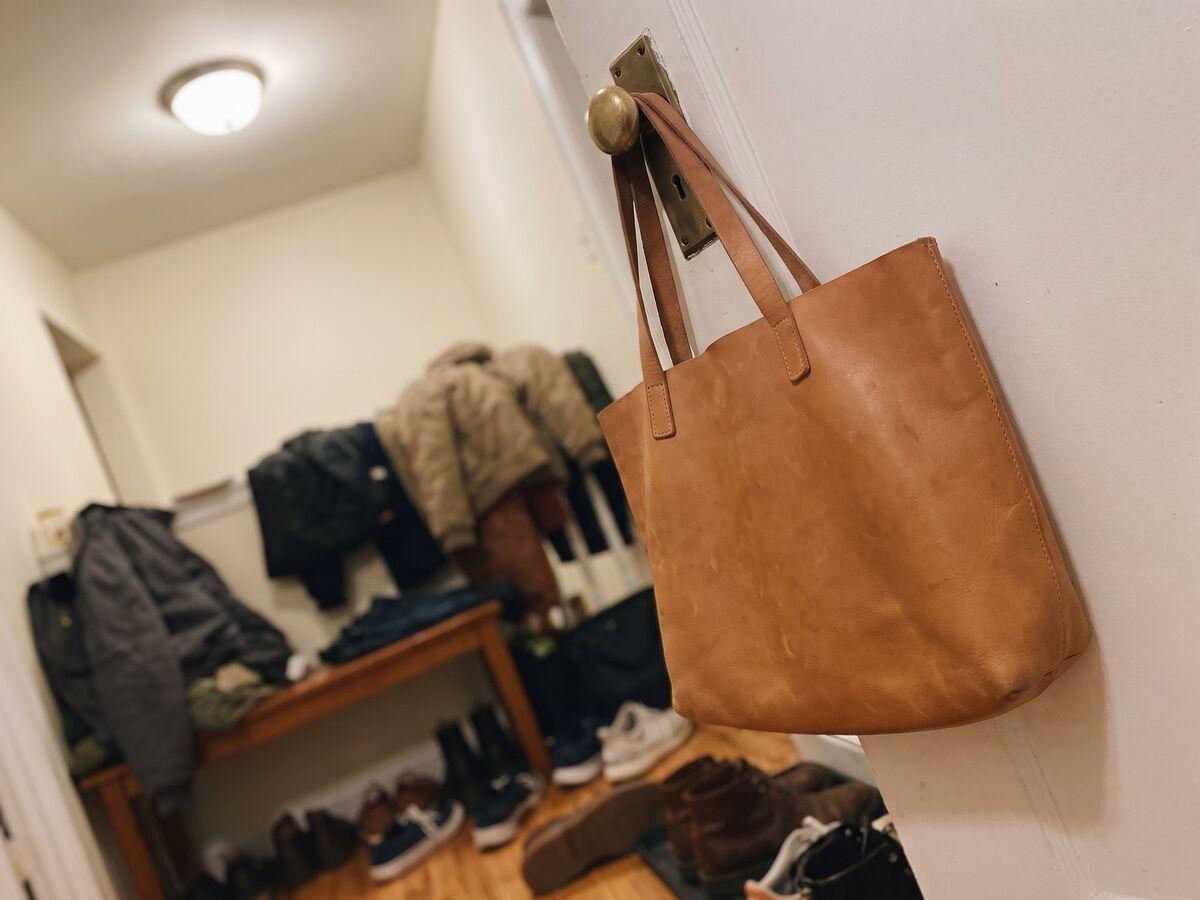
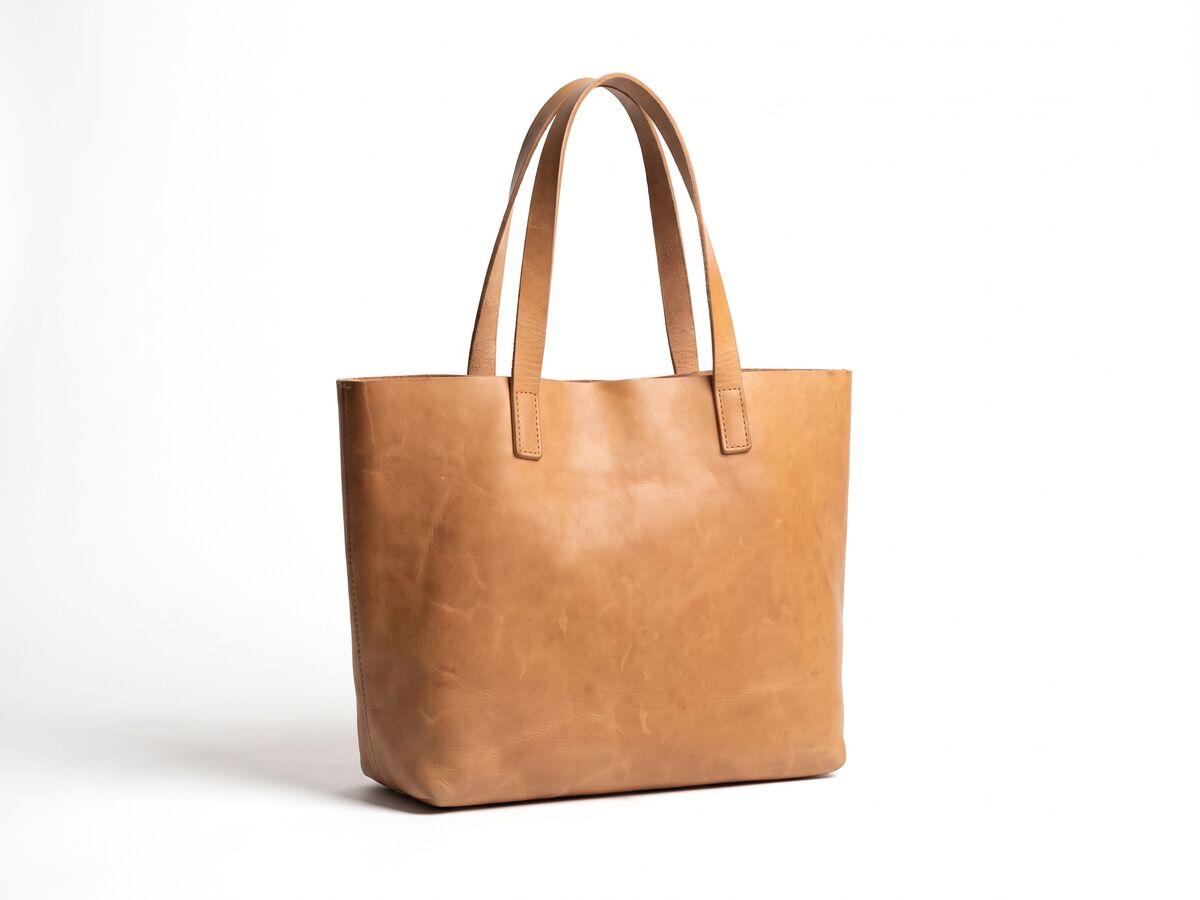
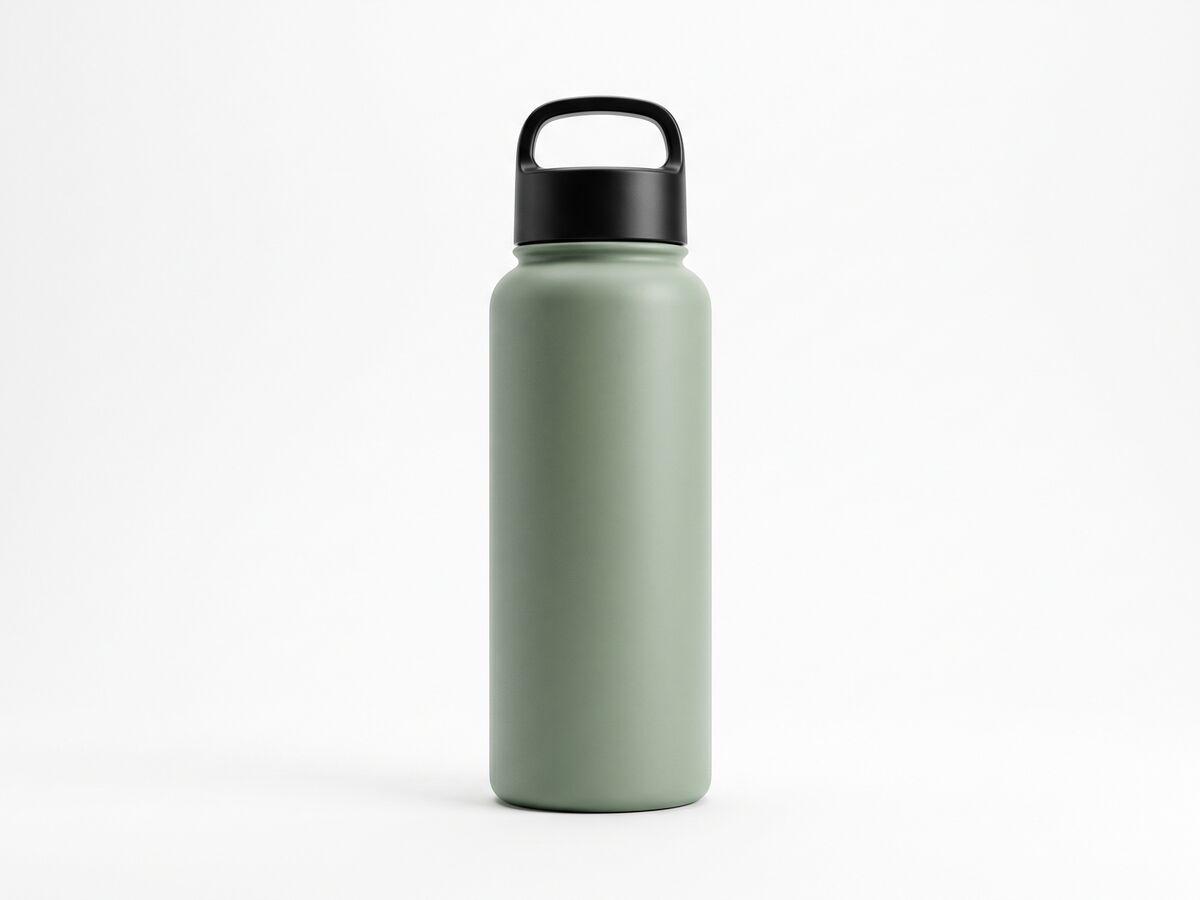
One product, one pass. Instasize cuts out the product, sets a white background and adds a soft shadow.
How it works
Connect, fix, push back
- 01
Connect
Link your store in one click. Instasize reads your product photos and nothing else.
- 02
Fix photos in bulk
Choose products, or everything without a white background. Cutout, backdrop, shadow and marketplace size, applied to all of them.
- 03
Push back to Shopify
Check each before and after, then add the new images or replace the originals.
The result
One consistent catalog
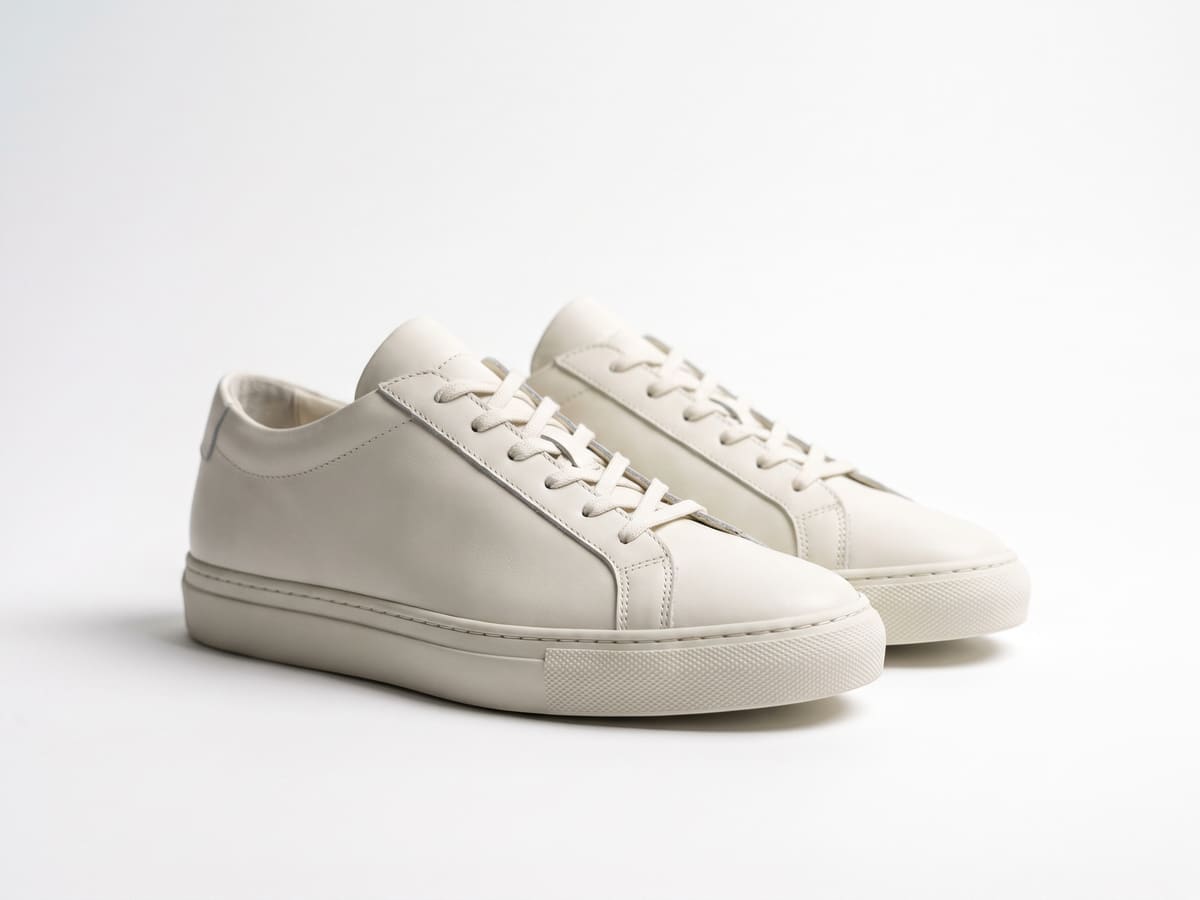

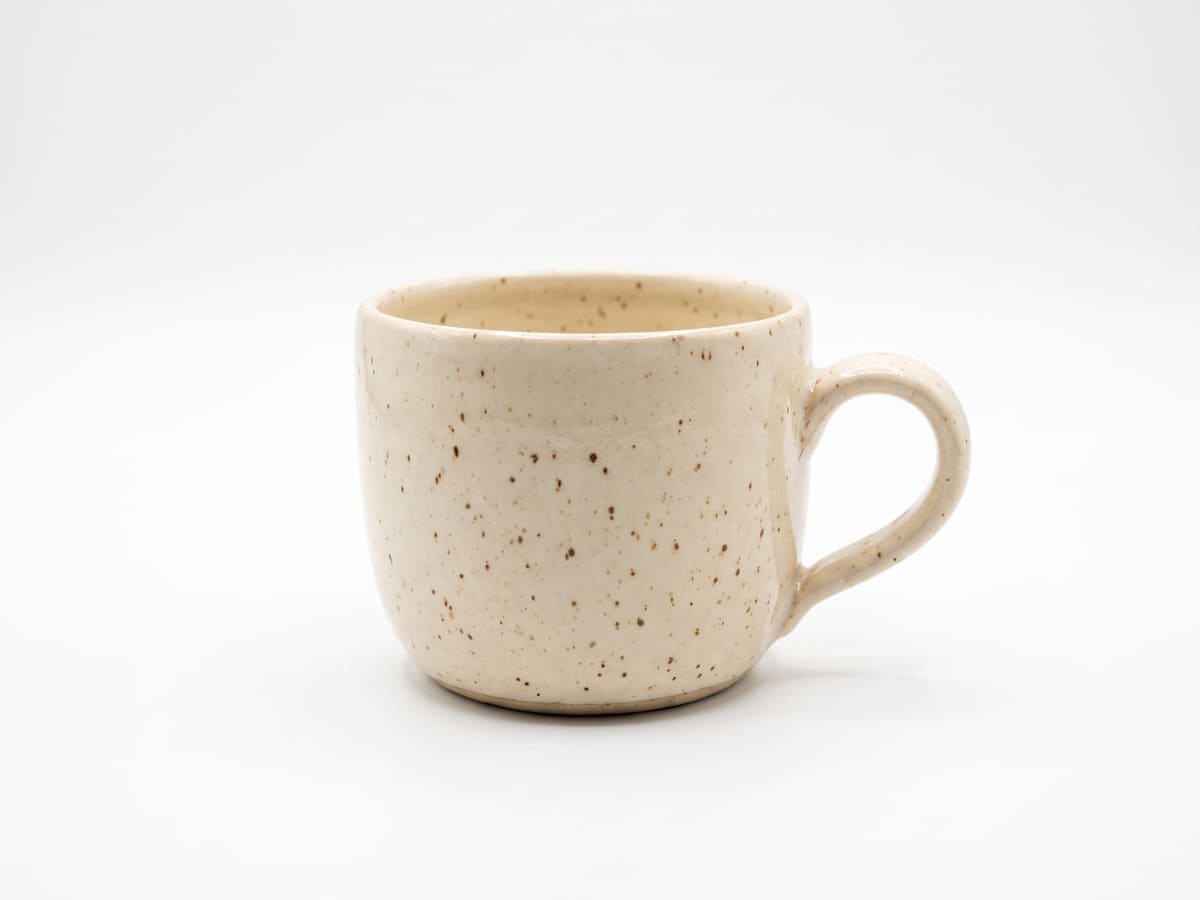

Your store, your control
Built to stay in its lane
Only product images
Only reads and updates product images. Never touches orders, customers or payments.
You approve every image
Nothing reaches your store until you review the before and after and press Push.
Disconnect any time
Uninstall and access ends right away. We delete the files we held for your store.
Questions
What can Instasize access in my store?
Product photos only. Instasize asks for permission to read and update products and to upload images. It never reads orders, customers or payments.
Will it overwrite my original photos?
Only if you choose to. You review every before and after, tick the ones you want, then add them as new images or replace the originals.
Which photos does it fix?
Pick products by hand, or process every product that is missing a white background in one go. Choose a white or colored backdrop, a shadow, a marketplace size, or your brand kit.
How much does it cost?
Free to install. AI edits use your Instasize credits; free automatic background removal with a free account. You see the estimate before you start, and nothing is pushed to your store until you press Push.
How do I disconnect?
Press Disconnect on this page, or uninstall Instasize from your Shopify admin. Access ends right away and we delete the files we held for your store.