Resize Instagram Profile Picture
Profile pictures appear tiny in comments, DMs, and the feed. But when someone taps your profile, they see a larger version. Upload at least 400x400 pixels so your image stays sharp at every size. A blurry profile pic signals amateur before anyone reads your bio.
Recommended Size
400 × 400
pixels

Make It Instantly Recognizable
Your profile picture shows up at tiny sizes throughout Instagram. At 32 pixels in comment threads, only bold, simple images read clearly. Use your face with good lighting, a distinctive logo, or a high-contrast image. Avoid busy backgrounds or small text that disappears at thumbnail size. Recognition in a split second is the goal.
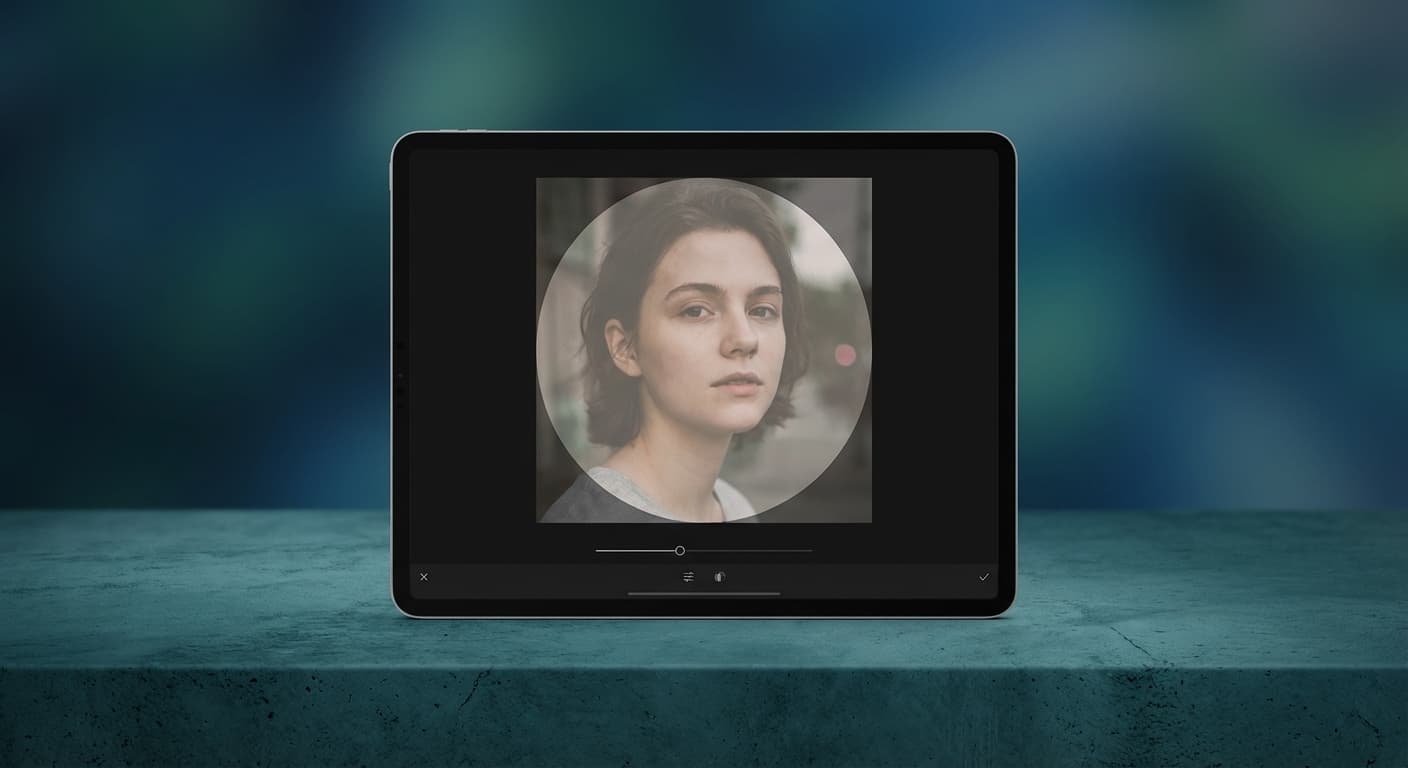
Design for the Circle Crop
Instagram crops every profile picture into a circle, cutting off corners. Upload a square image at 400x400 pixels and keep important elements away from the edges. Center your face or logo so the circular mask doesn't cut off anything essential. Test how it looks before publishing by previewing the crop.
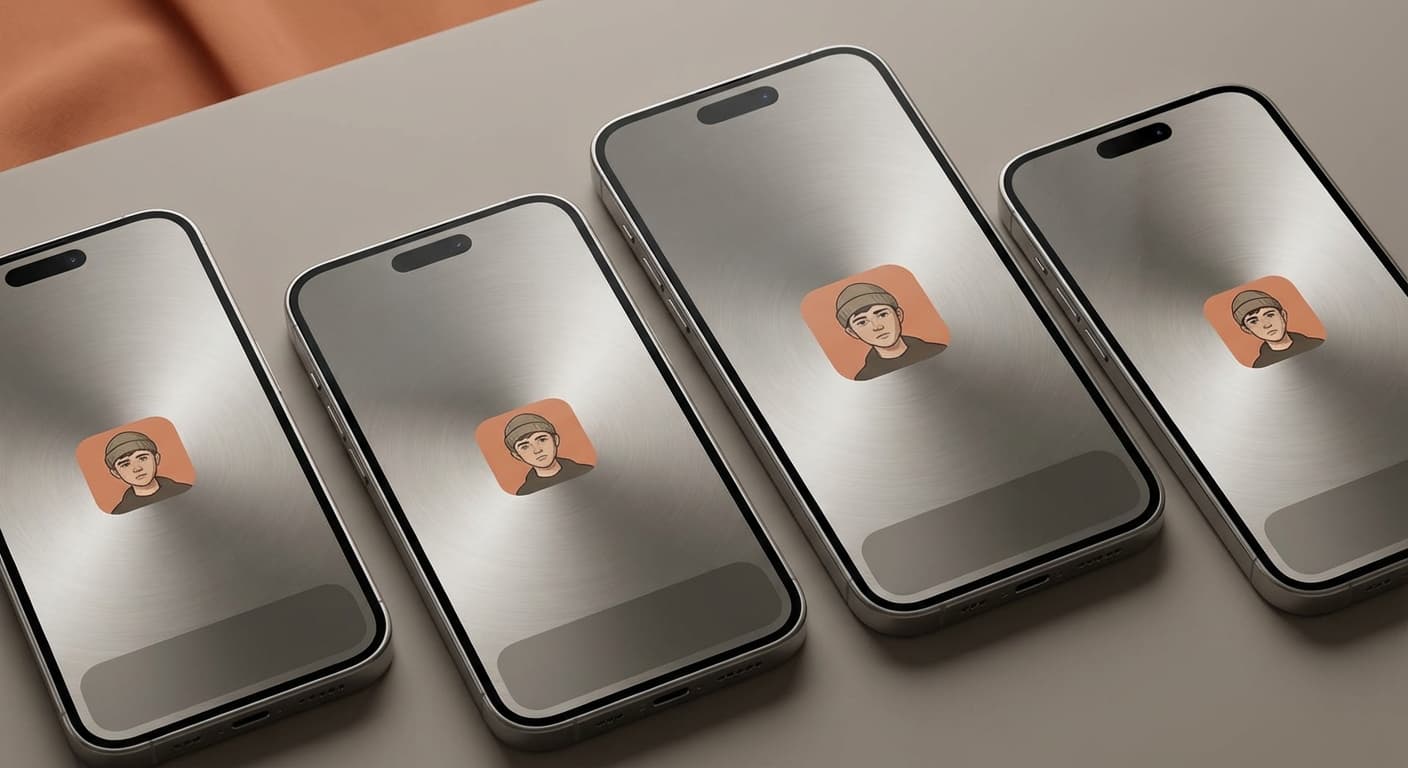
Stay Consistent Across Platforms
Use the same profile picture on Instagram, TikTok, Twitter, and YouTube. Consistent branding helps followers find you across platforms and builds recognition. A 400x400 pixel image works for most social networks. Resize once and use everywhere to build a cohesive online presence.
How do I change my Instagram profile picture?
- 1
Step 1: Open the Instagram App
To change your Instagram profile picture, you first need to open the Instagram app on your mobile device.
- 2
Step 2: Go to Your Profile Page
Once you’ve opened the Instagram app, navigate to your profile page by tapping on the person icon in the bottom right corner of the screen.
- 3
Step 3: Tap on Your Profile Picture
On your profile page, tap on your current profile picture. This will take you to the page where you can select a new picture or take a new photo.
Instagram Profile Picture FAQ
Can't find what you're looking for? Contact support
Your Instagram profile picture should be at least 320 pixels wide by 320 pixels tall.
More Instagram Sizes
Here are more Instagram asset sizes with their own dimensions.