Resize Instagram Reel
Instagram pushes Reels harder than any other content type right now. The algorithm favors properly formatted vertical video at 1080x1920 pixels. Upload in the wrong dimensions and your Reel looks unprofessional next to competitors who got it right. Full-screen 9:16 content is your ticket to the Explore page and viral reach.
Recommended Size
1080 × 1920
pixels

The Algorithm Prefers Proper Dimensions
Instagram's algorithm favors Reels that meet technical quality standards. Videos at 1080x1920 pixels signal that you know what you're doing. Poorly formatted content with black bars or weird cropping gets deprioritized. Give the algorithm what it wants: full-screen vertical video at the exact recommended dimensions.
Cover Images Matter Too
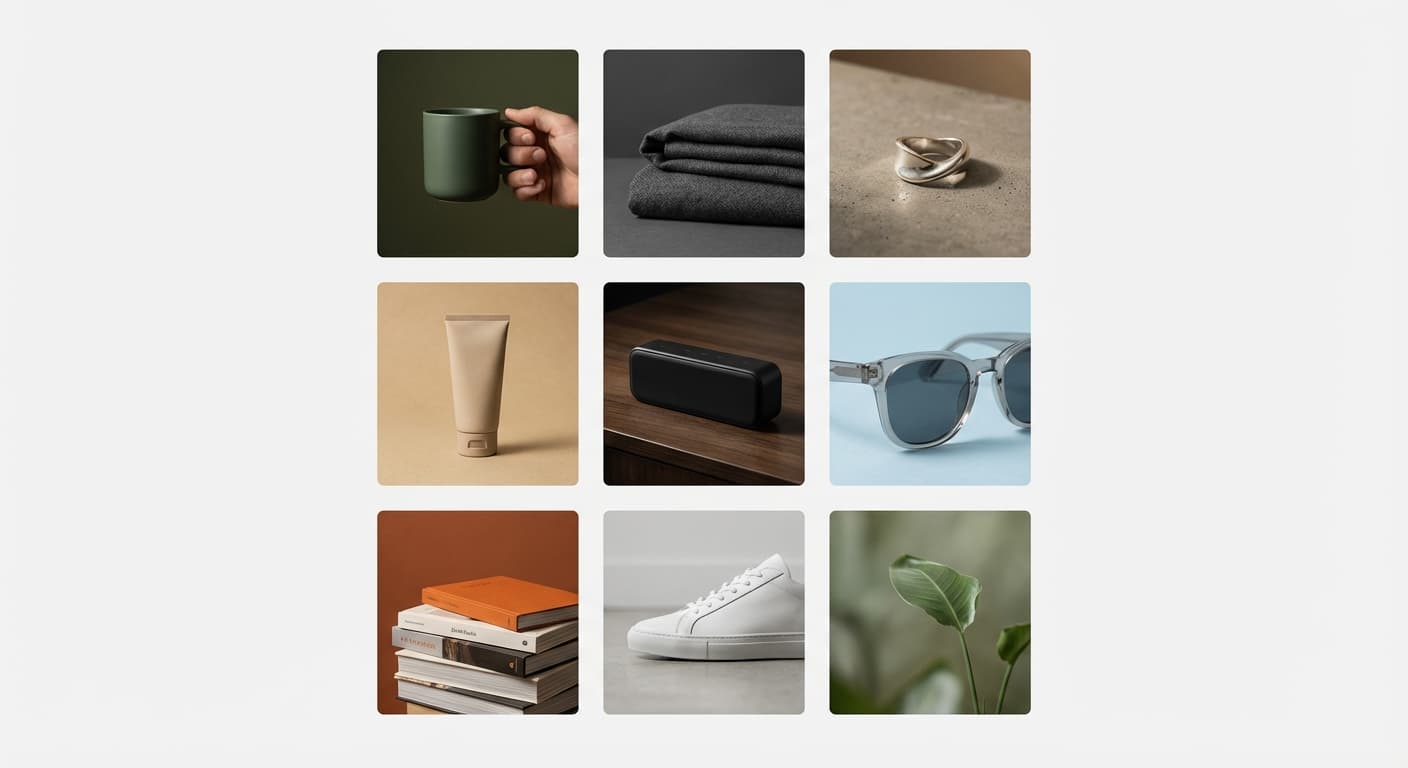
Your Reel's cover image shows on your profile grid. A blurry or poorly cropped cover makes your entire profile look amateur. Create a custom cover at 1080x1920 pixels or pick a frame from your video that represents the content well. The cover is your Reel's first impression on profile visitors.
Cross-Post to TikTok and Shorts
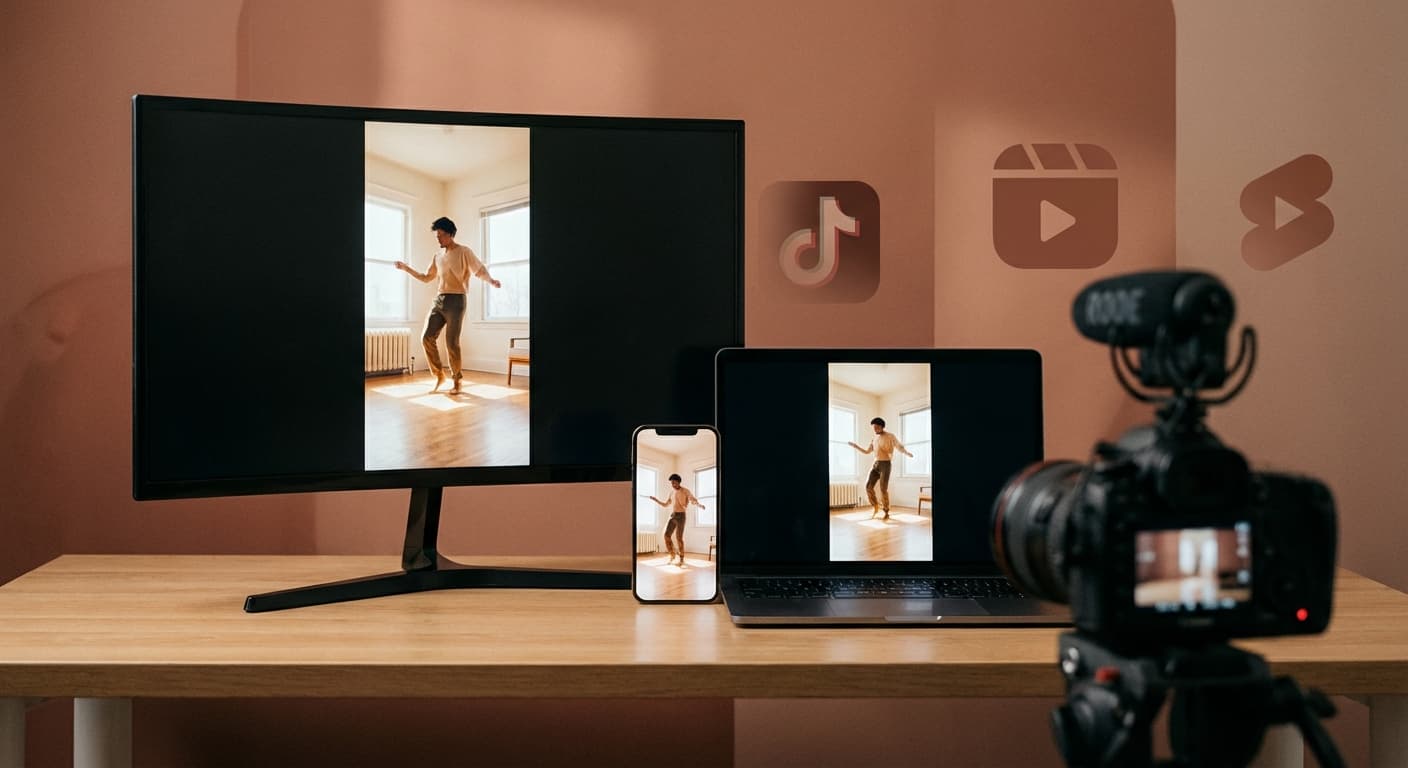
The 1080x1920 pixel format works identically on TikTok, YouTube Shorts, and Snapchat Spotlight. Create your Reel once at the right size and distribute everywhere. Remove watermarks before cross-posting since Instagram deprioritizes TikTok watermarked content. One video, multiple platforms, maximum reach.
How do I resize video for Instagram Reels?
- 1
Step 1: Choose the video you want to resize
Select the video from your library device that you want to upload to Instagram reels.
- 2
Step 2: Resize video
Use the Instagram Reels Size Tool to automatically resize your video in the 9:16 aspect ratio. Perfect for Instagram Reels.
- 3
Step 3: Download your video
After you have finished resizing your video, save it to your device then upload to Instagram as a Reel.
More Instagram Sizes
Here are more Instagram asset sizes with their own dimensions.