SoundCloud Profile Photo Resizer
Your profile photo is your visual identity on SoundCloud. The platform displays it at 1000×1000 pixels. Blurry or poorly cropped images undermine your professional image.
1000
width (px)
1000
height (px)
1:1
aspect ratio
Need other dimensions? Browse all Soundcloud sizes or use the free image resizer for any platform.
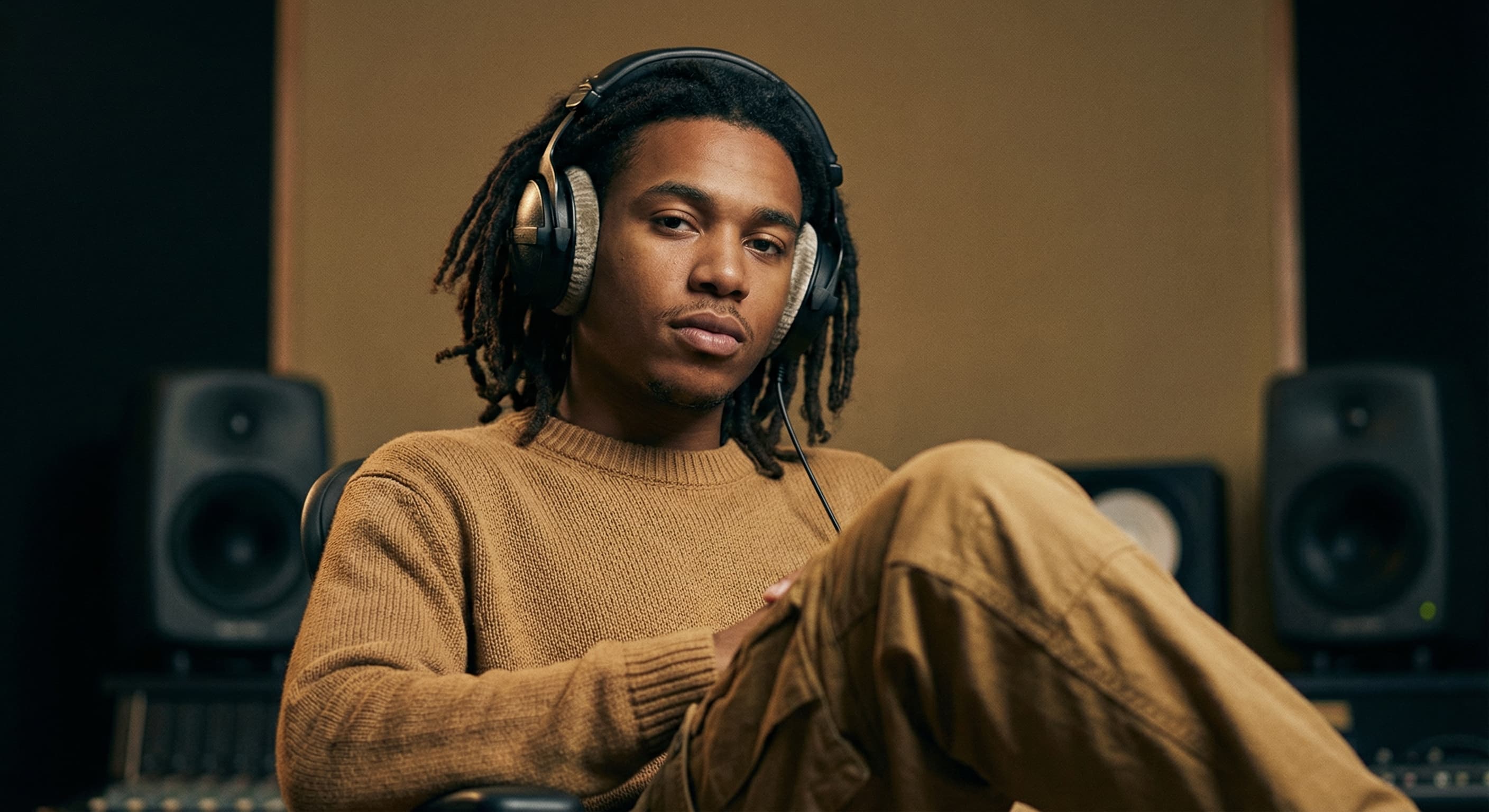
Why 1000×1000 Pixels?
SoundCloud uses larger profile photos than most platforms. At 1000×1000 pixels, your image stays sharp on high-resolution displays. This size gives you room for detailed photos or logos without compression artifacts.
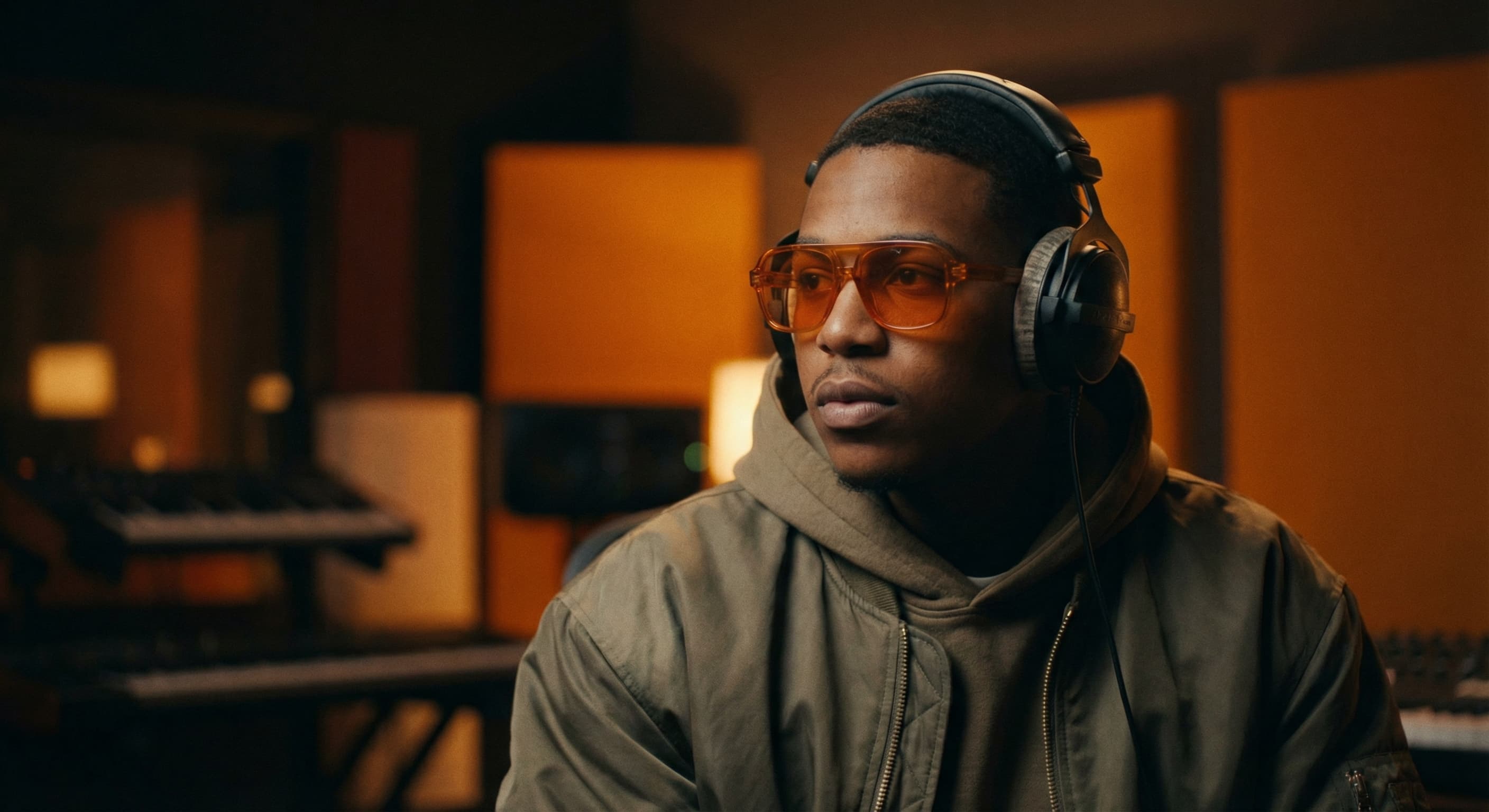
Build Your Artist Identity
Your profile photo is your face on SoundCloud. Use a professional headshot, artistic portrait, or clean logo. Consistency with your album artwork creates a cohesive brand. Listeners remember artists with distinctive visuals.
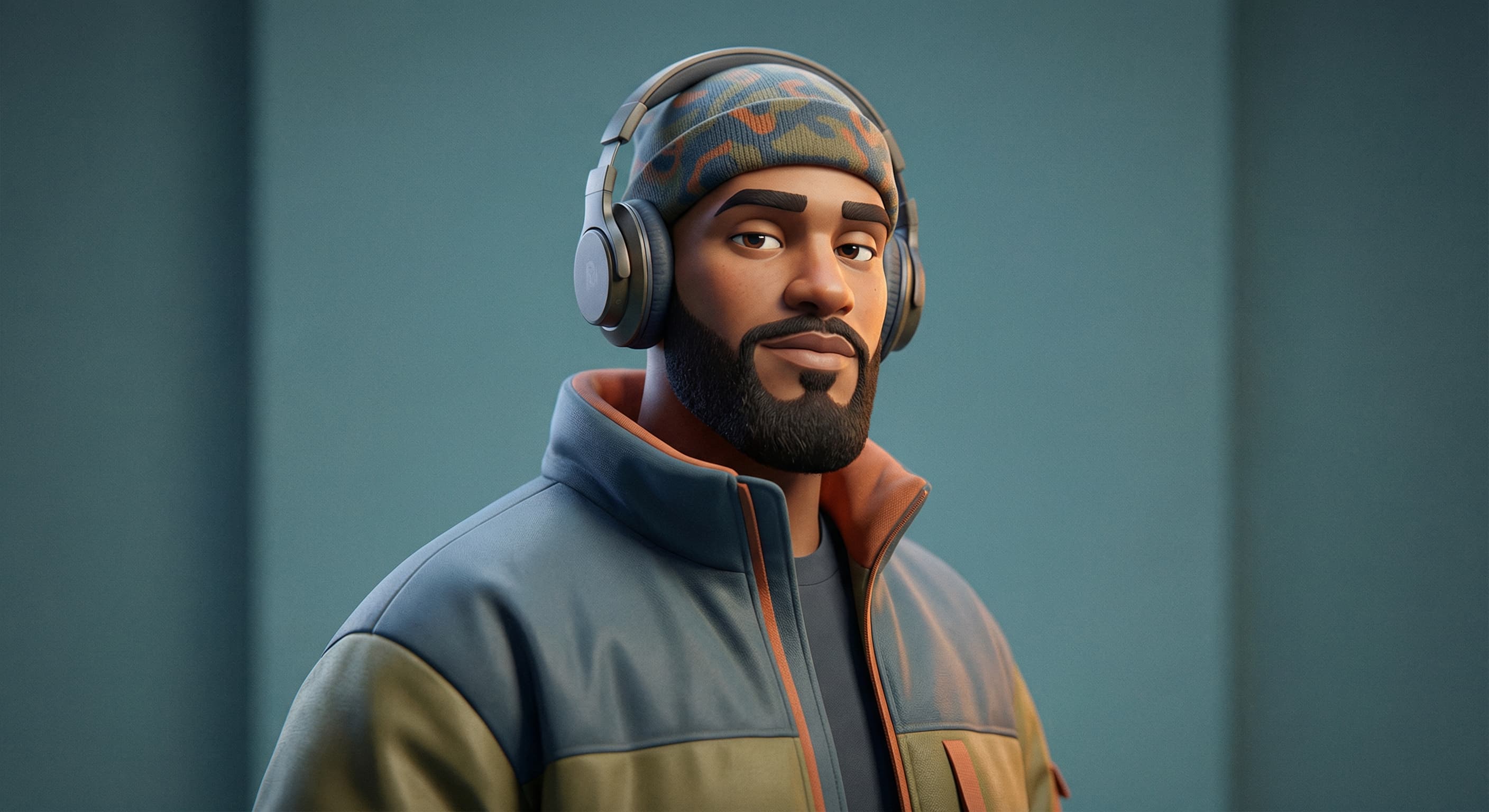
Create Your Profile Photo
Upload your image and we resize it to 1000×1000 pixels automatically. Center your subject—circular crops happen in some views. Save as JPG for photos, PNG for logos. Keep file size under 1MB.
How to resize image for SoundCloud Profile Photo?
- 1
Step 1: Choose your image
From your library on your device, choose the image you would like to use as a SoundCloud Profile Photo.
- 2
Step 2: Upload and resize your image
Upload your image and, within a few seconds, our tool will automatically resize your image to SoundCloud profile photo dimensions.
- 3
Step 3: Save SoundCloud Profile Photo
Once ready, click the Download button to save your SoundCloud Profile Photo to your device.
The recommended profile photo size for SoundCloud is 1000 x 1000 pixels. This size ensures that your profile photo is clear and visible on all devices.
All Soundcloud Image Sizes
Choose the recommended Soundcloud dimensions for your content
Free tools
Explore Free Creative Tools
Everything you need to make your photos stand out with our free photo editing tools
AI Photo Editor
Edit photos by describing what you want. Remove backgrounds, resize, enhance, add text, and more. Just type your edit in plain English.
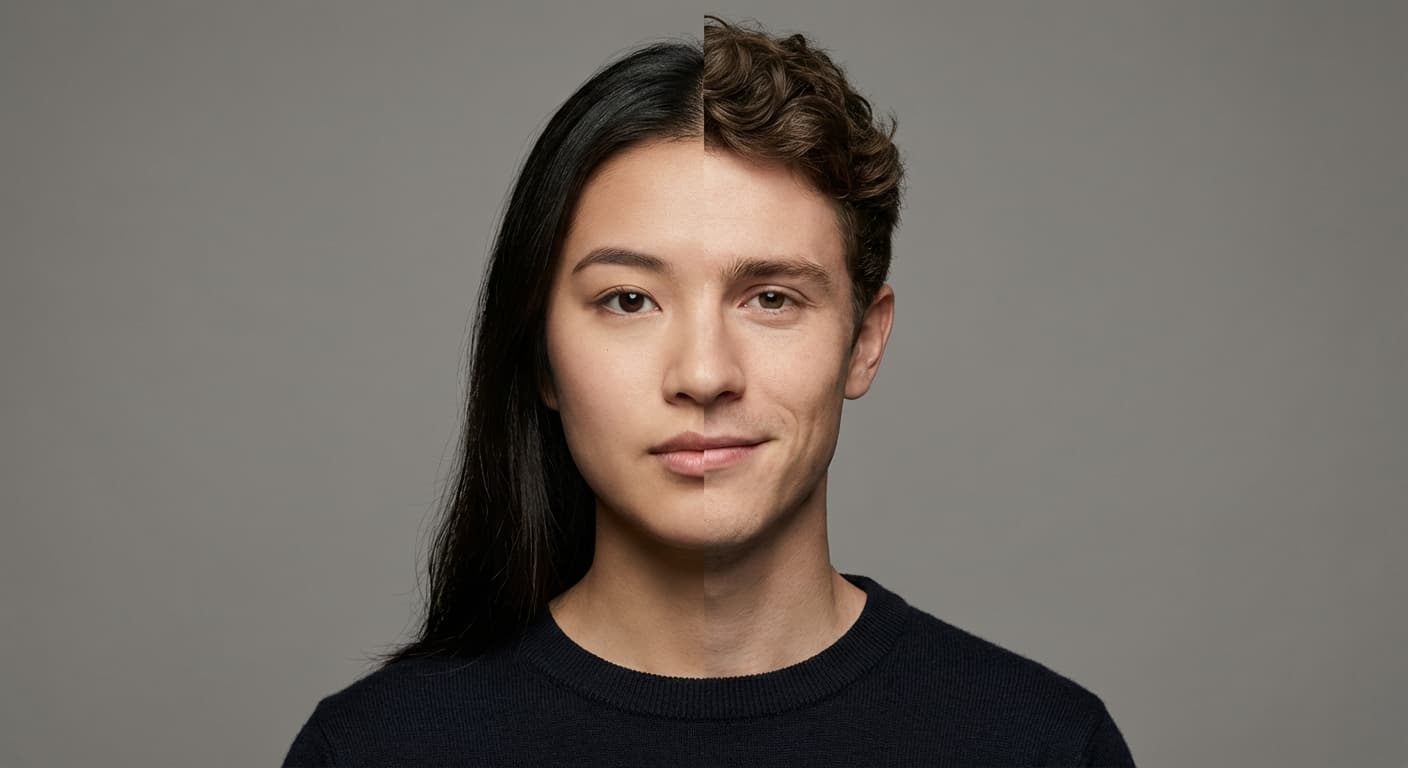
Face Swap
Create an AI face-swap image from uploaded photos. Results vary with lighting, pose, source quality, and the faces in each image.
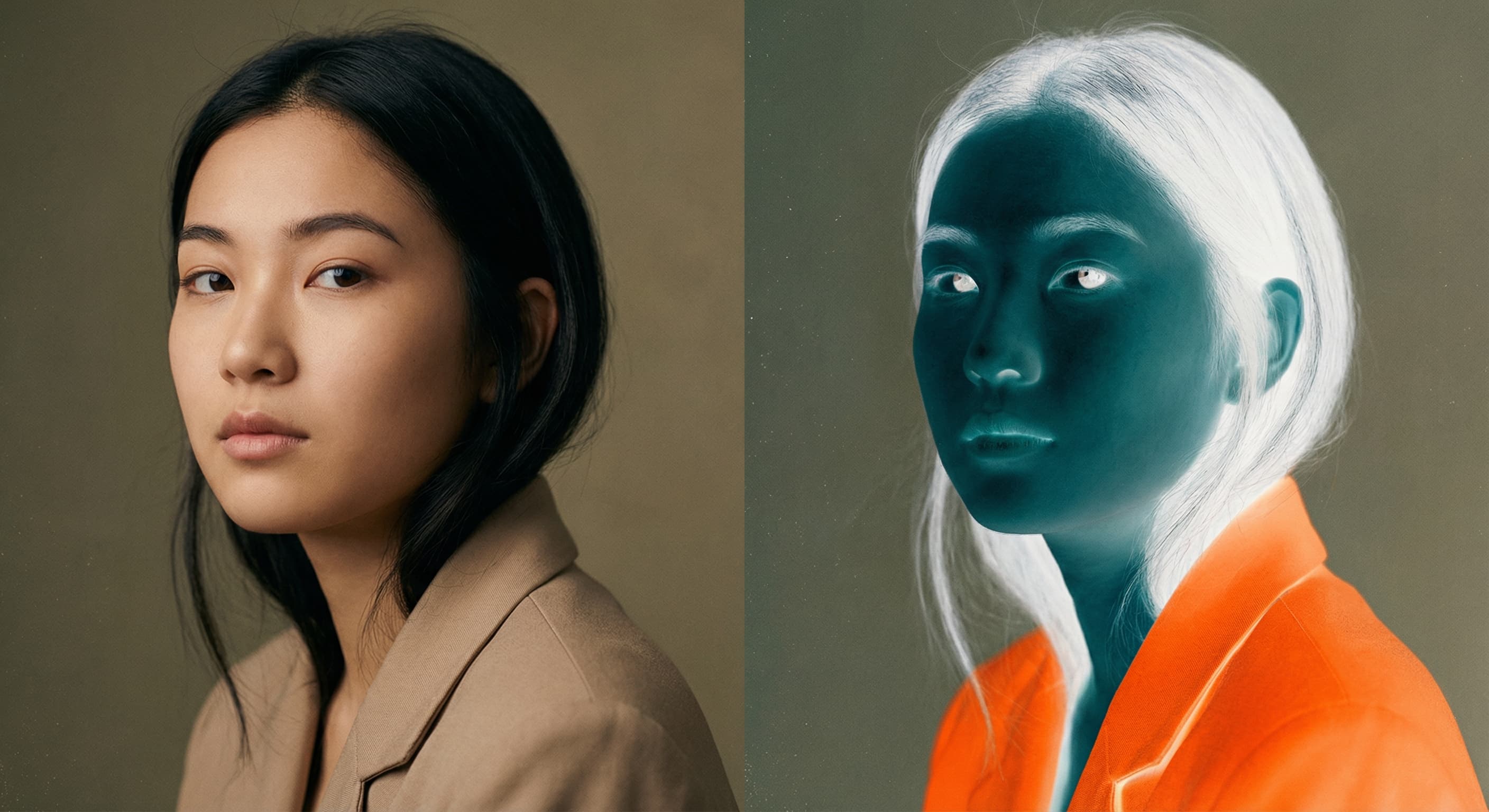
Photo Inverter
Invert photo colors online with four presets, intensity controls, and selective color options. Sign in to use it — AI edits draw from your daily AI credits.
Image Size Converter
Free online image size converter. Resize a photo to exact pixel dimensions (width x height) in JPG, PNG, or WebP. Need a target file size in KB or a format change? We point you to the right tool. No signup.