Pinterest Board Cover Resizer
Board covers are the first thing people see when browsing your profile. Pinterest displays them at 600×600 pixels. A cohesive set of covers makes your boards look organized and professional.
600
width (px)
600
height (px)
1:1
aspect ratio
Need other dimensions? Browse all Pinterest sizes or use the free image resizer for any platform.
Why 600×600 Pixels?
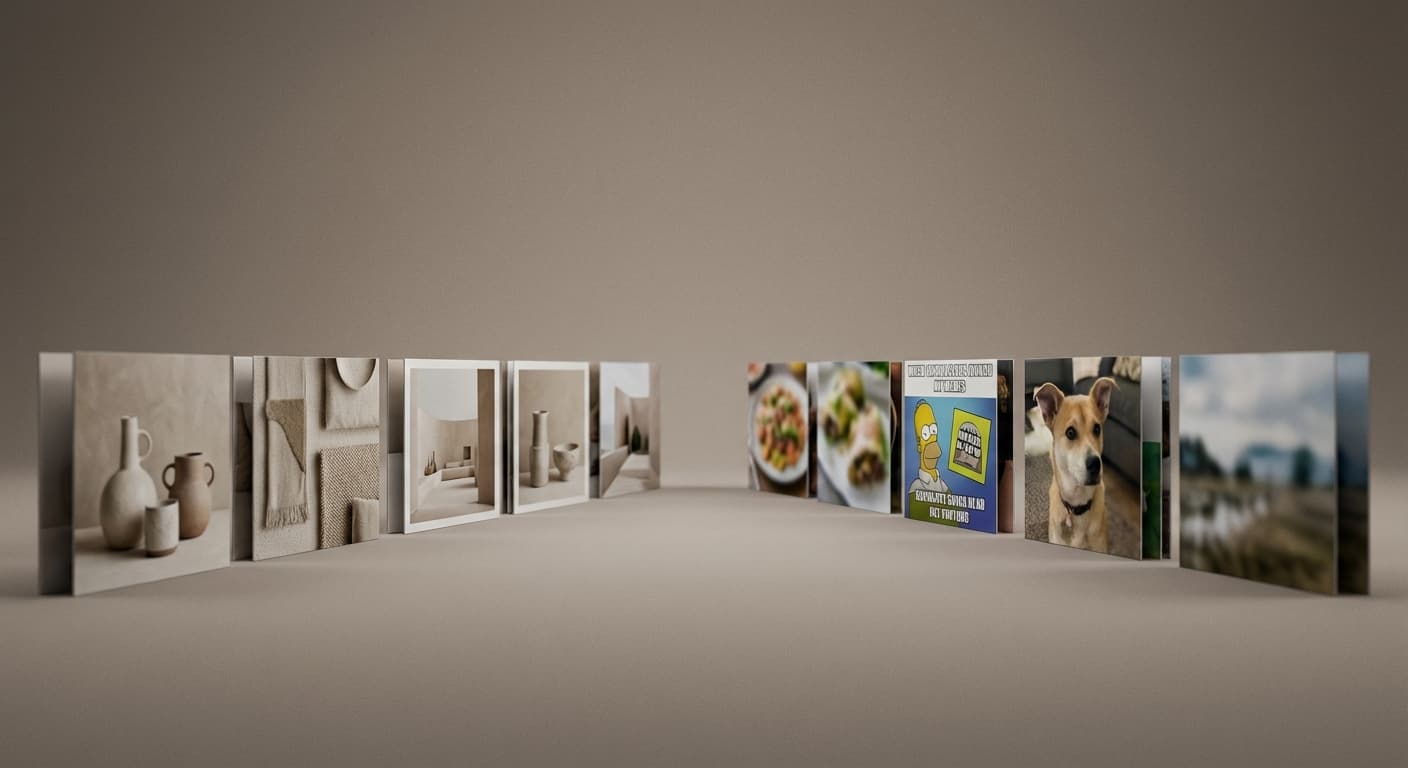
Pinterest displays board covers as squares on your profile. At 600×600, your cover shows every detail without pixelation. This size loads quickly and looks sharp on all devices.
Make Your Profile Stand Out
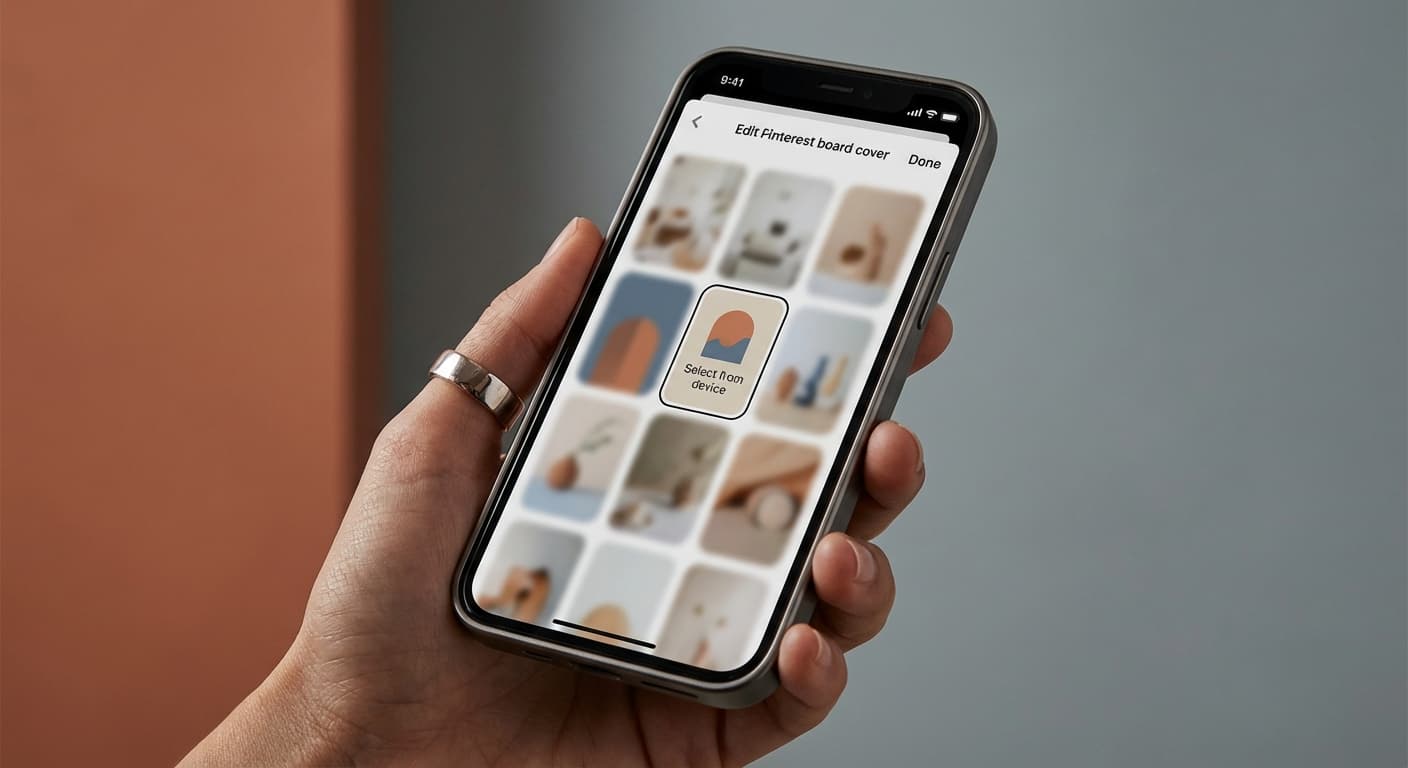
Custom board covers instantly set your profile apart from accounts using random pins as covers. A consistent visual style across all boards signals that you take your Pinterest presence seriously.
Create Your Board Cover
Upload your image. We resize it to exactly 600×600 pixels. Design covers that represent each board's theme. Use consistent colors or styles across all boards. Download and set as your board cover.
How to resize to Pinterest Board Cover size?
- 1
Step 1: Step 1: Choose the right image
Select an image that accurately represents your board theme and is visually appealing. High-quality images are crucial for attracting followers.
- 2
Step 2: Step 2: Resize the image
Using the Instasize Pinterest Board Cover Size Tool, resize your board cover image to the recommended size of 600 x 600 pixels. This size provides a balance between image quality and loading speed.
- 3
Step 3: Step 3: Save in the appropriate format
Save your resized image in an appropriate format, such as JPEG or PNG. This ensures compatibility with various devices and browsers, as well as optimal loading times.
The optimal Pinterest board cover size is 600 x 600 pixels. This size ensures a balance between high-quality images and fast loading times, providing a positive user experience.
All Pinterest Image Sizes
Choose the recommended Pinterest dimensions for your content
Free tools
Explore Free Creative Tools
Everything you need to make your photos stand out with our free photo editing tools

AI Photo Editor
Edit photos by describing what you want. Remove backgrounds, resize, enhance, add text, and more. Just type your edit in plain English.
Face Swap
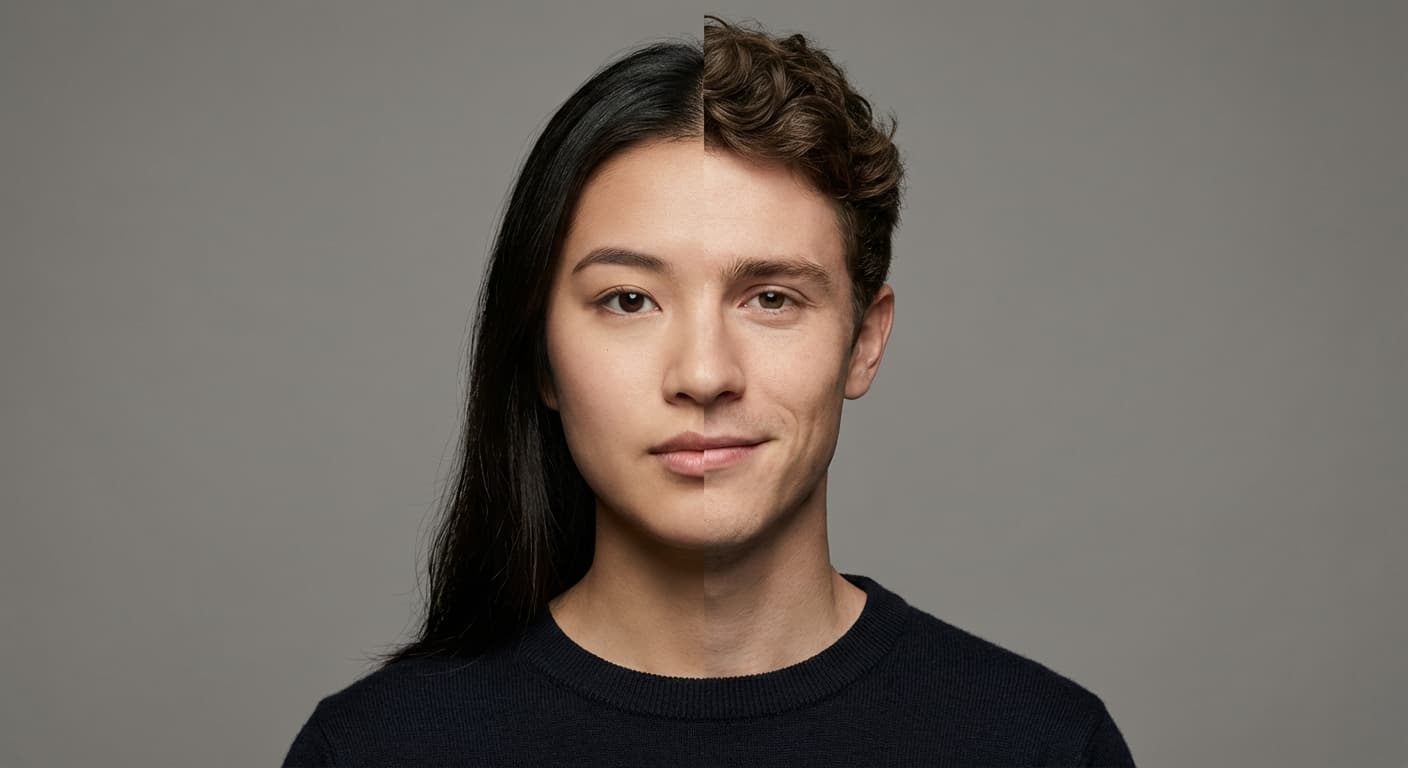
Create an AI face-swap image from uploaded photos. Results vary with lighting, pose, source quality, and the faces in each image.
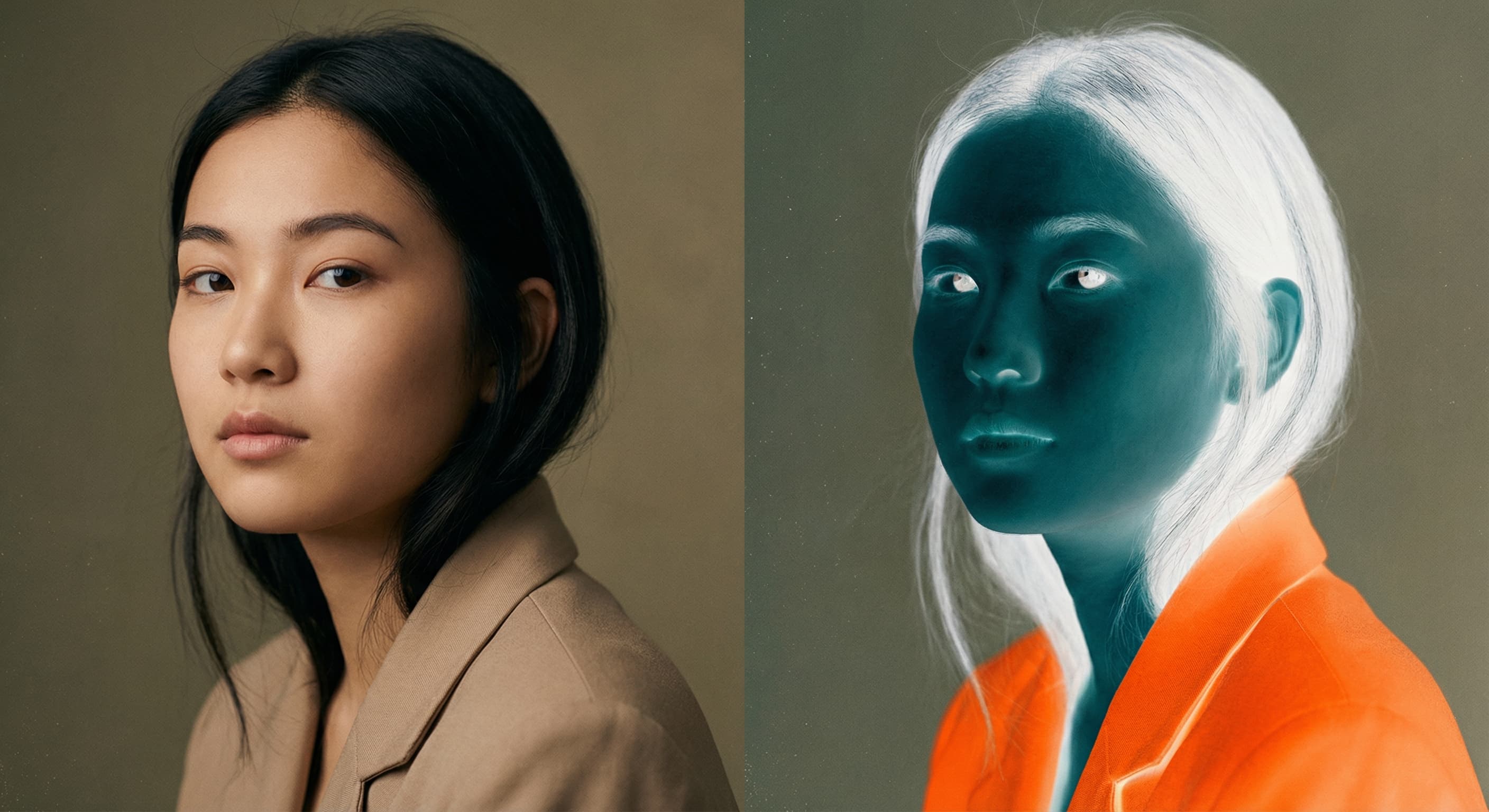
Photo Inverter
Invert photo colors online with four presets, intensity controls, and selective color options. Sign in to use it — AI edits draw from your daily AI credits.
Image Size Converter
Free online image size converter. Resize a photo to exact pixel dimensions (width x height) in JPG, PNG, or WebP. Need a target file size in KB or a format change? We point you to the right tool. No signup.