AI Powered Subject Detection
Upload any photo and our AI instantly identifies the subject: people, products, pets, whatever. No manual selection needed.
Remove the background from any photo in seconds and make it transparent. AI cuts out people, products, and objects and gives you a PNG or a solid color background. AI background removal requires a paid plan, with a free trial for first-time subscribers.
Upload a photo, remove its background and place the cutout on white.
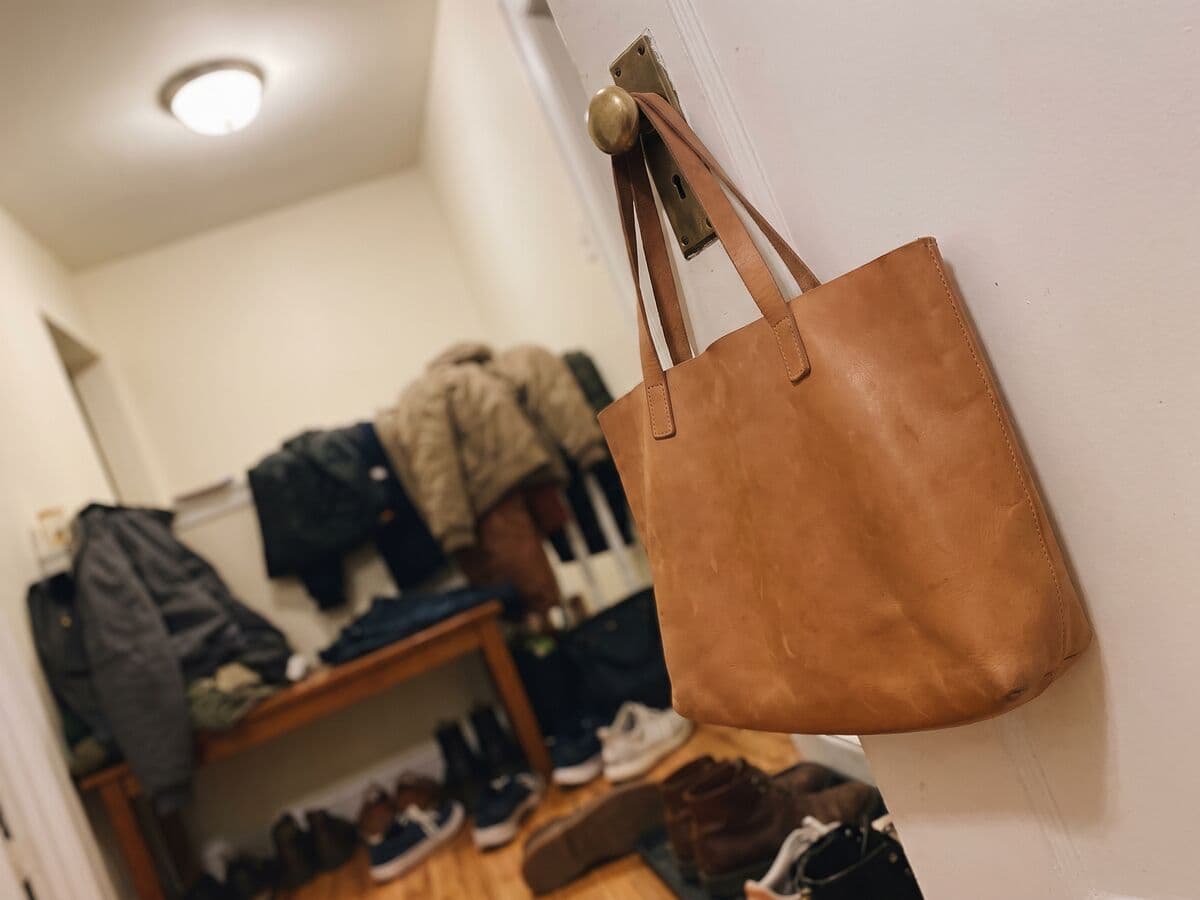
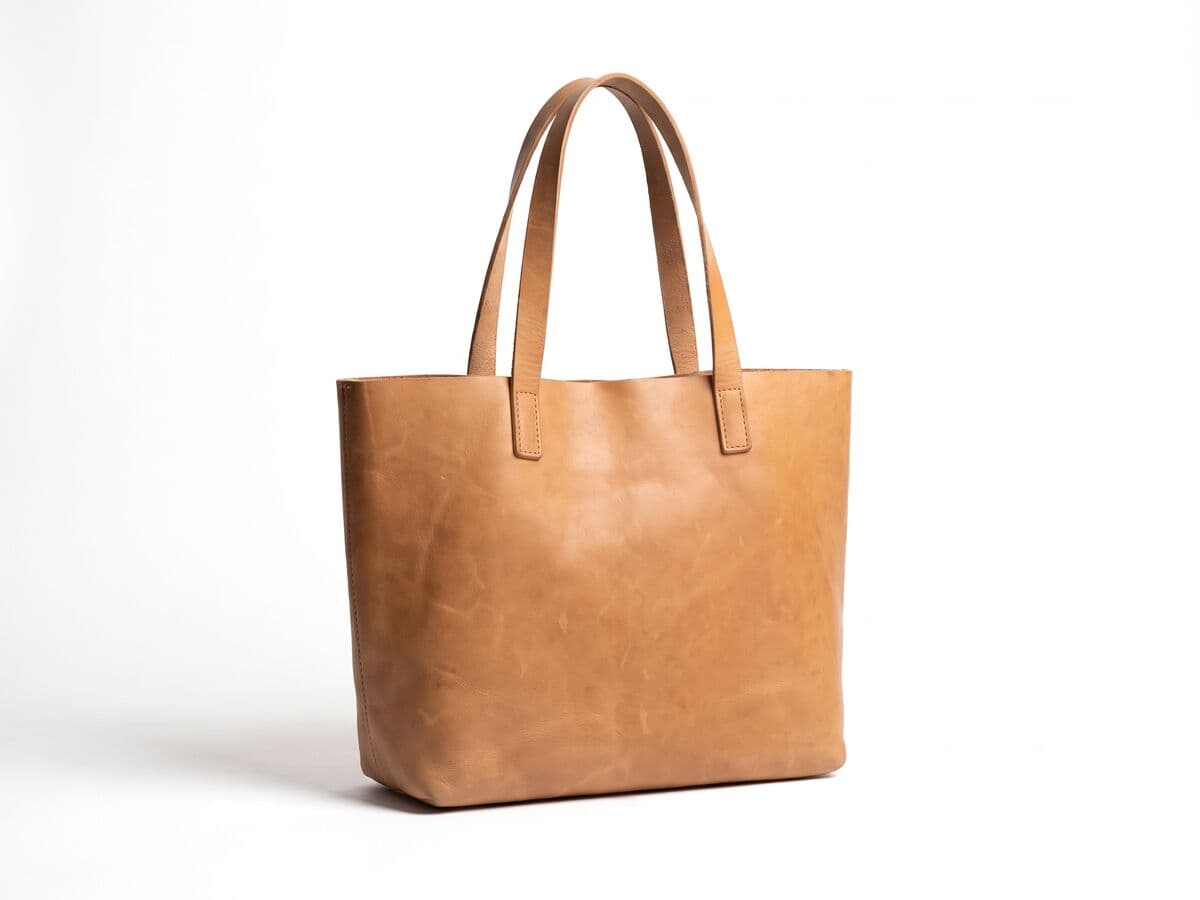
A cluttered background on the left, a clean white background on the right.
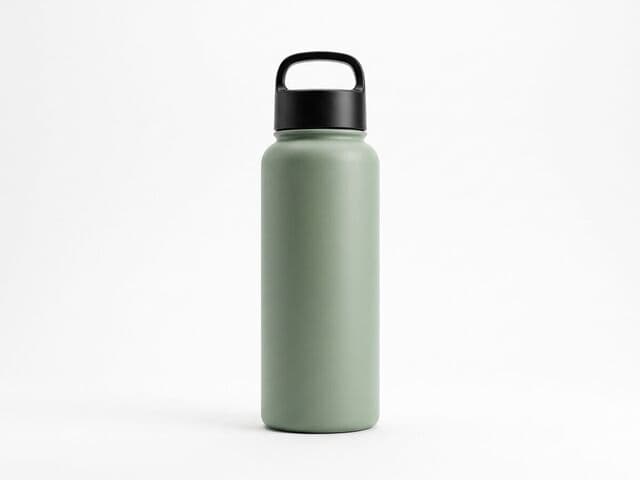
Upload a product photo, remove its background, choose white and resize for your marketplace.

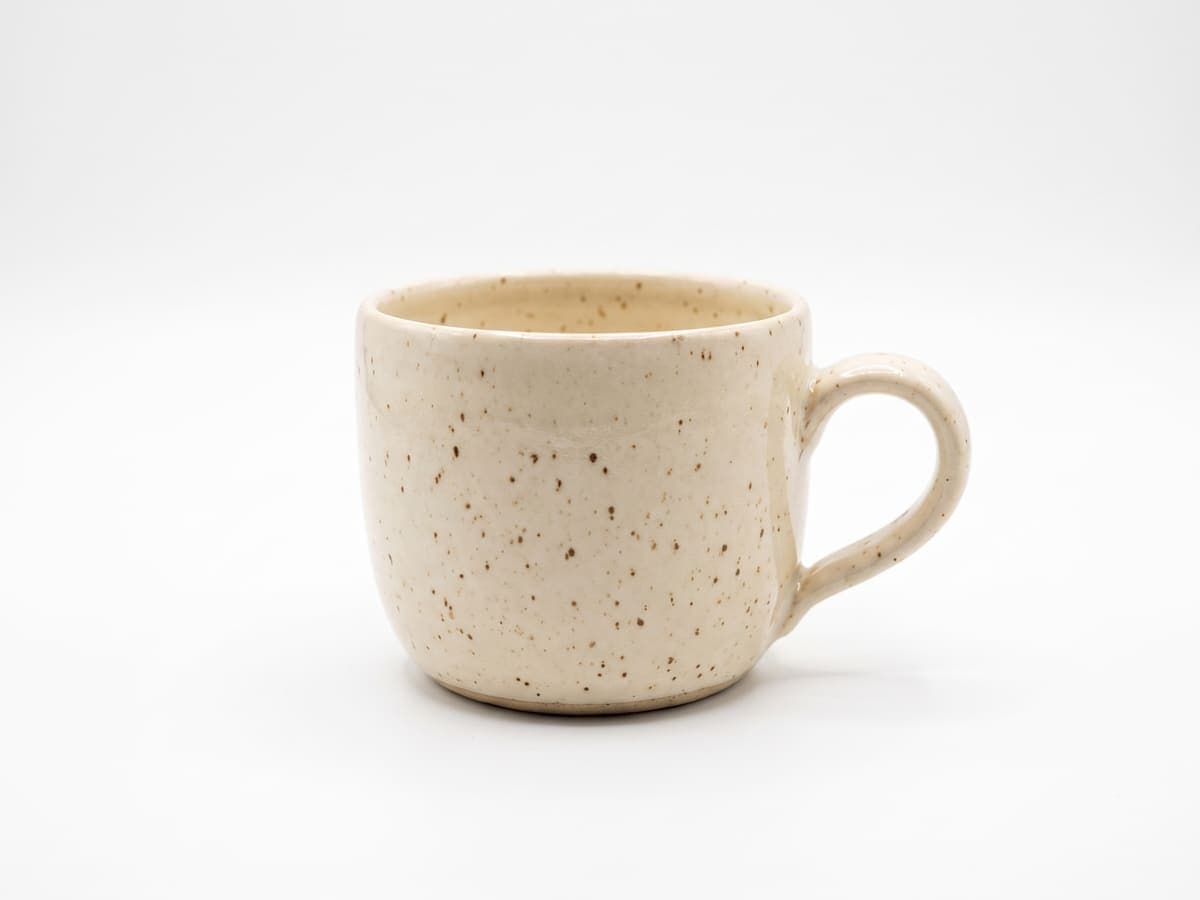
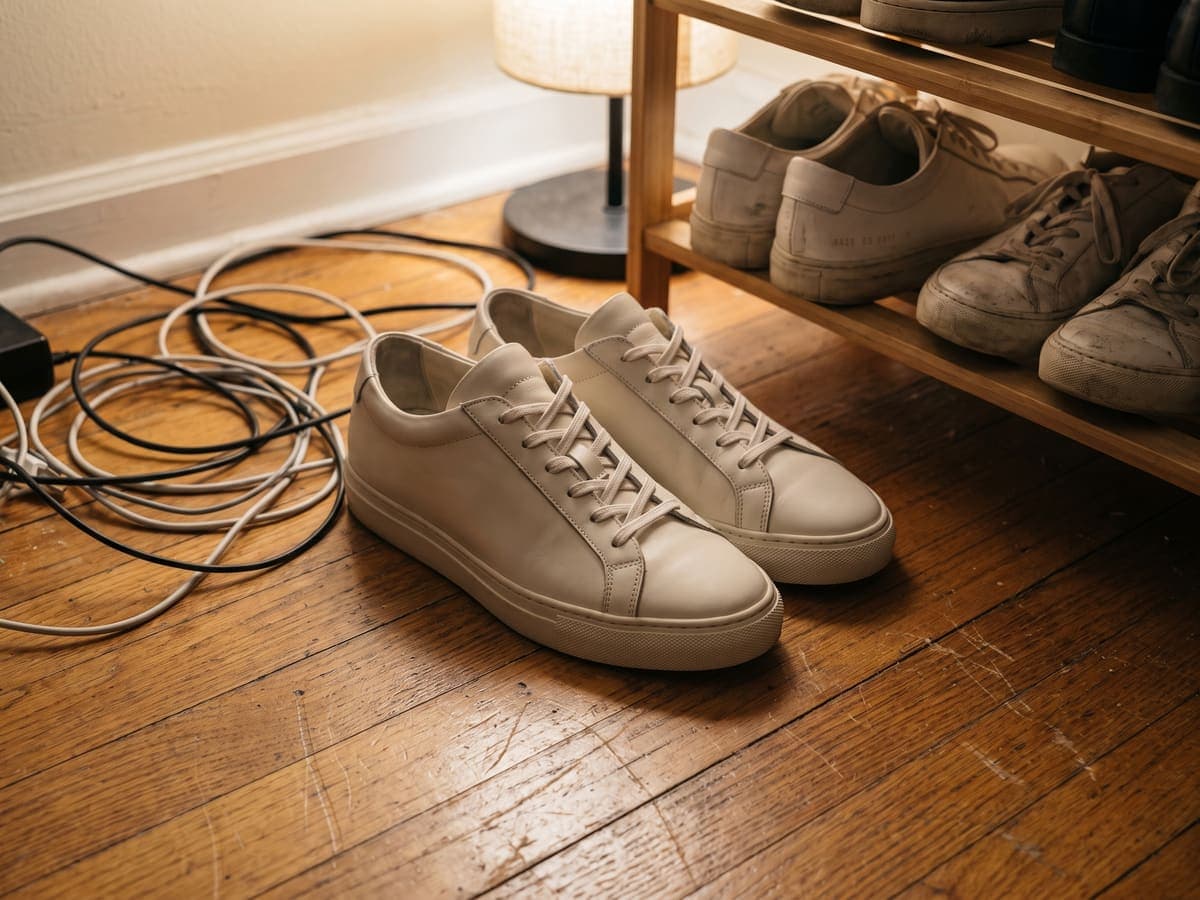
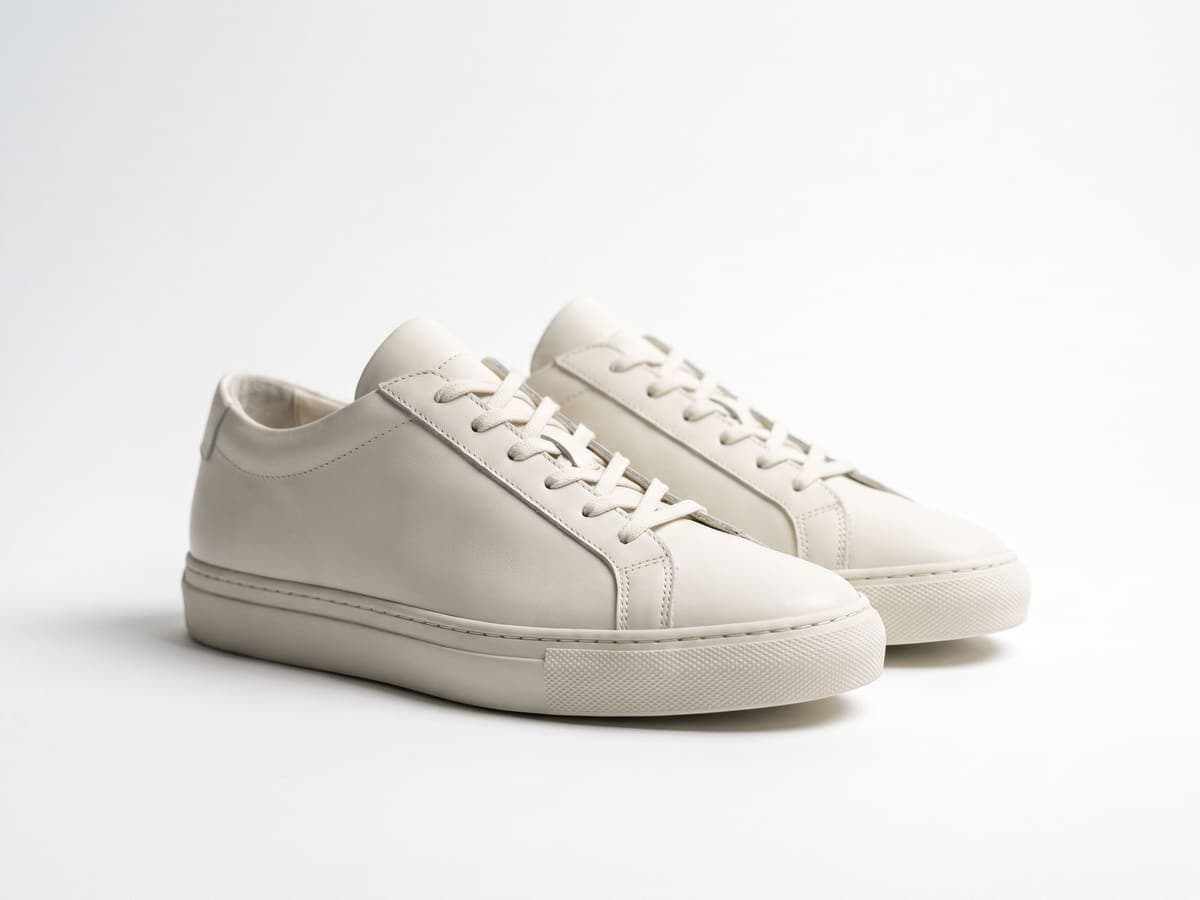
 Amazon 2000×2000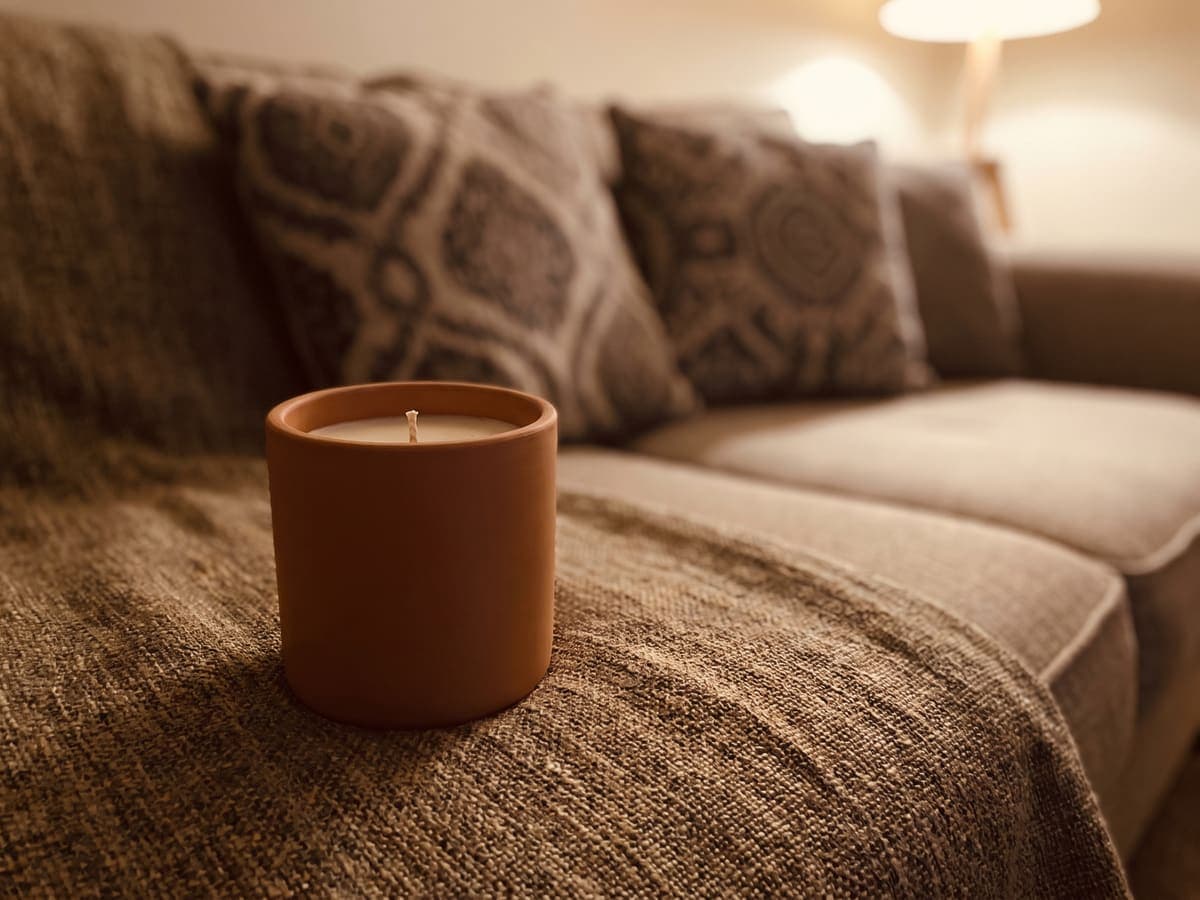


Sourced comparisons built from each vendor's own published pricing and feature terms, with the source links on the page.
Selling on Amazon, Etsy, eBay or Shopify? These guides cover marketplace photo rules and the edits that make a listing look professional.
Or browse every guide in the Instasize seller hub.
Comparing tools? See the best Photoroom alternatives, Pixelcut alternatives and remove.bg alternatives, the product photo glossary, or background color pages.
Remove cluttered backgrounds from your product shots instantly. Get that clean white background that makes your listings look professional on Etsy, Depop, or Amazon.
Cut out each product, put it on pure white and export at the size a marketplace asks for. One clean look across every listing.
Remove the background to get a clean cutout you can place anywhere. Layer it onto a new color or scene for posts, stories and ads.
Get a transparent PNG of your product to drop into posters, flyers, mockups and catalog layouts without a white box around it.
Open a focused Background Remover workflow for your industry.
Boost your sales by showcasing your products in the best light. A clean background emphasizes the details and quality of your products. Perfect for sellers to improve your product listings and potentially increase sales.
Learn more →Impress employers and clients with flawless headshots. A clean background ensures your face is the focus, highlighting your professional image. Make the best first impression. Perfect for LinkedIn profiles, resumes, and more.
Learn more →Achieve professional quality in your designs effortlessly. Our background remover ensures your images are always ready for the spotlight. Create stunning visuals that stand out with clean, background-free images.
Learn more →Make your ads stand out with clean, professional images. Remove distractions and focus on the message with our background remover. Transform your digital ads with minimal effort and achieve high quality results.
Learn more →Create an automatic subject cutout, then inspect fine edges before downloading.
Upload any photo and our AI instantly identifies the subject: people, products, pets, whatever. No manual selection needed.
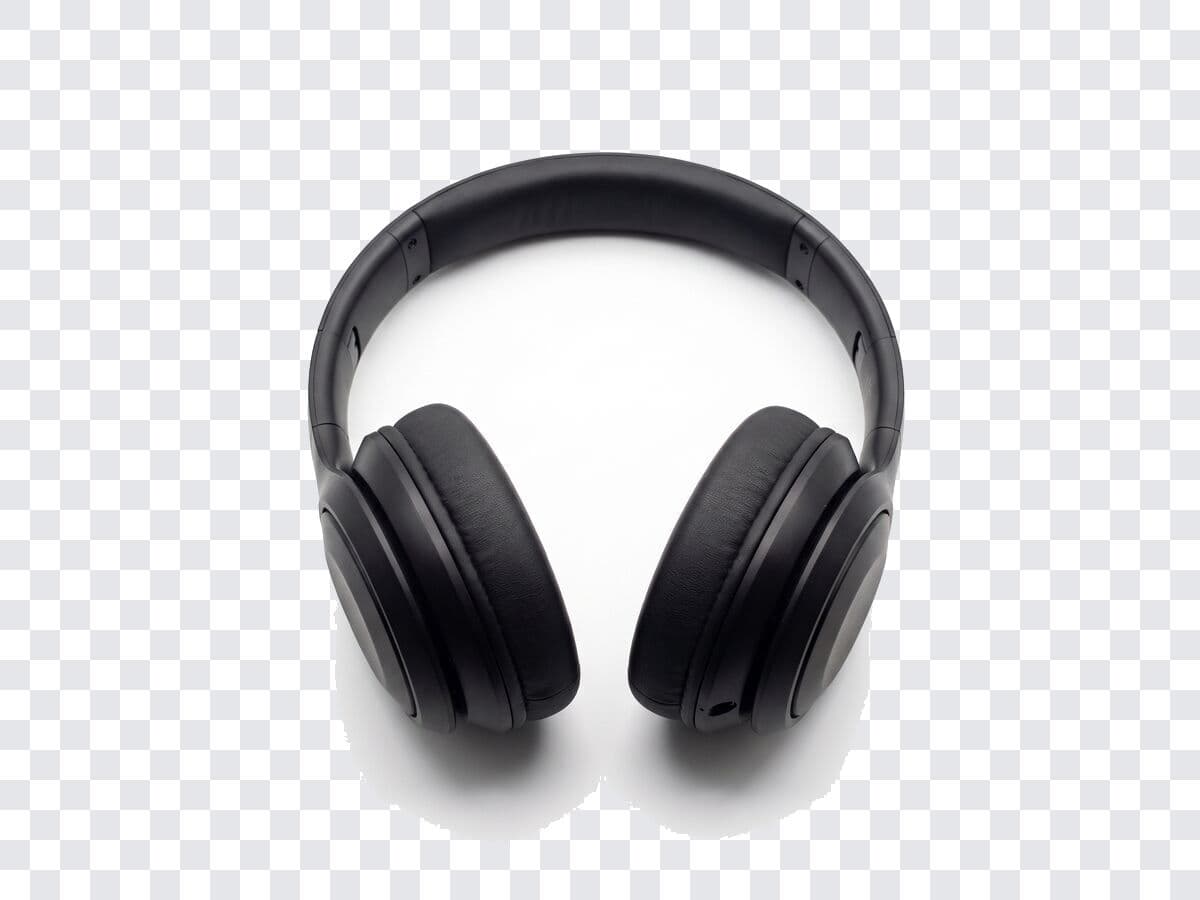
The model attempts to separate hair, fur, and other fine edges from the background. Results vary by image, so inspect difficult boundaries and try a clearer source when needed.
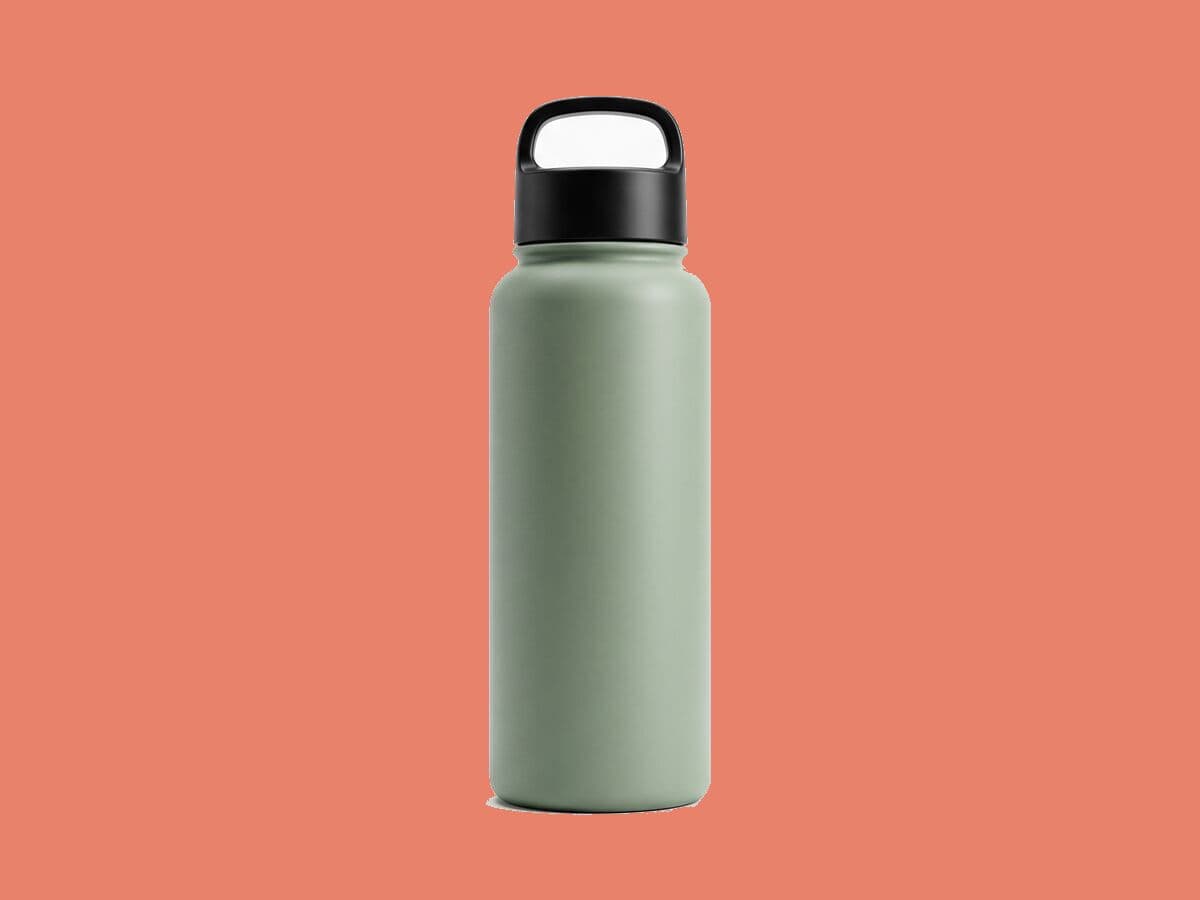
Transparent not what you need? Pick a solid color, choose a gradient, or drop in your own image. Swap backgrounds instantly.
Background removers play a crucial role in enhancing the aesthetic quality of photos, allowing for a cleaner, more focused presentation of any subject in an image.
Reduce the time spent on image editing, leading to a more efficient workflow. Background Remover offers a quick and precise removal, which is particularly useful in high-volume or tedious tasks like product photography.
Leverage a background remover to create compelling visual content that stands out in advertising campaigns with custom images that aligns perfectly with brand messaging and aesthetic
In e-commerce, background remover is essential for enhancing product image quality, ensuring that items stand out clearly to potential buyers. Create a clean and consistent look across all product photos, which is vital for online retail success.
Background remover can simplify the image editing process for e-commerce businesses, making it easier to maintain a professional online presence. This can be beneficial for small businesses that may not have the resources for extensive photo editing.
Clear, distraction-free product images made possible by background removers significantly enhance the online shopping experience. Provide customers with a better understanding of the product, leading to increased trust and potentially higher sales.
Clean, well-edited images created with background remover are more likely to be indexed favorably, improving the site's SEO performance and visibility.
Background removers in graphic design allow for the creation of cleaner, more focused design elements, improving overall visual communication. Use these tools to isolate objects, creating more impactful and engaging graphics for various platforms.
In mixed media designs, use background remover to prepare images for blending with other artistic elements, enhancing creative expression. Combine of various media types creates visually striking compositions.
Background removers can help create a smoother collaboration process in design projects by allowing easy manipulation and integration of shared visual elements. This ensures consistency and quality across different design components, perfect in collaborative environments.
To optimize your image for better results, you need to make sure your image is high resolution and well-lit to facilitate easier and more accurate background removal.
Highlight the subject of your photo by considering using images where the subject naturally stands out from the background, this will make it easier for the background remover to differentiate between the subject and background during removal.
While a great background remover will do this automatically, refining the edges of your subject after removal help ensure a smooth, natural-looking transition between the subject and the new background.
Choose a JPG, PNG, or WebP of a person, product, or object, up to 10 MB. A sharp image with the subject clearly separated from its surroundings gives the cleanest edge.
The AI finds the subject and cuts it out in a few seconds, with no manual selection or tracing. Any account or usage limit is shown in the tool before it runs.
Keep it transparent for a PNG, choose a solid color or blur, check the edges in the preview, then download with no watermark.
Great app for filtering photos and even greater app for sizing pictures for not only posts but story photos as well... love this app I mainly use insta size for all my posts now ;)
Resizing photos for social media should be a cinch, but most editing programs are a pain to use. Of the dozen I’ve used, Instasize is the fastest, easiest and most consistent...
Perfect app for the exact social media picture sizes. Love it. I use it daily. & I like the premade options they give you for different social medias!
Its the best app. for sizing photos to fit for Instagram or other forms of social media. You can also edit photos and create collages with multiple photos. It’s had been my friend for several years!
Always helpful when needing to resize photos
I love this app. Makes posting all types of photos. Love how it makes them fit on different formats
I use this app everyday to perfectly resize images for all of my social media platforms
This app saved the day for me! I’m finally able to resize my photos for IG....effortlessly
We use this App weekly to resize pics for social media posts. Very user friendly, easy to use program when you want to get in and out quickly...
Upload your image and the AI detects the subject and removes the background. It takes a few seconds, with no manual selection or tracing.
Background removal is an AI feature, so it is part of the paid plans. Pro starts with a free trial, and downloads have no watermark. The editing tools stay free.
Remove the background and download the result as a PNG, which keeps the see-through areas. The Transparent Background Maker page covers this job on its own, with the PNG output in focus.
Upload the image and the AI cuts out the subject, so the white backdrop is removed even when the product is also light. If you only need a clean white background instead of a cutout, use the White Background tool.
It is built to separate fine edges like hair and fur. Results vary by image, so check difficult edges in the preview and try a clearer photo if needed.
Yes. Open this page in your phone browser and upload a photo, or use the Instasize app for iPhone and Android.
A PNG with a transparent background, or a file with a solid color background if you pick one before downloading.
Yes. Product photos are one of the most common uses: a clean cutout on white is ready for an online store or marketplace listing.
Yes. After removing the background, you can add a solid color or blur, or download a transparent PNG and add your own background in another tool.
JPG, PNG, and WebP, up to 10 MB.
Step-by-step articles for the same job, with examples and common mistakes.
Which background removers hold up on hair, products and busy photos.
Make a white background transparent in a few clicks.
Why fake transparency happens and how to get a real transparent PNG.
The Photoshop steps, and a faster browser route for one photo.
Plan the set, win the thumbnail and export at the right size.
Show the product in use without losing the product.
Short definitions of the image terms behind this tool, with how to handle each one.
Separating a subject from its backdrop so the background can be deleted or replaced.
A subject separated from its background, ready to place on any new backdrop.
A vector outline drawn around a subject to isolate it from its background.
A PNG image with see-through areas, so any color or photo behind it shows through.
Put the cutout on a solid color instead. Pick a shade, preview it live and download.
A clean blue backdrop for headshots and products.
A bold purple backdrop for creators and brands.
A fresh green backdrop for portraits and products.
A soft pink backdrop for beauty, gifts and dark products.
A bold red backdrop for sales, food and seasonal posts.
A bright yellow backdrop that makes navy and denim pop.
A warm orange backdrop for home goods and food brands.
A rich gold backdrop for skincare, gifts and premium looks.
A quiet gray (grey) backdrop for catalogs and headshots.
An earthy brown backdrop for coffee, plants and craft shops.
A deep teal backdrop that flatters leather and brass.
A warm beige backdrop for minimal, natural product shots.
A soft pastel backdrop for stationery, beauty and baby items.
Resize, crop, add text and work with layers for free. Paid plans include an AI usage allowance, background removal and access to image and video models. First-time subscribers can start with a free trial.
Essential tools for casual creators.
Free forever
Essential AI tools for creators
Billed monthly
Annual option: $299.99 billed yearly.
Advanced features for professionals
Billed monthly
Annual option: $499 billed yearly.
Maximum power and speed
Billed monthly
Annual option: $2199 billed yearly.
Generate from text, expand photos, remove backgrounds, and upscale to 4K